
Have you ever asked yourself what makes traders stick with MT4? Many trust this platform because it serves up fast, clear market data and lets you trade over 1,000 instruments. Whether you like placing orders by hand or prefer letting an automated system do the work, MT4 gives you all the tools you need.
It’s designed for everyone, from someone just starting out to the more seasoned trader. Every market move feels like a smart, well-timed chance to win. And really, who doesn’t love the excitement of catching a good signal right when you need it?
MT4 Trading Platform Ignites Profitable Trades

MetaTrader 4 came onto the scene in 2005 and quickly became a favorite with traders worldwide. It’s friendly enough for newcomers while still packing the features that seasoned pros love. This platform lets you trade over 1,000 instruments, from forex and commodities to shares and metals, with tight spreads that can start at 0.0 pips and lightning-fast execution speeds. When orders go through in just about 100 milliseconds, it really gives your trading a kick.
The platform runs around the clock, offering real-time market data 24 hours a day, five days a week. This means every trade you make is matched with the freshest information, much like feeling the soft hum of trading screens at dawn. It’s these steady market signals that can spark profitable trades when you need them most.
MT4 is built to let you trade your way, whether that means placing orders manually or using automated systems known as Expert Advisors. You can even link up custom algorithms directly to your charts, set stop loss and take profit levels right from the New Order window, and lean on over 50 built-in indicators for a deeper look at the market. For example, a quick tap on F9 brings up the order window without any fuss, helping you seize opportunities in a flash.
What's more, MT4 offers advanced charting tools that include many timeframes and customizable templates. This mix of technical studies and live market vibes creates a space where smart moves are made, opening up a range of opportunities across different assets.
Installing the MT4 Trading Platform on Windows, macOS, and Mobile

Setting up MT4 is easier than you might think. If you're using Windows, your best bet is to start with the native installer. First, grab the .exe file and run it. A clear, step-by-step guide will walk you through each part of the process and check that your computer meets all the basic requirements. Just double-click the installer, follow the on-screen prompts, and if something doesn’t work, take a look at your system specs.
If you’re on a Mac, try using an MT4 Virtual Private Server (VPS). This gives you a secure, Windows-like setup that keeps you safe from unofficial builds or any unwanted malware. Think of the VPS as a safe bridge that lets macOS users enjoy all the features of MT4 without any hassles.
Mobile users have a simple path too. Head over to the App Store if you're on iOS or download the Android APK from your device’s download center. The mobile app offers full trading functionalities, charting, order placements, and more, so you can trade even when you're on the go.
Here’s a quick rundown:
- Download and install the native Windows version or use WebTrader.
- Use a VPS for macOS devices.
- Get the mobile app for Android and iOS.
Getting started with a demo account is a breeze, too. With instant verification, a low minimum deposit of $50, and a variety of fee-free payment methods, you'll be ready to trade in no time.
Navigating the MT4 Interface and Charting Tools
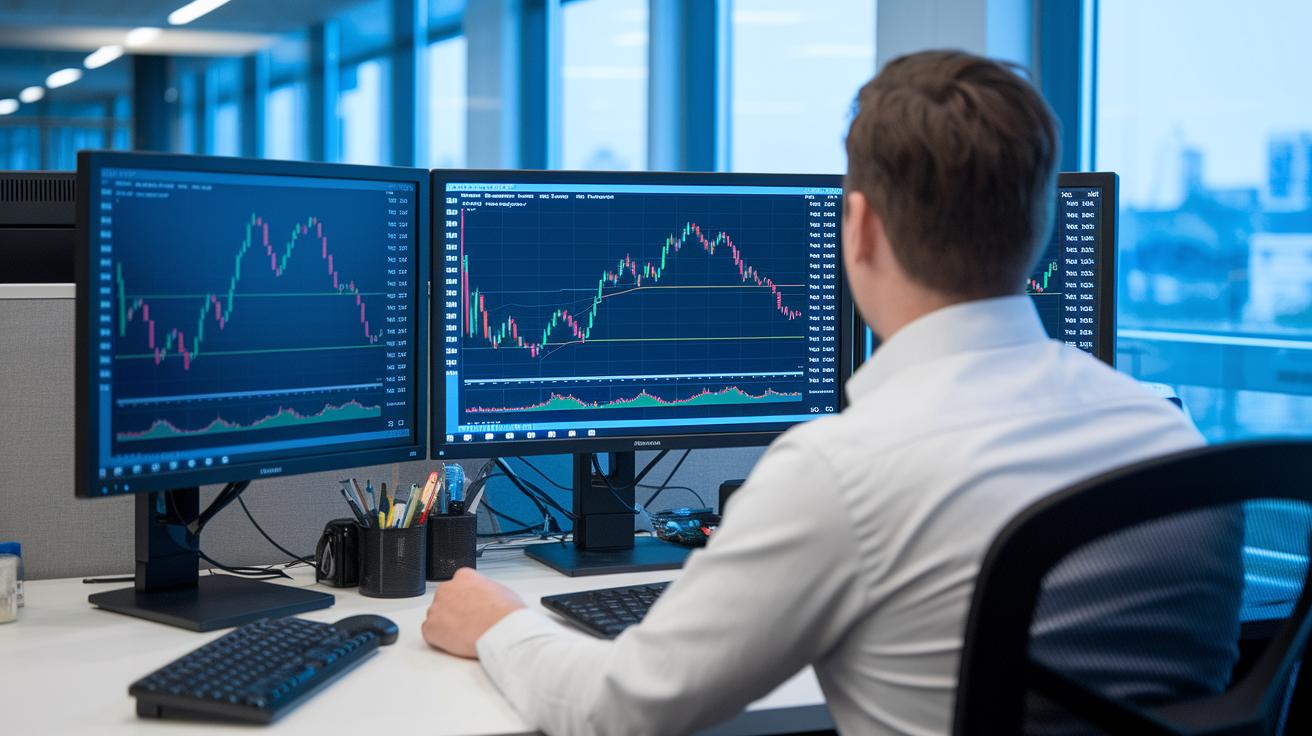
MT4 makes managing your trades feel smooth and simple. The screen is split into clear sections like Market Watch, Navigator, Data Window, and Terminal (just press Ctrl + T to check your account fast). It’s like having a neat workspace where things are easy to find.
When it comes to charts, customization is a snap. You can switch between timeframes, from a one-minute view (M1) to a monthly overview, and pick from over 100 templates. The built-in drawing tools help you mark key support and resistance levels, much like drawing guide lines on a map. Plus, with custom MQL4 scripts, you can add touches like moving averages, RSI (which shows market momentum), MACD (a tool to spot trend changes), or Bollinger Bands (which highlight price volatility).
An economic calendar and live news feed keep you updated on major trading events, so you’re never out of the loop. This mix of smart tools and real-time data makes it easier to spot opportunities as they come.
Tabs for Trade, Exposure, History, Alerts, and Mail let you switch between monitoring live markets and reviewing past trades in no time. Each feature works together to help you make clear, confident decisions.
Automated Trading on MT4: Expert Advisors and MQL4 Basics

MT4’s trading tools let you set up Expert Advisors (EAs) that work non-stop. With nearly 99% uptime provided by the MT4 VPS, you can run your trading ideas around the clock. This means you won’t be stuck watching charts all day. Instead, you can fine-tune your strategy while your EA makes trades based on clear, coded instructions. For example, you might program your EA to trigger a trade when a moving average goes above the RSI threshold, giving you more freedom to explore new ideas.
The MQL4 Editor is your launchpad for creating custom scripts, indicators, or your very own Expert Advisors. It’s simple to use, featuring tools to compile and debug your code so everything runs smoothly. All you need to do is drop your .mq4 or .ex4 files into the Experts folder, compile them, and attach your EA to the chart. Plus, there are community libraries filled with free scripts and code snippets if you ever need a little extra help.
Below is a quick look at some key features:
| Features |
|---|
| Expert advisor setup |
| Automation strategy integration |
| MQL4 programming basics |
| Code editor usage guide |
So, why not try these tools out? Let your custom scripts shape a trading strategy that fits your style perfectly, and enjoy a smoother, more relaxed trading experience.
Technical Indicators and Risk Management Tools in MT4

MT4 gives you plenty of tools to help manage trades with care. You can set both your stop-loss (a limit that protects you from big losses) and take-profit (a target amount of profit) directly in the New Order window. It’s as if you’re placing a safety net right under your tightrope act, ready to catch you if things go wrong.
When you configure a trade, you simply pick your stop-loss and profit target. This makes controlling your risk fast and clear, a bit like setting up a home alarm to keep you secure.
MT4 also comes with built-in volatility tools. Tools like ATR (which shows the average range of price movements), Bollinger Bands, and Standard Deviation help you see how much the market is moving. In simple terms, they let you know if prices are jumping around a lot or staying calm, so you can adjust your trade settings accordingly.
If you need to watch a stock closely, you can use the Alerts tab to set price alerts. You choose the symbol, the condition, and the value that will trigger a notification. Picture it like a buzzer in a sports game that sounds off when your team makes a big move.
Other risk management features include flexible position sizing. Whether you set a fixed lot size or choose to risk a set percentage of your capital with each trade, these options help protect your money while giving you room to grow.
Plus, MT4 offers helpful chart tools like trendlines, Fibonacci retracements (which help spot potential price reversals), and support/resistance levels. These features work together, giving traders a clear view of their strategies and the risks they take.
Backtesting and Historical Data Analysis on MT4

MT4 comes with a handy Strategy Tester that lets you test one or several Expert Advisors using built-in tick data or even imported files. This means you can dive into historical market data and shape your trading plan. Think of it like replaying past trading moments with local .hst and .fxt files.
When you use the Strategy Tester, you can run different kinds of tests, parameter sweeps, genetic algorithms, and Monte Carlo simulations, to explore a range of what-if scenarios. These tests let you check your strategies and fine-tune them before going live. It’s like having your own mini market simulation where you see how various factors affect performance.
Forward testing makes things even better. By running Expert Advisors in a demo environment, you can see if your optimized settings work well under near-real market conditions. As you test, you get detailed reports on metrics like profit factor, drawdown, expected payoff, and the Sharpe ratio, which give you clear insights into your strategy’s performance.
In short, MT4’s robust backtesting feature lets you handle tick data precisely and explore historical trends in depth. This hands-on approach helps you build well-suited strategies for today’s dynamic markets, cutting down on guesswork and boosting your confidence.
Broker Integration, Account Access, and Security in MT4

Connecting to your broker in MT4 is easy and safe. When you set up your account, you’ll get an email with the server address and your login details. That email lets you start a live account or a demo account with quick verification. For a live account, you might only need a small deposit, like $50. And it’s kind of like swapping TV channels when you use MT4’s Profiles and Navigator, you can switch between accounts with little hassle.
- Enter the server address and login info just as shown in your email.
- Pick between a live or demo account, both with quick verification.
- Your access is kept secure with investor and master passwords, along with SSL encryption and two-factor authentication to guard your data.
- If you ever forget your password, you can reset it fast through an email process, backed by helpful broker support.
- Easily manage multiple accounts using the Profiles and Navigator features.
The platform takes great care of your personal financial data with strong security measures. Keeping your account secure builds trust in every trade you make. With safe login steps, simple password recovery, and easy multi-account management, MT4 creates a dependable space to support your trading strategy and keep everything running smoothly.
Optimizing MT4 Performance and Managing Updates

Boosting MT4’s speed is all about a few smart tweaks. A great start is freeing up your computer’s memory by deleting old chart history and unused templates. Think of it like cleaning your desk, you get rid of clutter and let your system breathe. When your charts start to lag, clearing out extra data usually makes a noticeable difference.
Next, choosing the right server is key. I recommend picking servers with a ping below 100 ms. That means your orders hit faster, cutting down on delays between your trade signals and the actual execution. Also, fiddling with order settings, like switching on Hedge or Netting modes, can help your orders move smoother and quicker.
Keeping your MT4 software up to date is just as important. Head to Help > Check for Updates to grab the latest quarterly builds. Regular updates not only enhance performance but also fix little glitches that might slow you down.
Here are some additional tips:
| Tip | Benefit |
|---|---|
| Clear chart history and unused templates | Reduces clutter for smoother performance |
| Select servers with ping below 100 ms | Ensures fast order execution |
| Enable Hedge or Netting modes | Optimizes how orders are handled |
| Regularly update MT4 | Keeps your system running efficiently |
| Consider VPS hosting | Offers sub-10 ms execution and near 100% uptime for automated strategies |
Final Words
In the action, we explored the ins and outs of the mt4 trading platform, from its rich features and easy installation to navigating charts and leveraging automated strategies. We touched on risk tools, backtesting, and securing accounts for a smarter trading approach.
Every element was designed to help you feel more confident and prepared for a dynamic market. The insights shared here add valuable steps to your investing toolkit, leaving you ready to watch the market pulse and make strategic moves with a positive mindset.
FAQ
What is the MT4 trading platform download?
The MT4 trading platform download gives immediate access to one of the most widely used tools for forex and other assets. It features customizable charts, technical indicators, and real-time data for efficient trading.
What is MetaTrader 4?
MetaTrader 4 is a robust trading system introduced in 2005 that supports manual and automated trading. It offers a range of tools including advanced charting and built-in indicators for a flexible trading experience.
How do I handle MT4 trading platform login?
The MT4 trading platform login secures access to your account using server details and personal credentials. This step is designed to protect your trading activities and ensure a smooth trading session.
Is there a free version of the MT4 trading platform?
The MT4 trading platform free version allows you to test its features on a demo account. You can explore full functionality safely, getting familiar with the platform before trading with real funds.
What is MetaTrader 5?
MetaTrader 5 builds on MT4’s foundation with enhanced features and broader asset support. It provides advanced charting, diverse technical indicators, and improved trade execution for a comprehensive trading experience.
How can I download MT4 for PC?
The MT4 download for PC offers a native installer optimized for Windows. This setup process ensures a smooth installation and reliable performance of the trading platform on your desktop.
How do I get the MetaTrader 4 download APK?
The MetaTrader 4 download APK provides a mobile version for Android devices. It offers essential trading features like order placement and real-time charting, keeping you connected to the market anywhere.
What does the MetaTrader 4 app offer?
The MetaTrader 4 app brings core trading features to mobile devices. It includes comprehensive charting, technical indicators, and secure account management, allowing you to trade conveniently on the go.
Can I use MT4 in the USA?
The MT4 platform is available in the USA through supported brokers. It meets regulatory requirements, making it a suitable choice for US-based traders seeking a proven trading platform.
Is MT4 really a trading platform?
MT4 is indeed a fully functional trading platform that supports both manual and automated trading. It features real-time data feeds, diverse charting tools, and expert advisors, serving traders worldwide effectively.
Why was MT4 removed from the Play Store?
MT4 was removed from the Play Store due to compliance or technical issues. Nonetheless, it remains available through official download channels, ensuring that users can still access a secure version of the platform.
Is MT4 a good option for beginners?
MT4 is well-suited for beginners thanks to its user-friendly interface, demo account options, and accessible educational resources. It offers clear visuals and simple trading tools to ease new traders into active market participation.