
Ever get overwhelmed by all those screens tracking your investments? Imagine having one simple view that updates your stocks, bonds, and digital assets right away.
A portfolio tracker gathers all your investment details in one neat place. It works like a friendly guide, offering live updates from many sources so you can make smart decisions quickly. It cuts through the clutter and lets you focus on growing your wealth without the hassle. Ready to boost your investment game?
Portfolio Tracker: Energize Your Investment Success
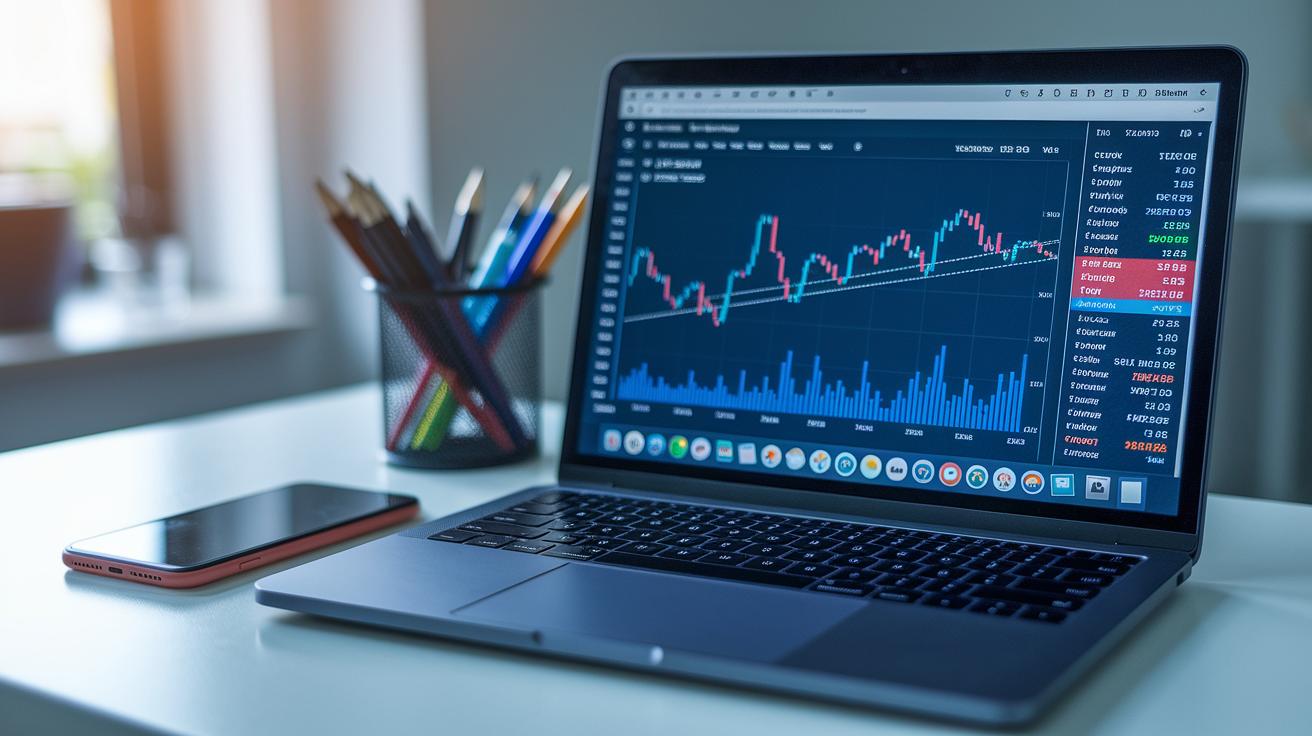
A portfolio tracker is like your personal online helper that pulls together all your investments, be it stocks, bonds, cryptocurrencies, NFTs, or anything else, into one clear, tidy dashboard. It gives you a real-time look at your entire investment world by fetching fresh data from over 800 different sources. In other words, it quickly updates your profit and loss numbers and figures out the cost of each asset for you automatically. Think of it as having your very own financial buddy, keeping you in the loop as markets shift so you can tweak your strategy on the spot.
- Real-time asset updates
- A single, unified view of all your accounts
- Automatic calculation of each asset's cost
- Full 360° portfolio insights
Every investor, whether you’re just getting started or you’ve been in the game for a while, finds a portfolio tracker super helpful. It takes away the hassle of switching between different websites and spreadsheets, letting you make smart, data-backed decisions easily. When all your investments are in one place, spotting trends or checking overall performance turns into a breeze, even when tax time rolls around. This all-in-one approach not only saves you time but also helps lower the risks that come with juggling different investment platforms. With a well-organized dashboard like this, you get to spend more time growing your wealth instead of getting bogged down in admin work.
Key Features of a Modern Portfolio Tracker
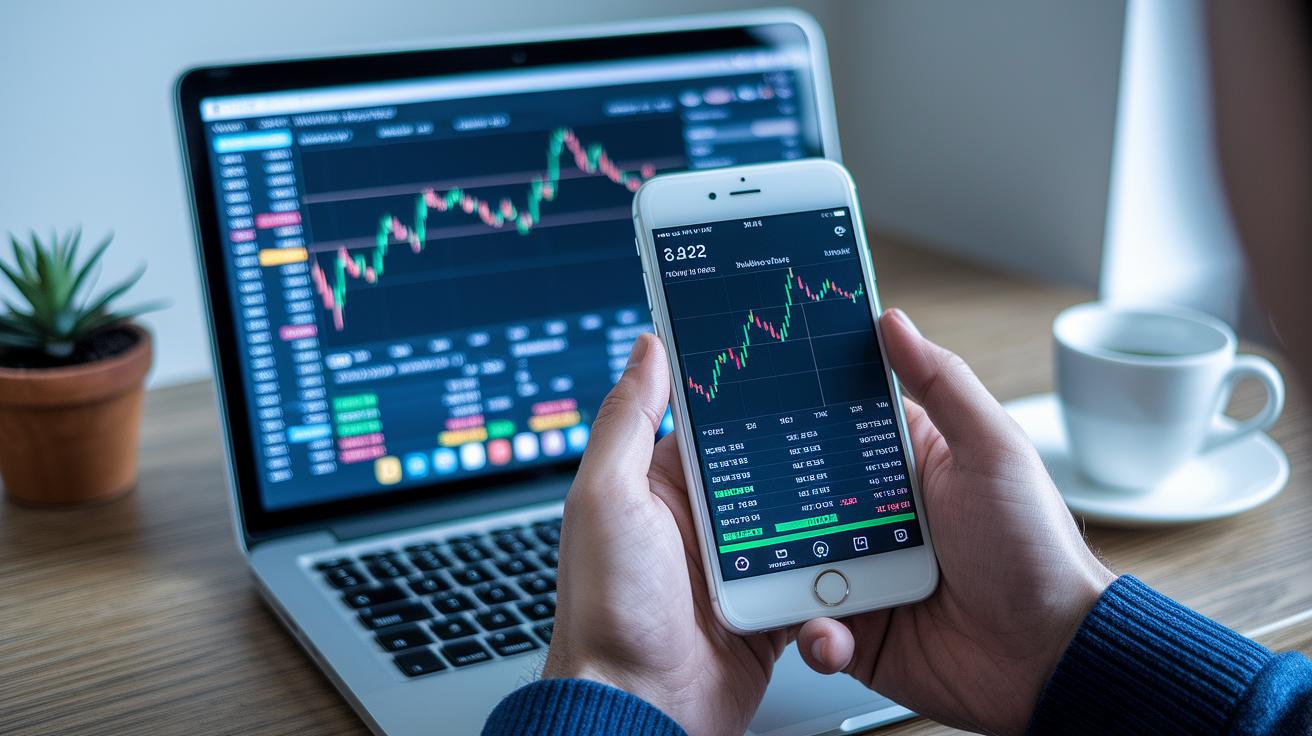
Modern portfolio trackers make it simple to keep an eye on your investments. They come packed with tools like real-time tracking of your gains and losses, automatic updates to asset values, and even handles the cost basis calculations for you so you know exactly where you stand. Sometimes, they even include handy financial tools for tax reporting and dividend tracking, plus smart alerts that give you a heads-up when market shifts might affect your investments. And hey, have you ever tried a what-if portfolio simulator? It lets you experiment with different strategies before you use real funds.
| Feature | Benefit |
|---|---|
| P&L Tracking | Monitor gains/losses in real time |
| Cost Basis Calculation | Automated tracking of tax lot data |
| Tax Reporting | Downloadable capital gains/loss forms via financial tools |
| Dividend Tracker | View income by ticker and date using financial tools |
| Smart Alerts | Notifications on price changes and diversification |
| Portfolio Simulator | Test allocation changes without risk |
These features help you make smarter decisions by giving you a clear picture of your financial performance. With access to real-time data, you’re always aware of your wins and setbacks. Automated calculations cut down on errors and save you time, while smart alerts help you act quickly when the market shifts. Plus, the what-if simulator lets you try out different strategies without the risk of losing real money. In truth, having all these tools in one place means you can manage your assets smoothly and keep your reporting tasks in check. This way, you’re empowered to make informed, strategic moves that keep pace with an ever-changing market.
Integration and Data Synchronization in Portfolio Trackers
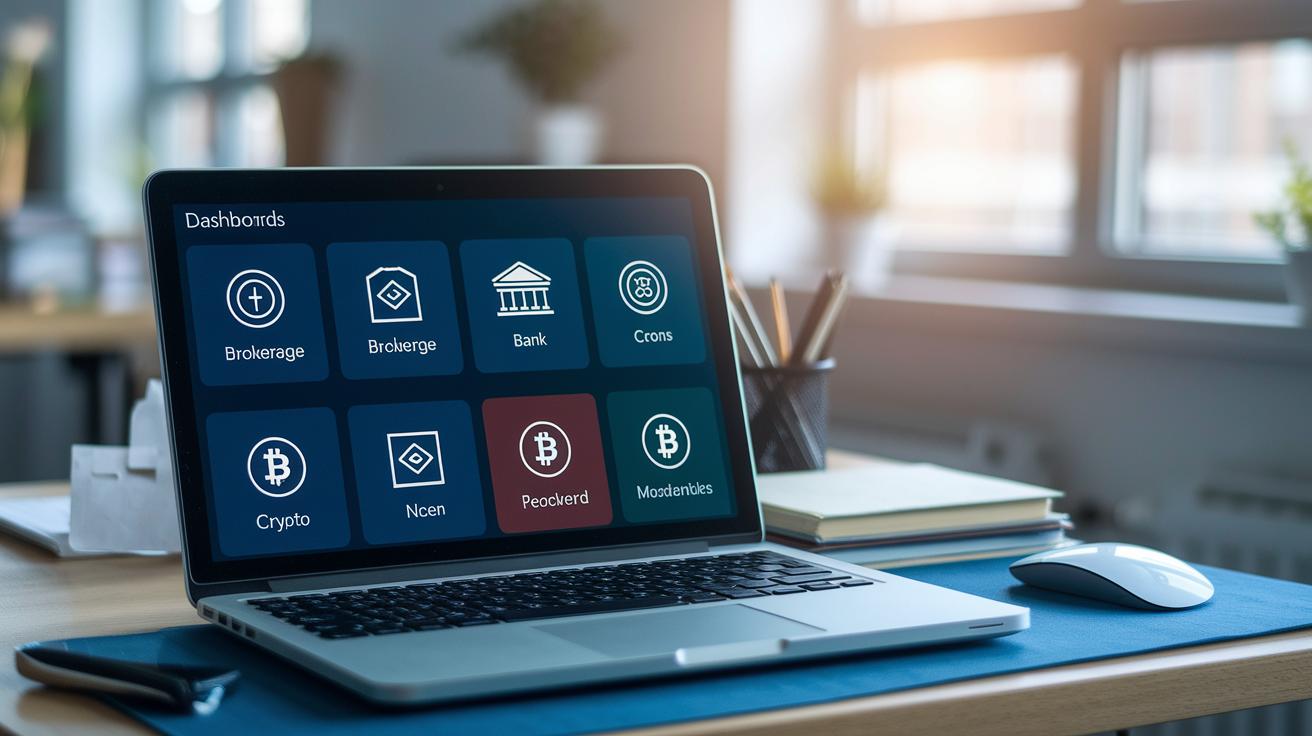
Modern portfolio trackers use direct API connections to update your asset information automatically. They link with over 800 sources, from brokerages and bank accounts to crypto exchanges, wallets, DeFi protocols, and even NFTs. This means your data refreshes almost instantly, giving you a live look at your investments. It’s like watching a heartbeat monitor that never skips a beat when the market shifts.
If you still rely on older systems or keep records in spreadsheets, don’t worry. Many trackers let you import CSV/XLS files. So, if you have historical data stored in Excel or another file type, you can upload it easily. This feature ensures your old records mix smoothly with live updates, saving you time and reducing manual work.
- Brokerage API keys
- Bank feed connections
- Crypto exchange and wallet syncing
- DeFi protocol integrations
- Spreadsheet file uploads
Security and Privacy in Portfolio Trackers

Modern portfolio trackers kick off with strong encryption and smart key management. They use AES-256 encryption, a very secure method, to guard your financial details. By using read-only API keys, they keep your account safe from unauthorized changes, so even if someone intercepts the data, your info remains locked away and out of reach.
Access controls make your investments even safer. Many platforms now let you set up two-factor authentication using SMS or an authenticator app. This means that even if your password gets into the wrong hands, it's much tougher for someone to break in and mess with your account.
On top of that, these trackers follow worldwide privacy rules. They stick to standards like GDPR and PSD2 open banking, which set clear rules on how to handle and share your data. This not only strengthens security but also builds trust, making sure your personal investment details stay private and protected.
Comparing Top Portfolio Tracker Apps
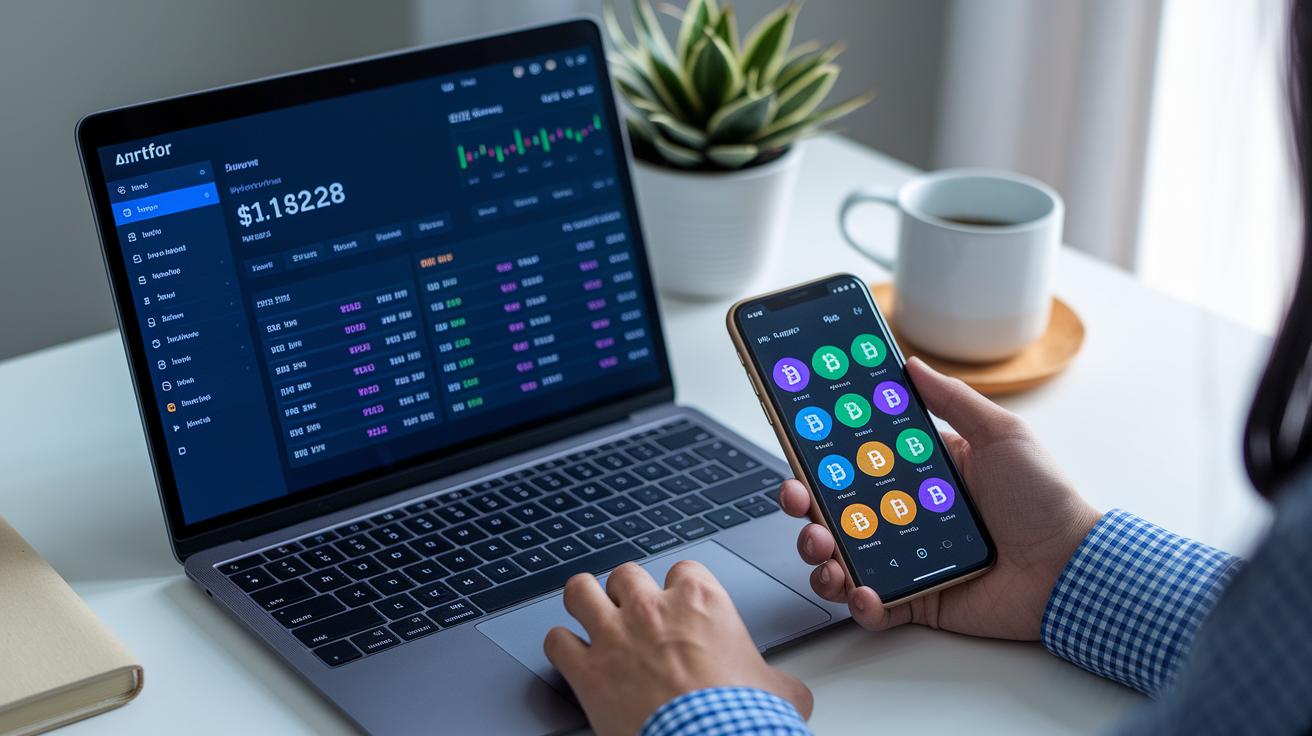
When you're choosing a portfolio tracker, think about things like cost, ease of use, how many assets it covers, and its overall features. Some apps give you a full view of your finances, while others are better for monitoring stocks or keeping track of diverse assets like cryptocurrencies and NFTs. It’s important to pick a tool that is both budget-friendly and easy to navigate, so you can see all your investments in one simple view. It should work well whether you’re checking on your computer or on your mobile phone.
| App | Best For | Price | Platforms |
|---|---|---|---|
| Empower | Overall free tracking | Free | Web, iOS, Android |
| Stock Analysis | Free stock monitor | Free | Web |
| Sharesight | International diversification | $12/mo | Web |
| Delta | Multi-asset & crypto | Free/$60/yr Pro | iOS, Android |
If you want to dig a little deeper into these options, you can check out unbiased investment platform reviews and learn more about free portfolio management software for monitoring stocks.
Empower is great if you need an overall view of your financial picture without spending any money, even though it might not dive deep into one type of asset. Stock Analysis is a handy choice if you’re mainly focused on stocks and want something simpler than a spreadsheet, but remember, it’s only available on the web. Sharesight is perfect if you’re looking to invest internationally, though its $12 monthly fee might not work for everyone. And if you’re into a mix of assets, including crypto and NFTs, Delta is solid; it even offers a paid upgrade for extra features.
At the end of the day, the best portfolio tracker really depends on what you need. Whether you prefer a free, all-in-one solution or specialized tools that speak to your investment habits, choose the one that fits your daily financial routine and overall asset management best.
How to Set Up and Customize Your Portfolio Tracker
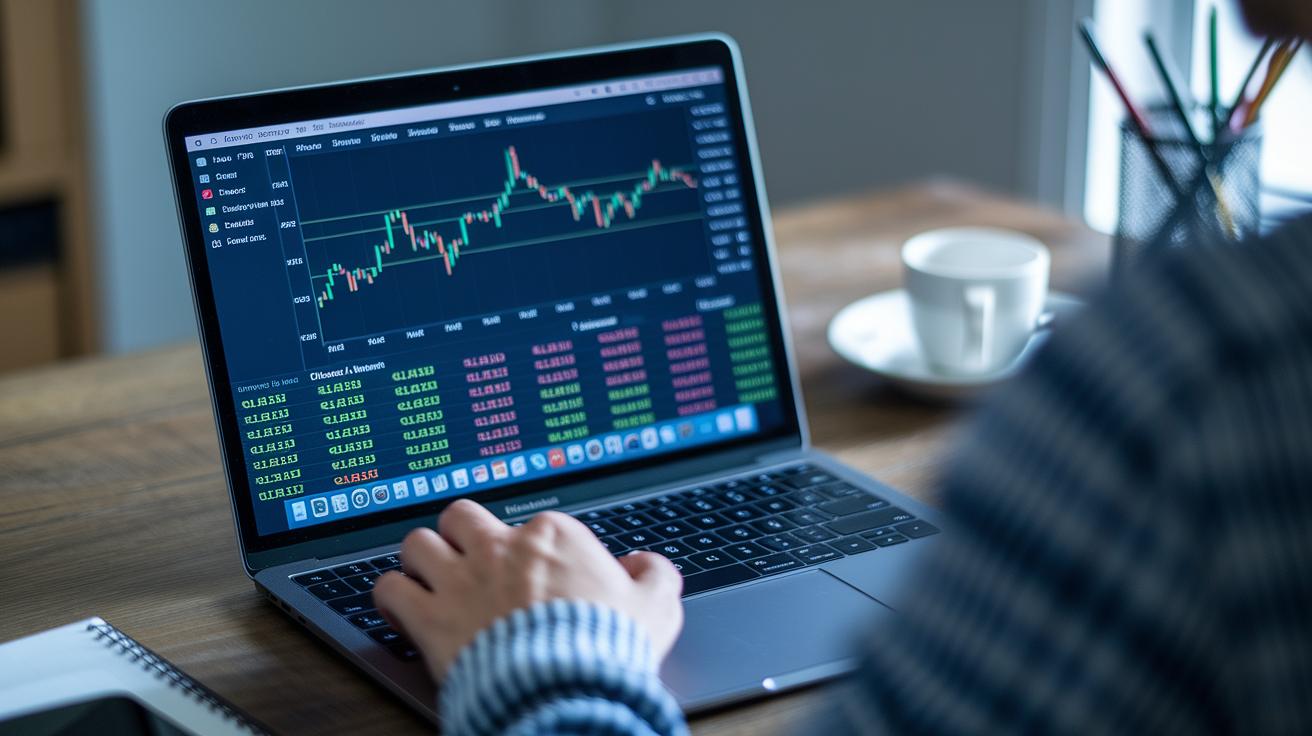
Getting started with your portfolio tracker is super simple and user-friendly. First, sign up using your email to create an account. Then, check your inbox and click on the confirmation link to verify your account. Next, add your personal details to keep your profile secure. After that, connect your brokerage or wallet accounts so all your investments are in one place. You can import your data by choosing between API integration (a live connection that keeps your information up-to-date) or by uploading CSV files for more manual control. Finally, pick the types of assets you want to follow, whether it's stocks, bonds, or even cryptocurrencies, and set up custom alerts that notify you about significant price changes or shifts in your portfolio. Arrange your dashboard with your favorite widgets so key metrics and summaries are always at your fingertips.
Connecting Brokerage and Wallet Accounts
When you link your accounts, you usually have two handy options. Many prefer entering an API key since it creates a live data feed between your tracker and your investment platform, meaning you get real-time updates as markets move. If you’d rather handle things manually or want to include historical data, uploading CSV files is a solid choice. In truth, API integration gives you that immediate pulse of market activity, while CSV uploads help you keep track of older or less frequently updated information.
Configuring Custom Alerts
Custom alerts are a great tool to help you manage your investments actively. You can set alerts for when the price of an asset goes above or below a specific value, an easy way to stay on top of market shifts. You might also choose alerts that tell you when one part of your portfolio starts to take over, helping you keep your investments well balanced. Plus, if an asset’s performance drifts from what you expected, a performance alert will prompt you to take a closer look.
Personalize your dashboard by choosing which widgets and key performance picks appear right on your home screen. Adjust your watchlists to keep an eye on both quick-turn opportunities and long-term holdings, so your tracker always reflects your unique investing style and goals.
Advanced Portfolio Optimization Strategies with Portfolio Tracker Tools
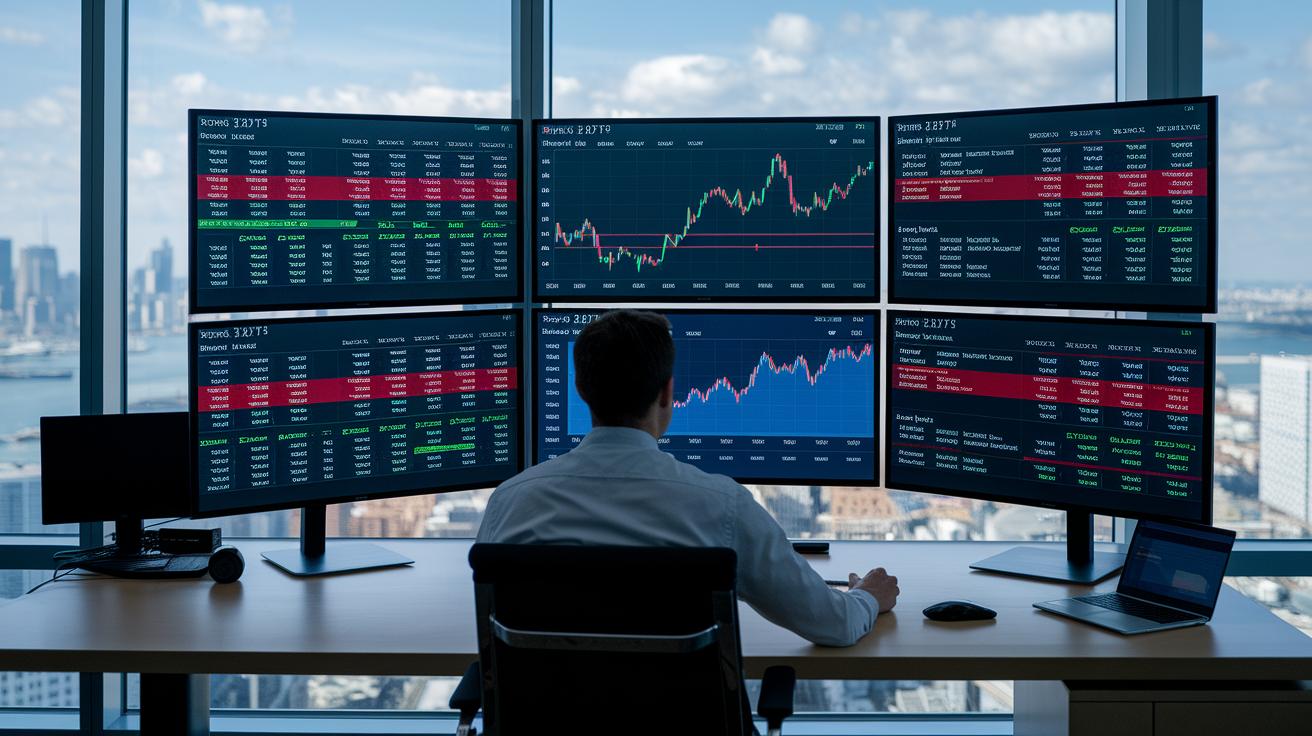
Staying on top of your portfolio is essential if you want to meet your financial goals. Advanced portfolio tracker tools give you fresh data all the time, so you can react to market changes quickly. With these tools, you can adjust your asset mix, spread out your risk (diversification means not putting all your eggs in one basket), and cushion against wild market swings. You also get to experiment with different strategies using scenario simulation, which lets you test ideas without risking your actual money. Plus, automated rebalancing helps keep your investments aligned with your plan. Real-time insights paired with historical data make it easier to decide your next move. Many investors now see these techniques as a smart way to manage risk.
- Allocation-drift alert setup
- Automated rebalancing rules
- Portfolio quality scoring
- Sector exposure monitoring
- Scenario simulation
- Periodic performance reports
Using Quality Scores and Analytics
Quality scores give you a clear number that shows how strong each holding is in your portfolio. By checking performance over time, these scores help you decide when to buy or sell. If a stock keeps earning a high score because of its good performance history, it might be a smart buy. But if you see the score falling, it could be a signal to consider selling. This method helps you focus on solid investments and manage risk better, ensuring that improvements in the score lead to a stronger overall portfolio.
Setting Risk and Drift Alerts
Setting up risk alerts is key to spotting big changes early. With custom threshold settings, you can keep an eye on when your asset mix strays too far from your target. These alerts act like an early warning system, ensuring that your investments remain safe while still soaking up growth opportunities. By paying attention to small shifts before they turn into larger issues, you can maintain a steady, well-diversified portfolio over time.
Final Words
In the action, we explored the ins and outs of a portfolio tracker, showing how it streamlines asset management and real-time profit monitoring. We covered the benefits of automatic updates, seamless integration of brokerage and crypto data, and robust security measures. The article also compared top apps and walked through setup and advanced optimization strategies. These insights empower investors to fine-tune their strategies and manage risk effectively. Keep your data secure and your investments thriving, there’s a bright road ahead with your portfolio tracker.
FAQ
Q: What is “portfolio tracker reddit” about?
A: The portfolio tracker reddit discussions refer to community-driven threads where users share tips, experiences, and advice on various tracker tools and their setup options.
Q: What does a free portfolio tracker offer?
A: The free portfolio tracker offers basic monitoring of various assets with real-time updates and essential features to help investors keep tabs on their holdings without any cost.
Q: What is a portfolio tracker for crypto?
A: The portfolio tracker for crypto is designed to monitor digital currencies by syncing with exchanges or wallets, offering real-time pricing and cost calculations suited for the dynamic nature of crypto assets.
Q: What is a portfolio tracker app?
A: The portfolio tracker app refers to mobile-friendly solutions that let you view all your investments in one place, giving you real-time market updates and personalized alerts on your assets.
Q: What makes the best portfolio tracker or visualizer?
A: The best portfolio tracker combines real-time data, multi-asset support, and smart analytical tools into a single dashboard, enabling investors to manage strategies effectively with minimal fuss.
Q: What characterizes the Empower portfolio tracker?
A: The Empower portfolio tracker is known for its free, all-in-one view of diverse asset classes, featuring real-time metrics and an easy-to-use interface that many investors appreciate.
Q: How does the Yahoo Finance portfolio tracker work?
A: The Yahoo Finance portfolio tracker gathers market data, tracks gains and losses, and delivers timely news, making it a handy option for investors who want to check their holdings quickly.
Q: What is a stock portfolio tracker in Excel?
A: The stock portfolio tracker in Excel is a spreadsheet solution that allows you to record transactions and calculate performance using formulas, ideal for those comfortable with custom data tracking.
Q: What is the best portfolio tracker available?
A: The best portfolio tracker delivers a unified dashboard with real-time updates, diverse asset coverage, automated analytics, and personalized alerts, ensuring you stay informed and confident in your investment decisions.
Q: How can I track my own portfolio?
A: The method to track your own portfolio involves using dedicated apps or spreadsheets to log transactions, sync data from your accounts, and analyze performance over time for effective personal management.
Q: Does Google offer a built-in portfolio tracker?
A: The portfolio tracker by Google is not available as a built-in tool; instead, investors often link Google Sheets with live data feeds or use third-party applications to monitor their investments.