
Have you ever thought a simple tool might transform your trading? Trend analysis tools let traders catch market shifts fast by turning raw data into neat, easy-to-read signals. Think of it like watching ripples on a pond; every little change counts. Missing a single alert might turn a small dip into a big loss, something a trader learned the hard way. Today, we're talking about how these tools deliver clear insights and a real edge, making market shifts simpler to spot and act on.
How Trend Analysis Tools Empower Traders
Trend analysis tools turn raw market data into clear, bite-sized signals that can really give traders an edge. Imagine getting a heads-up about market changes in real time. One trader even shared how missing an early alert turned a small dip into a big loss. That little story shows just how important these tools are.
These tools make life easier with instant alerts, easy-to-read dashboards, and smart forecasts that help you decide when to act. Big names in the industry, like Trading Central, pack in features such as dynamic charts, pattern detection, and simulated trading capitals to help you see trends quickly and confidently. It’s like having a friend whisper the next move during a busy trading day.
When you use trend analysis software, you mix clear data insights with technical know-how. This blend lets you picture market shifts like watching ripples on a pond, whether you’re catching short-term moves or planning a bigger strategy. In truth, having a tool that breaks down the market into simple steps can change the whole game for a trader.
Essential Features of Trend Analysis Tools for Traders
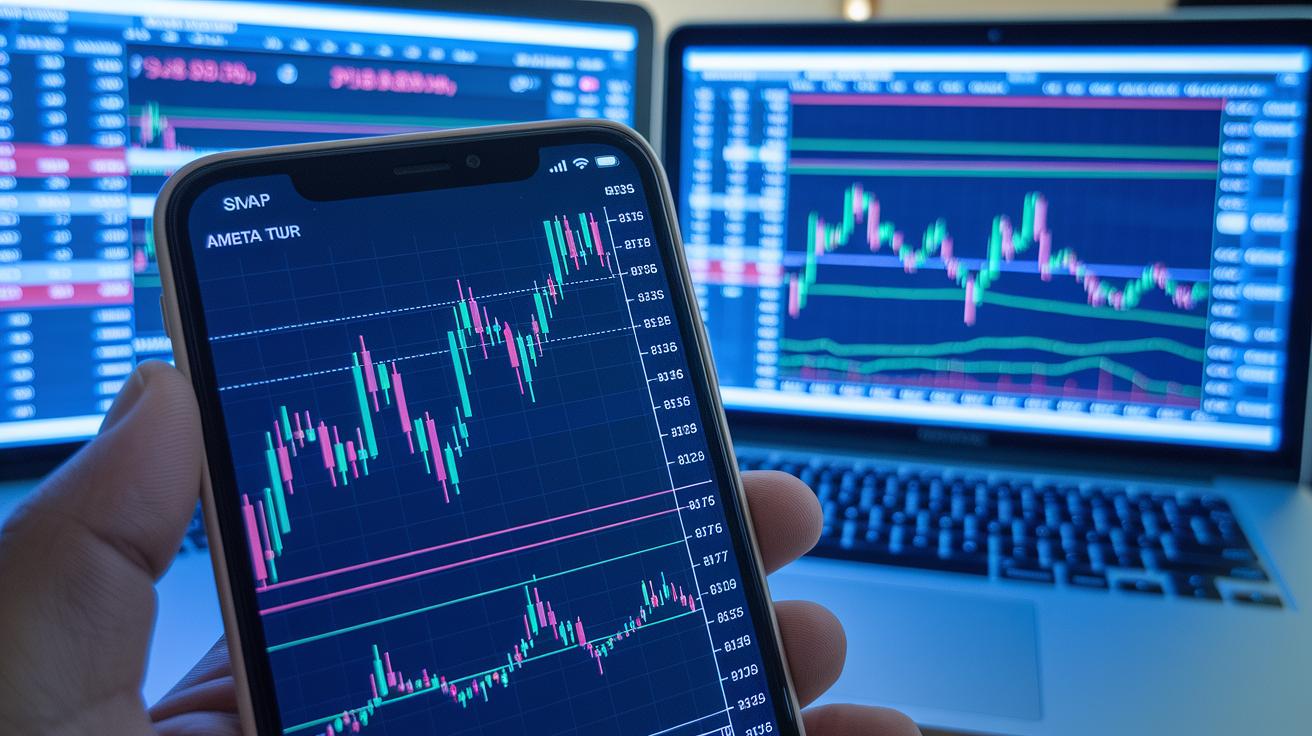
Trend analysis tools come with a set of useful indicators that help clear up messy price data. One of the main features is moving average crossovers, like the simple moving average (SMA) and exponential moving average (EMA). These averages smooth out daily price bumps to reveal a clearer trend. In plain language, a crossover between the two often hints at a new trend starting, giving you a leg up on spotting opportunities early.
Technical oscillators add even more clarity. Take the Relative Strength Index (RSI) for example, it uses a 0 to 100 scale to show how fast prices are moving and whether the market might be overbought or oversold. Then there’s the MACD, which blends trend and momentum by comparing its MACD line, signal line, and histogram. These tools help you cut through the noise so you can focus on moves that really matter.
You might also find features like Bollinger band analyzers and time series forecasters in these platforms. Tools like Fibonacci retracements use time-tested ratios to point out potential reversal zones, which act as key support and resistance markers. Plus, clear chart patterns and trendlines built on at least three precise points help you easily see where market highs and lows are forming.
Many traders explore these indicators on leading financial analysis platforms, such as those offered at TradeWisely.com. Mixing technical oscillators, moving averages, and clear plotting tools gives you the insights needed to make smarter market choices.
Integrating these tools into your routine lets you confirm signals more confidently and cut down on misleading hints. It’s all about mixing different types of indicators to build a strong, flexible trading strategy that keeps pace with shifting market conditions.
Comparing Top Trend Analysis Platforms for Traders
Think of these platforms as a friendly guide through the fast-moving world of trading. They show you live data and clear signals, making it easier to spot opportunities when they arise. Each tool offers its own twist, whether it’s smart alerts, handy charts, or even the power to test your trade ideas automatically.
Take Trading Central, for example. It sends you real-time alerts and lets you tweak the analytics to suit your needs, plus it easily links up with major brokers. It’s like having a reliable buddy by your side every day.
Then there’s TrendSpider, perfect if you like to double-check your strategies automatically. Its dynamic chart overlays let you see market trends at a quick glance, kind of like snapshots of the market’s pulse.
Next, TradingView stands out with its top-notch charting tools and a vibrant community that shares ideas. Its ability to sync across devices means you’re always in the loop, a handy feature for traders on the move.
MetaStock offers advanced forecasting tools paired with a testing environment if you enjoy refining your own models. Its custom formula builder lets you tailor strategies just the way you want.
For those who live by real-time news, TradeEasy.ai might be the ideal match. It mixes live news with smart AI sentiment analysis so you get insights right when you need them.
Finally, QuantConnect is built for traders who love coding. It provides a strong, scalable platform with plenty of data, making it a great fit for those who want to create and execute complex algorithms.
Below is a detailed comparison of these platforms in a simple table:
| Platform | Key Features | Best Suited For |
|---|---|---|
| Trading Central | Real-time alerts, customizable analytics, broker integration | Traders wanting a one-stop solution |
| TrendSpider | Automated backtesting, dynamic chart overlays, strategy building | Traders who value automation |
| TradingView | World-class charting, community scripts, multi-device syncing | Community-minded traders |
| MetaStock | Advanced forecasting, system testing, custom formula builder | Analysts who want deep insights |
| TradeEasy.ai | Real-time news aggregation, AI sentiment analysis | News-driven traders |
| QuantConnect | Code-based strategies, extensive data, live execution | Coders and quantitative pros |
Each platform has its own strengths, so the best one for you depends on your trading style and needs. Have you thought about which feature might give you that extra edge?
Trend Analysis Tool Pricing and Trial Options

Trading analysis tools are designed so you can try out their features without any risk. For instance, Trading Central gives you a demo account loaded with virtual trading funds. This means you can test out tools like quantitative backtesting and real-time indicators, almost like a mini version of real trading. Have you ever experienced that mix of excitement and relief when your test trade goes perfectly?
You also get handy features such as earnings and lot-size calculators along with risk management tools to help hone your strategy. And the customization is a real plus, account tiers let you adjust settings to mirror your personal trading style. Plus, the demo mode lets you explore key indicators like moving averages, RSI, MACD, and Fibonacci, all before you commit to a full subscription.
There are extra deals in the mix too. New customers might enjoy a 20% discount, while returning traders can score a 15% price cut. This makes it easier to keep your trading budget in check. With these trial options, you can even experiment with time series forecasters and support resistance markers to see how everything fits into your trading plan. It’s a smart way to balance cost against features before you take the leap.
Integrating Trend Analysis Tools into Your Trading Workflow
To make your trading routine work smoother, try this five-step approach that brings clarity and confidence to your decisions.
-
Select your tools
Begin by picking the analysis tools that match your trading style. Think about using moving averages, RSI, MACD, Fibonacci retracements, and trendlines together. Also, look for tools that flag key entry points and track volume trends so you know when market moods change. This careful choice sets up a solid base for better signals. -
Configure your indicators
Once you've got your tools, fine-tune them. Tinker with settings using multi-timeframe scanners and exit strategy optimizers. Changing these parameters helps you see data from different market periods and makes dynamic risk monitors work just right for you. A few small tweaks can really match the system to your preferred entry and exit points. -
Backtest your strategy
Before you risk real money, try your plan on past data. Running these backtests shows you how your indicators behave in various market situations. It’s a smart way to verify that the signals are solid and cut down on those pesky false alerts. -
Demo trade for real-time feedback
Next, jump into demo trading with a virtual fund account. Watch how your chosen indicators join forces to confirm your entry and exit moves. This practice round builds your confidence and helps you see how overlapping signals can work in real time. -
Transition to live execution
When you’re comfortable with your demo results, start trading for real. Keep an eye on how things are going and be ready to adjust your settings if needed. Each step builds on the last, ensuring your workflow stays both flexible and effective.
Final Words
In the action, trend analysis tools for traders serve as a beacon of clarity. They provide essential signals, clear chart patterns, and dynamic indicators that drive smarter choices. This post covered key features like moving averages and oscillators, compared top platforms, and explained various pricing and trial options. Each section showed how these tools can improve risk management and keep you ahead of market trends. With these insights, you can confidently shape your trading strategy and take positive steps forward.
FAQ
Q: What are some free trend analysis and stock analysis tools available for traders?
A: Free trend and stock analysis tools include many demo accounts from top platforms like TradingView and TrendSpider. They offer real-time charts, technical indicators, and downloadable resources to help traders study market trends.
Q: What is TradingView?
A: TradingView is a top platform that provides comprehensive charting, community scripts, and multi-device syncing. It gives traders clear visuals and advanced real-time data for making more informed decisions.
Q: Where can I find technical analysis tools PDFs?
A: Technical analysis tools PDFs are available through financial analysis software providers. They offer easy-to-read guides filled with charts, explanations, and practical tips to better understand market signals.
Q: What are the top 20 trading indicators?
A: The top 20 trading indicators include key tools like moving averages, the Relative Strength Index, MACD, and Fibonacci retracements. They help traders spot trends, gauge momentum, and identify potential market reversals.
Q: What market trend analysis tools do professional traders use?
A: Professional traders use platforms like TradingView, TrendSpider, and Trading Central. These tools offer robust charting, backtesting, and technical indicators for real-time market evaluation and improved decision-making.
Q: What is the 90% rule in trading?
A: The 90% rule in trading broadly suggests that many trades do not reach their profit targets without strong market movement. It reminds traders to set tight criteria for entering positions to avoid common missteps.
Q: Is there a free version of TrendSpider?
A: TrendSpider offers free trial periods and demo modes that let traders explore features such as automated backtesting, dynamic chart overlays, and key trend indicators before committing to a subscription.
Q: What roles do Kavout Corporation and EquBot AI India play in financial analysis?
A: Kavout Corporation and EquBot AI India use advanced AI to provide data-driven insights and trend analysis tools. Their solutions help traders make smarter, faster financial decisions in busy markets.