
Have you ever wished you could find that perfect stock quickly? A stock screener is like a trusty helper that sorts through loads of numbers. It lets you set easy rules, like checking the price-to-earnings ratio or the dividend yield, so you can catch the stocks that meet your goals.
This tool clears away all the extra clutter, showing you only the numbers that really matter. In short, it turns the sometimes overwhelming task of picking stocks into something simple and smart.
what is a stock screener: Smart Clarity
A stock screener is like a handy helper that sorts through thousands of stocks using simple rules. It lets you set filters, like the price-to-earnings (P/E) ratio (which shows how much a stock costs compared to its earnings), dividend yield (the cash return you might get), or market capitalization (the company’s size), so you can quickly see just the stocks that match your needs.
Imagine typing in your criteria and getting a list of stocks that fit your rules in seconds. It’s pretty amazing how fast it cuts through a mountain of data to highlight potential winners.
Investors also use the tool to compare past price changes, trading volumes, and other key details that could affect their strategies. It’s like having a digital assistant that clears away the noise of a busy market, leaving you with only the numbers that count. Whether you’re new to investing or a seasoned pro, a stock screener shows you options that could match your financial goals. The straightforward design lets you focus on high-potential stocks without the hassle of sifting through heaps of data, saving you time and reducing the guesswork before you dig deeper into your analysis.
Key Features of Stock Screeners for Efficient Stock Filtering
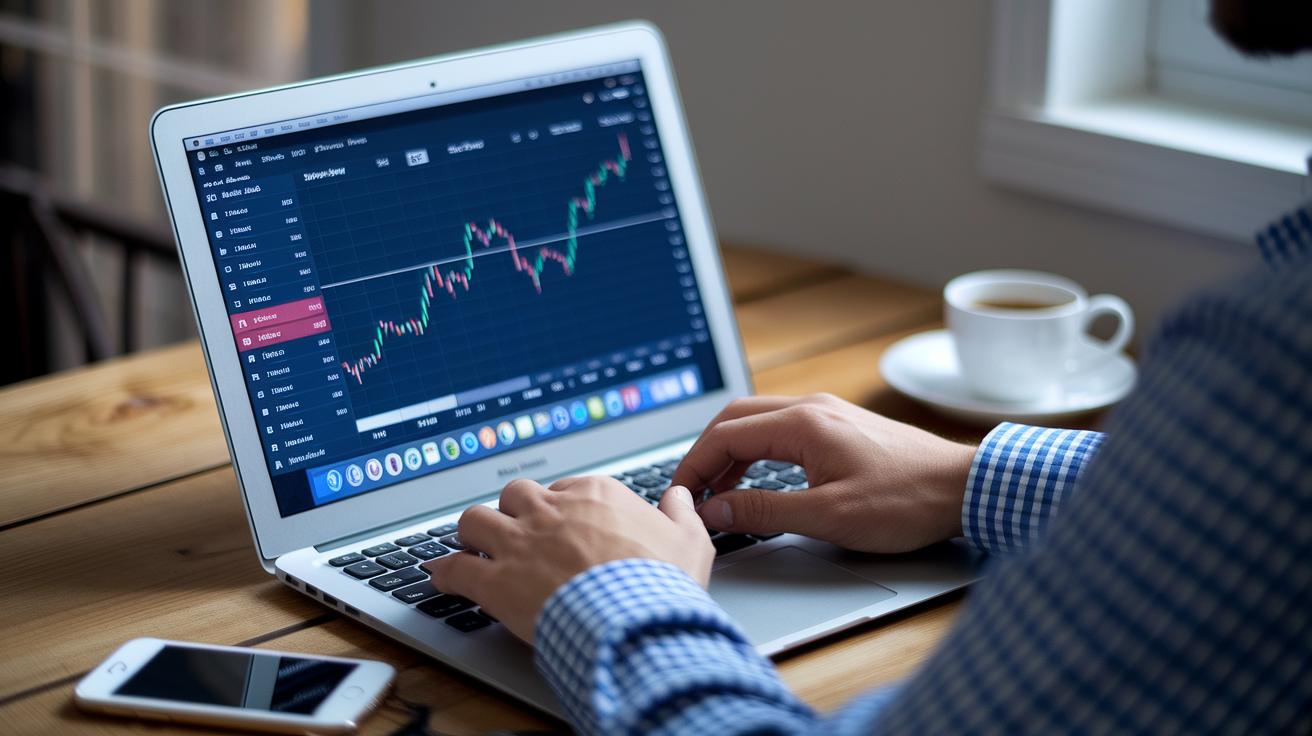
Stock screeners are like smart tools that help you find stocks that match your investing style. They let you set simple filters based on numbers, so you can easily spot a stock that might be just right. Think of it as picking out the best seeds from a big bunch, you only get the ones that show promise.
-
Filter by valuation metrics: You can set limits like the P/E ratio (a measure of how expensive a stock is compared to its earnings) or the P/B ratio (which compares a company's market value to its book value) to see only stocks that seem undervalued.
-
Dividend yield and payout history filters: If you’re after regular income, these filters help you find companies that pay out earnings to shareholders on a steady basis. It’s like knowing which fruit trees give you a consistent harvest.
-
Market capitalization range selector: This tool sorts companies by their size, so you can adjust your list to fit your comfort level with risk and your growth goals.
-
Revenue growth and profit margin thresholds: These filters highlight companies that are growing fast and making healthy profits, imagine finding a small business that’s steadily climbing up in value.
-
Technical indicators: Tools such as moving averages, RSI (Relative Strength Index, which measures how fast a stock is rising or falling), and MACD (Moving Average Convergence Divergence, showing trend signals) give hints about when to buy or sell based on past price trends.
-
Volume and liquidity parameters: These ensure you see stocks that are easy to buy or sell, smoothing out your trading experience.
-
Saveable search templates and alert notifications: They let you save your favorite settings so you can run your searches again quickly without redoing everything from scratch.
-
Real-time data feed or end-of-day updates: Whether you want to catch the market’s live action or get a clear picture after the market closes, these updates keep you in the loop.
-
Integration with watchlists and portfolio trackers: This feature ties your stock searches to your overall investment plan, ensuring everything works together seamlessly.
Common Stock Screening Criteria and How to Implement Them
Let’s dive into some advanced ideas to sharpen your stock choices. After laying out the basics earlier, you can now explore extra filters like beta, momentum, and liquidity checks. These help you find stocks that match your style, kind of like picking the right tool for a job.
Imagine setting a rule for stocks that trade more than 500K shares a day to make sure they are easy to buy or sell. Next, add a beta filter to spot stocks with a value below 1.2, which helps keep risk at bay. Now, think about a stock that’s reaching its 50-week high while having a low beta, it might be showing hidden strength even when the market is shifting. Try these filters first, and then layer on checks like moving averages or revenue growth to get a fuller picture.
| Filter Type | Example Criteria | Purpose |
|---|---|---|
| Valuation | P/E < 15 | Find undervalued stocks |
| Dividend | Yield > 3% | Find income-friendly stocks |
| Growth | Revenue growth > 20% | Spot fast-growing businesses |
| Momentum | Price near 50-week high | Catch stocks on an upward swing |
| Technical | RSI < 30 | Identify oversold conditions |
| Liquidity | Volume > 500K shares/day | Ensure stocks trade smoothly |
| Volatility | Beta < 1.2 | Limit exposure to wild market swings |
A simple way to put this into practice is to set your screener to catch stocks that have over 20% revenue growth, then flag those with an RSI under 30. Finally, narrow it down to the ones with a low beta value. It’s like building a strong team, one check at a time, for a smarter investment plan.
For a quick test, you might say, “I’ll pick stocks trading over 500K shares a day for steady trading,” and then look at which ones are hitting new highs over the last three months.
Free vs. Paid Stock Screeners: A Side-by-Side Comparison
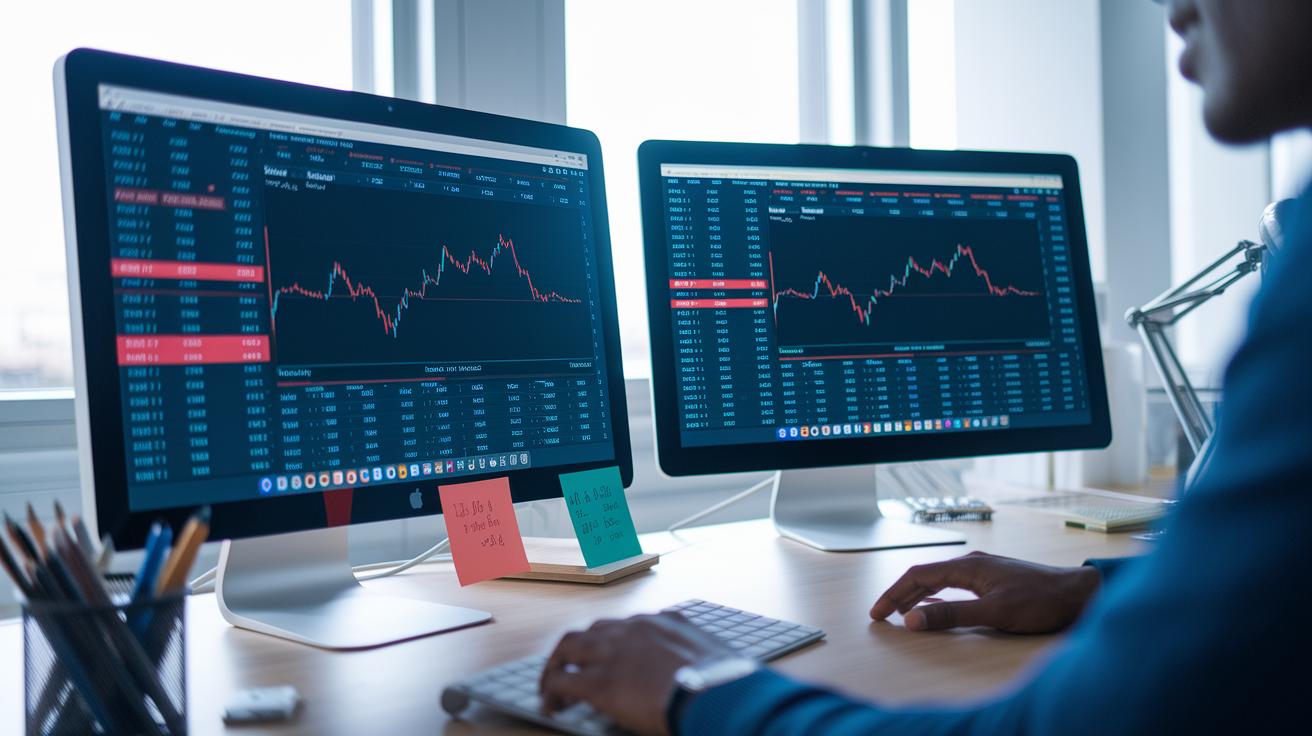
Free stock screeners are a great way to dip your toe into investing without having to spend any money upfront. They come with a few basic filters and show key numbers, often giving you updates once a day. For example, a beginner might use one to catch stocks that have a low price-to-earnings ratio (a simple way to see if a stock might be cheap), even though the data you see is a bit old. But these free tools sometimes limit what you can do, like saving your searches or exporting the data, which might hold you back if you want to dig deeper.
Paid stock screeners, on the other hand, offer a richer experience. They include more detailed metrics, full historical data (all past records), and options like API access that let you create custom strategies. With these premium tools, you can follow real-time market action, set up custom alerts, or even test how your strategy would have worked in the past through backtesting. This extra detail is really helpful when you need a closer look at trends and performance.
| Feature | Free Screeners | Paid Screeners |
|---|---|---|
| Data Frequency | End-of-day updates | Real-time updates |
| Filter Options | Basic settings | More detailed screening fields |
| Historical Data | Limited access | All past records available |
| Alert Capabilities | Basic alerts | Custom, automated alerts |
Free screeners work well if you’re just starting out or keeping an eye on your budget. Paid screeners, however, offer more flexibility and precision if you’re an active trader looking to fine-tune your strategy.
Think about how quickly you need market updates and what type of analysis you enjoy. That will help you decide which type of screener is the best fit for you.
How to Choose the Right Stock Screener for Your Strategy
Finding the right stock screener means picking a tool that fits your trading style. Start by checking how easy it is. Look for a design that feels natural, with ready-made templates and the ability to check on your phone. You might say, "I need a stock screener that's as handy as a friend who always points out promising stocks."
Next, dig into the filters. A solid screener lets you fine-tune your search with lots of options, even letting you set up alerts when a stock hits a set moving average or a particular P/E ratio. It’s like having a personal helper that keeps an eye on the details for you.
Data speed is important too. Decide if you need live updates during a busy market or if end-of-day numbers will work just fine. Also, think about how the tool works with your current watchlists, alerts, or broker connections. This smooth integration can make tracking your investments a whole lot easier.
Finally, look at the cost, whether it’s free, has different paid plans, or even an enterprise option. Check if there’s community support and tutorials to help you get started fast.
- Check ease of use
- Explore the filter options
- Look at update speeds
- Consider how it integrates with your tools
- Review the pricing plans
Ever tried a new tool and felt it change how you make investment decisions?
Integrating Stock Screeners into Your Trading and Investment Workflow
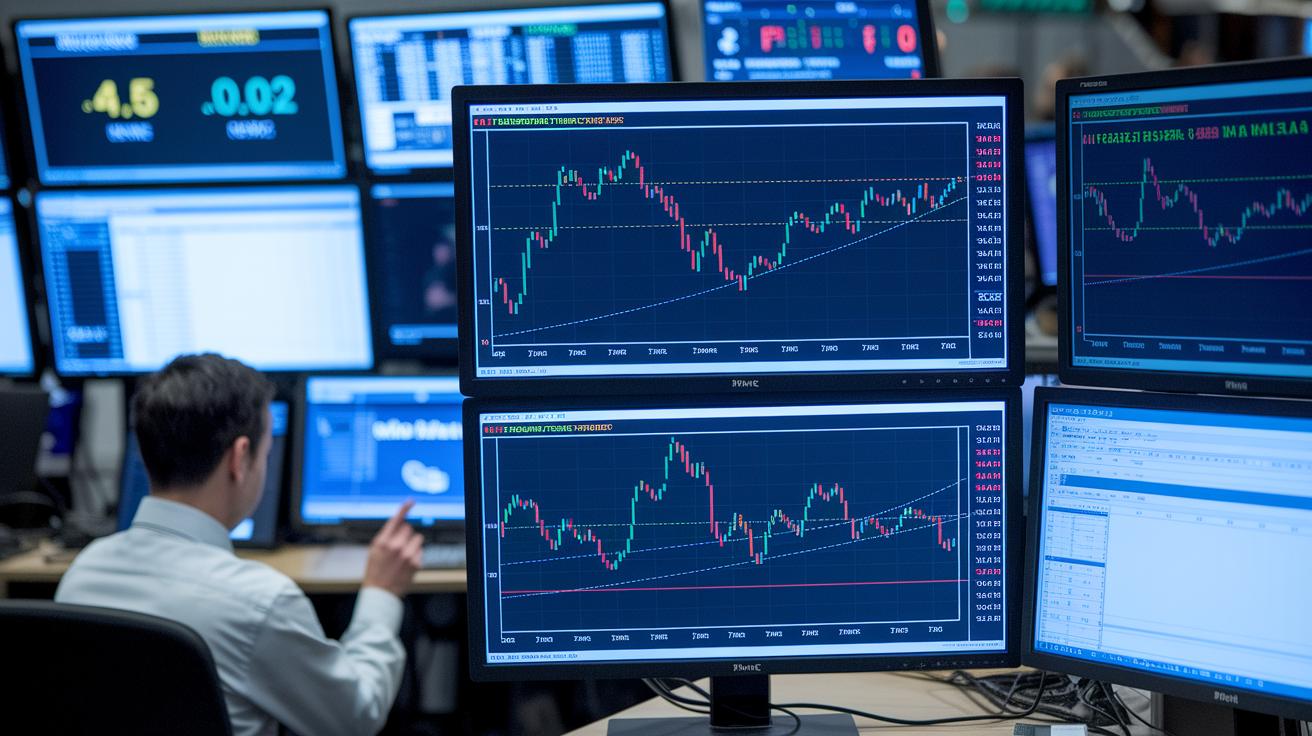
Stock screeners are handy tools that can fit into many trading plans. For example, if you’re a day trader, you might use a screener with real-time filters to catch sudden price jumps and big trading volumes as the market opens. These fast updates let you act quickly on sudden shifts, ensuring you grab short-term opportunities.
Swing traders, on the other hand, lean toward screeners that track moving average crosses and trendline breaks. They keep an eye on changes in relative strength, a measure that hints at a stock’s potential to steadily rise over a few days or weeks. For them, a swing trading screener serves like a reliable friend pointing out when trends might reverse or continue.
Automated stock screeners take things a step further by running detailed scans right at market open. They send notifications or emails when a stock meets set criteria. This smart automation means you can spend more time analyzing the market instead of constantly monitoring it. Plus, scheduled scans keep your watchlists up-to-date even before the market or after trading hours.
Connecting your stock screener with your charting software makes your life even easier. It lets you quickly drill down from a general list of stocks to detailed technical analysis, so you get a clear picture fast.
- Day trading screener
- Swing trading screener
- Intraday stock screener
- Automated stock screener
In short, these features work together to streamline your decision-making, keeping your investment approach smart and ready for change.
Benefits and Limitations of Using Stock Screeners
Stock screeners are neat tools that work like your personal assistant for investing. They sift through thousands of stocks in seconds so you don’t have to dig through endless data. You simply set up what you’re looking for, say, stocks that trade over 500K shares a day, and the screener quickly narrows things down based on criteria like the price-to-earnings ratio or dividend yield. It’s a bit like casting a wide net and then reeling in just the ones that fit your style.
These tools save you valuable time so you can focus on the parts of investing you enjoy. They can also shine a light on hidden opportunities by showing stocks with promising growth or strong performance metrics that might otherwise slip by unnoticed.
| Benefit | Description |
|---|---|
| Fast Processing | Quickly scans thousands of stocks to catch real-time trends |
| Customized Filters | Matches stocks to your preferred criteria, whether it’s valuation or dividend yield |
| Time Saver | Reduces research time, letting you concentrate on deeper analysis |
| Strategy Alignment | Helps pinpoint stocks that fit your unique investment plan |
But, there are a few catches. Sometimes the data can be a little behind, so the numbers might not always be spot-on. And if your filters are too broad or too tight, you might need to dig a bit deeper yourself. Remember, a stock screener is a helpful guide, not a full substitute for detailed research into a company’s fundamentals. It’s like having a handy map, you still need to explore the terrain to make the best decision.
Final Words
In the action, we explored the basics of what is a stock screener, breaking down its key features and criteria. We looked at how these tools filter stocks based on numbers and trends, helping investors see opportunities quickly.
We also compared free and paid options, showing how different screeners fit various trading styles and risk strategies. Ending on a hopeful note, remember that understanding what is a stock screener can really sharpen your investment edge.
FAQ
What is a stock screener and how does it work?
The stock screener is a tool that filters stocks using set financial metrics like P/E ratio, dividend yield, or market capitalization. It quickly narrows down a big list of stocks to those matching your goals.
What are the key features of stock screeners?
The stock screener’s key features include filters for valuation, dividend yield, technical indicators, and liquidity. It usually offers saveable templates, alert notifications, and either real-time or end-of-day data.
What common criteria do stock screeners use?
The stock screener uses common criteria such as fundamental metrics (e.g., P/E ratio, dividend yield), technical indicators (e.g., moving averages, RSI), growth measures, liquidity standards, and volatility levels to spot potential investments.
How do free and paid stock screeners differ?
The free stock screener offers basic data, limited filters, and end-of-day updates, while paid versions unlock advanced metrics, real-time information, and extra features like custom alerts and backtesting options.
How should I choose the right stock screener for my strategy?
Choosing the right stock screener means considering ease of use, depth of filters, data frequency, tool integration, and cost. It helps you match your trading style and navigate market signals effectively.
How can stock screeners be integrated into a trading or investing workflow?
The stock screener can be integrated by running automatic scans, saving search templates, and linking with watchlists or charting tools, which aids both short-term traders and long-term investors.
What are the benefits and limitations of using stock screeners?
The stock screener benefits include fast processing and strategic alignment with your investment goals, while its limitations can involve data delays and the need for manual interpretation alongside broader research.