
Have you ever thought that picking the right stock might be as simple as sorting through a deck of cards? A stock screener is like your shortcut through the clutter, it filters out a mountain of numbers and shows you only what meets your goals. Imagine a tool that narrows thousands of stocks down to just a few promising ones, perhaps those with low price-to-earnings ratios or a history of strong revenue growth.
This guide is for anyone starting out who wants to set up a stock screener in a straightforward and smart way. It turns what used to be a tricky process into a clear, step-by-step route to finding those exciting, promising opportunities.
Stock Screener Basics for Beginners

Imagine a tool that sorts through thousands of stocks using easy-to-understand criteria like valuation ratios (which compare a company’s price to its earnings), growth, profitability, and technical indicators (simple signals about price trends). That’s your stock screener. It cuts down a massive list of choices into a small, manageable group you can really dig into. For example, you might set it to find stocks with low price-to-earnings ratios or strong revenue growth, which can help you uncover promising opportunities.
When you fire up a stock screener, you get to pick filters tailored to your goals, whether that's a specific sector, market cap (the overall value of a company in the market), or even moving averages (which show the price over time). Picture this: a watchlist that updates itself, flagging stocks with sudden spikes in trading volume or sharp price moves. It really streamlines your trading day. Fun fact: before he became a legendary investor, Peter Lynch used simple screening tools to catch trends early on. Isn’t it amazing how these tools can make a difference?
Using equity screening means you can easily weed out companies that don’t fit your criteria, saving time and cutting through the market’s overwhelming complexity. Many beginners start with basic filters and then gradually add more technical indicators as they get comfortable. Whether you’re after fast-growing stocks or firms with solid balance sheets, a stock screener helps you focus on what really matters by using clear, objective criteria.
In short, a stock screener is a practical way for new investors to navigate the vast market and zero in on stocks that match their unique investment style.
Essential Filtering Criteria in a Stock Screener

When you use a stock screener, it works best if you set clear filters that match your investing goals. One popular filter is market capitalization, which sorts companies into large, mid, and small groups. For more on this, check out our detailed guide on understanding market capitalization in equity markets at https://tradewiselly.com?p=3118. This way, you can zero in on firms that fit the size and stability you're interested in.
Next, you might consider other important filters like valuation ratios such as P/E (price-to-earnings, which helps gauge how expensive a stock is compared to its earnings) and P/B (price-to-book, showing how much investors pay for a company's net assets), as well as dividend yield and revenue growth. These help you find companies that show strong financial health. Think of it like fine-tuning your search to bring spotlight to stocks that make sense for your investment style.
Technical indicators play a big part too. Tools like moving averages, RSI (which measures how quickly price changes happen), volume filters, and price change percentages let you capture the pulse of price trends. For instance, tweaking your moving average is a bit like setting the perfect oven temperature, too low might leave things half-baked, while too high could burn off the details.
Finally, using sector and industry filters can narrow down your results even further. They let you line up companies in the same field, making it easier to compare and decide which stocks fit your risk comfort and overall investment plan.
Step-by-Step Stock Screening Process for Beginners
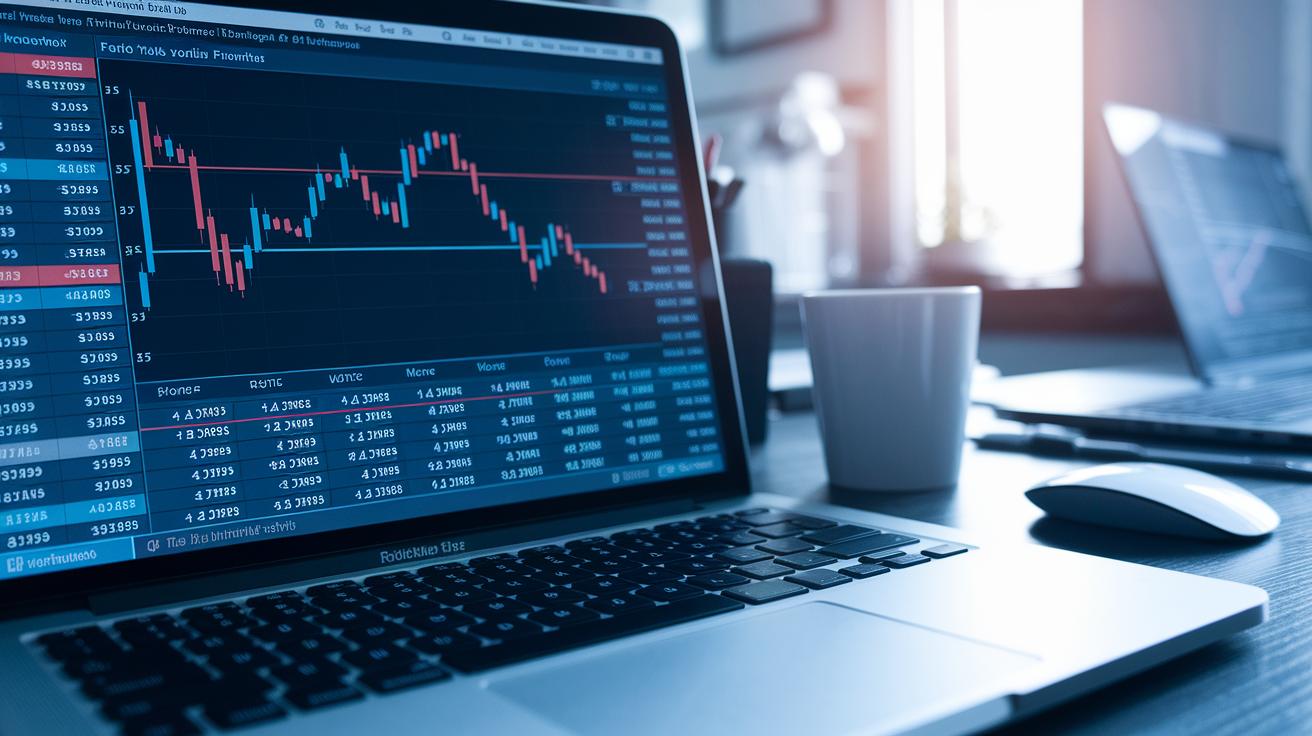
First, fire up your stock screener and choose a few basic filters to trim down the list of stocks. Begin by setting a filter for P/E ratios, which helps you find stocks priced lower compared to their earnings. Think of it as choosing a threshold that fits the way you like to invest. Then, add a filter for revenue growth so you can spot companies that consistently boost their sales.
Next, mix in some technical indicators. Try adding an RSI filter. The RSI shows how fast and sharply a stock’s price is moving, giving you hints on when to buy or sell. You can also add a condition that watches for sudden spikes in trading volume, which can point out unusual activity. For example, imagine you set your RSI to flag stocks under 30, this might mean they’re oversold, while also keeping an eye on any surge in trading volume.
After you’ve set your filters, take a close look at the results. Group and sort your data to see the bigger picture. Some tools, like Koyfin’s screener, let you sort by different averages, say, over 3, 5, or 10 years, to help you spot companies with strong past performance. For instance, you might notice firms that rank in the top 25% for ROIC over five years, which could be a sign they’re undervalued.
Before you dive deeper into your research, add any extra columns you might need, like Percentile Ranks. These columns compare a company’s performance with its peers, giving you another layer of insight. Once you’re happy with your custom screen, save it as a watchlist. This organized approach makes it simple to come back and check on those promising opportunities during the trading day.
Comparing Popular Stock Screeners for Beginners

Koyfin gives you access to more than 500 metrics and a full decade of historical data. It’s very customizable and trusted by over 45,000 investors. Think of it like having a complete financial report right at your fingertips, whether you need basic ratios or a deep dive into historical performance rankings, it’s all there. Imagine setting up a screen that checks P/E ratios while also ranking stocks based on how they've performed over time.
Finviz is a popular free tool that offers loads of filters, from IPO dates to outstanding shares. Once you register, you can even save your preset screens for quick access later. At first glance, the interface might seem a bit busy, but if you’re someone who loves digging into detailed data without any extra costs, this tool might be just right for you.
Yahoo Finance features a clean, simple interface that beginners find very friendly. It’s not limited to stocks; it also covers mutual funds, ETFs, and futures. Plus, it includes filtering options that highlight sustainable stocks, great for those who care about socially responsible investing. Its straightforward layout makes it easy to get the data you need without extra clutter.
TradingView stands out for its user-friendly design that works well for both new investors and those looking for advanced technical data. It supports screeners for not just equities but also forex and crypto assets. This gives you a broader view if you’re interested in exploring different parts of the market.
StockFetcher comes with over 125 indicators and a useful user guide to help you get started. While the amount of data might feel a bit overwhelming at first, the provided examples are designed to smooth out the learning curve for anyone new to the scene.
Stock Analysis keeps things simple with an interface that includes helpful tooltips to explain complex financial terms. Even though a free account offers only limited historical data, a modest monthly subscription opens up a full 10 years of history, which can be a real game changer.
Other choices like TIKR, Fiscal.ai, Zacks, and Seeking Alpha add even more variety. Each of these tools brings something unique to the table, letting beginners weigh factors like cost, detail, and ease of use to find the best match for their specific needs.
Managing Screen Results in Your Stock Screener

Once you’ve set up your custom screen, it’s time to keep your list of promising stocks nicely organized. Most platforms let you save your screened results as watchlists, kind of like having a handy reminder. For example, imagine a watchlist that updates automatically, just like an alarm that goes off when a stock you follow is about to hit its earnings date. You can even set up alerts to give you a nudge when a certain price target is reached.
Beyond simple watchlists, many screeners offer extra tools such as earnings calendars, easy-to-use chart modules, market-wide scatter graphs, and custom news feeds. This mix of tools keeps all your important data in one spot, making it a breeze to refine your list over time.
Here are a few tips for a smart setup:
- Save and label your screen outputs as watchlists.
- Set alerts for key events like earnings and price triggers.
- Export your table views or import external data for a deeper dive into trends.
Using these methods helps you manage your screening results efficiently, keeping your portfolio lean, focused, and ready for timely decisions.
Stock Screener for Beginners: Simple, Smart Setup

This guide takes your basic screening tips a step further by mixing in some advanced ideas along with clear, real-life examples.
First up, look for sudden jumps in trading volume along with prices breaking key levels. This means if a stock suddenly has many more trades than usual and its price moves past a level it has struggled with, it might be gathering steam from investors.
Next, check the price-to-earnings ratio by comparing it to its 5- or 10-year average. In simple terms, if a stock normally trades at a certain ratio but is now lower, it could be a sign that the stock is undervalued.
Also, consider other important numbers like the current ratio (which shows how easily a company can cover its short-term debts) or debt-to-equity (which compares what a company owes to what it owns). Using these helps you weed out companies that might be in a tough financial spot.
Taken together, these steps build on the basics to give beginners a richer approach to screening stocks. It’s a way to upgrade your strategy without rehashing what you already know.
Final Words
In the action, we covered the basics of stock screening, from using filters like market cap and P/E ratios to applying technical tools such as RSI and volume filters. We showed how to set up a watchlist and use customized parameters to refine your list of potential stock plays.
This guide gives a clear picture of what to expect from a stock screener for beginners. It mixes practical tips with a friendly, down-to-earth approach, leaving you ready to put these strategies to work and grow confidently.
FAQ
Frequently Asked Questions
Which free stock screener is best for beginners?
The free stock screener for beginners gathers key market factors like valuation and growth to pinpoint top picks. Tools like Finviz, Morningstar, and Fidelity combine ease-of-use with robust filters.
What is a free stock screener app?
The free stock screener app helps investors filter stocks on the go by focusing on core metrics like price, volume, and technical indicators, simplifying the search for potential investment opportunities.
How does the best stock screener assist beginners?
The best stock screener helps beginners by converting complex market data into simple, actionable filters. It emphasizes crucial aspects such as technical indicators and growth trends to ease investment decisions.
What is the 3-5-7 rule in stocks?
The 3-5-7 rule in stocks reviews performance over three, five, and seven years. It offers a snapshot of a company’s historical stability, helping investors gauge long-term reliability.
Which stock screener is considered the most successful?
The most successful stock screener is defined by its versatility and consistent performance. Many beginners trust platforms like Finviz and Fidelity for their reliable, comprehensive screening features.
Which free stock screener is best for day trading?
The free stock screener for day trading delivers real-time data and rapid filtering, tracking volume spikes and price changes so traders can spot short-term opportunities effectively.