
Have you ever wondered if your trades could be smarter? Today’s trading software turns guessing into clear, smart strategies built with real-time data and easy-to-follow rules.
It’s a bit like putting together a puzzle, each market trend is a piece waiting to be fitted perfectly. In this post, we explore tools like TradeZella and Thinkorswim. These tools blend powerful features that can help you make more winning trades over time.
Keep reading to discover how smart tech can be your secret trading advantage.
Fundamental Overview of Trading Software Solutions
Trading software helps you buy, sell, and study market trends with much more certainty than guesswork. It works like solving a puzzle where real-time data and clear guidelines lead you through the process. You can use these tools on your phone or at your desktop. The mobile apps are great when you’re out and about, while the desktop versions offer deep and detailed analysis.
Take TradeZella, for instance. Originally just a journaling tool, it has now added a Backtesting 2.0 feature that lets you replay market moves, kind of like watching a recorded game. It’s amazing how one expert once started his journey using a simple mobile app that sent him key market alerts, completely changing how he traded.
Desktop platforms like Thinkorswim have earned a great reputation over the last decade, mixing detailed charts with quick trade execution. But it isn’t all about what you see on screen. API connectivity, think of it as a way for different programs to chat with each other, plays a vital role in today’s trading tools. Plus, customizable dashboards mean you can set up your screen exactly how you like it, so your most important data is always at hand.
Other top platforms include Bookmap, known for its clear data visuals; eSignal, a longtime favorite for technical analysis; and MetaStock, which offers over 300 charts covering various asset classes. There are also VectorVest, with its simple buy, sell, or hold strategy, and NinjaTrader’s cloud-based system that keeps your orders synced across devices. And finally, platforms like TC2000, Stock Rover, TrendSpider, SlopeCharts, Benzinga Pro, TradingView, and StreetBeat each bring their own special benefits, making it easier for traders of every level to find the right fit.
trading software: Smart Picks for Profitable Trades
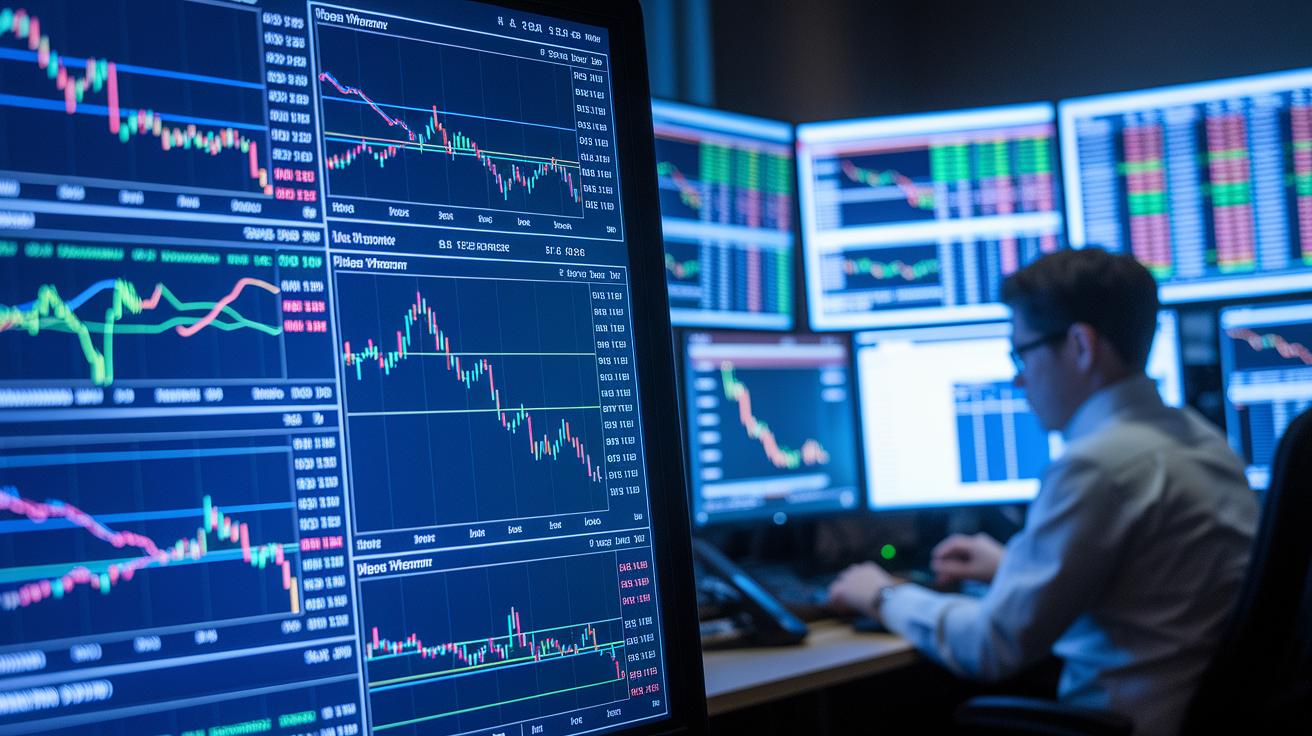
When you choose trading software, having the right mix of features can boost your results. Some traders like systems that automatically handle orders, while others look for tools that let them test strategies against old data. Imagine pressing a button and watching your trade happen exactly as planned, no hesitation, just clear, automated action.
Below is a comparison table that shows six key features along with example platforms that highlight each function:
| Feature | Description | Example Software |
|---|---|---|
| Algorithmic Order Management | This tool sends orders using preset signals. It cuts down manual errors and makes sure trades happen fast. | StreetBeat |
| Real-time Order Routing | It quickly routes orders across devices with cloud technology, so your trades keep up with the market. | NinjaTrader |
| Backtesting Strategies | This feature runs your trading plans on historical data to help fine-tune your approach before you go live. | TradeZella |
| Risk Management Modules | It sets rules like stop-loss and take-profit to help protect your trades and limit losses. | Thinkorswim |
| Performance Tracking Tools | Offers customizable dashboards and live stats that work with detailed financial analysis features. | TradingView |
| Risk Analytics Framework | Gives you clear metrics on market swings and trend changes, so you can keep an eye on potential risks. | MetaStock |
Looking at these features is like putting together a toolkit that fits your trading style perfectly. Real-time order routing helps you catch every beat of market activity, while backtesting lets you re-create past market conditions to polish your strategy. With tools for risk management and analytics, like those in Thinkorswim and MetaStock, you set clear limits and stay aware of market shifts. Each platform brings its own strength, whether it’s smooth automation or detailed performance tracking, to help you trade smarter and boost your profits.
Charting Tools and Technical Indicator Integration in Trading Software
Charting tools and technical indicator libraries are the lifeline of many trading platforms. They transform raw market stats into clear, visual representations, making it easier to spot trading signals and market trends. For example, eSignal has been a trusted name since 1983, offering reliable charting solutions, while MetaStock packs over 300 built-in indicators that help with volume (how much of an asset is traded) and market trend analysis.
Thinkorswim’s chart suite, which has snagged top desktop awards for ten years in a row, shows just how precise and flexible these tools can be. And then there’s TrendSpider. By using machine learning to auto-draw trendlines, it makes spotting subtle shifts in market behavior a breeze. Plus, TradingView gives you the power to build your own Pine Script indicators and blend multiple timeframes in one view, almost like assembling a tailor-made toolkit for savvy traders.
These platforms offer a variety of chart types. For instance, candlestick charts let you see the open, close, high, and low prices all at a glance. Renko charts cut through the noise to highlight clear trends. Heikin-Ashi charts smooth out price swings so the overall direction becomes obvious. Point & Figure charts focus solely on price changes, ignoring the factor of time entirely. And range bars put the spotlight on price moves over fixed intervals.
In short, these tools allow traders to weave technical indicators directly into their analysis. This boost in data visualization can help you make smarter, more confident trading decisions. Have you ever felt the thrill of watching the market come alive on a well-crafted chart?
Backtesting Strategies and Simulation Environments in Trading Software
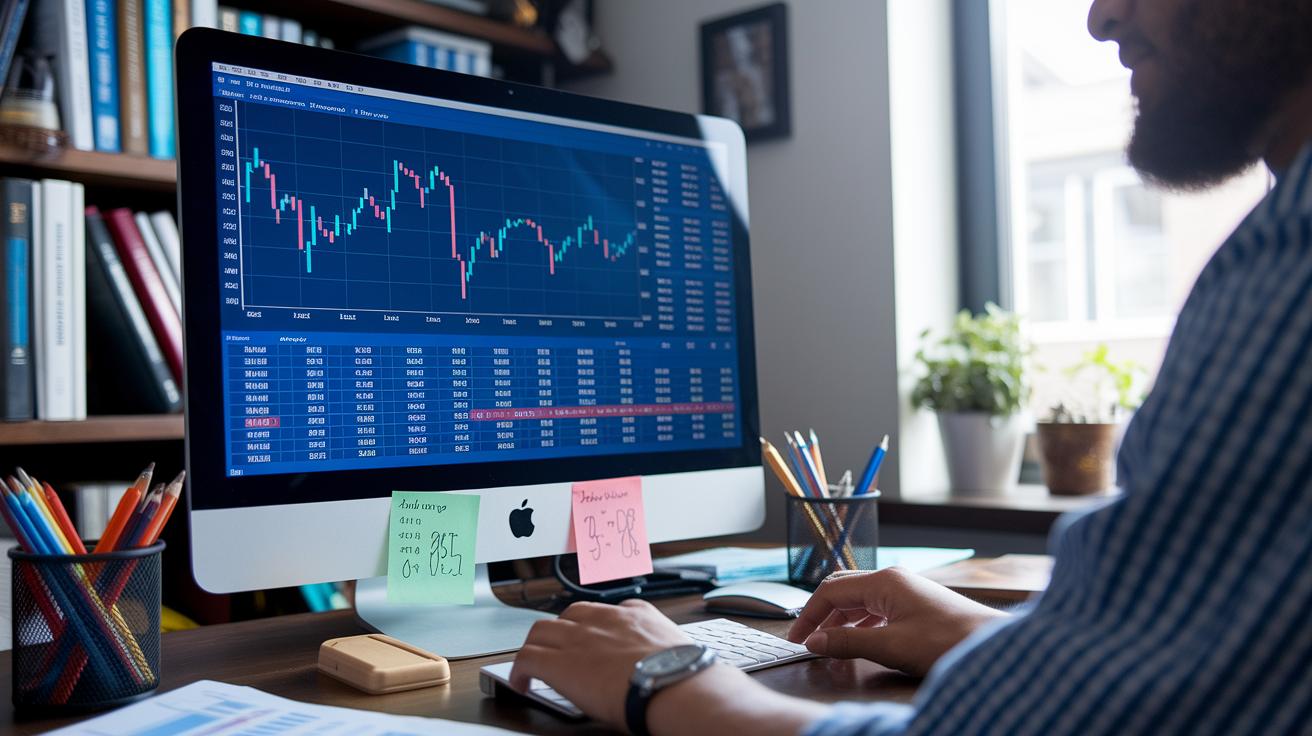
Backtesting strategies let you try out your trade plan using past data before you risk any real money. With TradeZella’s Backtesting 2.0, you can relive previous market moves, check how your plan would have worked, and catch any potential hiccups. It’s a bit like rewinding your favorite sports game to catch every exciting move. Fun fact: many top traders say that building a solid strategy starts with lots of backtesting.
Traders can dive into simulations by customizing historical data, using slippage modeling (which means factoring in those little price jumps that can happen when you trade), order fill realism (a way to mimic how orders really get done in the market), batch testing to run several scenarios at once, and automated signal replay to watch how tested signals trigger trades. All these tools make your simulation feel a lot like the real market.
- Historical Data Customization: Tweak your dataset to focus on the market periods that interest you.
- Slippage Modeling: Include realistic price changes that can impact your trade execution.
- Order Fill Realism: Consider the true market liquidity when placing orders.
- Batch Testing: Test multiple scenarios side-by-side to spot trends.
- Automated Signal Replay: See in real time how your signals set off stops and entries.
Some platforms, like TC2000, mix trade logging with strategy testing, creating a safe space where every move is up for review. Then there’s TrendSpider, which offers both prebuilt and custom strategy templates, making it easy to design and compare different approaches.
And if you're just learning the ropes or want a safe practice field, demo accounts are a great tool. They let you test automated signals under real market conditions without putting any actual money on the line.
Risk Management and Compliance Modules within Trading Software
Top trading platforms now come with built-in risk controls and compliance tracking to help keep your trades safe. For example, VectorVest’s algorithm checks for safety before it sends out trade signals, kind of like you checking the weather before heading out. And with Thinkorswim, you get stop-loss and take-profit features that kick in automatically to secure your positions. NinjaTrader also supports risk controls across many asset classes, meaning whether you’re trading stocks, forex, or futures, your risk plan remains steady. Plus, StreetBeat uses automation to reduce any mistakes from manual entries, helping keep surprises at bay.
Risk Analytics Framework
This framework lets you watch your profit and loss in real time, alerts you if your portfolio takes a hard hit, and manages stop-orders with ease. Think of it as having a personal assistant that instantly gives a shout when things dip unexpectedly, much like a fire alarm that sounds when it senses smoke. Set your alerts and see how even a small drop can prompt an immediate response, keeping your losses in check.
Compliance Reporting Tools
These tools automatically log your trades, create clear audit trails, and offer export formats like FIX and CSV to ensure everything stays transparent and by the book. Imagine these tools as your own personal record keeper, keeping your reports neat and compliant with regulations, so you can focus on trading with confidence.
Performance, Latency, and Scalability Considerations in Trading Software

When you're choosing your trading software, it's key to pick one that gets your orders processed fast and smooth. Fast execution helps you catch market moves right when they happen, kind of like catching a bus exactly when it stops. For instance, NinjaTrader uses a cloud-based setup that routes orders in less than a millisecond, which can be the difference between making that perfect trade or missing your chance.
Costs also matter a lot. Many high-volume traders lean toward platforms like Lightspeed because of its super low commissions. Over time, those savings add up. Plus, some services, such as Capital Markets Elites Group, let you connect without being bound by the $25,000 Pattern Day Trader rule, while TradeZero even offers zero-commission limit orders. This mix helps you keep both costs low and performance high.
Another important aspect is cloud-based deployment. With cloud setups, you get the same solid performance whether you're on your PC, phone, or Mac. Thinkorswim’s years of desktop reliability show how focusing on steady order execution really pays off. And don't forget to check network stability features, like performance dashboards and uptime monitors, which can alert you to any slowdowns before they become a big deal.
- Latency benchmarks
- Bandwidth requirements
- Fee schedules
- Failover architecture
- Device synchronization
- Uptime guarantees
User Interface Design and Community Support for Trading Software
TC2000 kicks things off with a friendly, easy-to-read layout that blends charts and screening tools in one clean view. It makes checking out key market data and placing trades feel simple and smooth. Meanwhile, Stock Rover connects you to over 1,000 brokerages so that you can enter orders without the clutter that too many dashboards create.
TrendSpider really makes learning fun. Their tutorials, complete with simple guides and AI-driven alerts, walk you through each step. This makes those advanced features much less confusing, no matter if you’re new or already seasoned in trading. And then there’s StreetBeat, which makes order entry almost automatic. It simplifies tracking your performance analytics so you aren’t bogged down by endless menus.
TradeZella also earns a nod by tying in journaling with every fill. This means you can go back and review your trades anytime, turning routine logs into a valuable learning tool.
Community support really makes a difference. Think about jumping into online forums where fellow traders share helpful tips, watching video tutorials that break down tricky software features, joining live webinars filled with demos and Q&A sessions, or following easy step-by-step guides that show you every feature. Spending time with these resources can build your confidence and help you get the best out of your trading software.
Emerging AI and Machine Learning Capabilities in Trading Software

AI and machine learning are reshaping trading tools into smart, adaptable helpers. Nowadays, many platforms mix number-crunching with clever algorithms to spot hidden market shifts and quickly predict price moves. Take TrendSpider, for instance, it uses machine learning for spotting patterns and automatically drawing trendlines, so traders can easily pick out signals from heaps of data, like seeing stars on a clear night. It’s a bit like having a digital buddy who fine-tunes your trading strategy in real time.
Then there’s VectorVest, which uses AI to score key factors like value, safety, and timing. This approach simplifies complex market data into easy-to-understand signals, making it straightforward for even new traders to decide whether to buy, hold, or sell. And with StreetBeat, AI-driven order signals streamline the process of entering and exiting trades, saving you from constantly watching price swings or scouring news updates.
Next, newer platforms are embracing predictive financial analytics (which give you a peek into future market trends) to forecast volatility and catch shifts in market sentiment right when they happen.
- AI-powered pattern detection that refines setups on the fly
- Automated scoring systems that turn complicated data into simple actions
- Real-time alerts based on unexpected moves and mood shifts
These advancements are bringing speed, clarity, and smart precision to today’s trading routines, making the market more navigable and accessible for everyone.
Final Words
In the action, this article takes us through top trading platforms and explains key features like charting tools, backtesting, risk management modules, and emerging AI insights. We broke down comparisons of mobile apps, desktop clients, customizable dashboards, and more, all crucial when picking reliable trading software.
The detailed review helps you understand how each system supports strategy, performance, and security. Step forward with confidence, knowing you have a well-rounded analysis to guide your trading decisions.
FAQ
What is TradingView?
The trading software TradingView is a versatile charting platform that offers low-cost, real-time insights. It features custom scripting and a friendly community for traders to analyze market trends.
What free trading software options are available?
The free trading software options provide essential features at no cost. These platforms often include demo accounts, basic charting tools, and streamlined functionalities to help traders practice and refine strategies.
What trading software is best for beginners?
The trading software for beginners is designed with simple interfaces and easy setups. It offers basic charting and learning resources to help new traders gain confidence and build trading skills.
What is Forex trading software and its benefits?
Forex trading software is tailored for currency trading, offering specialized tools, real-time data, and customizable charts. This makes it easier to track trends and execute trades in the forex market.
What is the best trading software overall?
The best trading software depends on individual needs. Top platforms like Thinkorswim, TradingView, and NinjaTrader provide robust technical analysis, fast execution, and user-friendly designs for a range of trading styles.
What trading software options are available for PC users?
The trading software for PC delivers powerful tools optimized for desktops. These options include comprehensive charting, order management, and portfolio tracking to suit advanced analysis needs.
Is $100 a day good for day trading?
Earning $100 a day indicates modest gains in day trading. Success will depend on effective risk management, well-planned strategies, and adapting to market conditions over time.
How much money do day traders with $25,000 accounts typically make per day?
Day traders with $25,000 accounts may make a few hundred dollars daily on average. Actual profits vary with market conditions, trading strategies, and disciplined risk management.
Can you make $1000 in a day from stocks?
Making $1000 in a day from stocks is possible with well-timed trades and favorable market conditions. However, it requires proven strategies, vigilant risk control, and realistic profit expectations.
What is the best futures trading platform?
The best futures trading platform offers reliable order execution, clear charting, and specialized tools for market analysis. It should cater to both beginners and experienced traders with intuitive features.
What are some top day trading platforms?
Top day trading platforms combine rapid order execution, advanced charting, and real-time data feeds. They are equipped to support short-term decisions and high-frequency trading with efficient tools.
What is the best free stock analysis software?
The best free stock analysis software provides essential charting, screening, and data visualization features without any cost, enabling traders to effectively assess market movements and spot opportunities.
What is the best trading software for day traders?
The best trading software for day traders emphasizes speed, real-time analytics, and a user-friendly interface. It supports rapid decision-making and precise order management for active market engagement.