
Have you ever missed an important market move because your chart just couldn’t keep up? Real-time chart analysis software delivers clear, up-to-the-minute data that helps you act fast. Picture a sudden price spike lighting up your screen right when you need it most.
These tools come with features that spot key patterns and a bunch of custom indicators. They turn a quick look at a chart into a smart, data-driven decision. In this post, we break down the features that make this software such a valuable part of your trading setup.
Essential Features of Chart Analysis Software for Stock Trends
Real-time charting is a must-have for traders who need fresh, second-by-second info. Fast data streams that refresh in less than a second help you catch even the tiniest shifts in the market’s rhythm. Imagine watching a price surge and being able to jump in right away. You need software that keeps pace with every market pulse.
Having a big library of indicators is just as key. With over 100,000 custom indicators, much like what many TradingView users count on, you can easily check out moving averages, RSI/MACD, and volume trends on different types of charts. It’s pretty cool to think that some platforms give you access to thousands of community-built tools, turning each trade into a decision backed by solid data.
Next, advanced features really boost your analysis. Tools that automatically spot patterns, like Fibonacci retracements or the classic heads-and-shoulders formation, paired with backtesting options let you test your ideas on past market moves. You can even set up personalized alerts for price changes or signals from your indicators, making sure you never miss a crucial moment.
Lastly, it’s a big plus when your software works well on mobile, web, or desktop devices. This means you can tap into both historical and live analytics across a wide range of assets, no matter where you are.
Comparing Top Chart Analysis Software Platforms
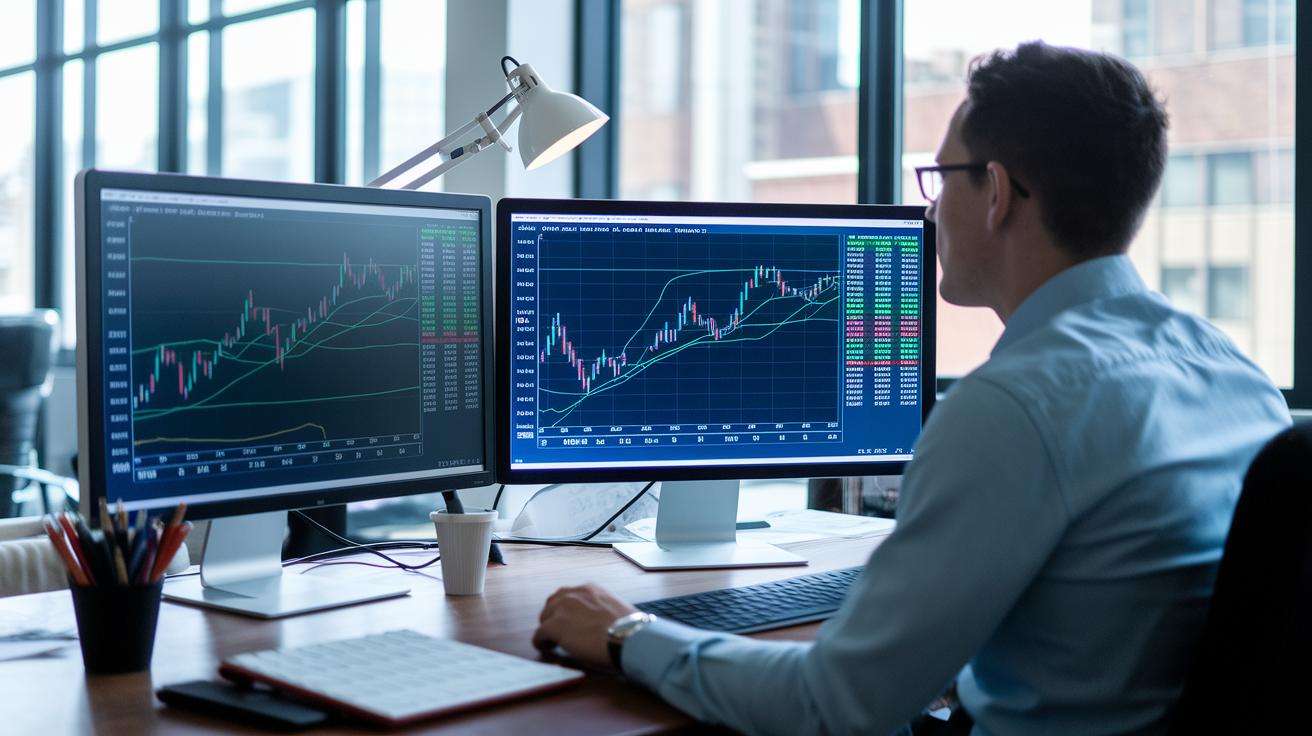
Picking the right chart analysis software boils down to a few key points: getting complete data, keeping an eye on cost, and knowing how much automation you need. For many traders and investors, tapping into live data and a solid set of technical tools is a game changer. Whether you’re after detailed reviews of past market trends or quick signals powered by smart algorithms, each platform has its own twist to suit different trading styles.
| Software | Key Features | Cost Range | Ideal User |
|---|---|---|---|
| TradingView | A big library of indicators, live data, and simple charting of basics | Free to Premium | Traders wanting a range of tools |
| TrendSpider | Smart automation, custom alerts, trendline spotting, and backtesting | Mid to high | Tech-savvy users focused on precise trends |
| TC2000 | In-house scanning, brokerage integration, strong charting features | Mid-range | Investors who want smooth trading and charting |
| MetaStock | Robust multi-asset charting, support for decisions, and research tools | Mid-high | Seasoned traders needing deep analysis |
| Thinkorswim | Custom technical charts, live trading, and practice accounts | Free with brokerage | Beginners to experts looking for full-featured tools |
Finding the right balance between cost and features is key when you’re shopping for a chart analysis tool. Sure, premium platforms may give you advanced automated analysis and thorough scanning, but their higher price tag might not fit every budget. Meanwhile, free or lower-cost options can deliver the basic tools that work well for many traders and newcomers alike. In truth, it’s all about weighing real-time data and streamlined features against the subscription fees, and making sure the tool fits your trading style and financial goals.
Key Technical Indicators in Chart Analysis Software
Indicators are the backbone of technical analysis, giving traders a clear snapshot of market behavior. They let you see price momentum, trend strength, and even potential reversals. In other words, these tools help you quickly get a feel for market sentiment so you can decide when to enter or exit a trade. For more details on how these tools work, check out this link: https://cipherstonk.com?p=1550.
- Moving Average Computation Module: This tool smooths out daily price wobbles by tracking the average price over time, helping you see the overall trend.
- RSI Momentum Indicator Analyzer: Think of this as a speedometer for prices. It helps spot if a market might be too hot (overbought) or too cold (oversold), so you know when caution is needed.
- MACD Indicator Analyzer: By comparing short and long-term moving averages, this indicator helps highlight shifts in momentum, like noticing a change in the wind.
- Bollinger Bands: This tool uses standard deviations (a simple way to measure price variation) to judge market volatility and spot possible breakouts.
- Stochastics: Another handy tool that compares closing prices to the high-low range over a set period, offering clues about current momentum.
- Volume Behavior Monitor: Watching the volume of trades can confirm price trends. This monitor shows trading activity to support what you see in the price movements.
- Candlestick Figure Inspector: It scans for specific chart patterns, like doji, engulfing, or hammer, that may hint at upcoming market turns.
- Pattern Recognition Engine: Using tools like Fibonacci retracements (which help find key support and resistance levels) and pivot points, this engine detects trend shifts and potential reversals.
You can even create custom indicators or set alerts that match your trading style, making it easier to catch those key market signals just when you need them.
Real-Time Data Streaming and Backtesting in Chart Analysis Software
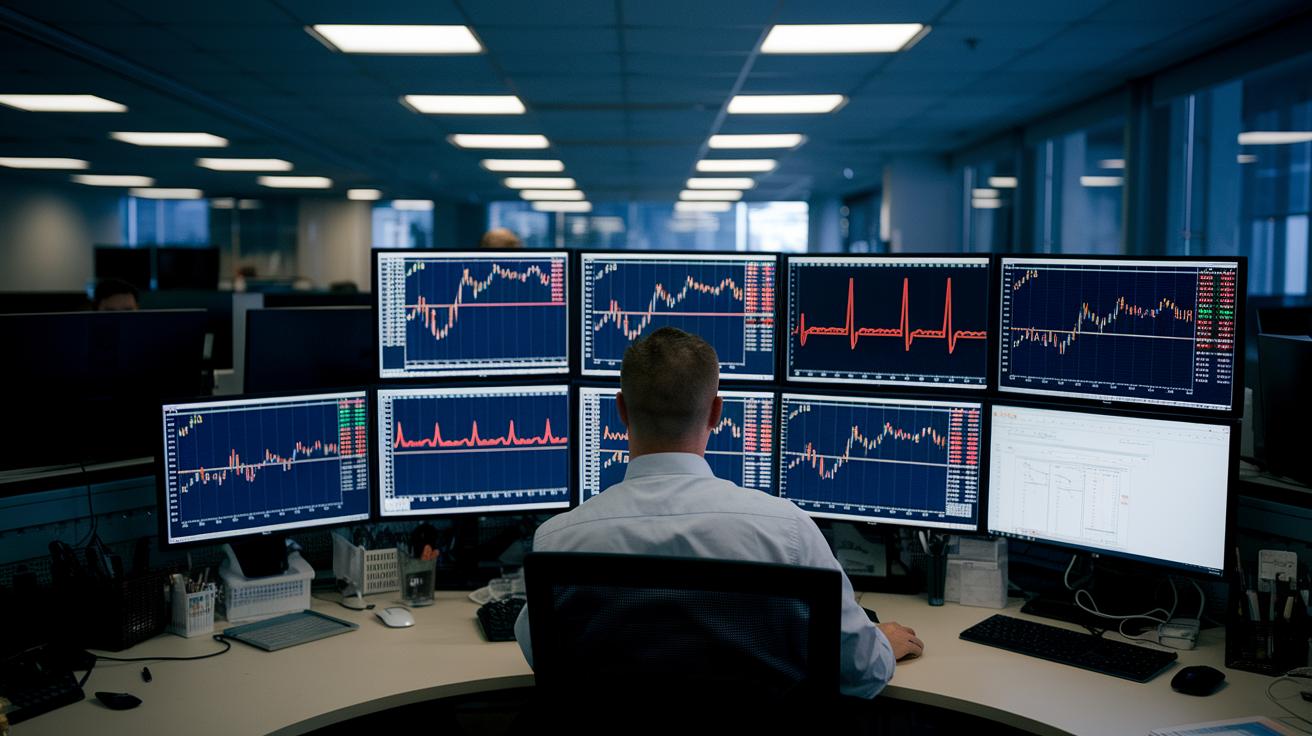
Real-time data streaming is like the heartbeat of your chart analysis tools. TradingView, for instance, gives you updates in less than a second from over 50 global exchanges. This means you see price changes as they happen, capturing even the briefest market moves so you never miss an opportunity.
Backtesting lets you try your strategies against historical chart data. Take TrendSpider, for example, it automates backtesting using up to 10 years of data. MetaStock uses S&P MarketScans for a 30-day review, and TC2000 offers both end-of-day and intraday feeds. This helps you see if your strategy holds up under different market conditions.
Dynamic alerts add even more power to these tools. You can set alerts based on price thresholds, indicator signals, or custom setups. When a set condition is met, you get an instant notification. By combining these live alerts with your backtesting results, you can fine-tune your strategies to better handle market ups and downs. Together, real-time data and historical reviews guide you toward more informed trading decisions.
Platform Compatibility and Pricing Models for Chart Analysis Software
Chart analysis tools work almost anywhere – on the web, on your laptop or desktop, and even on your phone. You can use them right in your browser, install them on your Windows or macOS computer, or access them on iOS and Android devices. This means you can check live data at your desk and catch quick updates on your phone when you’re on the move.
Subscription options vary a lot. For example, TradingView offers a free version along with tiered plans: Pro is $14.95 per month, Pro+ is $29.95 per month, and Premium costs $59.95 per month. TrendSpider’s plans run between $49 and $149 each month. TC2000 comes in three levels too – Silver at $9.99, Gold at $29.99, and Platinum at $59.99 monthly. MetaStock is available for $59 a month or as a one-time fee of $1,695, while Thinkorswim is free if you’re linked to a brokerage account. Many providers even let you try their features for free before you commit. It really comes down to weighing the cost against the benefits – the more advanced tools often cost more, but they might be essential if you trade often.
For advisory firms and professional teams, enterprise licenses usually offer discounted bulk pricing and extra support to meet bigger business needs.
Tutorials and Case Studies for Effective Use of Chart Analysis Software
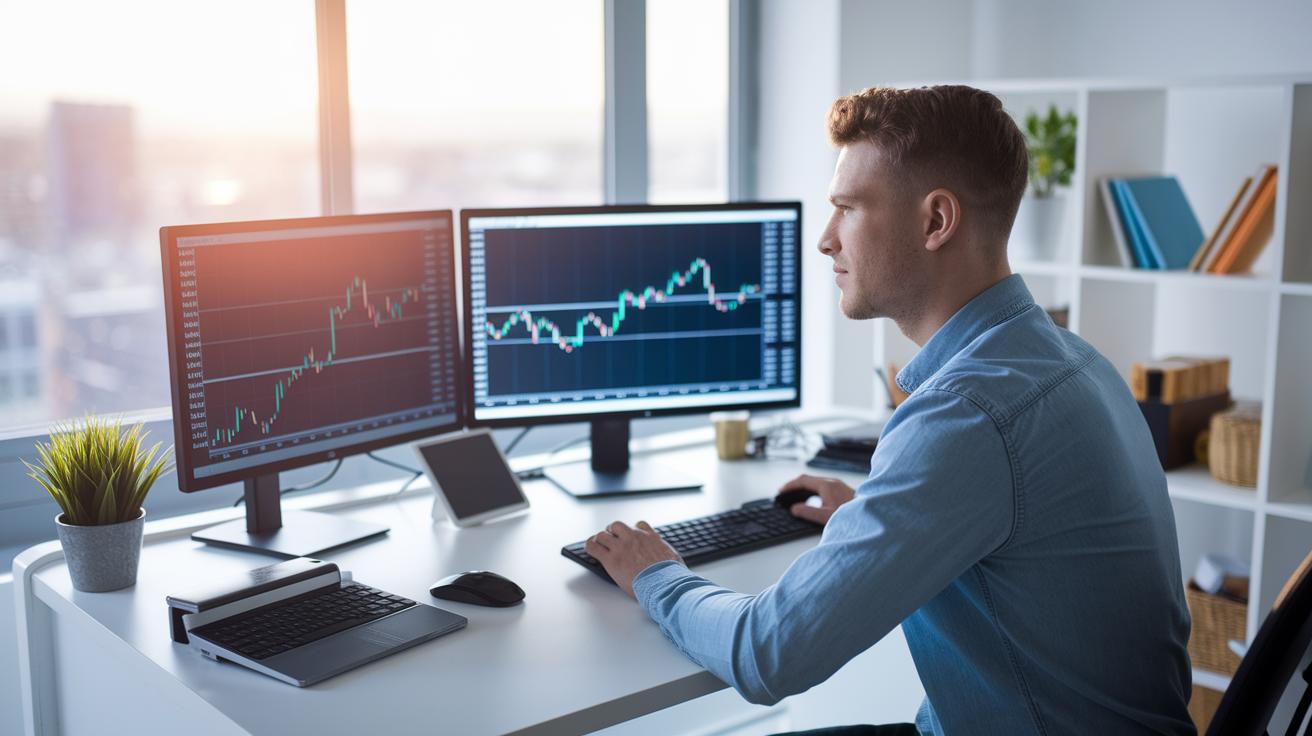
If you want to get good at chart analysis, having solid training tools and a safe practice area is a must. Many platforms offer demo trading sessions, helpful videos, and interactive guides that let you experiment without risking your money. These hands-on setups help you spot technical patterns and feel more confident when watching live market signals.
One day trader using TrendSpider's auto trendline detection saw his signal accuracy jump by 25% in just three months. This shows that smart, automated tools can really boost your performance. Watching trends in real time made it easier for him to adjust quickly to changing market conditions.
TradingView makes it easy to build your own custom layout. Start by choosing a multi-timeframe display and adding three exponential moving averages (tools that show trend strength). Next, set up RSI alerts to warn you when stocks might be overbought or oversold. This simple process turns your layout into a handy dashboard that helps predict stock trends.
Thinkorswim also gives you a risk-free way to practice with its paper-trading environment, where you can test strategies through simulated orders. By using built-in scenario analysis tools alongside advanced stock screener features (check it out here), you can fine-tune your signals before trading with real money. This kind of practice builds confidence and prepares you for the ups and downs of the actual market.
Final Words
In the action, we walked through the core features of chart analysis software for stock trends. We looked at fast real-time data, a wide range of indicators, and smart automated alerts that sharpen trading decisions. The post compared top platforms and explained key technical indicators, testing methods, and pricing setups in a clear, hands-on way. Every section helps build confidence and the know-how to manage risk and catch market moves. Keep exploring, stay informed, and look forward to making those savvy, positive investment moves.
FAQ
Q: What are some free chart analysis and stock analysis tools?
A: Free chart analysis tools for stock trends offer real-time data, a variety of technical indicators, and basic buy/sell signals so traders can study market trends without a paid subscription.
Q: Is there free technical analysis software with buy and sell signals?
A: Free technical analysis software with buy and sell signals provides basic automated alerts and indicator overlays, helping traders make quick decisions during active market hours.
Q: Are Google stock charts available for free?
A: Google stock charts free options include easily accessible web-based charts that display live market data and key indicators, making it simple for users to track stock performance.
Q: Which charting software is considered the best for stocks?
A: The best charting software for stocks typically combines real-time data, advanced pattern recognition, and user-friendly interfaces, offering strong overall functionality for both beginners and experienced traders.
Q: Can ChatGPT analyze stock charts?
A: ChatGPT can offer guidance on interpreting chart patterns and trends, but it does not analyze live stock charts; using dedicated financial tools is recommended for real-time technical analysis.
Q: What is the 7% rule in stock trading?
A: The 7% rule in stock trading generally refers to setting stop losses or profit targets near a 7% change in price, though definitions can vary by trading strategy and context.
Q: Where can I find stock technical analysis PDFs?
A: Stock technical analysis PDFs compile key concepts, indicator explanations, and chart examples, making them useful study guides for those learning market analysis fundamentals.
Q: What does the stock chart price indicate?
A: Stock Charts Price reflects current market activity and trading values, delivering snapshots of price movements that help traders assess market direction.
Q: What are stock chart APIs used for?
A: Stock chart APIs let developers integrate charting functions into custom apps or websites, offering dynamic displays of market data for enhanced trading insights.
Q: What stock trading tools should I consider?
A: Stock trading tools range from basic chart setups with indicators to advanced platforms offering pattern recognition and automated alerts, providing diverse options to suit different trading styles.
Q: What defines stock charting software?
A: Stock charting software creates visual representations of market data, utilizing various chart types and technical analysis to help traders evaluate and time their investments.