
Ever feel bogged down by checking a different app for each investment? A stock portfolio tracker pulls your stocks, ETFs, mutual funds, and even cryptocurrencies into one clear dashboard. It's like having a smart digital notebook that keeps tabs on every detail. With real-time updates and easy-to-read data, these tools help you make smarter choices right when you need to. In a fast-paced world, a reliable tracker boosts your chances of success by giving you the full picture in a snap.
Ultimate Stock Portfolio Tracker Overview
A stock portfolio tracker brings all your investment accounts into one simple dashboard. It lets you see your stocks, ETFs, mutual funds, and even cryptocurrencies all at once. Think of it like a smart, digital notebook that shows you the steady pulse of your investments, so you can keep an eye on market shifts without switching between apps.
Investors use these tools to compare different investments, check how well they’re doing, and see if their portfolios are balanced. Whether you pick a free tracker or a more advanced option, these apps give you key insights by blending real-time tracking with easy-to-read data. Big names in the market include Empower, Snowball Analytics, Stock Analysis, Sharesight, Kubera, M1 Finance, Fidelity, Cova, Ziggma, and Delta. Each one brings a mix of features, like research tools, dividend tracking, multi-currency support, and even crypto asset management.
| Platform | Best For | Key Feature | Price |
|---|---|---|---|
| Empower | Whole-portfolio view | Comprehensive asset management | Free |
| Snowball Analytics | Dividend investors | Dividend tracking and insights | Free/Paid |
| Stock Analysis | Research-oriented users | In-depth market and stock research | Free |
| Kubera | Crypto and alternative assets | Crypto, NFT, and DeFi tracking | $150/yr |
Among these choices, Empower, Snowball Analytics, Stock Analysis, and Kubera shine for different investing needs. They offer reliable data, many integration options, and great features that help you keep track of your portfolio with ease. Have you ever felt the relief of having everything in one place? This is one way investors simplify their lives and feel more on top of their finances.
stock portfolio tracker Maximizes Investment Potential
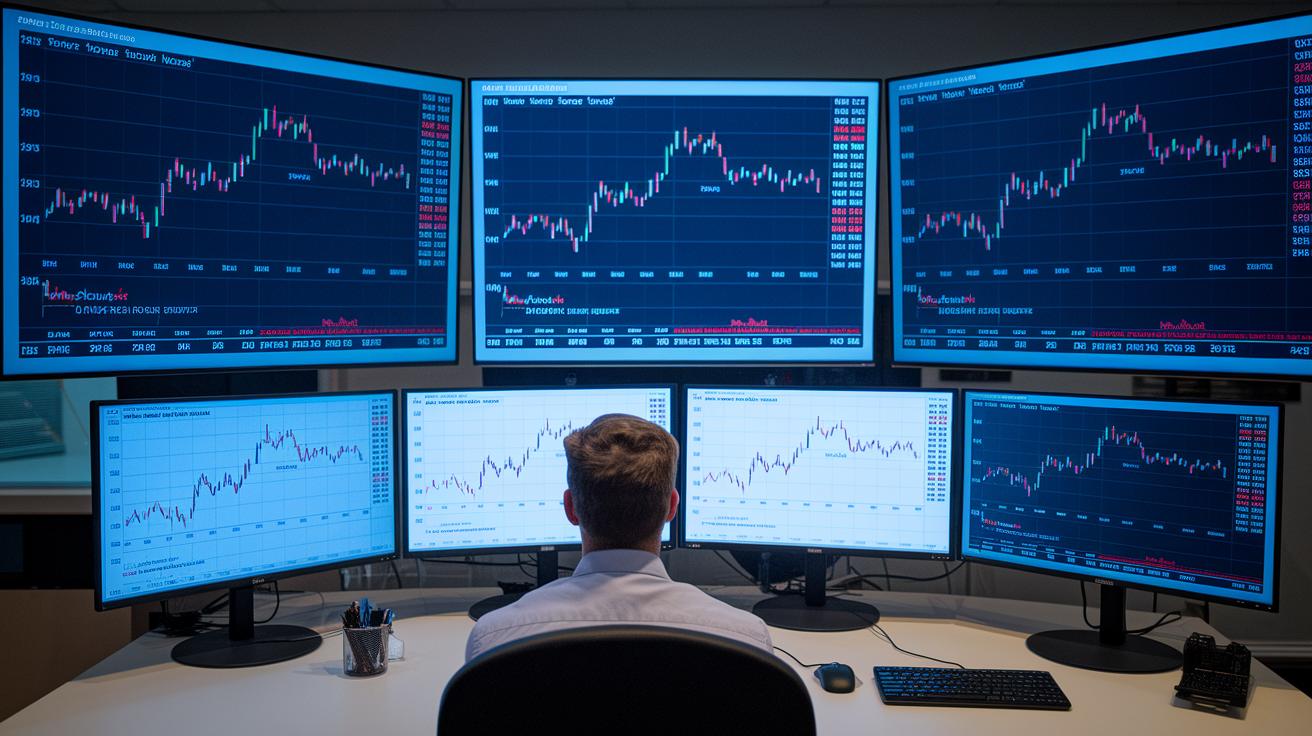
Investors rely on powerful tools to make sense of the market. With a smart portfolio tracker, raw data transforms into clear insights that help you adjust as market trends change. This tool brings together helpful features to manage risk, spot opportunities, and guide your next move. It’s like having a digital friend that not only shows you the numbers but also points out trends and warns you of potential issues.
- Live interactive stock charts that update in real time, so you always see the latest trends.
- An investment analysis tool that turns complex data into simple performance numbers.
- A market data tracker that brings together live feeds from different sources into one clear view.
- A customizable portfolio dashboard that lets you focus on what matters most.
- Real-time alerts that keep you informed about important changes in asset performance and big market events.
- A dynamic rebalancing assistant that gives suggestions on how to evenly spread your investments as market changes occur.
- A portfolio simulator to test different scenarios and see how they might affect your overall strategy.
Matching these features to your own goals is key. When you choose a tracker with easy-to-read charts, fast alerts, and adaptable dashboards, you can react quickly as the market shifts. Whether you’re trading daily or planning for long-term growth, having reliable and clear information behind every decision makes all the difference.
Comparing Free and Premium Stock Portfolio Trackers
Free stock tracking tools like Empower, M1 Finance, and Fidelity give you the basics without charging a dime. They let you watch a variety of assets and keep things simple. Many investors begin with free online tools that update your portfolio automatically and show clear insights into your holdings.
Now, subscription options add extra bells and whistles. For example, Kubera costs about $150 a year, but it also supports crypto, NFTs, and DeFi assets. Plus, you get detailed reports, quicker support, and custom data exports. These extra features can be a big help if you want deeper insights or more responsive service when you’re tracking live market data.
Before switching from a free tool, think about how complex your investments are. Free trackers work great for simple portfolios. But if you’re managing several accounts or need in-depth performance reports, a premium tracker might suit you better. Upgrading makes sense when you need automated updates and extra security in your investment strategy.
Spreadsheet-Based Stock Portfolio Trackers
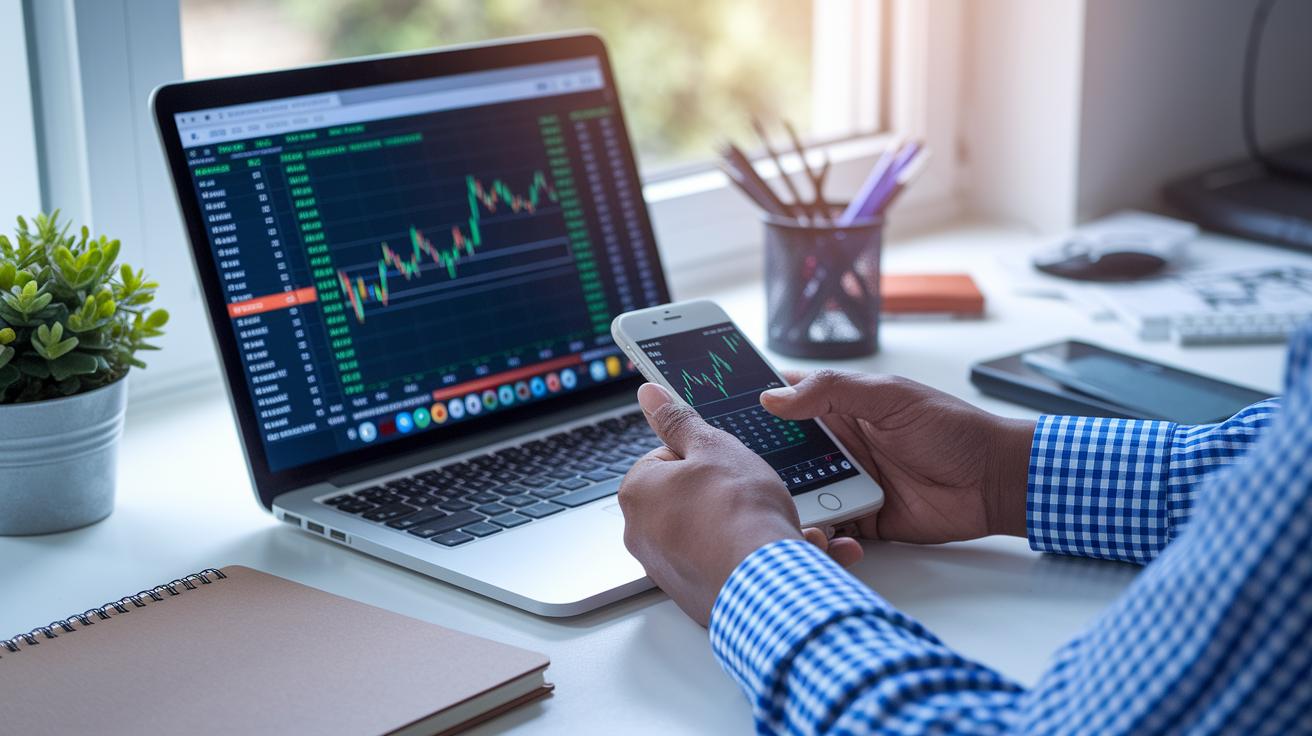
If you like being in full control, using spreadsheets like Google Sheets or Excel for tracking your stocks might be just the ticket. These free tools let you monitor your investments without any monthly fees. In Google Sheets, for example, you can fetch live prices with the GOOGLEFINANCE function. And if you work with Excel, plenty of free templates are available that help you organize transactions, dividends, and performance data.
This hands-on method means you'll enter details like corporate actions and dividends by hand, but that also lets you craft your own formulas to measure things like ROI (how much you earn compared to what you invested) and how your money is spread out across different stocks. Imagine tailoring your tracker just the way you want it. It’s a flexible setup that keeps you right in the driver’s seat.
DIY trackers are perfect if you enjoy making things your own. Sure, they require regular updates and a little extra effort, but many investors find them just as effective as automated platforms. If you don’t mind updating your tracker now and then, you can manage your portfolio with confidence and a personal touch.
Steps to Create Your DIY Google Sheets Portfolio Tracker
- Create an asset list sheet.
- Use GOOGLEFINANCE to pull in live stock prices.
- Enter your buy/sell transactions on a separate tab.
- Set up formulas to calculate your gains, losses, and allocation.
- Build charts to visualize your portfolio’s performance.
Mobile Investment Apps for Real-Time Stock Monitoring
Empower Mobile gives you an all-in-one tool to track your investments right from your phone. Its clear layout shows your net worth and syncs all your accounts so you can see your whole portfolio in one quick glance. It works like having live market updates built right into your device, helping you check on stocks, crypto, and everything in between with ease and confidence.
The M1 Finance app is a great pick for on-the-go portfolio management. It handles automatic rebalancing and even deals with fractional shares, ensuring your data is updated in real time. The app’s simple design makes it enjoyable to review your daily stock performance, and its alert system keeps you informed with timely reminders about key market changes.
Delta stands out as a solid multi-platform asset tracker that covers both crypto and traditional stocks. It offers push alerts to keep you on top of every move and is built to provide a daily performance review of your investments. Its user-friendly layout makes monitoring different types of assets feel straightforward, so you can keep a close eye on your investments anytime, anywhere.
Advanced Analytics and Performance Insights in Stock Portfolio Tracker
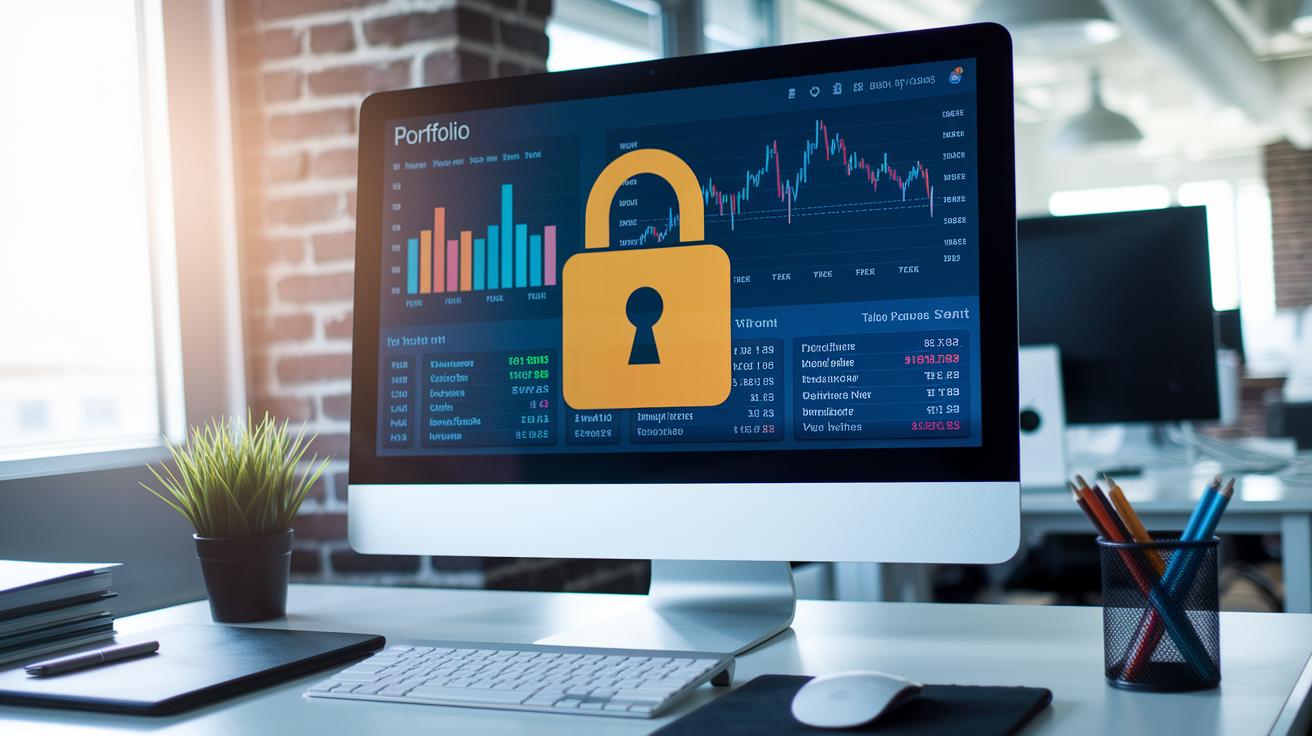
Our advanced portfolio analytics let you see your investments in a clear, friendly way. You get a simple dashboard that shows the health of your portfolio and checks for risks. Tools from TradeWisely.com turn your data into neat charts and graphs, making it easy to catch trends and watch changes over time.
Take a look at the historical charts and what-if simulations. They let you see how your portfolio did during different market moods, almost like rewinding time. By reviewing past data, you can understand how changes in the market affected your holdings, which in turn helps you make smarter trades.
Then, there’s comparative stock analysis. This tool ranks your stocks using clear quality markers and straightforward data. With built-in research filters, you get a close look at key stock details, almost like having a friendly advisor right beside you. This approach lets you adjust your strategy to fit your goals, keeping things on track without unnecessary worries.
Integration, Security, and Pricing of Stock Portfolio Trackers
Stock portfolio trackers use safe, read-only connections to pull data from your bank and brokerage accounts. They let you keep all your financial information in one spot. And because these tools operate in the cloud, you can see the latest updates on both your computer and mobile device. Imagine checking live figures without worry, it's a stress-free way to stay on top of your investments.
Security is a top priority here. These platforms use encryption (a way to scramble your data so only you can read it) both when the data is moving and while it's stored in the cloud. This means your information stays safe, no matter where you are. Plus, you can export your details to CSV or PDF files if you need to save or share them later.
There are options for every kind of investor. Many free trackers offer solid basic security and essential tracking features. If you need a bit more, premium versions come with additional perks like single sign-on (a single login for multiple apps) and extra compliance measures. They also tend to provide deeper data export options for more detailed reports, making them a great choice if you’re after top-grade security and advanced integration with your financial tools.
Frequently Asked Questions About Stock Portfolio Tracker

Q: What should I do if my portfolio tracker fails to update with live data?
If your tracker stops showing live updates, first check your internet connection. Next, try refreshing or reopening the app. For example, if you see a message like "Error: Data Unavailable," closing and reopening might help. If it still doesn’t work, think about reinstalling the tracker or checking if a recent update is causing issues.
Q: What are the key security measures for protecting my financial data within a tracker?
When picking a tracker, look for features like two-factor authentication (2FA, an extra step to confirm your identity) and regular security checks. These measures help keep your account safe from unauthorized access. For instance, enabling 2FA when you set up your account adds another layer of protection for your portfolio information.
Q: Are there any lesser-known features that could improve my investment analysis?
Some platforms hide extra tools designed to enhance your investment analysis. You might find advanced risk analysis tools, simulation features for testing trades, or alerts that notify you of unusual market activity. It’s worth exploring the settings or additional modules to see if these hidden gems can provide more insight into market trends.
Q: How do I resolve syncing issues when I use multiple devices for tracking?
If you have trouble syncing across different devices, make sure each one is running the latest version of the app. Also, check that your account settings are the same everywhere. A quick fix is to sign out and then sign back in to re-establish a secure connection.
Final Words
In the action, we explored how various stock portfolio trackers help investors manage assets, compare features, and secure their data. We broke down essential elements, from real-time updates and interactive charts to mobile apps and spreadsheet options. Each section aimed to clear up the differences between free and premium offerings while highlighting risk management and analytical insights. With these insights, even a beginner or active trader can build a reliable stock portfolio tracker to support smart, informed decisions moving ahead.
FAQ
Frequently Asked Questions
What is the best stock portfolio tracker?
The best stock portfolio tracker provides an all-in-one view of investments with accurate data and useful analysis tools. The ideal choice depends on your needs, whether for dividends, crypto, or detailed analytics.
How do I track all my investments in one place?
Tracking all investments in one place means using a consolidated portfolio tracker that syncs multiple accounts, offers live updates, and provides an intuitive dashboard for real-time performance insights.
What types of portfolio trackers exist?
Portfolio trackers come in many forms, including free apps, Excel templates, open-source versions on GitHub, and community-recommended tools on Reddit, each designed to capture your real-time stock data.
How do I log in to My Stocks Portfolio account?
Logging into My Stocks Portfolio involves visiting the official website and entering your secure credentials to access services like real-time data and personalized market alerts.
What is the 7% rule in stocks?
The 7% rule in stocks suggests aiming for a 7% annual return on your investments. This rule serves as a rough guideline to help set performance expectations when evaluating portfolio performance.
What is the 7 stock portfolio?
The 7 stock portfolio refers to an investment strategy that focuses on balancing risk by selecting seven diversified stocks, creating a simple and manageable approach to building your portfolio.
Which popular platforms offer real-time stock tracking and alerts?
Popular platforms like Yahoo! Finance, MSN Money, Investing.com, and Robinhood deliver real-time updates, intuitive tracking dashboards, and alert systems that help investors stay informed on market movements.