
Ever feel lost in a sea of stock options? It’s like trying to find a clear path in a busy city. Imagine having a tool that shows you simple key numbers and trends, guiding you like a trusted map for your investments.
In this post, we explore some of the best stock screener websites. These sites are easy to use and give you honest data, whether you are just starting out or have been trading for years. They cut through the clutter with clear details and smart filters so you can pick stocks with confidence.
Top Stock Screener Websites: Winning Investment Picks
Koyfin really stands out by offering over 500 different metrics, covering everything from a company’s basic data to detailed technical stats, past performance, and analyst expectations. It even lets you create your own formulas, for example, you can easily calculate 3-, 5-, or 10-year averages. This means you can track trends with minimal fuss. Imagine being able to set up screens that show you historical valuation multiples, giving you a clear picture of market trends.
TIKR is a great option if you’re looking for broad, global data without breaking the bank. It gives you access to information from more than 15 international markets. It’s perfect for anyone who needs reliable equity research without spending a fortune. Then there’s Fiscal.ai, which mixes old-fashioned filters with innovative AI scoring. This blend offers fresh and dynamic insights, ideal for those ready to try out new ways of analyzing data.
If you need fast, pattern-based screening, Finviz is your go-to. It offers a wide range of filters, including some rare ones like IPO dates and the number of outstanding shares. On the other hand, TradingView offers global asset screening with powerful charting features. It’s especially handy for technical analysts who want to see real-time data mixed with charts that you can tailor to your needs.
Yahoo Finance is a solid pick for beginners. Its clean layout and extensive filter options make it easy to find sustainable stocks, ETFs, and mutual funds. Zacks stands out with its unique Rank system to spotlight top investment choices, while Seeking Alpha combines numbers with community opinions, giving you a mix of expert and crowd-sourced views.
Each platform brings something unique to the table, whether it’s detailed metrics, technical analysis, user-friendly interfaces, or even AI-enhanced filters. No matter your investment style, there’s a top-notch stock screener website out there that fits your needs.
Stock Screener Feature Comparison
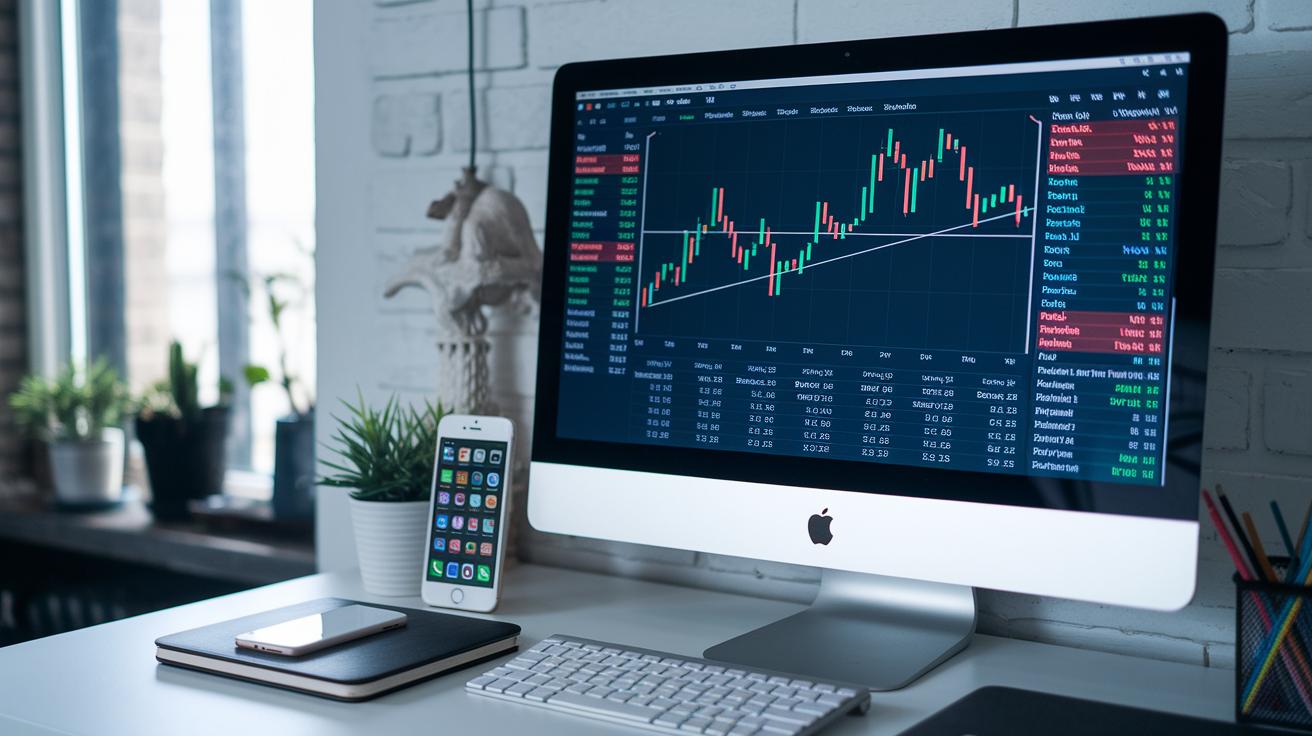
When you’re picking a stock screener, you want a tool that is both simple and packed with useful details. Investors look for software that shows lots of numbers and lets you tweak settings to suit your style. For example, Koyfin lets you create your own tests, like calculating averages over 3, 5, or 10 years, and even shows percentile ranks (a way to quickly see how one company stacks up against others). Have you ever dreamed of a screen that instantly spots companies with strong returns over the last decade?
Take a look at the table below. It lays out each platform based on the number of metrics they offer, whether you can use custom formulas, the unique filters provided, and the overall range of data available. This side-by-side view helps you see which tool might be best for your investing approach.
| Platform | Metrics Count | Custom Formulas | Unique Filters | Data Coverage |
|---|---|---|---|---|
| Koyfin | 500+ | Yes (3-, 5-, 10-year averages) | Percentile Ranks | Global, detailed |
| TIKR | Wide | No | 15+ Global Markets | International data |
| Fiscal.ai | Robust | No | AI-driven scoring | Comprehensive filters |
| Finviz | Extensive | No | IPO date, Shares Outstanding | Technicals focused |
| TradingView | Substantial | No | Forex and Crypto | Global assets |
| Yahoo Finance | Diverse | No | ETF, Mutual, Futures, Sustainability | Multi-asset |
| Zacks | Moderate | No | Proprietary Ranking | Selective fundamentals |
| Seeking Alpha | Insightful | No | Sentiment, Community Metrics | Mixed sources |
As you can see, every tool is made with different investor needs in mind. Fiscal.ai, for example, mixes traditional screening methods with smart AI insights so that even tough evaluations become easier. Meanwhile, Finviz gives you the power to search based on special details like IPO dates and how many shares a company has available. Whether you need extra custom numbers or a big-picture view across assets, these platforms offer smart choices that match a range of investing styles.
Pricing Structures of Top Stock Screeners
Have you ever wondered how various stock screeners set their pricing? Many platforms start by offering free basic accounts so you can test the waters. For example, Stock Analysis lets you screen stocks for free. But if you want a closer look, like accessing a ten-year financial history to really understand a company’s performance, you can upgrade for about $6.58 a month (billed annually). This gives you a chance to see if the free version meets your needs or if the extra features in the Pro plan are worth the small extra cost. Interestingly, some investors switched to the Pro plan because that extended financial timeline changed how they viewed a stock’s long-term potential.
Then there’s Finviz, which offers a free plan that covers the basics using both fundamental and technical filters. If you need more, their paid plans provide real-time quotes and advanced charts for a clearer market view. TradingView follows a similar route: a free plan is available, but if you want features like extra alerts and detailed data, you can opt for a paid tier ranging from $14.95 to $59.95 a month. Meanwhile, TIKR works on an annual fee model, and Fiscal.ai offers different subscription levels that include smart AI features.
| Platform | Pricing/Features |
|---|---|
| Finviz | Free tier offers basic filters; paid plans give real-time quotes and advanced charts |
| TradingView | Free plan available; paid tiers ($14.95 to $59.95/month) add extra alerts and deeper data |
| TIKR | Operates with an annual fee pricing model |
| Fiscal.ai | Offers tiered subscriptions with innovative AI enhancements |
Strengths and Weaknesses of Leading Stock Screeners

Finviz moves fast when filtering stock patterns, but the layout can feel a bit cluttered for beginners. One trader mentioned, "I can quickly catch trends on Finviz, but the busy layout took some getting used to."
Yahoo Finance gives you a neat overview of various asset classes. However, if you want more detailed filter options, it may not cut it. A user noted, "I enjoy browsing Yahoo Finance, but I wish there were more options to customize my filters."
TradingView offers a friendly dashboard loaded with advanced technical tools, perfect for those who love diving deep into analysis. But most of these neat features come with a paid plan, which might stretch some budgets. A trader shared, "The basic view on TradingView works fine, but I’d love the extra tools without having to pay more."
Koyfin packs extensive metrics and lets you create your own formulas for detailed analysis. That said, newcomers might find it a bit challenging to learn at first. One new user observed, "Koyfin has amazing tools, but learning to use them well took a while."
TIKR provides solid, reliable global data that many traders count on. Yet, its charting tools are simple compared to what you might see elsewhere. One trader reflected, "TIKR has the global info I need, but the basic charts can be a bit limiting at times."
Zacks uses a proprietary Rank system to deliver clear signals in a straightforward design. Still, if you like customizing filters, you might find the options a bit limited. An investor mentioned, "Zacks is simple and clear, but I wish there were more customization options."
Fiscal.ai brings fresh AI scoring techniques that add an innovative twist, especially for tech-savvy users. However, if you’re focused solely on basic fundamentals, it might not fully meet your needs. One user commented, "Fiscal.ai’s AI scoring is interesting, but it feels a bit off if you focus only on core fundamentals."
Stock Screener User Experience Insights
These stock screeners work great because they’re so easy to use. Take Yahoo Finance, for example. It has a neat layout and friendly hints that pop up as you explore. You might notice a tip when you hover over a filter, making it a snap to understand data.
TradingView goes even further. It offers customizable chart widgets and simple watchlists, so you can set things up just the way you like. Imagine arranging your tools to tell your own investment story, it really makes a difference.
Then there’s StockFetcher, which comes loaded with over 125 indicators. That’s plenty to choose from, and it might feel a bit much if you’re new to this. On the flip side, Stock Analysis keeps things simple with clear, short tips that guide you along without any fuss.
Finviz is handy if you want to save your settings after signing up, although it might take a little while to get the hang of its layout. And Koyfin nicely mixes screening with other useful tools like watchlists, earnings calendars, and even custom news feeds.
| Platform | Key Feature |
|---|---|
| Yahoo Finance | Clean interface with handy tooltips |
| TradingView | Customizable charts and easy-to-use watchlists |
| Finviz | Option to save presets, though it takes some time to master |
Each platform is designed to make your research interactive and friendly. Isn’t it great when your tools work just the way you need them?
Choosing the Right Stock Screener for Your Strategy

Identify Your Screening Objectives
Think about what you really need from a stock screener that fits your investment style. If you’re watching long-term trends, a tool like Koyfin, with its custom formulas and percentile ranks, might be just what you need. For example, if you’re tracking trends, you could set a filter for a 5-year average ROIC to pick out companies that have shown steady profits. And if you’re more into number crunching with models, Fiscal.ai’s AI insights might light that extra spark.
Evaluate Data Customization
Take a close look at how you can adjust the filters to meet your specific needs. Check if the platform lets you tweak detailed metrics, like building custom scores or mixing different criteria. Imagine setting a rule that finds stocks above an 80 percentile rank for growth, having that kind of control can really fine-tune your strategy.
Balance Cost with Required Features
Weigh whether a free option does the trick or if upgrading to a paid version makes sense for you. For example, if you’re a day trader, you might find Finviz’s quick scans just fine. On the other hand, if you’re focused on value investing, you might lean toward Stock Analysis’s Pro plan, which offers a longer history of data.
Test User Interface and Support
Before settling in, give the platform a spin to see how easy it is to use and check out the support options. An intuitive tool can really save you time, and a helpful support section can ease your mind, especially when the market is shifting.
Advanced Stock Screening and Real-Time Analysis Tools
Koyfin gives you live comparisons and lets you track trends for up to 10 years. It’s like having a tool that shows how a company stacks up against others all the time. You can set a screen to update as soon as new market data comes in. One user shared, “I set my filter to pick stocks above the 80 percentile on a 5-year average,” which means they focus on companies that perform better than most over a five-year period.
TradingView works nonstop to refresh market data from around the world. Its chart tools update live so you can watch the market change in real time, almost like seeing the soft hum of trading screens as they light up. Fiscal.ai takes it further by using artificial intelligence to predict future moves and run tests on past data. Think of it as a friendly forecast tool that helps you adjust your strategies based on what really happened before.
Finviz Elite offers streaming quotes and handy hotkeys that let you switch things up quickly. Meanwhile, TIKR keeps its global data fresh with daily updates and simple charts that make analysis a breeze. Then there’s Zacks and Seeking Alpha Pro, which provide live updates on rank changes along with shifts in community sentiment. These tools add another layer of quick, in-the-moment market insights.
Final Words
In the action, we broke down core features across eight leading stock screeners. We covered essential factors like metrics, pricing, pros, and cons. Each section offers clear insights into what works best for various trading strategies. Testing the interface and weighing cost against desired features makes a big difference. Rely on these top stock screener websites to fine-tune your strategy and boost confidence in your decisions. Enjoy the process of fine-tuning your approach and embracing new market insights.
FAQ
Frequently Asked Questions
What are some top stock screener websites recommended?
The top stock screeners include Finviz, Yahoo Finance, TradingView, and Morningstar. They offer free and paid options, advanced filters, and user-friendly interfaces that cater to various investment styles.
What is the best stock screener website?
The best stock screener website depends on your needs. Many investors choose Finviz for quick pattern analysis, while others prefer TradingView or Yahoo Finance for broader asset coverage and intuitive tools.
What is the 7% rule in stocks?
The 7% rule in stocks is a guideline where investors aim for a 7% annual return. It serves as one of many benchmarks, though interpretations can vary among market analysts.
Who is the most accurate stock picker?
The most accurate stock picker is subjective; many traders trust tools like Zacks Rank and expert platforms. Accuracy varies based on individual strategies and market conditions.
What’s better than Finviz?
What’s better than Finviz depends on personal needs. Some traders favor TradingView for its integrated charts, while others appreciate Yahoo Finance for its wide range of asset screening features.
Which stock screeners work best for day trading?
Stock screeners best for day trading include Finviz for fast pattern analysis and TradingView for real-time charting, offering rapid insights suited for quick market moves.