
From our latest video we've distilled the most essential wallet security advice from recent months into a short checklist you can use today. Start by checking every URL — scammers will often tweak just one character to impersonate a legitimate site. Don’t click or interact with random NFTs that suddenly appear in your wallet; they can be malicious or used as bait. When sending funds to an unfamiliar address, always send a small test amount first to confirm it reaches the right recipient. Above all, ignore token‑doubling schemes promising outsized returns. For extra protection, use a hardware wallet for larger holdings and keep backups of recovery phrases offline.
Essential Wallet Security: Quick Tips from Our Video
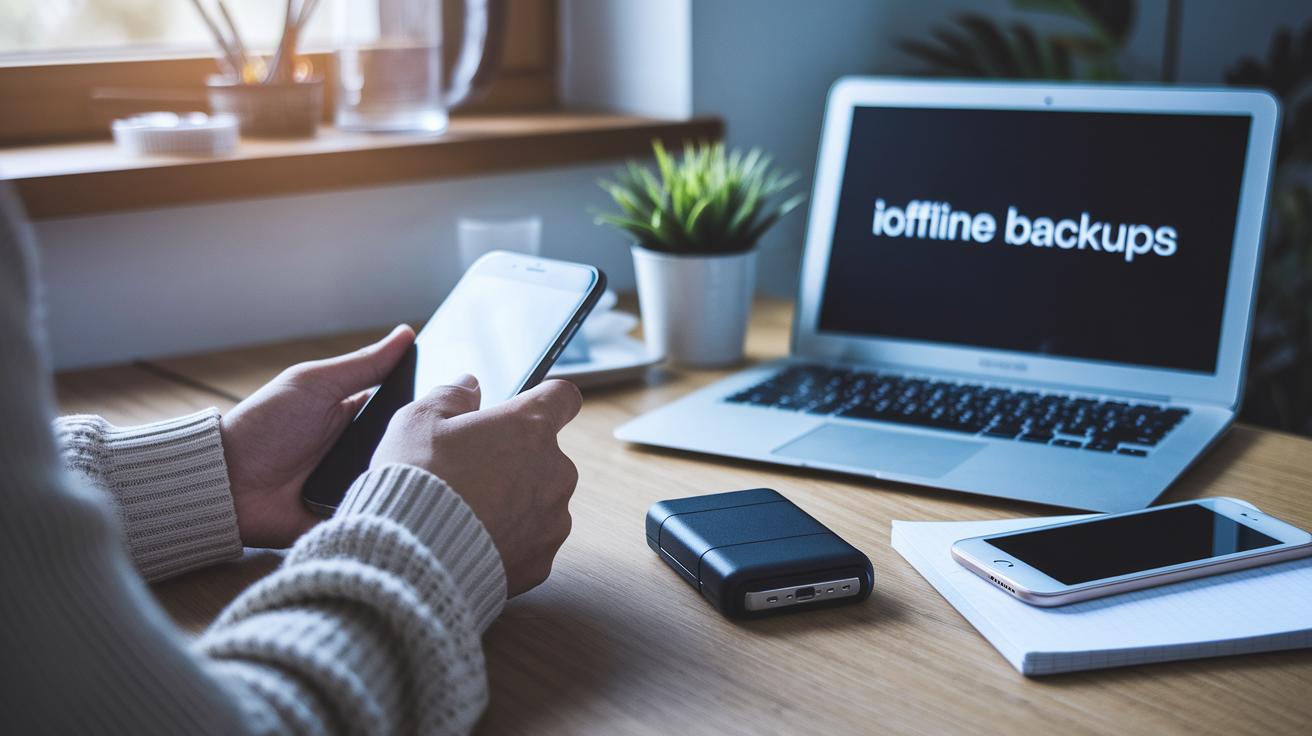
From our latest video we've distilled the most essential wallet security advice from recent months into a short checklist you can use today. Start by checking every URL , scammers will often tweak just one character to impersonate a legitimate site. Don’t click or interact with random NFTs that suddenly appear in your wallet; they can be malicious or used as bait. When sending funds to an unfamiliar address, always send a small test amount first to confirm it reaches the right recipient. Above all, ignore token‑doubling schemes promising outsized returns. For extra protection, use a hardware wallet for larger holdings and keep backups of recovery phrases offline.
Video Subtitles Now in 8 Languages

To make the content more accessible we’ve added subtitles in eight additional languages to the YouTube video so viewers worldwide can follow the advice step‑by‑step. Subtitles are valuable if you’re watching in a noisy environment, prefer reading along, or want to confirm technical details like contract addresses and transaction steps. On YouTube you can toggle captions with the CC button and change languages in the settings gear. Share the video with local communities or translation groups to help non‑English speakers avoid scams. If you spot errors or confusing phrasing in a caption, send feedback so we can improve clarity , accurate instructions save wallets.
Keep Your Wallet Updated & Report Scams Through Sui
Security isn’t a one‑and‑done task; keep your wallet software and browser extensions up to date to receive important patches and defenses against new threats. Only download wallets or updates from official websites or verified app stores and avoid unofficial builds. Never share your recovery phrase or paste it into websites or chat. Make routine backups of critical data and consider moving significant balances to a hardware wallet. If you encounter a suspicious contract, phishing page, or an attempted scam, report it through Sui’s official reporting channels with transaction hashes, addresses and screenshots to speed investigation. Quick reporting helps protect the community and can limit losses.