
Too many people are losing accounts to social engineering and SIM swaps. Here’s a concise, practical checklist to lock down your online life: use offline authenticator apps (Google Authenticator or alternatives that don’t sync to the cloud), deploy a physical 2FA key such as a YubiKey 5 FIPS (one for personal and a second for business), pick a secure email provider with 2FA like ProtonMail (you can also secure Google accounts with a YubiKey), choose a phone provider that supports account security PINs and strong login passwords (consider efani where available), and keep credentials in a password manager or a secure notebook (Bitwarden is recommended). Apply the same protections to banking and crypto.
Essential Account Security Checklist: 2FA, YubiKeys, Email & Password Best Practices
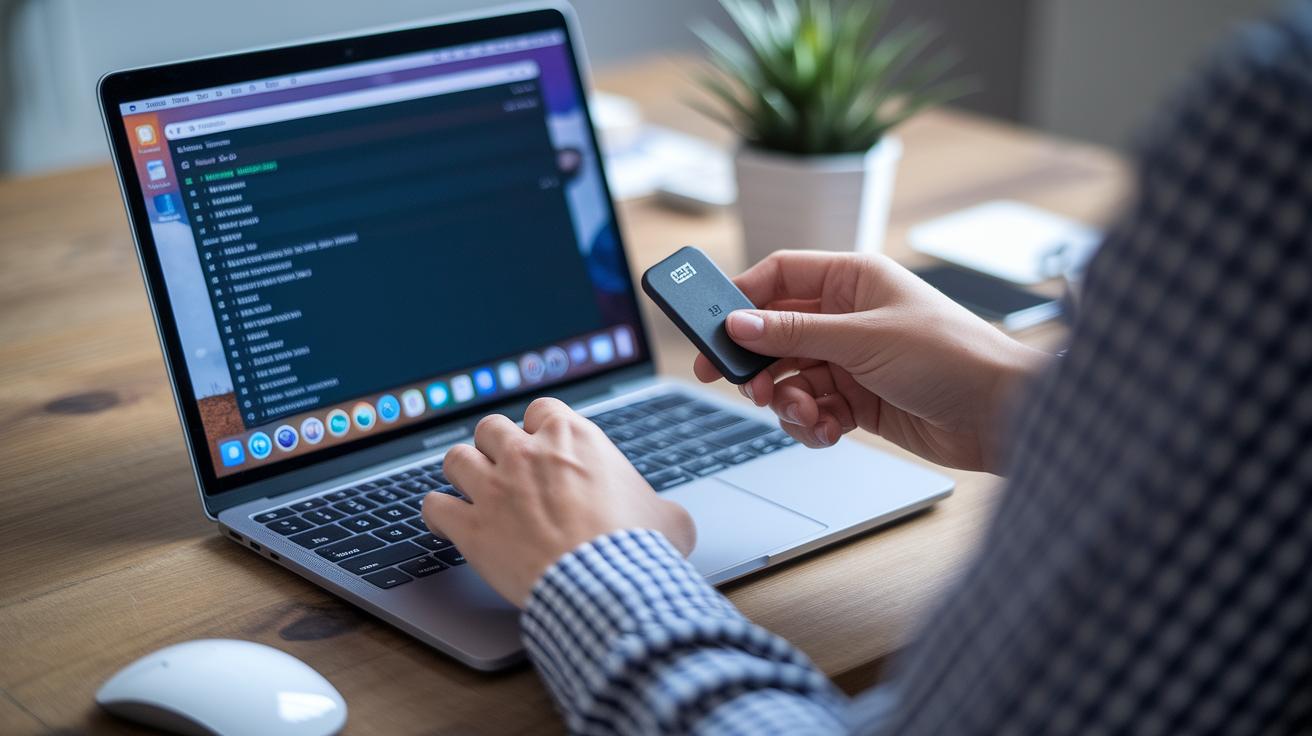
Too many people are losing accounts to social engineering and SIM swaps. Here’s a concise, practical checklist to lock down your online life: use offline authenticator apps (Google Authenticator or alternatives that don’t sync to the cloud), deploy a physical 2FA key such as a YubiKey 5 FIPS (one for personal and a second for business), pick a secure email provider with 2FA like ProtonMail (you can also secure Google accounts with a YubiKey), choose a phone provider that supports account security PINs and strong login passwords (consider efani where available), and keep credentials in a password manager or a secure notebook (Bitwarden is recommended). Apply the same protections to banking and crypto.
Split Personal and Business: Why Two Secured SIMs Matter

If you run a business or have a public profile, treat your phone number like a high-value credential. Use two separate SIMs and devices, one strictly personal, one strictly business, to reduce the blast radius of a SIM swap or compromised device. The personal SIM should live on a different phone with a different number; the business SIM should be on a locked, security-hardened device with additional protections such as account PINs, port freezes, and multi-factor authentication tied to physical keys. Keep backup codes offline, register recovery contacts, and document a recovery plan for team members. Segregation limits attackers' access to emails, payment services and social accounts.
Harden Your Devices and Networks: Antivirus, Updates and Password Management
Many attacks begin on compromised devices or networks. Use reputable antivirus and endpoint protection, keep operating systems and apps patched, and avoid downloading fake updates or attachments from unknown senders. Use a secure home Wi‑Fi with strong passwords and WPA3 where possible; when on public Wi‑Fi, route traffic through a trustworthy VPN. Turn off Bluetooth and NFC when not in use to prevent local exploits. Employ a password manager like Bitwarden for unique, complex credentials and store recovery keys offline. Separate admin accounts from daily accounts, maintain encrypted backups, and practice cautious behavior, security is as much habit as technology.