
Ever wondered if your charting software could guide your next trade? Technical analysis software takes market data and turns it into clear signals. It helps you see when prices hit a high or dip low and highlights important shifts. Both day traders and swing traders rely on these speedy insights when every second counts.
In this post, we'll explore popular platforms that offer simple, easy-to-read visuals. Imagine sitting in front of a screen filled with the steady pulse of market activity, watching clear trend signals guide your choices. Let’s dive in and see how these insights can shape your trading decisions in a whole new way.
technical analysis charting software: Powerful Trend Signals
Technical analysis helps you read price changes and figure out when to buy or sell. It takes the numbers you see in the market and turns them into clear charts that highlight trends. Many traders love using charting software like TradingView because it offers a wide range of tools and community-built indicators. This way, traders can easily spot highs, lows, and potential reversals in the market.
For active day traders, having real-time charts is a must. Even a few seconds of delay can change the game. Live data lets them catch quick market moves, while those with a more relaxed swing trading style might be fine with slightly delayed feeds. If you’re just starting out, free tools like Finviz can give you a great, budget-friendly introduction to charting. They let you overlay technical indicators, draw trendlines, and compare price models to help you spot actionable signals.
Good trading decisions come from reliable indicators. Charting software makes it simple to analyze price structures, watch trend channels, and detect pivot points clearly. Whether you’re using advanced customizable tools or beginning with free options, these charts are like a visual guide to the market's rhythm. Have you ever felt the smooth flow of data guiding you through your trades? It really makes a difference.
Top Technical Analysis Charting Software Platforms Compared

When choosing a charting tool, traders want clear, easy-to-understand features that help guide their market choices. Many platforms mix eye-catching visuals with solid data analysis. For example, TradingView is popular with its huge community and a library of over 100,000 indicators that help spot trends fast. TrendSpider uses smart computer help, or AI, to pick out trendlines automatically, making tricky charts less overwhelming. If you like testing your ideas with past data, StockCharts offers a free plan that lets you export charts and dive into historical info. Finviz, around since 2007, has a simple design for quick chart searches, and its Elite plan brings extra perks like heatmaps and more detailed data. And then there’s thinkorswim, a long-time favorite among active traders because it gives free technical tools on desktop, web, and mobile, even if its look feels a bit old.
| Platform | Key Strengths | Pricing/Tier |
|---|---|---|
| TradingView | 30M monthly users, 100,000+ indicators, social trading | Free tier & paid plans |
| TrendSpider | AI-driven analysis, 220+ built-in indicators, automated trendlines | Basic and Premium subscriptions |
| StockCharts | Free chart exporting, extensive historical datasets for backtesting | Free Basic & paid plans |
| Finviz | Simple interface, quick chart lookups; Elite upgrades unlock heatmaps | Free & Elite subscription |
| thinkorswim | Accessible on desktop, web, mobile; free technical tools | Free for TD Ameritrade clients |
Looking at these options side by side, it’s clear that each platform suits different needs. TradingView and TrendSpider stand out if custom options and smart analysis matter most. StockCharts and Finviz are good if you prefer straightforward charting with essential details. And if you’re loyal to broker solutions, thinkorswim is a solid pick that offers robust tools without extra fees. This comparison can help you figure out which features matter most to you, whether it’s advanced, AI-powered capabilities or simple, accessible tools that fit your trading style and budget.
Key Technical Indicators in Charting Software
Charting platforms pack in a host of built-in tools that help you see what’s really happening under the price. Most systems come with about 50 to 150 indicators, which makes it super easy to keep track of little shifts in market momentum. These tools include automatic candlestick pattern detection, so you can quickly notice common setups like Doji, Engulfing, or Hammer in real time.
Advanced tools also scan your charts for familiar patterns such as Head & Shoulders, Triangles, and Flags/Pennants. Plus, market signal generators alert you when key levels are hit, turning raw data into clear, actionable clues.
Here are some common indicators you might find:
- Moving Averages
- RSI (a tool that shows if prices may be too high or too low)
- MACD (helps spot changes in trends)
- Bollinger Bands (measures how much prices are moving)
- Doji detection
- Head & Shoulders
- Triangles & Flags
Many platforms also offer volume-based indicators to give you extra insight into price moves. This means you get a better sense of market activity by mixing price and volume analysis. Learn more about volume analysis in technical analysis at https://nftcellar.net?p=2277.
With these essential tools at hand, you can more confidently spot trends and know when a change might be coming, making technical analysis a trusted buddy in your trading decisions.
Customization and Integration Capabilities in Charting Software
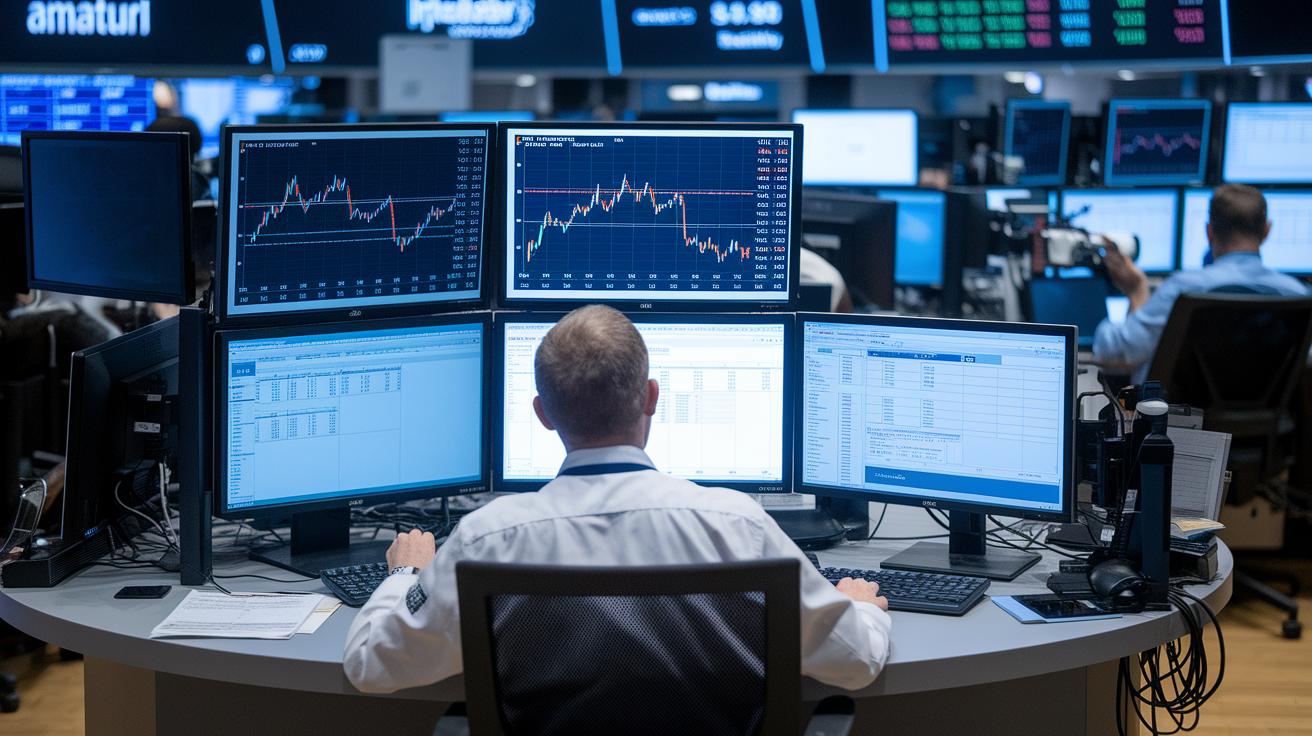
Many charting tools let you design your view just the way you like it. Platforms like TradingView and TrendSpider let you use custom scripts, such as Pine Script (a simple way to create your own trading rules), and add third-party plugins so your charts match your trading style perfectly. This built-in flexibility means you can tweak your charts to highlight what matters most to you.
Some platforms even have API integrations that let you execute trades with a single click directly from your charts. This makes reacting to fast market changes quick and simple, almost like having a steady pulse on the action.
There are also expert tools that bring extra insights. For example, backtesting engines help you review how past strategies would have fared; watchlist syncing keeps your favorite stocks in clear view; and custom alert systems give you a heads-up when key changes occur. Plus, cross-market studies let you overlay data from Forex, Crypto, and Equity markets so you see the whole picture at once.
With these handy features built in, you can create a smooth workflow that turns technical analysis into smart, real-time trading decisions.
Pricing Tiers and Trial Options for Charting Software
TradingView now puts all its pricing details in one clear place. They offer a free tier along with a Pro plan for $14.95 a month, a Pro+ for $29.95, and a Premium plan priced at $59.95 each month.
TrendSpider fits right in too. It shows a Basic subscription for $33 a month and a Premium option for $77. Plus, if you choose an annual plan, you get a 7-day trial to test it out. StockCharts is also part of this mix with a free Basic plan and paid plans starting at $14.95 up to $59.95 monthly. Think of these options like picking the right tool from your toolkit, each one adds extra features to help you improve your charting game.
Finviz Elite is on the list as well, offering real-time data for just $39.50 a month when billed annually. And if you’re a TD Ameritrade client, thinkorswim comes free with a strong set of charting tools, letting you get all the benefits without extra fees.
All of this gives you a simple summary of pricing plans and trial options. It cuts out all the extra details so you can easily compare monthly costs and trial offers to choose the charting software that best fits your needs.
Getting Started with Technical Analysis Charting Software
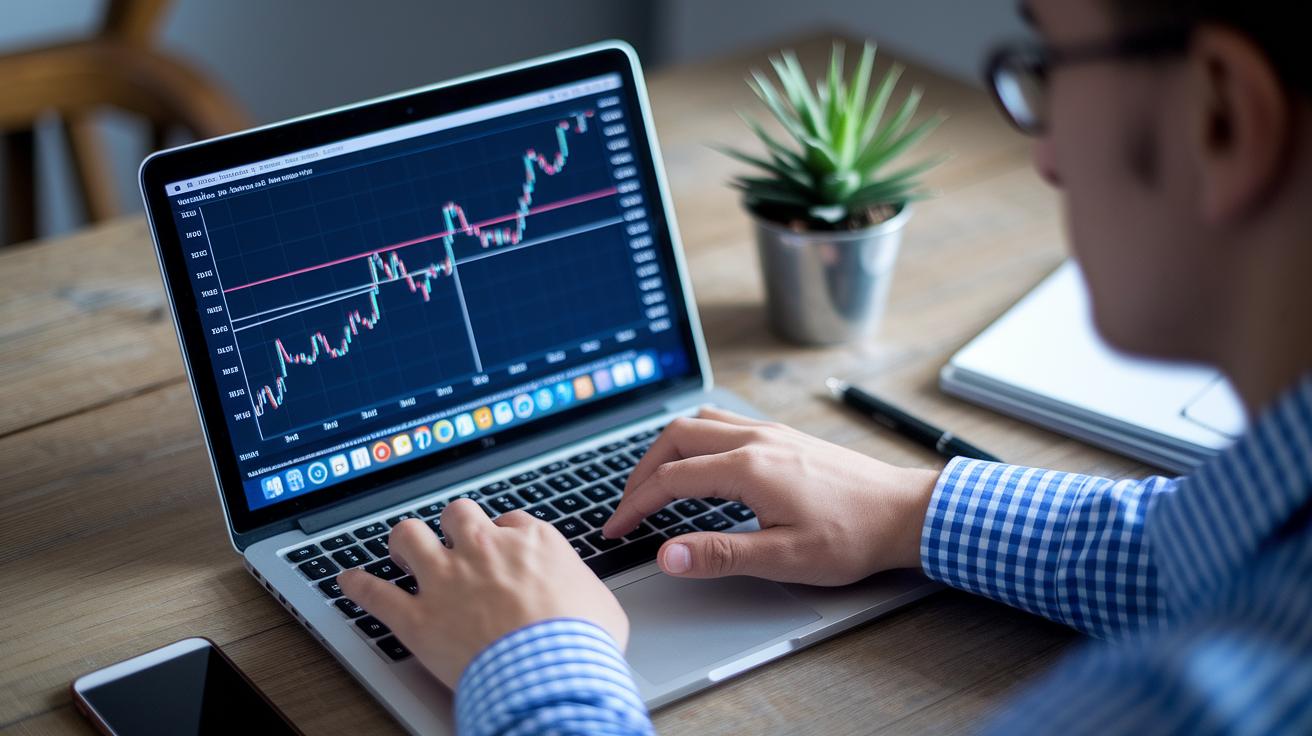
If you're just starting out, you can jump right in by checking out the built-in interactive tutorials and guided walks. They make it easy to learn the ropes without feeling lost. Many tools even offer sample workspaces so you can try out technical analysis ideas at your own pace. Pre-built templates like Moving Average Crossover or RSI Oversold setups show you firsthand how signals are created in real time. This hands-on style is really helpful if you're new and want to understand chart patterns and trend signals. You can experiment with drawing trendlines, spotting key support and resistance levels, and tracking price movements.
You can also use demo or paper-trading accounts to test out trade strategies without any risk. Portfolio chart modules let you keep an eye on your holdings, so you can easily compare how your investments are doing. These practical tools help build your skills and boost your confidence with interactive market charts. Ultimately, practicing with these systems prepares you to take a more active role in managing your investments.
Final Words
In the action, we explored how technical analysis charting software helps traders see price trends, pinpoint market signals, and better manage risk. We broke down comparisons, indicators, and customization options in clear, everyday terms.
We also discussed pricing tiers and practical guides for starting out, all crafted to build your confidence in managing your investments.
Technical analysis charting software stands as a reliable tool to spot trends and secure your financial data. Keep testing new strategies and move forward with optimism.
FAQ
What is the best technical analysis charting software?
The best technical analysis charting software depends on your trading needs. TradingView, for instance, is popular for its vast community indicators, while other platforms blend advanced features with user-friendly designs for all trader types.
Are there free technical analysis charting software options available with buy and sell signals?
Free options exist for technical analysis charting software, like TradingView’s free tier and Finviz basic tools, which offer essential charting and buy/sell signals for budget-conscious users looking to start out.
Which charting software works best for day trading?
Day traders benefit from software that provides real-time charting and fast updates. Platforms such as TradingView or thinkorswim offer instant visual cues and streamlined interfaces that cater to the fast pace of day trading.
Do any resources provide technical analysis tools in PDF format?
Some platforms and educational sites offer PDF guides on technical analysis tools. These resources outline key indicators and chart reading basics, making them ideal for traders looking for straightforward, step-by-step insights.
Which chart is best for technical analysis?
Candlestick charts are often preferred for technical analysis because they clearly illustrate price movement and pattern changes. Their visual clarity helps traders understand trends and spot potential market signals easily.
What is the best trading charting software available?
The best trading charting software is one that aligns with your strategy. For many, platforms like TradingView are highly regarded due to their extensive indicators, diverse chart options, and supportive trading community.
Can ChatGPT analyze stock charts?
ChatGPT can help explain stock chart concepts and analyze textual descriptions, but it doesn’t process live graphical data. For real-time chart analysis, dedicated charting software remains the best tool.