
Have you ever wondered if you can get smart investing tools without forking out for expensive subscriptions? It can be tough choosing the best free stock screening software these days. In this post, we chat about top tools like Gainify, TradingView, Finviz, Yahoo Finance, Stock Analysis, and Koyfin. We explain what makes each one unique and how they can benefit your investing game. Read on to learn how you can tap into these powerful screening tools that dig deep into market trends and help you stay ahead, without spending a dime.
Overview of the Best Free Stock Screening Software

-
Gainify stands out with its smart, AI-powered screening tool that covers over 25,000 stocks from more than 29 exchanges. Its free option gives you advanced filters and custom formulas, features you’d normally find only on paid platforms. It’s like having a professional toolkit in your hands!
-
TradingView offers a smooth chart experience paired with powerful technical tools. Even on the free plan, you get access to global market data and built-in technical indicators that help you spot trends. It’s a great pick for anyone who loves diving into technical analysis.
-
Finviz is popular for its clear, visual heat maps and custom formula options that quickly reveal key market patterns. While the free version shows results in just 20 rows, it makes for a fast and easy way to get a snapshot look at what’s happening in the market.
-
Yahoo Finance has an easy, beginner-friendly interface with both ready-made screeners and ones you can customize. The free version lets you use fundamental and technical filters, build watchlists, and check out essential stock details, perfect if you’re just starting out.
-
Stock Analysis zeroes in on U.S. stocks and offers a truly free, professional-level screening experience. It lays out important financial data in a clear way and even provides upgrade options for saving custom screens and removing download limits if you need more.
-
Koyfin packs over 500 metrics and more than 10 years of historical data into its toolkit, perfect for those who need deep, detailed insights. Its free tier lets you work with two active screens, making it a handy choice for solid research before considering a paid plan.
Feature Comparison of Leading Zero-Cost Security Evaluators
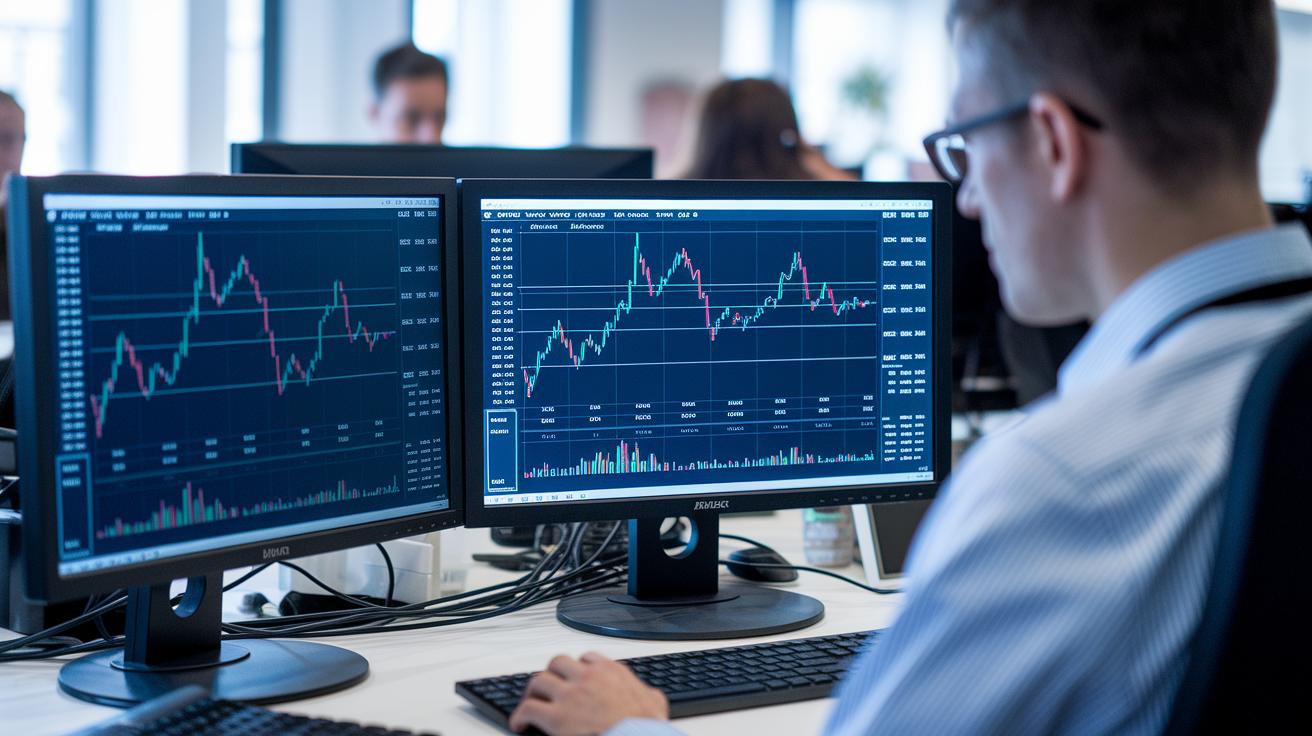
Free screeners need to offer simple, solid data and flexible formulas so you can see only what matters. Gainify uses smart filters powered by AI to mix various financial ratios into a custom equation that spots small market changes. One trader said, "Using Gainify's custom filters felt like having an extra pair of eyes during fast-paced trades," showing how these tailored metrics can help you make quick decisions.
Koyfin values historical data by providing over ten years of records. This lets you view averages over 3, 5, and 10 years all in one place. Its custom screening groups let you compare similar strategies side by side. As one investor mentioned, "Seeing long-term trends in one view is like reading the pulse of the market, clear and direct." This straightforward view of history helps simplify your choice-making.
TradingView and Finviz turn complex data into visuals that are easy to understand. TradingView’s smooth chart integration and technical tools bring every detail into focus. Finviz, on the other hand, uses heat maps and custom metrics to highlight sector trends at a glance. A user recalled, "The crisp charts on TradingView turned complex data into a story I could follow." These visuals make it simpler to grasp the market's story.
Yahoo Finance and Stock Analysis complete the picture by mixing technical and fundamental data with user-friendly features. Yahoo Finance offers ready-made screens and watchlist integration in a clean layout, making it easy to keep tabs on your investments. Meanwhile, Stock Analysis zeroes in on U.S. indicators with over 200 metrics that can catch even tiny shifts. One review summed it up well: "The dashboard's real-time alerts made my trading decisions faster." This integration makes for a smoother, more confident investing experience.
Pros and Cons of Premier Gratis Stock Scanners

Free stock screeners are a handy way to get real market insights without paying a cent. They let you sort through stocks using features like institutional filters (which help you see stocks big players hold), dynamic charting (live visuals that update as markets move), and pattern screening (tools to spot repeating trends). Imagine having a tool that gives you detailed charts to spot trends right away, it's like having a secret weapon for smarter investing.
These free tools do come with some limits, though, which often hint at what paid versions can offer. You might only get a certain number of live alerts or limited results, much like tasting an appetizer that suggests there’s a full-course meal waiting if you upgrade.
Every platform strikes its own balance between free access and paid add-ons. For instance, Gainify offers robust filters but might scale back on live alerts at times. And then there are sites like TradingView, Yahoo Finance, Koyfin, and Stock Analysis, which let you add more features, like extra active screens or custom charts, through affordable upgrade plans.
Ease of Use in User-Friendly Complimentary Chart Inspectors
Many platforms come with straightforward setups that make screening for stocks easy without any fancy frills. What’s really exciting now is that you can export your screening results for a deeper dive into your analysis.
When you export and link your reports to your portfolio trackers, you're adding a smart twist to your routine. Imagine this: you click the export button, and your screening report instantly syncs with your portfolio tracker, just like a guide for both crypto and stocks. This move turns a one-time screening into a continuous, actionable part of your investing process.
Performance and Data Accuracy of Ultimate Costless Investment Assessors

When you check free screeners like Finviz, Yahoo Finance, and Stock Analysis, you might notice small delays. For example, Finviz can show data that's about 15 to 20 minutes behind. Yahoo Finance updates differently, depending on the market. And sometimes, Stock Analysis may have a short download delay. Even though these free tools give you a good view of market trends, they might not catch every quick price move. That’s why some traders look to paid options like TradingView and Koyfin Plus or Premium for near real-time updates.
Data validation is super important when you’re using free screeners. Most of these platforms compare their key figures against trusted sources like S&P Global, which helps keep the insights reliable despite some minor errors. Historical data matters too. Finviz and Koyfin, for instance, offer more than 10 years of market history so you can see long-term patterns. Stock Analysis has a more limited history, yet it still gives a solid look at past performance. This depth in history can build trust in the free feeds, even if there are slight timing issues.
Traders who need updates right away or extra details sometimes find upgrading their service a smart move. Paid plans offer nearly real-time data along with added features that sharpen accuracy and performance. Many users feel these upgrades are worth the extra cost when fast, clear trading insights are on the line.
Tips for Selecting the Right Intuitive Complimentary Risk Assessor

When picking a free stock screening tool, it's important to focus on clear, simple criteria that match your own investment style. For instance, if you're looking for companies that are financially strong, check for a return on equity above 15%, a debt-to-equity ratio under 0.5, and a current ratio over 2. These numbers mean the company is profitable, isn’t leaning too hard on borrowing, and can comfortably cover its short-term bills.
-
Align screening criteria to your investment goals. Have you ever felt the thrill of spotting a perfect value stock? Make sure the tool you choose can quickly sort through key figures like ROE, debt-to-equity, and current ratio to help you find those opportunities.
-
Look at the depth of data and exchange coverage. Imagine having access to a treasure trove of financial details from around the world, it really gives you an edge, especially if your strategy spans multiple international markets.
-
Evaluate the user interface and customization options. If you're just starting out, go for a tool with a friendly, easy-to-use design. For example, Yahoo Finance is great for beginners, while seasoned traders might enjoy the advanced setups on TradingView or Finviz.
-
Check the limits of free features versus upgrade costs. Knowing what you get for free compared to paid options helps you decide if the basic version fits your needs or if spending a little extra is worth it.
-
Make sure the tool provides both historical context and real-time updates. It’s like having a window into the past and a live feed of today’s market pulse, so you can spot trends and make informed decisions quickly.
Free Stock Screening Software FAQs

Have you ever wondered what a stock screener actually is? It’s simply a tool that helps sort stocks by filtering for things like value, growth, and profit. Think of it as a handy helper that quickly cuts through thousands of options, leaving you with a shortlist that fits your own investment plan.
You might ask, “Do I really need one?” Absolutely. Imagine trying to find a needle in a haystack, we all want a smart filter that highlights high-potential stocks based on your own financial needs. It makes tracking down the right opportunities much less overwhelming.
Some people wonder how free screeners stack up against paid ones. Well, free tools can work nicely if you’re checking in once in a while. They might not be as quick or pack all the bells and whistles, but they’re a great starting point if you don’t need real-time updates or endless results.
Beginners often ask, “Which screener should I pick?” Many find Yahoo Finance to be the easiest to use. Its friendly design and simple preset filters make it a favorite for those just dipping their toes into the world of stock screening.
Looking to explore stocks beyond your home country? You’re in luck. With platforms like TradingView and Gainify, you can look at stocks from over 29 different exchanges. This means you can check out investment options from all around the globe without switching services.
How accurate is the data from free screeners? They generally give you solid fundamental data, though updates might be a tiny bit slower. It’s enough to give you a good overall picture of a company’s financial health without fuss.
Finally, when should you think about upgrading? If you need real-time quotes, unlimited screening results, or more detailed indicators during fast-paced trading, it might be time to invest in a more advanced tool.
Final Words
In the action, we covered top free stock screening platforms, shining a light on each tool's unique free-tier features and how they fit various investment styles. We touched on in-depth filters, charting capabilities, ease of use, and solid risk management tips while answering common questions. These insights help break down the details into bite-size elements, making your research more manageable. With this guide, you're equipped to explore one of the best free stock screening software options and build on your investment knowledge with confidence.
FAQ
Q: What is the best free stock screening software for various platforms?
A: The best free stock screening software depends on your needs. Options like Finviz, Yahoo Finance, and TradingView offer solid filtering tools on desktop, Android, and iPhone, making them great choices for many investors.
Q: What is the best free stock analysis software?
A: The best free stock analysis software combines comprehensive screening with clear data insights. Yahoo Finance and Stock Analysis provide detailed fundamentals and user-friendly interfaces, ideal for investors seeking straightforward analysis.
Q: Are free stock screeners reliable?
A: Free stock screeners are generally reliable for basic research and idea generation, though they might have delays or limits on results. They work well for casual users and those just starting to explore investing.
Q: Is the Finviz stock screener free?
A: Finviz stock screener is free with some limitations, such as a 20-row results cap and a slight data delay. It features intuitive heat maps and basic filters that suit many casual investors.
Q: What is the best free stock picking service?
A: The best free stock picking service varies with your strategy. Yahoo Finance is excellent for beginners, while TradingView and others with real-time tools can help more active traders refine their picks.