
Ever thought about using a stock screener app to make smarter moves? These apps pull years of market data and turn it into easy filters, so you can spot trends without the hassle of deep research. They break down complicated information into clear, simple insights that work for both beginners and experienced traders alike. Today, we're taking a closer look at some of the best stock screener apps out there, each one with cool features designed to help you make your next smart investment.
Best Stock Screener Apps Spark Smart Moves
Investors are now using stock screener apps to make market research quick and to the point. These tools mix years of market data with simple technical and basic measurements to help you catch trends and spot opportunities fast. They provide a lot of past data and let you set your own filters, making it easier for everyone, from beginners to seasoned investors, to sort through the details and adjust their strategies with solid data.
Today’s market offers many screening apps, and each one shines in its own way. Some focus on deep data dives with custom formulas and percentile rankings, while others keep things simple and user-friendly. Whether you're into active trading with pattern filters or prefer long-term investing based on core fundamentals, there's an app built for your style. It's all about finding the right balance between powerful features and ease of use.
| App | Best For | Key Feature |
|---|---|---|
| Koyfin | Comprehensive Data Analysis | Over 500 metrics with historical screening |
| TIKR | Cost-Conscious Investors | Affordable global equity coverage |
| Fiscal.ai | AI-Assisted Screening | Intelligent filter suggestions |
| Finviz | Active Traders | Pattern-based filters including IPO dates and share counts |
| TradingView | Real-Time Multi-Market Charting | Advanced charting across equities, crypto, and forex |
| Yahoo Finance | Beginner-Friendly Screening | Sustainable-stock filters with ETF/futures modules |
| Zacks | Fundamental Analysis | Proprietary Zacks Rank system |
| Seeking Alpha | Community Insight | Blend of quantitative screens and crowd-sourced ratings |
Use this guide to pick the app that best fits your investing needs. By weighing features like extensive data, real-time updates, and community feedback, you can choose the tool that matters most to you. This clear starting point helps you make smart, informed moves in your investment decisions.
Detailed Reviews of Best Stock Screener Apps

Koyfin Stock Screener
Koyfin Stock Screener is a great pick for those who love to dive into the details. It offers over 500 metrics covering company basics, market movements, and overall performance. You can set up custom formulas and save watchlists to check stocks from different views. Beginners might find the options a bit much at first, but if you’re looking for deep insights, this tool really delivers.
TIKR Screener
TIKR Screener is a smart choice for individual investors who want global stock data without spending too much. Its simple layout shows you key market trends, making it easy to pick up even if you're just starting out. It may not have all the bells and whistles of more advanced tools, but its focus on the essentials and low cost make it a solid option.
Fiscal.ai Screener
Fiscal.ai Screener brings the power of artificial intelligence into stock screening. The AI helps you build and refine your filters, making complex choices a bit simpler. It’s perfect for tech-savvy users willing to try something new. While it might take a little getting used to, its unique approach can really help sharpen your investment decisions.
Finviz Screener
Finviz Screener is designed with active traders in mind. It lets you save preset screens and filter stocks by factors like IPO dates, sectors, or share counts. Its quick look at market patterns is handy when you need to make fast moves. Even though it might not dig deep into historical data, the pattern-based filters make it a reliable tool for spotting trends.
TradingView Screener
TradingView Screener stands out for its real-time global charting. It supports scans across stocks, cryptocurrencies, and forex, so you get a broad view of the markets. The interactive charts make following live data engaging. New users may need a little time to explore all the features, but the real-time feeds are truly a highlight.
Yahoo Finance Screener
Yahoo Finance Screener keeps things clean and straightforward. It offers filters that range from sustainable stocks to dedicated modules for mutual funds, ETFs, and futures. This makes it especially welcoming for beginners. However, advanced investors might find themselves looking for more detailed analytical tools.
Zacks Stock Screener
Zacks Stock Screener uses its own Zacks Rank along with key fundamentals to compare companies quickly. It’s best if you want clear, focused analysis without too many extras. Although it might not let you customize every detail, it gives you solid, easy-to-understand signals based on core data.
Seeking Alpha Screener
Seeking Alpha Screener blends its proprietary ratings with community sentiment. This mix gives a balanced view, combining hard data with real investor opinions. It’s a unique approach that offers both numbers and crowd insights, even if the community feedback can sometimes be hit or miss.
Free vs. Premium Plans for Top Stock Screener Apps
When you’re checking out stock screeners, you’ll notice plenty of free options alongside some cool paid ones. Big names like Finviz, Yahoo Finance, and TradingView give you a solid start for free, handling basic screening needs with ease. It’s a bit like getting a sample before you decide to invest in the full package.
But if you’re looking to dig a little deeper, there are extra features waiting for you. For instance, Koyfin lets you play around with a free version first, then offers advanced tools for a price. Fiscal.ai and TIKR work on low-cost subscriptions that unlock a wider range of insights. And then there’s Zacks, where signing up opens the door to premium filters that really dig into market data.
This range lets you match your choice to both your budget and your need for detail. Take a minute to consider: Do you just need the basics, or would a few extra bells and whistles boost your trading game?
| Platform | Key Offering |
|---|---|
| Finviz | Free basic screening tools |
| Yahoo Finance | Easy-to-use free interface |
| TradingView | Free real-time charting and screening |
| Koyfin | Freemium model with paid advanced analytics |
| Fiscal.ai | Low-cost AI-enhanced filtering via subscription |
| Zacks | Registration unlocks in-depth premium filters |
Decide what matters most to you before signing up. Do you want just the essentials, or are you ready for a deeper dive into market trends?
How to Choose the Best Stock Screener App for Your Investing Style
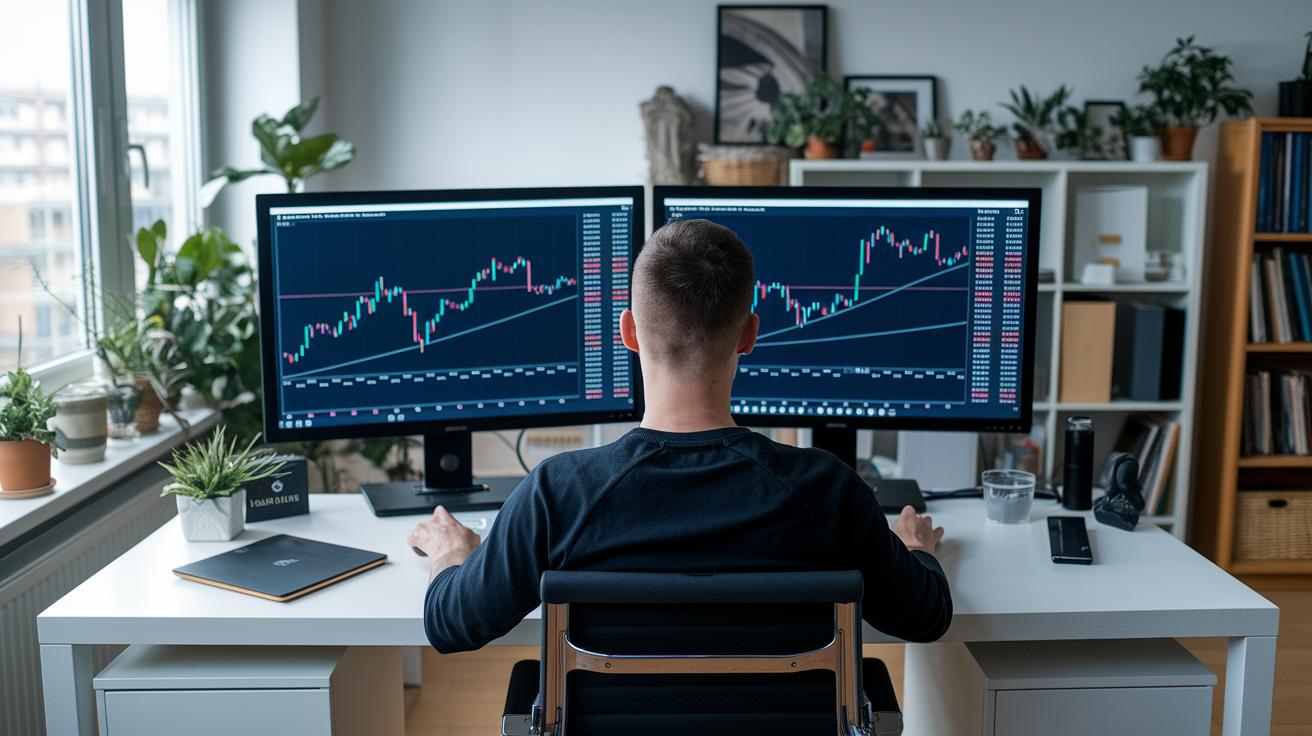
Match your app’s detail level to your investing approach by checking how much information it offers. Some apps, like Koyfin, show over 500 data points, from basic company info to performance, and others lean on community views or their own rankings. Have you thought about whether you need deep, technical details or just an easy overview to guide your decisions?
Next, think about balancing the ability to customize the app with how easy it is to use. Look into features like AI hints from Fiscal.ai, live data feeds from Yahoo and TradingView, and pattern tools from Finviz. Do you prefer having lots of options to tweak or a simple interface that gets you started quickly?
Also, consider the price along with how current the data is and if you can use the app on your phone. For instance, TIKR offers budget-friendly plans while Finviz mobile provides on-the-go heat maps. Ask yourself, does your budget line up with the advanced tools you need, and are you aiming for real-time updates to support your investing style?
Real-Time Data Integration and Alerts in Stock Screener Apps
Many stock screeners work hard to send you timely alerts when the market shifts. For example, TIKR and Fiscal.ai use emails and in-app nudges so you know as soon as key numbers change. Imagine getting a quick ping telling you, "Hey, check out this move!" Premium users on Seeking Alpha get instant updates when ratings change, keeping you right at the front of the action.
Some platforms go a step further with dynamic dashboards that update live. Yahoo Finance and TradingView, for instance, show you real-time quotes while Finviz lights up the screen with vibrant heat maps. Over on Koyfin, you can see handy earnings calendars and scatter-plot graphs, and Zacks refreshes its unique rankings daily so you get a clear view without any extra clicking.
A smart tip is to tailor your alert thresholds to avoid feeling overwhelmed. Set notifications only for the big moves, like when a stock passes a certain price level, just as if you were setting a timer for an important event. It helps to check your alerts regularly and fine tune them so you capture only the most critical market movements. This steady routine boosts your confidence and guides you toward smarter trading decisions. Stick with it, adjust the urgency and frequency of your alerts to fit your investment style, and you’ll keep your competitive trading edge sharp.
Mobile vs. Web-Based Access in Best Stock Screener Apps
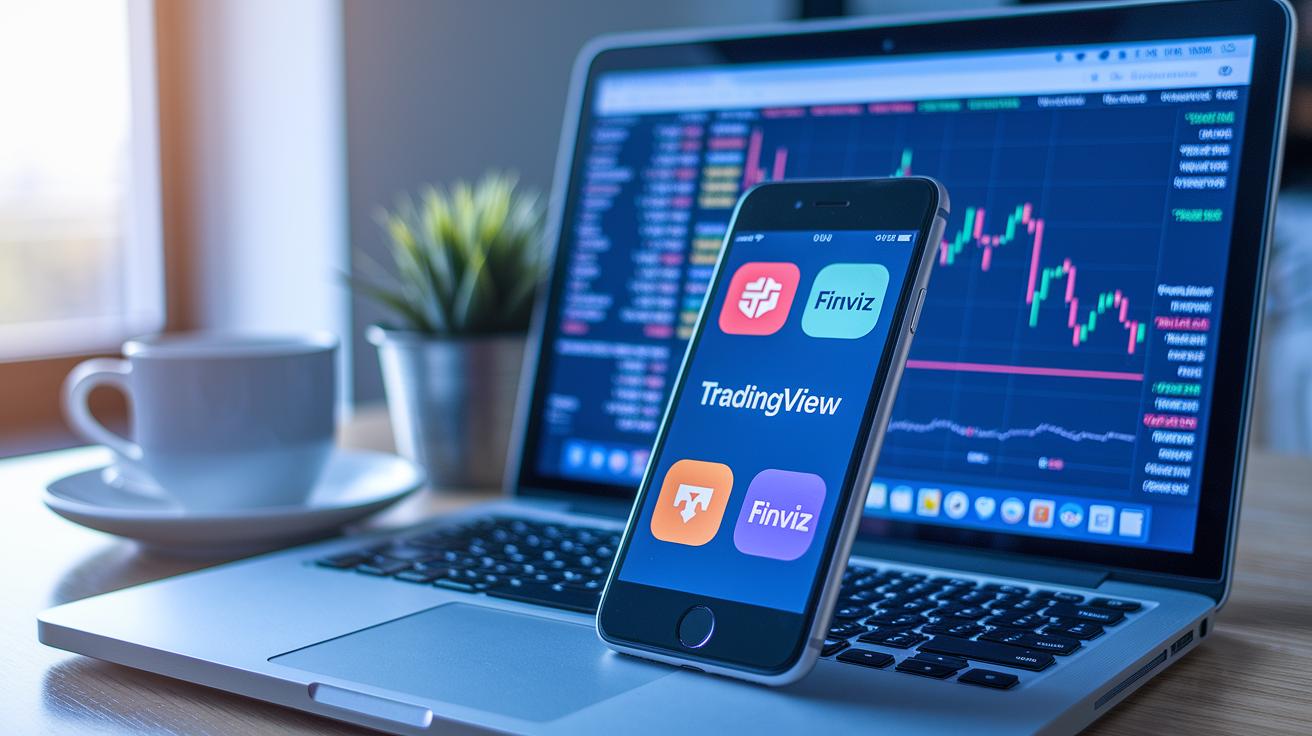
TradingView’s iOS and Android apps are built to feel just like their desktop version. You get that same steady look and feel whether you’re on a phone or computer. Finviz on mobile offers colorful heat maps and the chance to pull up your saved screens, keeping much of the desktop filtering power right at your fingertips. And with Yahoo Finance, you can almost do everything on mobile that you would on the desktop, making it really simple to keep an eye on the market while you’re out and about. Even Zacks and Seeking Alpha let you check rankings and community sentiment quickly, so you know what’s happening no matter where you are.
Fiscal.ai and TIKR come with smooth, responsive mobile designs and fluid interfaces, though they don’t work if you’re offline. On the other hand, Koyfin needs you to be online because its advanced analytics are best appreciated on a large screen. Each of these tools shows how developers work to adapt key features to smaller screens without losing their power.
So, which option fits your needs? If you want fast, easy insights on the go, mobile platforms have you covered with user-friendly and efficient features. But if you’re looking for detailed analysis and more room to dive deep into your data, the web version is usually the way to go.
Final Words
In the action, this article took you through the key strengths of top stock screener apps for 2025. We explored clear comparisons, pricing models, detailed reviews, real-time data integration, and mobile versus desktop experiences, all crafted to make your investing process feel straightforward and confident.
Remember, using the best stock screener apps can give you the insights you need to make smart, secure decisions with a positive perspective on your financial future.
FAQ
Frequently Asked Questions
What are the best stock screener apps according to Reddit?
The best stock screener apps according to Reddit include options like TradingView, Finviz, and Webull, all favored for their robust features, ease of use, and strong community support among investors.
What are the best free stock screener apps?
The best free stock screener apps offer solid analysis without cost, with TradingView, Finviz, and Yahoo Finance providing reliable data, essential filters, and accessible interfaces for both beginners and experienced traders.
What are the best stock screener apps for iPhone, iOS, and Android?
The best stock screener apps for mobile devices run smoothly on both iOS and Android, with TradingView and Finviz mobile versions delivering real-time data and user-friendly screens that keep you connected on the go.
How do Finviz and Morningstar stock screeners compare?
The Finviz and Morningstar stock screeners differ by offering distinct approaches; Finviz emphasizes visual and pattern-based filters, while Morningstar provides detailed fundamental data for investors looking for in-depth analysis.
Which stock screener is most accurate?
The stock screener that is most accurate largely depends on data updates and user needs; many investors trust TradingView and Finviz for their real-time information and comprehensive filter options to back solid decision-making.
Which screener is best for the stock market?
The screener best suited for the stock market often features broad filters and live data; TradingView and Finviz stand out by delivering robust screening tools that cater to both novice and seasoned investors.
What is the 7% rule in stock trading?
The 7% rule in stock trading describes a risk management guideline that suggests limiting losses to around 7% of your trading capital per transaction, helping investors manage setbacks effectively while staying in the game.
Is Finviz better than TradingView?
The comparison between Finviz and TradingView shows that Finviz excels with clear, pattern-based filters and ease of use, while TradingView impresses with advanced charts and multi-asset screening, depending on your trading style.
What does TradingView offer in a stock screener?
TradingView offers advanced real-time charting, multi-asset screening that includes equities, crypto, and forex, and an intuitive user interface that supports active traders seeking dynamic and responsive tools.
What makes Thinkorswim a strong choice for screeners?
Thinkorswim stands out by providing robust tools, extensive technical analysis, and a customizable interface, making it a solid platform for investors who want detailed screening options and comprehensive market data.
How does Webull perform as a stock screener?
Webull performs well as a stock screener by offering real-time data, an easy-to-use platform, and diverse screening features, making it a popular option among both beginners and more experienced traders.
What screening features does Interactive Brokers LLC provide?
Interactive Brokers LLC delivers comprehensive screening tools integrated with wide market access and in-depth research, ideal for investors seeking professional-grade analysis and broad international coverage in their strategies.
What advantages does E-Trade offer for stock screening?
E-Trade offers versatile screening tools paired with educational resources, providing a balanced mix of powerful analysis and supportive learning, which fits both new investors and those with more trading experience.
How is NinjaTrader tailored for stock screening?
NinjaTrader is designed for active traders by providing extensive charting, analysis, and screening capabilities, with features that cater especially to traders involved in futures and active market monitoring.