
Have you ever thought about which charting software might give you a real advantage in a fast-moving market? Picture turning a jumble of numbers into clear, simple visuals, almost like watching a pilot’s dashboard light up with key signals.
The market is buzzing, and there are plenty of options out there, from free apps to high-end platforms designed to meet different trading styles. In this post, we’ll go through some of our top picks and key features, helping you find a tool that can turn market chaos into something easy to understand.
Charting software comparison for traders: Top Picks
Charting software takes messy market data and turns it into clear, easy-to-read visuals, kind of like a pilot’s dashboard that helps guide quick decisions. It lets you spot trends and choose your moves even when the markets are racing.
The trading software market is booming. In 2021, it was worth about USD 3.47 billion and experts expect it to jump to around USD 11.21 billion by 2031. This growth shows just how much people need quick, trustworthy data and flexible tools that work with many types of investments. Many traders want features like a big library of tech signals (technical analysis explained: tools that help read market trends), smart drawing tools, and dashboards you can tweak to fit your style.
| Platform | Best for | Price Range |
|---|---|---|
| TradingView | Rich community indicators and multi-asset analysis | Free to Premium ($14.95-$59.95) |
| MetaTrader 4/5 | Forex trading and automation via Expert Advisors | Mostly free via brokers |
| TrendSpider | AI-driven trendline detection and real-time scanning | $39 to $199/month |
| StockCharts | Historical data analysis with multiple chart types | Free basic to advanced plans |
| Finviz | Minimalistic interface for rapid chart access | Free with Elite options ($39.50/month) |
| Yahoo Finance | Real-time quotes and quick intraday overlays | Free with ads |
Different kinds of traders can pick a platform that fits them perfectly. If you like a vibrant and customizable tool with a supportive community, TradingView might be your best friend. Forex traders looking for smart, automated trading often lean towards MetaTrader. For those who crave speedy, AI-backed insights, TrendSpider is a strong choice. If you are into long-term data analysis, StockCharts has you covered, and Finviz offers a fast, simple setup for intra-day trading. And if you need a quick look at live market moves, Yahoo Finance remains a handy free option.
Essential Feature Comparison of Charting Software for Traders
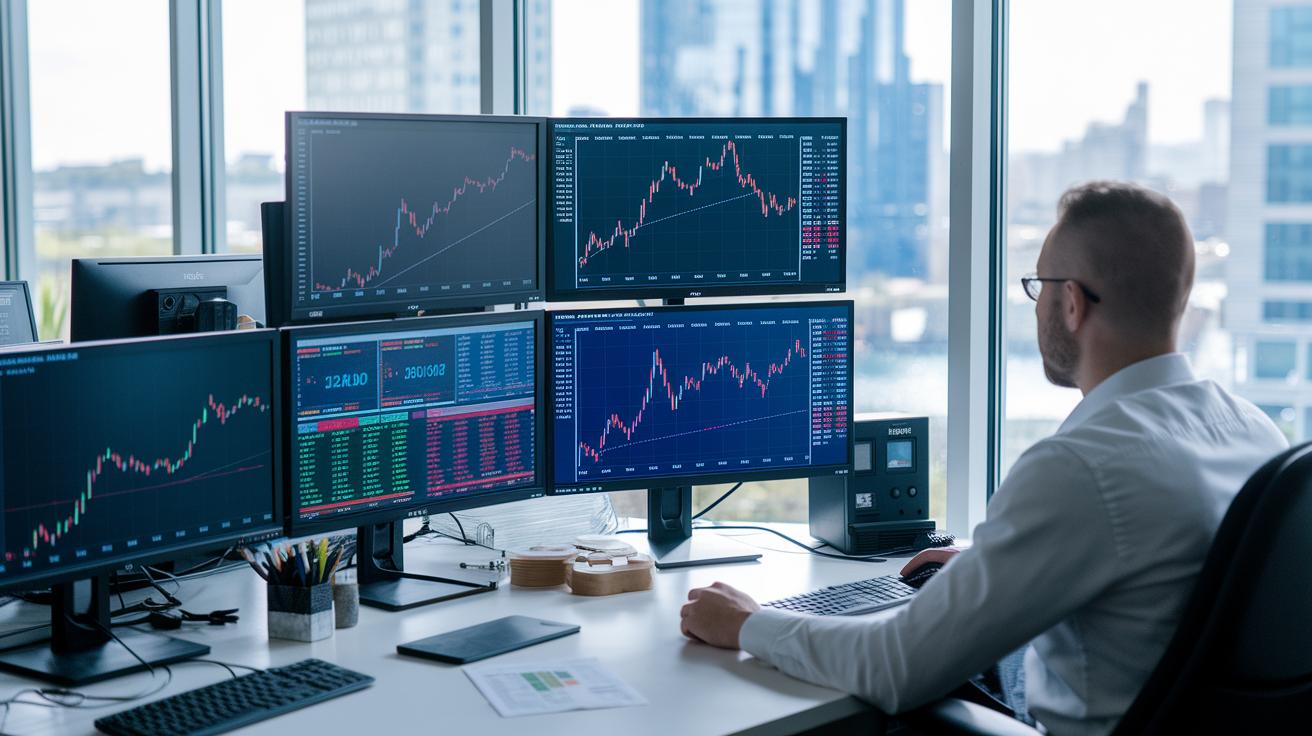
Charting software gives traders smart tools to turn raw market numbers into clear, easy-to-read charts. These programs not only deliver live data super fast, but they also pack in a big library of technical indicators (simple signals that show market trends), handy drawing tools for marking trends, flexible layout options to match your style, and backtesting features that let you play out past scenarios. Every little feature helps guide your decisions when seconds really count.
Live feeds capture market moves as they happen, laying a solid foundation for making sound choices. A wide range of technical indicators helps you easily spot important trends, while the drawing tools let you highlight key areas on your charts. You can even tweak your dashboard to display exactly what matters most to you. And by testing your ideas against historical data, backtesting helps you fine-tune your strategies for what might come next.
All these features work together to create a smooth system that speeds up your decision-making and keeps your trading strategy on track. Fast, reliable live data paired with plenty of indicators means you won't miss any market shifts. Plus, personalization options let you build a workspace that truly fits your unique approach, making you more ready and confident in every trade.
Performance and Reliability Analysis of Trader Charting Tools
In fast-moving markets, every split-second counts. When your charting tools update in less than a second, it’s like having a car dashboard that instantly shows your speed, any lag can throw off your timing. Traders rely on tools that stay up and running above 99.9% of the time. This reliability means you won’t miss those critical moments when market movements call for quick action.
The quality of your data feed matters a lot too. Tools that connect directly to exchange feeds give you near-instant updates, meaning high-frequency traders can stay ahead of the curve with updates in under 100 milliseconds. With fast chart rendering and a responsive interface, you can track every market twist as it happens. This dependable performance not only keeps your strategy on track but also builds your confidence with every trade.
Comparative Cost and Subscription Breakdown for Trading Charting Software

When you look at charting software, you’ll notice a range of pricing options. Some programs let you get started free, while others offer more tools if you decide to pay. For example, TradingView has a free plan for basic charting, plus paid plans: Pro at $14.95 a month, Pro+ at $29.95, and Premium at $59.95 monthly. StockCharts follows a similar approach, starting with a free Basic plan and then offering Extra for $14.95, Pro for $24.95, and Platinum for $39.95 per month. Finviz provides free access to charts that update with a delay, but its Elite plan, costing $39.50 per month, unlocks the full set of features. And if you open a TD Ameritrade account, you can use thinkorswim for free, even though its interface might seem a bit old-fashioned. TrendSpider stands out with plans starting at $39 and going up to $199 per month, reserving its best AI tools for the higher-priced tiers. This way, you can start with the basics and step up to more advanced features as your trading strategy grows.
Many of these platforms also do a good job of explaining their charges. They make it easy to see what you’re paying for, whether it’s extra chart indicators or richer data feeds. Plus, several services let you try out the features with trial periods or demos before you commit. With clear, month-by-month pricing, it becomes easier for you to pick the tool that fits your trading style and strategy.
User Interface Assessment and Trader Feedback on Charting Software
User interfaces in trading are like your dashboard, they need to be smooth and simple so you can make quick decisions. A clean design cuts through the clutter and gives you instant access to the market data you need, which helps you avoid mistakes when things move fast. When the layout is easy to use and responds quickly to your actions, every click feels important.
Platform-Specific UI Impressions
TradingView is known for its clear, intuitive menus with a cool social twist that lets traders share ideas easily, even if its charts sometimes lag behind. MetaTrader 4/5 packs strong automation features, but many users say its look is a bit outdated and it can be tricky to learn at first. TrendSpider comes off as modern and smart with its automated tools, though some traders mention the setup takes a little time to get used to. StockCharts is popular for its simple design that appeals to those in it for the long haul, but you'll need to pay if you want advanced features. Finviz speeds you straight to the charts, its free version has some paywalls, while Elite users enjoy a frictionless experience. Yahoo Finance keeps things minimal and quick for a fast glance, though power users might find its customization options a bit limiting. ChartsWatcher wins over many technical analysts with a modern feel and built-in pattern recognition. As for Finchat and TIKR, opinions vary: some traders really like the AI insights, while others worry about occasional data delays.
Community Ratings & User Reviews
Across public forums, TradingView consistently earns high marks for its easy navigation and strong community vibe, even though MetaTrader users often note the steep learning curve. TrendSpider gets applause for its smart automation, with a little caution for newcomers, and StockCharts is praised for its simplicity despite the extra costs for advanced tools. Finviz and Yahoo Finance attract many for their fast interfaces, though some feedback mentions minor limitations. All in all, traders agree that a clear, efficient UI not only boosts confidence but also helps them act quickly when it really counts.
Final Words
In the action, we broke down top platforms like TradingView, MetaTrader, and TrendSpider, weighing their features, cost structures, and user interfaces. Each section offered clear insights, from technical precision to value pricing, making it easier to spot the right tool for different trading needs.
We wrapped up with a focus on real-world testing and feedback to guide effective decisions. Embrace your next steps with confidence using our charting software comparison for traders.
FAQ
What is the best trading charting software?
The best trading charting software depends on your needs. Many traders favor TradingView for its user‐friendly interface, large community, and extensive technical indicators.
Which platform do most traders use for charting?
The platform most traders use is often TradingView, thanks to its fast data feeds, customizable charts, and a rich library of community indicators.
What chart do most traders prefer for stock trading?
Many traders prefer candlestick charts for stock trading because they clearly illustrate price movements and trend patterns, helping with informed decision-making.
How can I compare free and paid charting software options?
Comparing free and paid charting software involves reviewing features like real‐time data, technical analysis tools, and overall performance to match your specific trading style.
What are the key features in charting software for day trading?
Key features for day trading include live data feeds, rapid chart rendering, comprehensive indicator libraries, and an intuitive interface that supports quick decision-making.
How do trader communities on Reddit view charting software?
Reddit discussions show that traders appreciate charting software with robust technical tools and smooth performance, with TradingView, MetaTrader, and TradeStation often being recommended.
What other charting platforms are noteworthy besides TradingView?
Other noteworthy platforms include ProRealTime, TradeStation, Webull, Stock Rover LLC, and MetaTrader 4, each offering unique features that cater to diverse trading preferences.