
Have you ever thought of your charting software as a secret helper when day trading? In day trading, the market can change in a blink, so having a tool that turns confusing data into clear, ready-to-use insights is a big deal.
Some programs update super fast, and others pack in lots of details to help fine-tune your trades. Today, we’re taking a closer look at favorites like TradingView and NinjaTrader. Next, we’ll break down the features that can boost your chance of success when every moment matters.
Comprehensive Review of Leading Day Trading Charting Software
TradingView shines with its lightning-fast real-time data. Its multi-timeframe view lets day traders keep pace with quick market changes while tapping into a huge collection of community-built indicators.
Interactive Brokers TWS mixes direct brokerage with access to more than 160 markets. This blend makes it a solid choice if you need top-notch charting tools alongside broad market exposure.
ProRealTime offers over 100 customizable technical indicators, giving you detailed chart insights that are great for strategies needing precision. Meanwhile, TrendSpider steps up the game with more than 220 ready-made indicators and even uses AI to automatically draw trendlines, making technical setups easier.
Webull lets you place complex option orders, like straddles and butterflies, alongside its regular charts for stocks and ETFs. This feature is perfect if your trading strategy covers a wide range of approaches.
MetaTrader remains a favorite among Forex traders by offering both hedging and netting options, which help manage risk during volatile market swings. And then there’s NinjaTrader, rounding out the top tools with broad futures market coverage and a paper-trading setup that lets you test new strategies without any risk.
Each of these platforms brings its own mix of features and tools to the table. This helps day traders find the right fit for their market style and trading pace, keeping real-time chart evaluations both clear and reliable.
In-Depth Comparison of Advanced Charting Features for Day Trading
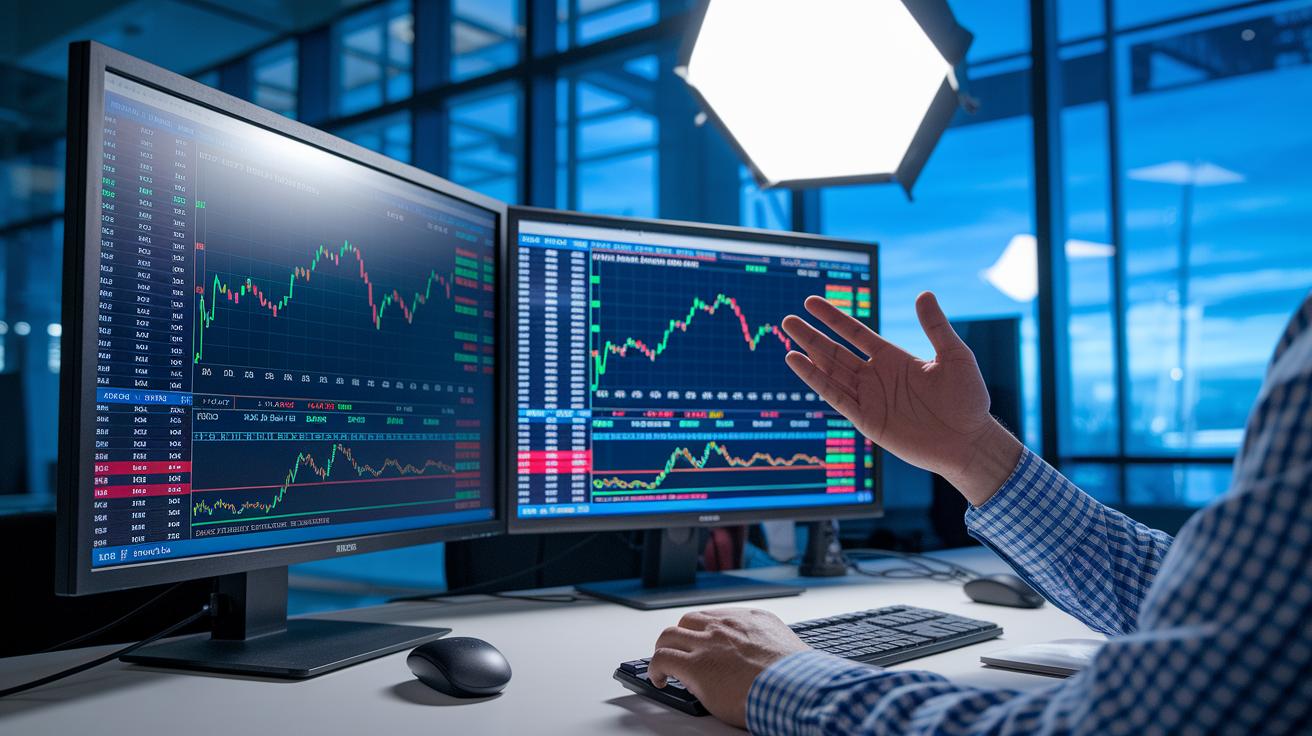
When you're in the thick of day trading, having advanced chart tools can really make a difference. These features break down complicated data and boost your confidence so you can make quick choices. With detail-rich technical indicators (tools that show market trends) and interactive charts, you can spot clear entry and exit points, which is key when every second counts. It’s like watching the steady pulse of market activity and marking important levels as you go.
For instance:
- TrendSpider uses AI-powered tools to find smart trendlines, helping you catch market shifts quickly.
- TradingView lets you analyze different timeframes, add volume profiles, and use a handy drawing toolkit to create versatile setups.
- ProRealTime offers a library of over 100 customizable technical indicators, giving you the option to dive deep into chart details.
- StockCharts supports different chart types with layer customization, so you can compare various data views easily.
- Koyfin delivers advanced fundamental overlays with simple series transformations, like tracking growth rates, to monitor performance.
- Gainify.io uses intuitive bar and line charts to turn complex data into clear, visual insights.
All these tools work together to simplify technical analysis for day traders. When the market shifts suddenly, these interactive features and smart indicators help you adjust your position fast, keeping your trading decisions aligned with real-time data.
Performance Metrics Analysis of Day Trading Chart Platforms
When it comes to day trading, quick responses matter. Fast data refresh and a reliable system mean you can act on every market move without missing a beat. Having crisp, clear charts really makes a difference when you're watching the market closely.
| Platform | Data Refresh & Latency | Chart Quality |
|---|---|---|
| TradingView | Sub-second updates, 99.9% uptime | High-resolution, detailed indicators |
| Yahoo Finance | Real-time quotes | Basic customization |
| Finchat | One-day delayed pricing | Standard, limited tools |
| TIKR | Real-time refreshes | Basic charts, cost-effective |
Looking at these figures, TradingView stands out with its lightning-fast, sub-second updates and almost perfect uptime. That means you get quick and steady information along with clear visuals to help guide your trades. Yahoo Finance, while offering real-time data, has simpler chart options that might not cover all the details you need for deep technical analysis. Finchat’s delay can slow you down when every second counts, and although TIKR is budget-friendly, it only provides the basics. For anyone day trading, a mix of super-fast data, regular updates, and high-quality charts is really the recipe to catch every trading opportunity.
Usability & Interface Evaluation of Charting Software for Day Trading
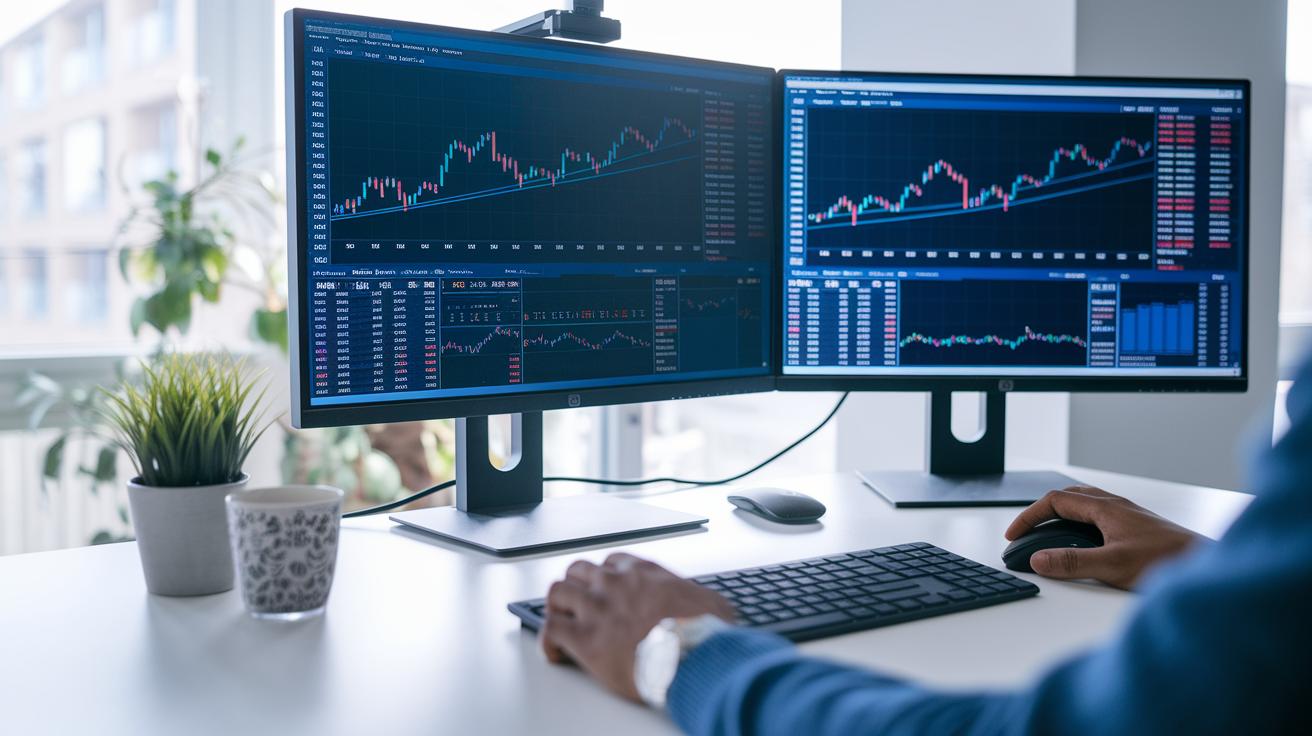
When you’re in the thick of trading, a clear, simple interface can make all the difference. A neat layout helps you read charts fast and catch the key details, even when the market is all over the place.
Looking at different platforms, MetaTrader can feel pretty old-school. Its clunky design might slow you down when every second counts. TrendSpider packs powerful features but has a steep learning curve that might put off someone just starting out. On the flip side, TradingView is loved by many active traders for its clean and easy-to-navigate charts. Webull also shines with a user-friendly design, especially when handling option orders in tricky multi-leg trades. Meanwhile, Finviz limits free users to smaller charts, and even the paid version doesn’t offer much room for tweaks. YCharts, with its advanced design, might overwhelm retail traders with its complexity.
If you’re just diving into day trading, you’ll likely lean toward platforms like TradingView and Webull for their simplicity. But if you’re a seasoned trader, you might be comfortable with the quirks of MetaTrader or YCharts.
Pricing & Subscription Model Analysis for Day Trading Charting Tools
Day traders have plenty of subscription options to match their own style and budget. Some platforms let you use basic charting tools for free, while others ask for a subscription when you need that extra set of features. For instance, Finviz offers a free version with many tools, but if you want more detailed visuals, you end up needing their Elite plan. Meanwhile, TrendSpider may cost more, but its AI-powered functions can be worth it if you’re looking for a deeper edge. And then there's TIKR, which keeps things affordable while providing global-stock access, though its chart designs are more on the basic side.
Other platforms aim their services at a premium audience. YCharts, for example, comes with a higher price tag and is designed more for advisors than a beginner day trader. This can feel steep if you're just getting started. In truth, each tool’s subscription model differs in how many features it offers, how often updates roll out, and how flexible the design is. While free tiers let you get a feel for the platform, the paid subscriptions pack the extra capabilities that active traders rely on. Evaluating these pricing models helps you pick a tool that suits both your trading needs and your budget.
Broker Integration & Trade Execution in Day Trading Charting Software

When you're trading at high speed, having your charting software linked directly to your broker can really change the game. This connection lets you quickly place, modify, or cancel orders right from your charts, which helps you avoid delays and mix-ups during hectic market moments. Picture yourself watching live price changes while your orders slip through smoothly, it's a clear boost to your trading confidence.
Different platforms bring their own strengths to the table. For instance, Interactive Brokers TWS combines clear charting and direct order execution across 160 markets, making it a standout choice. MetaTrader works well with Forex brokers, offering a simple way to manage hedging and netting for your positions. NinjaTrader not only handles futures trades directly but also includes a paper-trading setup to test your strategies. Webull simplifies both equity and option orders with one integrated system, and TradingView connects you to live trading through select partners. Meanwhile, Finviz and Finchat focus more on detailed market analysis rather than on executing trades directly.
Choosing the Right Charting Software for Your Day Trading Strategy
When you’re on the hunt for a charting platform, start by asking simple, clear questions: Does it come with built-in risk control tools, easy-to-read charts, and a smooth link to your broker? Think about your trading style and how much you’re willing to spend. Also, check out what other experienced traders say about the platform. One trader once mentioned, “I needed clear alerts and found that guided me to a platform that fits my style.”
Many day traders say platforms with clean technical signals and steady risk controls really help cut through the market clutter. One friend shared, “TrendSpider’s alert system helped me act quickly when markets shifted,” while another praised IB TWS for its wide market view and low costs. If you’re trading options, features like multi-leg orders are a big plus. Forex traders, on the other hand, look for layouts that make managing positions straightforward. For newbies, it might be smart to start with a free version before moving on to something more advanced. Write down what’s important to you, rank these features by how they match your trading style, and let real user feedback guide your choice.
Final Words
In the action, we've unpacked the strengths of top charting platforms, from real-time data and advanced technical setups to intuitive design and flexible pricing. The review gave a clear side-by-side look at performance and broker integrations that support confident trade decisions.
This article tied together insights and real-time testing, offering a complete view for active day traders. With these charting software reviews for day trading in hand, there's solid confidence to make the most of every market moment.
FAQ
What are the best free charting software options for day trading?
The free charting software options for day trading include accessible tools that provide essential real-time charts. TradingView’s free tier and Finviz’s basic charts offer solid analysis for beginners without monthly fees.
What is considered the best charting software for day trading?
The best charting software for day trading depends on specific needs. Many traders favor TradingView for real-time data, Interactive Brokers for integrated execution, and TrendSpider for advanced technical features.
What is the 3 5 7 rule in day trading?
The 3 5 7 rule in day trading refers to a guideline using three, five, and seven timeframes to quickly gauge short-term price movements, helping traders fine-tune their entry and exit strategies.
How much money do day traders with $10,000 accounts make per day on average?
The average daily earnings for day traders with $10,000 accounts vary widely, often ranging from $100 to $300. Actual profits depend on experience, market conditions, and risk management practices.
What are key features of TradingView for day trading?
The key features of TradingView for day trading include sub-second real-time updates, multi-timeframe analysis, volume profile tools, and a vast library of community-built indicators that support swift market evaluation.
Which platforms are best for beginners in day trading software?
The best platforms for beginners in day trading include TradingView and Webull, both of which offer intuitive interfaces and user-friendly designs that simplify real-time chart analysis and trade execution.
What charting software is suitable for Forex and futures traders?
The charting software ideal for Forex and futures trading includes MetaTrader 4, favored for its dual-position system in Forex, and NinjaTrader, known for robust futures market tools and a built-in paper-trading environment.
How do Reddit reviews characterize charting software for day trading?
The Reddit reviews of charting software for day trading often emphasize performance, ease-of-use, and reliability. Many users recommend platforms like TradingView and Webull due to their robust features and active trading communities.
What are some well-known charting software brands for day trading?
The well-known charting software brands for day trading include TradingView, Webull, ProRealTime, Interactive Brokers LLC, TradeStation, and MetaTrader 4, each offering unique tools to support active trading.