
Have you ever felt like your charting tool might be slowing you down? Picture a system that shows live market data as smoothly as water flows in a stream.
Whether you're keeping an eye on technical indicators, those clear signs that help you understand market trends, or tweaking your charts quickly, smart software gives you the confidence to make solid moves. In this post, we review the top platforms that keep you closely connected to every market heartbeat.
Get ready to see how live updates can totally change your trading approach and help you catch key moments as they happen.
Top Charting Platforms for Live Market Data
| Platform | Key Features | Real-Time Feed Connectivity | Price Tier | Notable Limitations |
|---|---|---|---|---|
| ProRealTime Web | Unlimited technical indicators, multiple chart layouts, no ads | Data streams continuously so you never miss a beat | Free with all features unlocked | No prompts to upgrade; highly customizable |
| TradingView | More than 100 smart drawing tools, candlestick and Heikin-Ashi options | Strong, real-time data feed with interactive graphs | Free version with premium upgrades available | Only one chart per tab, two indicators per chart, with regular upgrade nudges |
| Yahoo Finance | Basic indicators like RSI, MACD, and Fibonacci retracements | Live quotes paired with integrated financial news | Free | Not as customizable as other specialized platforms |
| Koyfin | Historical and intraday graphs, plus ETF valuation charts | Up-to-date data with detailed visualizations | Free plan with premium upgrade options | Restrictions on watchlists, chart templates, and dashboards |
| StockCharts | Candlestick, line, and bar charts with broad historical data | Real-time modules for useful trading insights | Free plan available | Maximum of three indicators per chart, no workspace saving, limited to ten years of data |
Each platform offers something special. ProRealTime Web is perfect if you love an ad-free and completely flexible setting, with its ongoing data feed that keeps your analysis fresh. TradingView has a rich set of drawing tools and diverse chart styles, though its free version comes with some layout restrictions. Yahoo Finance keeps things straightforward with basic tools and live quotes, making it ideal if you want a simple view of the market. Koyfin impresses with its modern visuals and detailed data, even if there are some limits on watchlists and chart designs. StockCharts, with its classic chart types and long history data, stands strong despite a few caps on indicators and data history.
Critical Features of Charting Software with Live Market Data
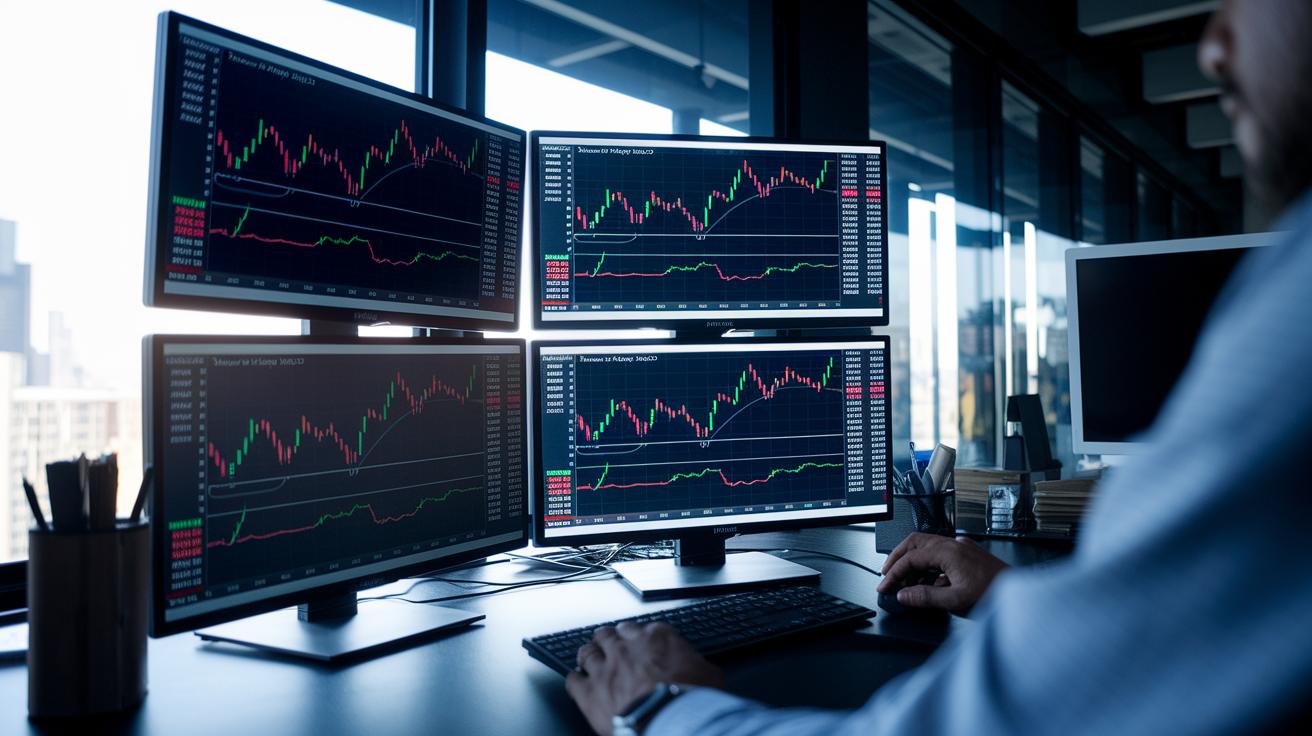
Strong charting software gives you the tools you need to react quickly when markets change. It shows live updates and lets you set up your workspace so you can spot market shifts as they happen.
- With continuous data streaming, your charts refresh in real time, meaning you're always looking at the latest market movements.
- You can pick from a choice of chart types like candlestick, bar, or line charts. For example, switching from a line view to a candlestick style can reveal trends you might miss otherwise.
- A wide range of market indicators, such as RSI (a tool that shows if a stock is overbought or oversold), MACD (which helps spot market shifts), and moving averages, helps you dig deep into the data.
- Multi-interval analysis lets you easily switch between different time frames, offering both a close-up view and a broader market perspective.
- Customizable dashboards give you the freedom to set up your workspace exactly how you like it, creating an intuitive and personal trading environment.
- Automated pattern recognition keeps an eye out for recurring setups, which can help you plan your trading strategy more effectively.
- Instant price alerts and trend detectors based on technical analysis are there to warn you of big market moves right away.
Interactive Trading Graphs in Charting Software with Live Market Data
TradingView’s Interactive Graphing Tools
TradingView gives you easy-to-use drawing tools, various chart styles, and trading ideas shared by other users. It feels like chatting with a friend who understands markets. Many traders set up custom alerts, simple signals that warn you when the market changes direction. One trader even shared that once he adjusted his alert settings, a breakout trade came right on time.
Here's a quick thought: "Before using custom alerts, a trader missed a big move. But once he set an alert, he was able to focus on the right moment."
ProRealTime’s Multi-Chart Layouts
ProRealTime features a clean, ad-free design packed with endless technical indicators. You know, these indicators help you spot things like momentum shifts or when prices might turn. Experts often use its multi-chart dashboards to look at tools like RSI (a measure of price change speed) and moving averages side by side. This method lets you pick up on small differences between charts that signal changing trends.
Picture this tip: "By looking at RSI and moving averages on separate charts, real-time updates can point out early dips or rises, giving you that extra heads-up for trades."
Koyfin’s Financial Data Visualization
Koyfin mixes historical and current data into engaging, dynamic visuals. It’s like switching your view from a close-up to a broader picture so you can catch emerging patterns over time. Although there are some limits on watchlists and templates, many users find its detailed ETF charts super helpful. These charts make it easier to see market changes when you switch from a short-term glance to a monthly overview.
Imagine this best practice: "Switching from a one-day view to a monthly timeline can reveal trends you might miss in a brief glance, much like adjusting a microscope to see finer details."
Technical Analysis Engines in Live Market Data Charting Software

These engines rely on smart AI insights to turn huge streams of live data into signals you can easily act on. They mix automatic pattern spotting with real-time trend checks to pick up on price movements before most traders even notice. Have you ever seen TrendSpider in action? Its clever trendline finder and live scanners join forces to let you know when market shifts are close at hand.
Platforms such as TradingView offer a big library of indicators, giving you a toolkit as varied as having multiple market experts looking over things at once. And then there’s Finchat’s AI fundamentals suite, which adds key financial numbers into the mix along with real-time data. To add even more depth, Finviz uses heatmaps and screeners as an early alert system by handling high-frequency signals.
Broker platforms also include signal engines that use algorithms to detect specific market patterns and trigger alerts almost right away. These predictive tools help traders by pointing out possible moves quickly, so when an alert sounds, you can respond fast. Remember that one seasoned trader who caught a sudden price spike thanks to automated alerts? It’s a great example of turning fresh data into a smart trade.
Integrated Trading Interfaces and Customizable Dashboards for Charting Software with Live Market Data
Broker-embedded charting tools have truly changed the game for quick order execution and market analysis. For example, platforms like Interactive Brokers TWS let you keep an eye on many assets at once with multi-window charts. And Thinkorswim offers lively dashboards that react immediately when the market moves. Webull steps it up with its level-2 quotes, which give you a deeper look at market sentiment.
Imagine setting up your own trading workspace exactly how you like it. With a very interactive user dashboard, you can drag and drop panels, maintain watchlists, and use alert modules that match your trading style. This means you can build a unified display where all your charts and data flows sit exactly as you need them. Plus, since live data feeds update every tick in real time, you get both analysis and order execution all together in one smooth flow.
- Integrated trading interfaces merge order execution with real-time data so everything is streamlined.
- Customizable settings give you a dashboard that fits your personal style with flexible layouts.
- Comprehensive live feeds keep you in the loop while smart pattern analysis spots potential chances.
In truth, having these cohesive tools means you can make faster and better decisions, even when the market turns on a dime.
Final Words
In the action, our deep dive covered top choices for charting software with live market data and highlighted how each platform refines technical analysis, interactive trading graphs, and customizable dashboards. We reviewed key features such as real-time trend monitoring, pattern recognition, and seamless trading interfaces that support smart investment moves. The post broke down everything into clear, digestible steps, making it easier to see how these tools can boost your trading edge. It's good to know that with the right setup, you can confidently step ahead in the market.
FAQ
What free charting software offers live market data?
Free charting software like TradingView and Yahoo Finance offers live market data along with basic technical indicators and user-friendly interfaces, making it easy for traders to monitor markets without a subscription fee.
What is the best charting software with live market data?
The best charting software with live market data typically combines continuous data feeds, a variety of chart types, and robust technical indicators. TradingView, ProRealTime, and MetaTrader platforms are favored choices by many traders.
Does TradingView have live market data?
TradingView provides live market data with a variety of interactive charts and over 100 drawing tools. This platform allows traders to conduct real-time technical analysis and monitor market trends effectively.
Where can I get live trading charts?
Live trading charts are available on platforms such as TradingView, ProRealTime, and Koyfin. These platforms offer real-time data, interactive graphs, and essential indicators to support informed trading decisions.
What is the 7% rule in stock trading?
The 7% rule in stock trading is a risk management guideline that helps traders limit losses or set profit targets. It encourages disciplined decision-making to protect capital while aiming for consistent gains.
Which free charting software is recommended for beginners?
Free charting software like TradingView and Yahoo Finance is recommended for beginners due to their intuitive interfaces, basic indicator libraries, and easy access to real-time market data that simplifies learning technical analysis.
What are some popular stock charting and trading analysis software options?
Popular stock charting and trading analysis software include TradingView, ProRealTime, MetaTrader, and MetaStock. These platforms offer varied features such as live data feeds, customizable dashboards, and interactive graphs to suit different trading needs.