
Have you ever wondered if your stock screener could do more than just list companies? With customizable settings, you can set up filters that catch exactly the stocks that match your style. Think of it like creating your own game rules while the tool does the heavy lifting.
Imagine spending less time on endless research and more time noticing the clear trends that lead to smart trades. This guide explains how mixing easy-to-understand technical measures with your own custom filters makes finding the right stocks both quick and effective.
If you’re looking for faster insights and smarter moves, you’re in the right place.
Essential Adjustable Filter Configurations in Customizable Stock Screener Settings
Customizable stock screener settings are a smart shortcut to help you sift through countless companies without getting overwhelmed. With these filters, you can set your own criteria like market cap, sector, price, and trading volume. It’s like creating your own checklist: you choose what matters most and let the system do the heavy lifting.
These adjustable filters save you hours of manual research by automatically hunting for the numbers you care about. For example, if you’re interested in stocks with a low price-to-earnings ratio, which gives you a sense of how expensive or cheap a stock is compared to its earnings, you just set your threshold and let the screener take over.
When you mix both technical and fundamental factors, your custom criteria become a vital tool for smart trading. You might combine a basic measure, like the price-to-earnings ratio, with technical indicators such as moving averages or the relative strength index (a tool that shows how strong or weak a stock is) to confirm market trends. This lets you adjust each setting to fit your unique strategy.
Imagine you need stocks with strong earnings growth and plenty of liquidity (meaning they can be bought or sold easily). A well-tuned screener will quickly pinpoint these opportunities. By setting up filters like a dividend yield along with market cap, you can instantly spot undervalued options, saving both time and guesswork. This hands-on approach streamlines your search process and sharpens your overall investing strategy.
Step-by-Step Guide to Configuring Customizable Stock Screener Settings

Building your own stock screener is a neat trick that helps you zero in on the investments that match your style. It means you only look at the numbers that truly matter to you, keeping your research focused and light. This way, instead of sifting through endless lists, you quickly spot stocks that might hit home with your goals.
First, figure out what you want from your investments. Are you hunting for undervalued gems or chasing companies with strong potential for growth? Think of it like setting the table before a meal, you need to decide what ingredients you want.
Next, pick a platform that fits your vibe. Whether you're testing the waters with a free tool or diving into a premium service for real-time updates, choose the one that feels right for your journey.
Then, sort your filters into clear groups. Divide your criteria into chunks like valuation numbers, growth signals, trend markers, and even sector areas. It’s a bit like sorting your puzzle pieces into groups before you start piecing them together.
After that, save your custom setups. This lets you switch gears quickly depending on market shifts, pretty handy when you’re juggling different strategies.
Finally, take a close look at your selections. Check out the company’s financials, read the latest news, and peek at the charts. This final review ensures that every stock fits snugly into your overall game plan.
By following these easy steps, both beginners and seasoned traders can set up a flexible system that grows with their unique approach to the market.
Comparing Popular Custom Screen Interfaces and Dynamic Stock Scanners
The free version of FINVIZ is like a friendly map app for casual traders. It offers a simple screening tool with data that comes a bit late, basic charts, and a few filters. You can still save setups to check sector performance with easy-to-read color maps. It might not have all the fancy features, but it gets the job done for everyday needs.
FINVIZ Elite, on the other hand, takes things up a notch. It gives you live data with dynamic stock scanning and plenty of charting tools that update right away. Imagine getting a quick text when something important happens, that's what its automated alerts feel like. It even mixes in short-interest details and momentum filters to help you catch those timely market moves.
So, if you like keeping things simple, the free version is a good fit for occasional trades. But if you crave real-time precision and a deeper dive into market details, FINVIZ Elite is the way to go. Both let you set up your own filters, meaning the choice really comes down to how fast you need your data and how comfortable you are with a bit more complexity.
Optimizing Technical Indicator Screening in Customizable Settings

Tweaking your stock screener with smart technical filters can turn messy market data into clear, useful insights. One favorite tool is the moving averages filter, like the 50-day or 200-day averages, that smooth out sudden price jumps and help spot changes in trends. For example, many traders watch when a short-term average crosses above a long-term one as a sign of a bullish trend. Think of it like how Microsoft surged by 30% in January 2023 after a bullish MACD crossover. Setting your own time frame for these moving averages means you can match the tool to your own trading style.
Other adjustable filters include the Relative Strength Index (RSI) and the Price and Volume Trend (PVT). The RSI, usually set at 14 days, helps show if a stock might be too expensive (overbought) or too cheap (oversold). When the index rises above 70 it signals overbought, and below 30 means it might be oversold. If you need it to react faster, you can even set the period to just two days. On the other hand, the PVT mixes price and volume to show the overall buying or selling pressure, which can hint at moves before they fully occur.
Custom tools like MACD and Bollinger Bands add even more precision. MACD signals can mark the exact moments when trends turn, helping traders decide when to step in or out with confidence. Bollinger Bands highlight areas where volatility might break out, similar to those small price gaps that sometimes lead to big swings. By adjusting these filters to fit your own criteria, you turn raw data into smart trading choices.
Leveraging Fundamental Filter Personalization for Value and Growth
When you tweak your fundamental filters, you’re really setting the stage with key numbers like the price-to-earnings ratio, return on equity (a measure of how well a company turns its investments into profits), and the debt-to-equity ratio (which shows how much debt a company has compared to its own funds). You start by setting a custom P/E ratio to see if a stock is fairly priced. Then, by adjusting filters for ROE and debt, you can easily spot companies that are financially sound and not overleveraged. Imagine you set a rule to pick out stocks with a low P/E and steady earnings growth; it’s like telling the system, “I need solid stocks based on my own standards.”
Next, using specialized screeners can give your strategy an extra edge. Tools like the Graham Number screener use earnings per share and book value per share to find stocks that might be undervalued, even if sometimes they catch companies with a few weak spots. Plus, keeping an eye on insider trading can hint at when big moves are about to happen. By customizing these fundamental filters, you build a flexible method that fits your personal investment goals. It lets you keep pace with market changes while hunting for both value and growth opportunities.
Automating Real-Time Screen Adjustments and Alerts in Customizable Settings
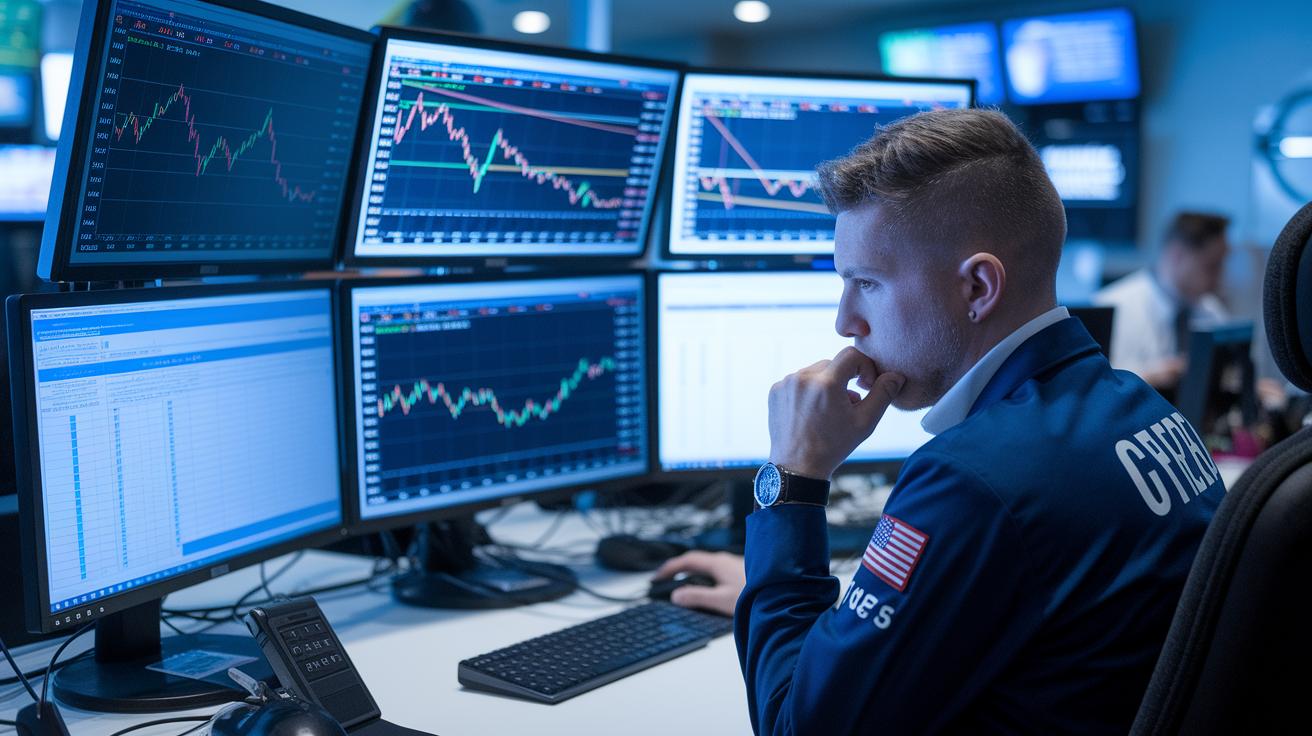
Stock screeners that you can tailor to your needs help you avoid constantly watching your charts. They work by sending out alerts when specific conditions you set are met. With smart tools pulling in real-time data from sources like FINVIZ Elite, your screen updates on its own, so you don’t have to keep refreshing it manually. You can even save your custom settings to fit different strategies, whether you’re into day trading, swing strategies, or hunting for good value. Imagine getting a timely alert when a stock’s trading volume suddenly spikes or its price jumps; it means you can jump on the opportunity right away.
Personalized market filters also keep up with the changing market trends and new sectors as they emerge. This automatic adjustment helps you manage risk because you get an instant heads-up when market conditions shift in a way that matters to your investments. Both beginners and seasoned traders benefit from these real-time updates, helping you react quickly and make smart choices. With these features in your screener, you can focus on your trading strategy rather than being stuck with tedious manual checks, saving you both time and extra stress.
Final Words
In the action, we covered how adjustable filter configurations replace manual research while guiding both seasoned investors and beginners through clear, step-by-step screening techniques. We also compared interfaces, refined technical indicators, and personalized fundamental filters to boost decision-making confidence.
Dynamic alerts and automated features help you stay ahead while managing risk effectively. With customizable stock screener settings, every small tweak can lead to a smarter trading move and a brighter investment outlook.
FAQ
What are customizable stock screener settings free?
Customizable stock screener settings free let you filter stocks without paying fees. They use key criteria like market cap and dividend yields to help spot opportunities without needing a premium subscription.
What are the best customizable stock screener settings?
The best customizable stock screener settings combine real-time data, technical signals, and fundamental filters. They let you quickly adjust criteria to match your investment style and keep pace with market changes.
How do day trading scanner settings and stock screener filters for day trading work?
Day trading scanner settings use filters like volume and price volatility to highlight quick trade opportunities. These filters help you identify stocks with rapid movements that suit short-term trading.
How does TradingView support custom stock screeners?
TradingView offers tools that let you build custom stock screeners using technical and fundamental filters. It allows for easy customization so you can create a screening tool that matches your trading strategy.
How do investing, historical, and US stock screeners assist traders?
Investing, historical, and US stock screeners filter stocks based on past performance and key financial ratios. They help you review trends, compare market segments, and make more informed investment decisions.
Can I customize my stock screen or create my own stock screener?
You can customize your stock screen by setting personal filters for valuation, growth, and technical signals. Platforms like TradingView let you create and save your own screener, matching your unique trading needs.
What does the 3-5-7 rule in stocks mean?
The 3-5-7 rule generally refers to a guideline for measuring stock performance over short periods. It acts as a quick reference for traders to assess and compare stock trends, though definitions may vary.