
Have you ever thought one clever tool could change your trading game? In day trading, using the right platform and clear charts isn’t just a bonus, it lays the foundation for winning trades.
Picture testing ideas with paper trading or keeping a detailed journal to track every move you make. These simple tools work together to give you clear insights and quick data when you need them most.
Read on to discover how a smart setup can turn everyday trades into smart moves.
Core Day Trading Tools Overview
Day trading calls for reliable platforms and essential tools that keep you active during the day. You can try out your ideas without risking real money using paper trading on platforms like Interactive Brokers and ThinkorSwim. These tools lay the groundwork for a smart, secure trading setup.
Charts play a huge role in making good trades. For instance, TradingView offers customizable chart libraries, drawing features, and live price updates that help you move fast when market conditions change. Did you know many traders only upgraded from basic charts after noticing how detailed visuals turned average trades into winning ones? Fast data feeds and quick order tools work together so you can handle every trade smoothly.
Keeping a trading journal, like TraderSync, is another must-have. It helps you keep track of key figures such as your win/loss ratio and average risk-reward, showing what works and what needs improvement. Plus, risk-management tools and performance trackers serve as your safety net when the market takes unexpected turns.
- Reliable broker platforms (Interactive Brokers, ThinkorSwim)
- Advanced charting systems (TradingView)
- Detailed trading journals (TraderSync)
| Tool Category | Example |
|---|---|
| Charting Systems | TradingView |
| Trading Journal | TraderSync |
| Broker Platform | Interactive Brokers |
Altogether, these tools offer a clear roadmap for setting up a day trading strategy that balances software, live data, fast order execution, and careful risk control.
Charting and Real-Time Data Tools for Day Trading
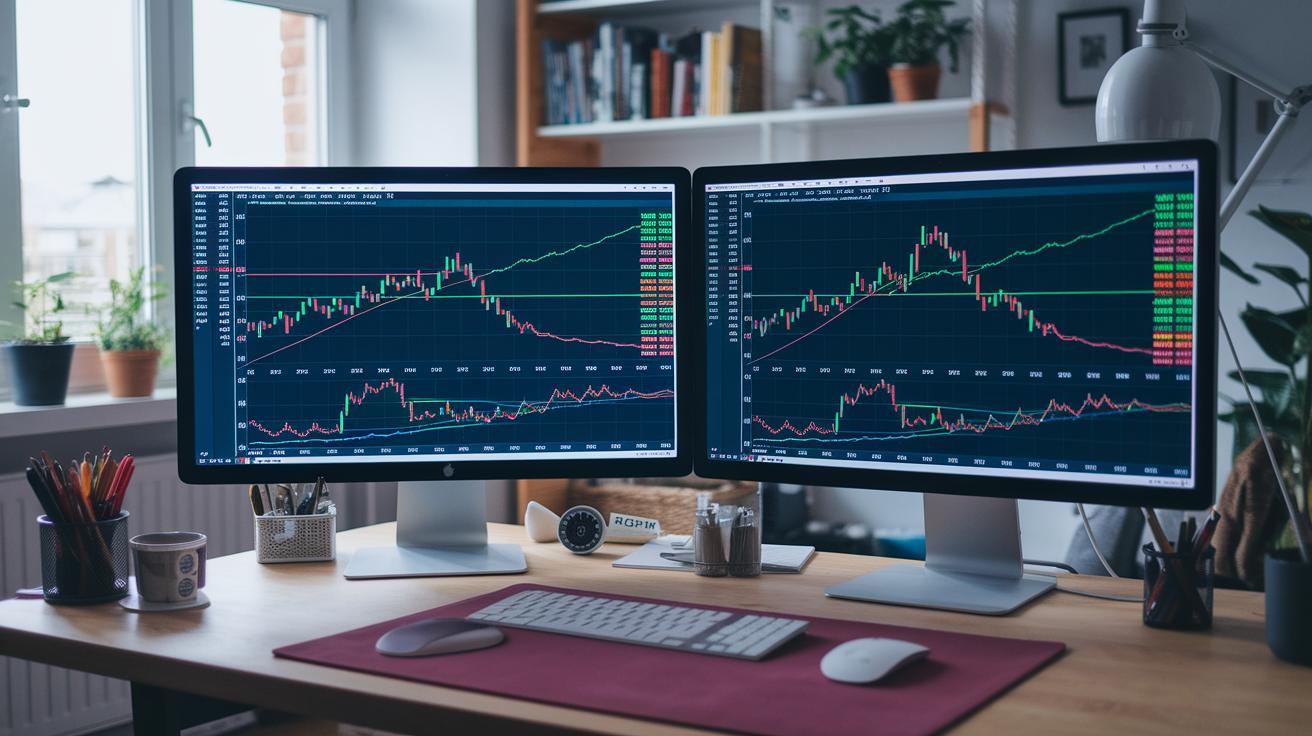
Having the right charting software can be a game changer when you’re watching trends and making quick trades. TradingView is a favorite for many traders because it lets you switch between different timeframes, use drawing tools, and set up custom indicators. Their drawing guide on charting in technical analysis even shows you how to use live price updates so you can change your tactics as soon as the market shifts.
Other platforms like TC2000 and eSignal also offer cool features to boost your trading. TC2000 gives you a strong set of tools without breaking the bank, while eSignal comes with more high-end options if you’re ready to spend a bit more. These features include level-II market depth (it shows you the order book details), streaming bid and ask quotes, and feeds that combine data from multiple exchanges. Basically, you see market moves the instant they happen, keeping you right on track.
Data-feed utilities bring all these useful features together with chart libraries you can tweak to fit your style. Imagine setting up your trading screen like arranging ingredients for your favorite recipe – you choose just the right mix of indicators and price displays.
- Real-time pricing updates
- Customizable chart libraries
- Streaming market data feeds
These tools arm day traders with the clear insights needed to act fast, scoop up new opportunities, and fine-tune their trades as the market pulses along. Have you ever felt that rush when your setup gives you just the right signal at the perfect moment? That’s the kind of edge these tools can provide.
Advanced Stock Scanning and Market Analysis Tools
If you're into day trading, having a solid stock scanning tool is a real game-changer. These tools help you catch live market opportunities by watching for sudden changes like volume spikes, price breakouts, unusual gaps, and even shifts in volatility (which means how much a stock’s price moves). Picture this: you get an alert when a stock suddenly jumps in volume and breaks out of its normal range, giving you a heads-up to make a smart move.
Screeners are equally handy. They help you build detailed watchlists both before and after the trading day by filtering stocks based on specific criteria, like price, sector, or trading volume. For example, Warrior Trading Scanners use five key factors, target price ($2–20), minimum volume, gap percentage, relative volume (how trading volume compares to the usual), and volatility, to spot momentum plays that might otherwise fly under the radar.
Then there are market sentiment trackers and news tools that scan news feeds and social media for a bullish or bearish vibe (meaning they check if the mood is positive or negative). This real-time info can really help you time your trades. And don't forget about chart pattern scanners, they look for familiar technical shapes that hint at a stock gaining momentum or about to reverse course.
- Real-time alerts for sudden volume spikes
- Pre-market screening based on clear, strict criteria
- Sentiment analysis drawn from news and social media chatter
These combined tools fit right into a trader’s routine, helping you make decisions that feel both well-timed and thoughtful.
Brokerage Execution and Order Management Tools

Interactive Brokers really shines for traders around the world by giving you direct market access and super-fast order routing. They make sure your orders reach exchanges in just milliseconds, perfect for those quick, intraday moves. And then there’s ThinkorSwim from TD Ameritrade, which lets you enjoy commission-free trades if your account holds more than $25,000, all while offering a powerful desktop terminal for managing many orders with ease.
TradeZero is a great choice for non-US residents. They offer zero commissions on certain limit orders, although only about half of your orders might qualify. Plus, every broker has a mobile app that brings real-time quotes, one-tap order entries, and prompt alerts to keep you updated when you’re not at your desk.
Imagine this: you spot a market spike and need to execute a trade instantly. With an order routing engine that processes your command without any delay, your strategy gets the speed it deserves.
| Broker | Key Feature |
|---|---|
| Interactive Brokers | Direct market access and rapid routing |
| ThinkorSwim | Commission-free trades over $25k and an advanced terminal |
| TradeZero | Zero commission on select orders for non-US residents |
- High-speed execution terminals
- Mobile trade apps with real-time insights
- Direct order routing engines that help reduce delays
These tools work together to create a strong system for quick, efficient, and smart order management in day trading.
Risk Management and Performance Tracking in Day Trading Tools
Trading Journals vs Risk Modules
Trading journals are a big help when it comes to sharpening your day trading strategies. Tools like TraderSync record every trade you make by noting details like win/loss ratios, average risk-reward, and how long you stayed in the market. This clear record lets you spot trends in your trading and make smarter choices. Then there are the built-in risk modules. They automatically set your stop loss and adjust your position sizes based on the market’s current vibe so that you don’t face huge losses if things go south. Imagine having an automatic stop loss that kicks in as soon as a trade hits a certain drop, it acts like a safety net that protects your portfolio.
Backtesting and Demo Environments
Backtesting is like taking your strategy for a test drive using old market data. It helps you see how your ideas might have worked in different market moods before you put any real cash on the line. This way, you can tweak your approach based on real past performance. Plus, many brokers, like Interactive Brokers or ThinkorSwim, offer demo accounts that mimic live market conditions. These accounts let you experiment with your trades and fine-tune your risk controls without any risk of loss. Testing your strategy in this simulated space builds your confidence and helps make sure that both your journaling and risk management tools are ready for live trading.
Customization and Integration of Day Trading Tools
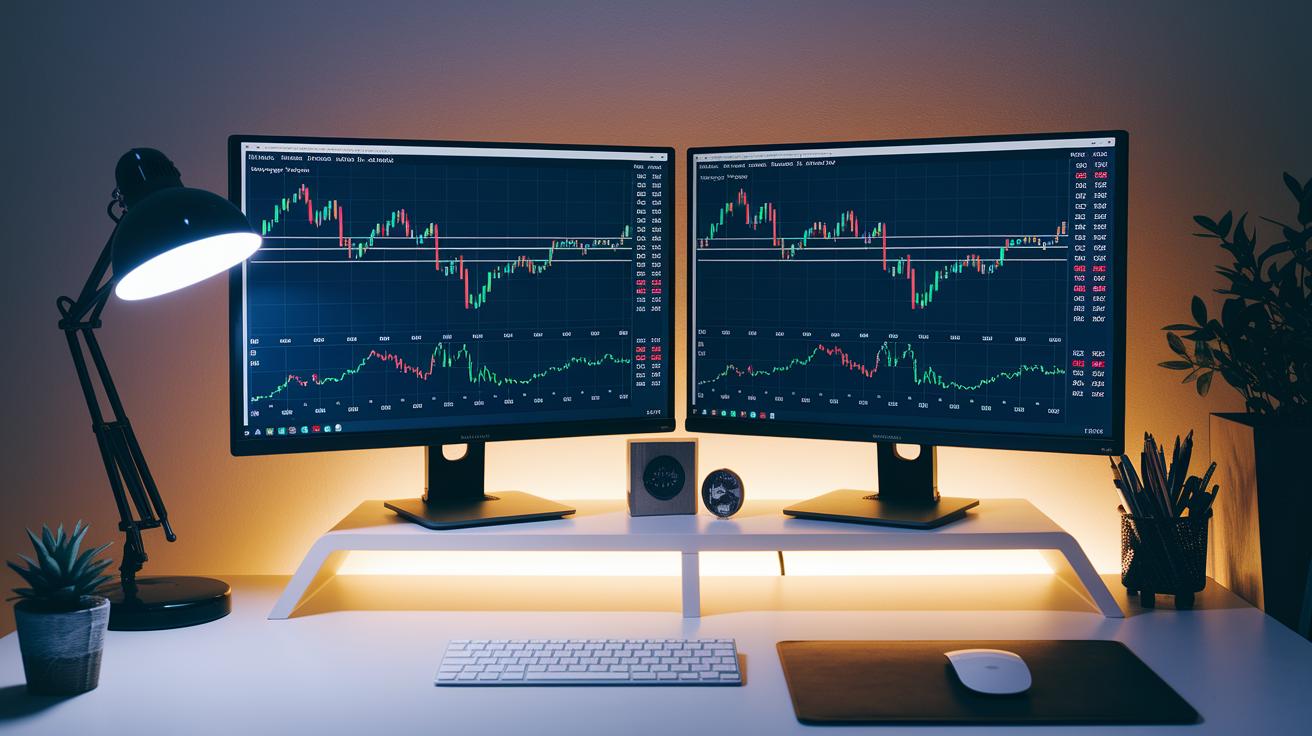
When you're day trading, having tools that match your style can really make a difference. Many platforms now let you tweak your setup using APIs or built-in scripting languages like PineScript on TradingView and ThinkScript on ThinkorSwim. These tools help you create custom indicators, say, one that alerts you when market conditions hit your targets, a little personal touch that can boost your confidence.
Next, picture a dashboard that brings together charts, heat maps, and live alerts all in one place. This clear view lets you spot market shifts fast and grab new opportunities. And with algorithmic interfaces linking signal generators straight to order-entry systems, routine tasks get automated so you can spend more time refining your strategy.
Plus, interface customization tools let you rearrange windows, add your favorite scanners, and save different workspace layouts. This means your trading environment can grow and change as you develop new strategies. By personalizing your tool setup, you're setting the stage for engaging and organized trading sessions that stay in sync with the market’s moves.
In truth, blending custom scripts with visual setups lets savvy traders build a dynamic space that keeps pace with every twist the market throws at you.
Final Words
In the action, this article broke down the core day trading tools that help turn strategies into real-time results. We covered everything from charting software and live data feeds to advanced scanners and risk management modules. Each tool is designed to provide smooth order execution and hands-on performance tracking. With these insights, traders can match their tactics with technologies that bring clarity and prompt decision-making. The right day trading tools bring you closer to achieving smart and secure market moves.
FAQ
What tools are used for day trading?
The tools for day trading include charting software, real-time data feeds, execution platforms, risk modules, scanners, and performance trackers that help traders spot and act on market moves.
What are some recommended day trading tools for beginners?
The recommended tools for beginners include paper-trading accounts like those on Thinkorswim or Interactive Brokers and user-friendly charting options such as TradingView, which provide a clear starting point.
Which free day trading tools can I use?
The free day trading tools embrace basic charting platforms, simulators, and community-driven platforms like Reddit, where traders share practical insights without an upfront charge.
Can you really make $1000 a day with day trading?
The potential to make $1000 a day with day trading depends on a trader’s strategy, capital, and discipline, as real gains come from experience and careful risk control.
What does the 3 5 7 rule in trading mean?
The 3 5 7 rule in trading offers a framework where three key factors, five confirming signals, and seven timeframes are used to select trades more confidently.
Is making $100 a day good for day trading?
Making $100 a day in day trading can be positive when starting out, but traders must work on scaling their strategies to achieve more consistent and higher returns over time.
How do simulators help with day trading for beginners?
Day trading simulators create a risk-free environment that mimics live market conditions, allowing beginners to test strategies and develop their skills before trading with real money.
Which platforms are considered the best for day trading?
Among the top platforms for day trading are Interactive Brokers, Thinkorswim, and E-Trade, as they provide efficient order execution, strong analysis tools, and reliable market data.
How does TradingView support day trading?
TradingView supports day traders with its customizable charts, drawing tools, and real-time data, making it easier to follow market trends and make informed trading decisions.
What are some key features of platforms like Webull and eToro?
Platforms like Webull and eToro offer mobile trading apps, real-time market data, and simple interfaces that are beneficial for both new and experienced day traders.