
Have you ever thought about making your money work even harder for you? Imagine an app that pulls all your accounts, like your retirement plan, crypto wallets, and stocks, into one clear view. It gives you fast, real-time updates, kind of like texting a friend. In this post, I'll show you how this smart tool makes it easy and stress-free to keep track of your funds.
Access Real-Time Insights with a Portfolio Tracker App
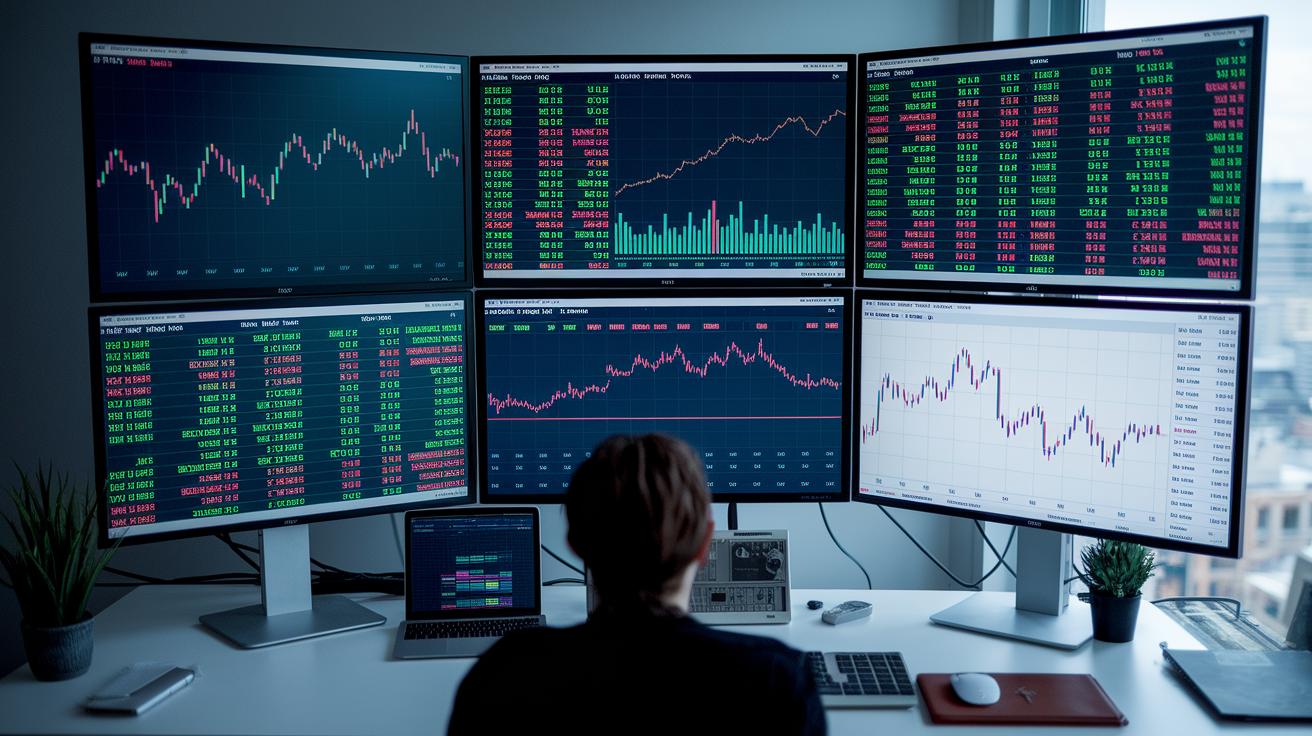
Imagine a dashboard that gathers data from all your accounts, whether it’s your 401(k), IRA, regular investment accounts, bank accounts, crypto wallets, or even NFTs. It brings together investments from various brokers and financial platforms, so you can see everything from stocks to digital currencies at a glance. Did you know that some investors track updates from over 40 international markets on one screen? It makes keeping an eye on your finances both simple and instant.
With just one login, you get all the details you need. These apps show performance measures, break down how your assets are spread out, and even calculate your net worth. Popular tools like Kubera and Sharesight handle multiple currencies, too. Think of it like a smart piggy bank that not only holds your coins but also tells you exactly how much each part is worth.
Plus, you get real-time updates no matter where you are. Whether you’re relaxing at home or on the move, your portfolio keeps in sync across your devices so you never miss a market change. This setup lets you spot trends quickly and adjust your investments with confidence and ease.
Exploring Key Features in Superior Portfolio Tracker Apps
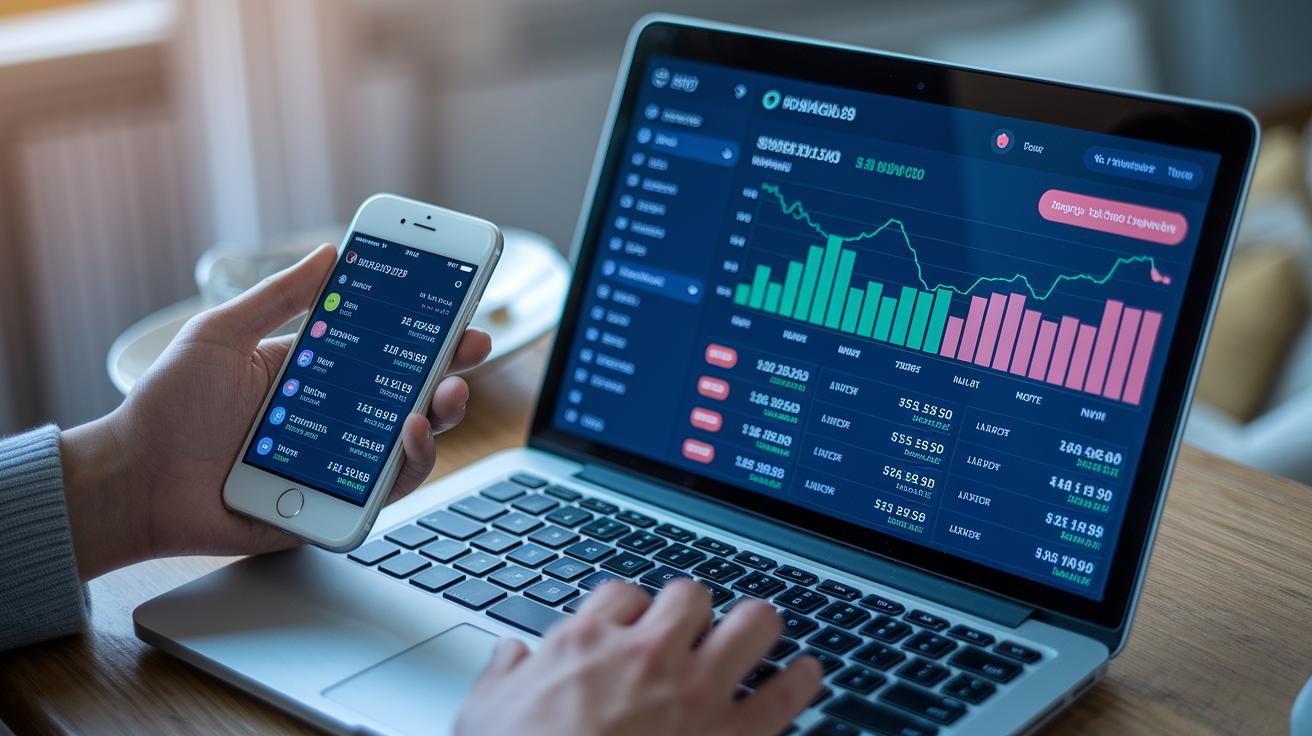
Imagine having one handy dashboard that gathers all your stocks, retirement accounts, and even your crypto investments in one clear view. It’s like checking your wallet while you enjoy your morning coffee. The app updates every change in real time using smart tools that scan multiple assets and sync your investments automatically.
There are several apps out there that each bring their own unique strengths. Seeking Alpha mixes detailed research with tracking tools you can rely on. Empower lets you see your net worth across stocks and retirement accounts, without any hidden fees. And then there’s WallStreetZen, which offers backtested strategies and smart alerts to help you keep an eye on risk-adjusted returns. Morningstar stands out with real-time updates and the latest financial news, though it comes with a fee after a free trial and discount for the first year.
Other great choices include Ziggma for automatic portfolio monitoring, Stock Rover for solid stock research combined with tracking, M1 Finance for tools that blend diversification with brokerage execution, and Delta if you’re into keeping a mobile eye on your crypto. These essential capabilities, as seen with key financial tools (financial tools), put a world of options into one seamless view.
With these apps, you get clear, immediate insights that turn raw numbers into smart investment ideas. You can customize your dashboard to focus on detailed charts, quick stats, or trend indicators. This makes it a lot easier to spot trends, manage risks, and decide on your trades. For tips on picking the best fit for your investing style, check out unbiased investment platform reviews (unbiased investment platform reviews).
Comparing Pricing and Plans for Portfolio Tracker Apps
When it comes to tracking your investments, there are a few paths to consider. You can choose a free tool that gives you the basics, or opt for a paid service that offers extra features and insights. For instance, Empower (Personal Capital) is a great free option that lets you track your net worth without any subscription fees.
Then you have platforms like Morningstar Premium, priced at $299 per year, and Kubera at $150 per year. These add layers of professional analysis and even combine global asset tracking. And if you’re the DIY type, using Microsoft Excel or Google Sheets with customizable templates is another no-cost option, perfect for those starting with free portfolio management software.
| App | Price | Free Trial | Focus |
|---|---|---|---|
| Empower | $0 | N/A | Net worth tracking |
| Morningstar Premium | $299/year | 7-day trial | Professional analysis |
| Kubera | $150/year | N/A | Global asset aggregation |
| Excel/Google Sheets | $0 (manual) | N/A | Custom tracking templates |
The choice depends on how detailed you want your analysis to be and what fits your budget best. Free options cover the essentials, while subscription services offer more in-depth insights and automation. Think about your investment style and choose the plan that aligns with your goals and needs.
Safeguarding Data: Security in Portfolio Tracker Apps

Top portfolio tracker apps protect your financial details with bank-level, end-to-end encryption. This means that your sensitive information is locked away like it’s stored in a digital safe deposit box, only you have the key. They use a read-only API setup, so your full login details are never shared, keeping your data safe from outsiders.
Many apps also strengthen protection with strict authentication steps. They follow OAuth guidelines (a common security standard) and offer multi-factor authentication where you need an extra code or check before accessing your account. Plus, built-in privacy controls watch over your transactions, adding yet another layer of security. If you’re not comfortable linking live accounts, some platforms let you upload a CSV file manually. This gives you a risk-free way to track your moves while keeping your investment data completely secure.
Improving Usability: Interface and Cross-Device Experience

A clear, uncluttered design makes handling your money feel like a breeze. The best money apps offer dashboards packed with interactive financial graphs, watchlists, and customized views that let you see market trends at a glance. It’s almost like checking your portfolio's heartbeat with each tap.
Mobile and desktop versions each bring their own perks. Most platforms sync your experience across iPhone, Android, and web so that you're always in the loop no matter where you are. For instance, M1 Finance weaves trading and tracking into a smooth experience, while Kubera’s mobile view gives you quick snapshots of bank accounts, stocks, and crypto. Sure, using tools like Excel or Google Sheets lets you tweak things exactly how you want, but they miss that automatic sync, making a mobile-friendly asset overview a bit less fluid.
Simple tweaks can really boost how you work. You can set up your dashboard with widgets that deliver live updates and interactive charts. Building your own watchlists and setting alerts means you focus only on the data that counts. This friendly and intuitive setup helps you manage your investments confidently across all your devices.
Step-by-Step Guide to Setting Up Your Portfolio Tracker App

Begin by linking all your brokerage accounts. Pick your 401(k), IRA, and taxable accounts and connect them using a secure API or by importing CSV files. This brings all your money details into one clear dashboard, just like putting together puzzle pieces to see the whole picture of your investments.
Then, set up simple alerts for important investment events. You can choose to get notified when prices change, when there are dividend announcements, or when your budget limits are reached. Imagine your phone lighting up when a stock's price moves a lot, giving you a quick nudge to check your plan. It’s a straightforward way to keep an eye on the market without much hassle.
Next, don’t forget to include your non-traditional assets. Add things like crypto wallets and NFT holdings so your dashboard shows every bit of your net worth. By mixing these modern investments with your regular accounts, you get a complete view of your finances that really fits your unique style.
Finally, look over your combined metrics and tweak the reporting periods to suit your routine. Customize your dashboard with the charts and summaries you like best, and easily export or share your portfolio figures for regular checks. This step makes sure your investment plan is personal and ready to help you manage your money every day.
Final Words
In the action of keeping multiple investments in view, this article showed how a portfolio tracker app simplifies monitoring with real-time updates, secure data practices, and easy-to-read dashboards.
We explored its core features, from automated account syncing to intuitive interfaces across devices. Clear insights help manage risk and spot opportunities while safeguarding your financial data. The power of one smart tool can boost confidence and keep your strategy on track. Keep moving ahead with a vigilant eye on your portfolio, knowing well-informed choices fuel success.
FAQ
What is a portfolio tracker app free?
A free portfolio tracker app offers cost-free tools to consolidate your investments. It delivers real-time updates, performance insights, and an easy-to-read dashboard that helps you keep a clear view of your overall asset allocation.
What is a stock portfolio tracker app?
A stock portfolio tracker app consolidates your stock holdings and displays real-time performance, gains, and losses. It uses an intuitive interface to help you stay informed about trends and make smarter investment decisions.
What does a portfolio tracker app as discussed on Reddit offer?
A portfolio tracker app mentioned on Reddit is praised for its reliability and user-focused tips. Community feedback highlights its robust tracking features and straightforward design, making it a favorite for many investors.
What is a portfolio tracker app free download?
A portfolio tracker app available for free download lets you monitor your investments without upfront costs. It provides real-time updates and performance metrics so you can manage your assets with ease.
What is a portfolio tracker app for Android?
A portfolio tracker app for Android is developed to work seamlessly on Android devices. It provides real-time investment updates, interactive dashboards, and easy connectivity, helping you track stocks, crypto, and other assets on the go.
What is the best portfolio tracker app?
The best portfolio tracker app delivers clear performance metrics, integrates multiple investment accounts, and offers a secure, user-friendly dashboard. It streamlines the way you view and manage your diverse assets in one place.
What is a portfolio tracker app for iPhone?
A portfolio tracker app for iPhone is optimized for iOS, offering a sleek interface and smooth real-time updates. It allows you to monitor varying investments like stocks, retirement accounts, and crypto right from your mobile device.
What does a portfolio tracker app review typically cover?
A portfolio tracker app review covers real-time data features, security measures, multi-device support, and overall usability. These insights help investors decide which app offers the best mix of performance and convenience.
What is the best free portfolio tracker?
The best free portfolio tracker combines robust tracking features with zero subscription fees. It lets you keep tabs on stocks, crypto, and retirement accounts with real-time updates and simple, consolidated dashboards.
How can I track all portfolios in one place?
Tracking all portfolios in one place involves using an app that integrates multiple accounts—from stocks to retirement funds—into a single dashboard. This approach provides a complete and updated view of your entire investment portfolio.
What is the best way to track a stock portfolio?
The best way to track a stock portfolio is by using an app that offers real-time updates, detailed performance metrics, and simple navigation. It helps you monitor stock gains, losses, and market trends effectively.
Is the Empower portfolio tracker free?
The Empower portfolio tracker is free and does not charge subscription fees. It provides net worth monitoring across different accounts, making it a cost-effective choice for investors who want to keep their finances organized.
What features does Yahoo! Finance offer?
Yahoo! Finance provides a comprehensive platform with financial news, market trends, and portfolio tracking features. It helps investors keep up-to-date on stock performance and economic developments with ease.
How does Google Finance aid portfolio tracking?
Google Finance combines market news with portfolio tracking tools, offering real-time data updates and clear investment summaries. It enables investors to monitor their holdings alongside broader market trends efficiently.
What benefits does TradingView offer?
TradingView features robust charting capabilities and real-time data, allowing investors to analyze market trends and track investments. Its community and interactive tools enhance the overall tracking and analysis experience.
How does Seeking Alpha assist investors?
Seeking Alpha provides both investment research and portfolio tracking tools. By offering in-depth analysis and community insights, it helps investors gain a clearer perspective on market trends and their own portfolios.
What makes Morningstar a strong choice for portfolio tracking?
Morningstar delivers professional-grade tracking with real-time updates and detailed asset performance analyses. Its research tools and comprehensive data make it a trusted platform for keeping track of diverse investment portfolios.
What role does MarketWatch play in portfolio tracking?
MarketWatch offers financial news paired with portfolio tracking features that help you monitor market movements and individual investment performance. Its straightforward design keeps you informed about market events and trends.