
Ever notice how some portfolio trackers update super fast while others take a little while?
Following your investments can feel a lot like watching a clock. Every tick shows you another part of your financial picture.
Here, we'll explore how different update speeds, from real-time to regular snapshots, can shape your strategy.
Knowing how often your tracker pulls in market data might help you react quicker and stay ahead.
So, let’s dive in and clear up any confusion about update frequency.
Portfolio Tracker Update Frequency: Definition and Benefits
Your portfolio tracker updates by pulling in the freshest market data at set intervals. This means details like performance numbers, how your assets are spread out, and any fee alerts are all current. Some platforms even update every minute, so you really feel the market's heartbeat.
This steady refresh lets you react fast when things change, whether you’re following stocks, bonds, mutual funds, cryptocurrencies, or real estate. It offers a simple snapshot of your entire financial picture.
By keeping an eye on the refresh schedule, you can decide on update intervals that help you make smarter, quicker moves. Automated alerts cut out the need for constant manual checks, sending you notifications on fee changes or major market shifts. This regular update builds trust by making sure every detail, from dividend payouts to price shifts, is up-to-date. With a reliable refresh cycle, you get continual insights that help you tweak your strategy when needed, much like checking a clock that never falls behind.
Portfolio Tracker Update Frequency: Comparing Real-Time and Periodic Intervals

If you need quick market updates, starting with real-time data is essential. Many banks and brokerage platforms offer price quotes as they change, giving you a live look at the market, ideal for traders who need immediate updates. Some stock apps update every 1 to 5 minutes, which offers a good mix of speed and ease of use.
On the other hand, spreadsheet tools like Google Sheets or Excel usually update on an hourly basis, either through scripts or by manual refresh. This works well for investors who don't require constant minute-by-minute changes but still want solid data. Robo-advisors, such as SigFig, update every 15 minutes, combining the ease of automation with regular, steady updates. And then there are end-of-day updates, common in many free or basic plans, which give you a snapshot for long-term planning but might skip the smaller moves during the day.
Below is an HTML table that outlines each update type by frequency, along with their pros and cons:
| Interval Type | Frequency | Pros | Cons |
|---|---|---|---|
| Tick-level (Real-time) | Every second | Shows market changes instantly; perfect for active traders | Uses a lot of data; more than needed for long-term investing |
| Intraday Refresh | Every 1-5 minutes | Good balance between speed and efficiency; great for day traders | Might miss very quick changes |
| Batch Updates (Robo-Advisors) | Every 15 minutes | Automated and neat; brings data for multiple accounts together | May lag during very volatile times |
| Hourly / EOD | Hourly or at Market Close | Cost-effective and solid for long-term trends | Doesn’t capture quick, intraday changes |
Portfolio Tracker Update Frequency: Key Factors Influencing Refresh Timing
When you check your portfolio tracker, how fast it updates depends on a mix of tech and everyday work factors. For instance, data comes from sources that often have limits, like API rate limits (that’s just a cap on how many times you can ask for data), subscription tiers, or fees from data providers. A free tool might make you hit a refresh button yourself, while a paid one could update automatically.
Sometimes, even when the data is ready, the system might slow down if the server is busy or the network connection is sluggish. In other cases, updates aren’t instant because the system gathers changes, like trades or dividend payments, and then processes them at specific times.
Next, the way the platform is built also plays a big role. Big systems might bundle updates together to handle lots of users without strain. This can cause tiny delays, which many investors are okay with if it means smoother performance. Yet, if you prefer to choose when to update your portfolio, especially during big market moves, manual refresh options are there for you.
So, whether it’s limits on data, how much the vendor charges, or the method chosen for updating, every part of the system shapes how quickly you see the latest market information.
Portfolio Tracker Update Frequency: Best Practices for Optimization
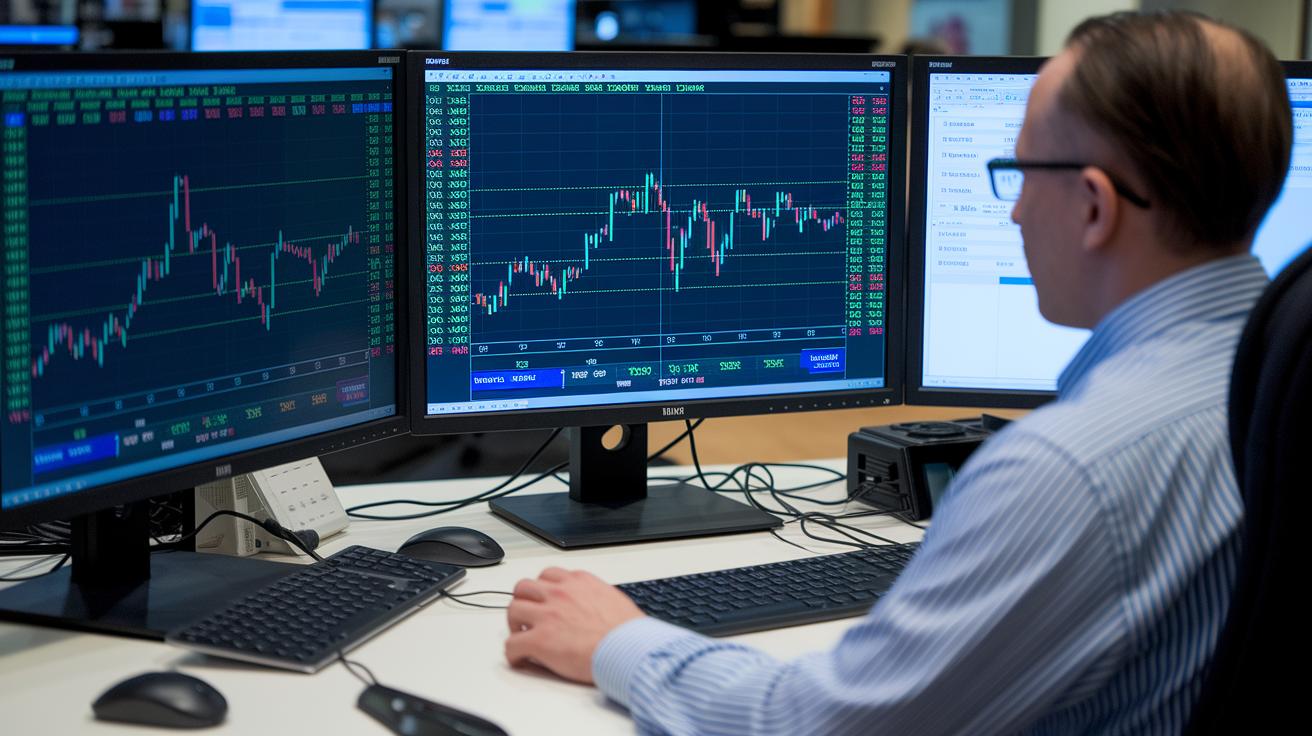
For those who really dig into their investments, a smart move is to set your tracker so it only updates when there’s a big price shift. Imagine it refreshing only if a stock moves by 3% or more. This way, you avoid a flood of pointless updates and save both your data and time.
But sometimes, a market can get pretty wild. In those moments, tapping the refresh button manually can give you the clear picture you need, right when you need it. It’s a handy trick, especially when automatic updates might be a step behind during rapid price changes.
Another clever tactic is to run your data syncs during off-peak hours. By scheduling updates when the servers are less busy, you reduce the strain and speed up the performance. Think of it like running errands during quieter hours, it keeps your data fresh without overloading the system.
Then there’s the option of using tools like WebSocket or push-notification APIs. These keep your tracker in a near-constant chat with market data, so every big move is captured right away. Plus, with advanced analysis tools, you can even set up automated alerts to let you know when your chosen conditions are met.
In the end, blending automation with a bit of manual checking creates a flexible and robust system. Whether it’s trigger-based updates, off-peak scheduling, or push notifications, each method plays its part in keeping your portfolio updated smoothly and efficiently.
Portfolio tracker update frequency explained: Timely Clarity
Imagine a trader using an algorithm hooked up to live data. It quickly spots a fast drop in prices and instantly adjusts the stop-loss to protect investments. Think of an app that refreshes every two seconds, giving the trader a chance to exit before a sudden dip erases gains. That kind of precision can really help prevent big losses.
Some traders take it a step further by using custom API feeds that send near-instant alerts. This means they can set signals based on market levels. When the price reaches a set point, the system automatically tweaks the stop-loss to keep their position safe. It’s a bit like getting an on-the-spot reminder to protect your gains.
A quick look at the table below shows how different update methods stack up:
| Update Frequency | Typical Strategy |
|---|---|
| Real-Time (seconds) | Active trading with automated triggers |
| Delayed (15+ minutes) | Long-term trend analysis with periodic reviews |
- Real-time data helps you react quickly to fast-changing market moves.
- Automated feeds give you extra insights beyond basic stop-loss and rebalancing.
- These systems lower risk by relying on current, live information instead of old data.
In truth, trusting timely and precise data can give your portfolio management a special advantage over broader, less specific analysis methods.
Final Words
In the action, we broke down portfolio tracker update frequency. We looked at what it means, why it matters, and how it plays a part in keeping tabs on market shifts. We covered everything from real-time updates to periodic reviews and shared tweakable practices for smoother refreshes. The choices you make can boost your confidence when acting on market highs and lows. Keep a close watch on your updates for a portfolio tracker update frequency that suits your trading rhythm and secure a bright financial future.
FAQ
How is portfolio tracker update frequency explained on Reddit and in relation to the S&P 500?
The portfolio tracker update frequency discussed on Reddit and with the S&P 500 shows that platforms update data at different intervals—from near real-time quotes to end-of-day summaries—to match various trading needs.
What is a portfolio rebalancer and how does automatic portfolio rebalancing work?
A portfolio rebalancer automatically adjusts asset allocation to match target levels. It uses set rules or triggers to balance risk and return without constant manual intervention.
What are common portfolio rebalancing strategies and their benefits?
Rebalancing strategies may include threshold rebalancing, scheduled reviews, or trigger-based adjustments. They offer benefits by maintaining diversification, controlling risk, and keeping your investment plan aligned with your goals.
How do you rebalance a 3-fund or Vanguard portfolio effectively?
Rebalancing a 3-fund or Vanguard portfolio involves comparing current asset weights to your targets and buying or selling assets to restore balance. This process keeps your investments aligned with your intended strategy.
How often should you review and rebalance your portfolio, including a 60/40 mix?
Review and rebalance your portfolio on a regular schedule, such as monthly or quarterly. For a 60/40 mix, consider rebalancing every six to twelve months or when asset allocations drift significantly from targets.