
Have you ever thought about how a stock screener might change your trading game? MarketWatch’s stock screener could be just the tool you need. Its clean layout and strong filters give you quick, smart stock analysis, even if you’re new to trading.
Every click offers a little guidance that helps you notice trends and patterns, almost like finding landmarks on a well-planned map. In today’s fast-paced market, having clear data at your fingertips can really boost the confidence behind every decision you make.
Curious to learn more? Check out how MarketWatch can help you upgrade your investment strategy with ease.
Navigating the MarketWatch Stock Screener Interface
Finding the MarketWatch screener is a breeze. Just go to the main website and click on the section named "Screeners." The design is clear and takes you right to where you can set up your custom stock screens. It really feels like you’re stepping into a tidy workspace where every tool is at your fingertips.
Once you start the tool, you’ll see a dashboard neatly divided into sections that help you move around quickly. The layout works well for both beginners and experienced users. I especially like the search query area that lets you adjust your filters exactly how you want them.
- Search bar
- Filter panels
- Results table
- Saved screens menu
- Help resources
When you’re getting set up, take a moment to experiment with the search bar to fine-tune your queries. Try out the different filters in the panels and watch the results table update in real time. The saved screens menu is a handy feature for coming back to your favorite setups, and if you ever feel lost, the help resources are right there to guide you. This simple, step-by-step approach makes managing your stock analysis easy and effective.
Analyzing Historical Data with MarketWatch Stock Screener

The MarketWatch Stock Screener lets you choose date ranges that fit your needs. Whether you’re after speedy intraday details or a look back over many years, you can set the timeframe with ease. For example, you might pick last week for quick trends or 10 years for a deep look into shifts over time. This flexibility makes it a great tool for both fast checks and in-depth analysis.
It’s simple to study past price charts and performance numbers with the clear visuals and organized data breaks this tool provides. The screener brings together up to 10 years of records, helping you spot trends, seasonal ups and downs, and repeating patterns. Imagine a chart where each dot marks a big company milestone or a change in market mood, that visual connection highlights how past events shape today’s market. By looking at these charts, you can get a clearer idea of market volatility, steady growth, and what might happen next.
Mixing historical details with live updates can really fine-tune your market response. A handy tip: compare today’s news with past trends to see if current movements reflect what has happened before.
Capitalizing on AI-Powered Screening in Stock Screener MarketWatch
MarketWatch has boosted its stock screener with a clever AI tool. This tool digs through company documents and shareholder records to pick out key financial signals, much like having a digital detective scanning for the important clues.
To get started, just click the advanced filter in the search area and turn on AI mode. This mode checks detailed records, annual reports, quarterly filings, and investor updates, to find useful hints. For example, you might see a message like, "Extracted insight – Company X shows consistent performance peaks during earnings calls." Think of it as reading a friendly note that highlights trends, so you can zero in on stocks that meet your specific goals.
It’s a good idea to double-check these AI clues by comparing them with other performance metrics. Reviewing the results every now and then helps you stay on track and fine-tune your custom filter settings as needed.
Exploring Commodity Trends in MarketWatch Stock Screener
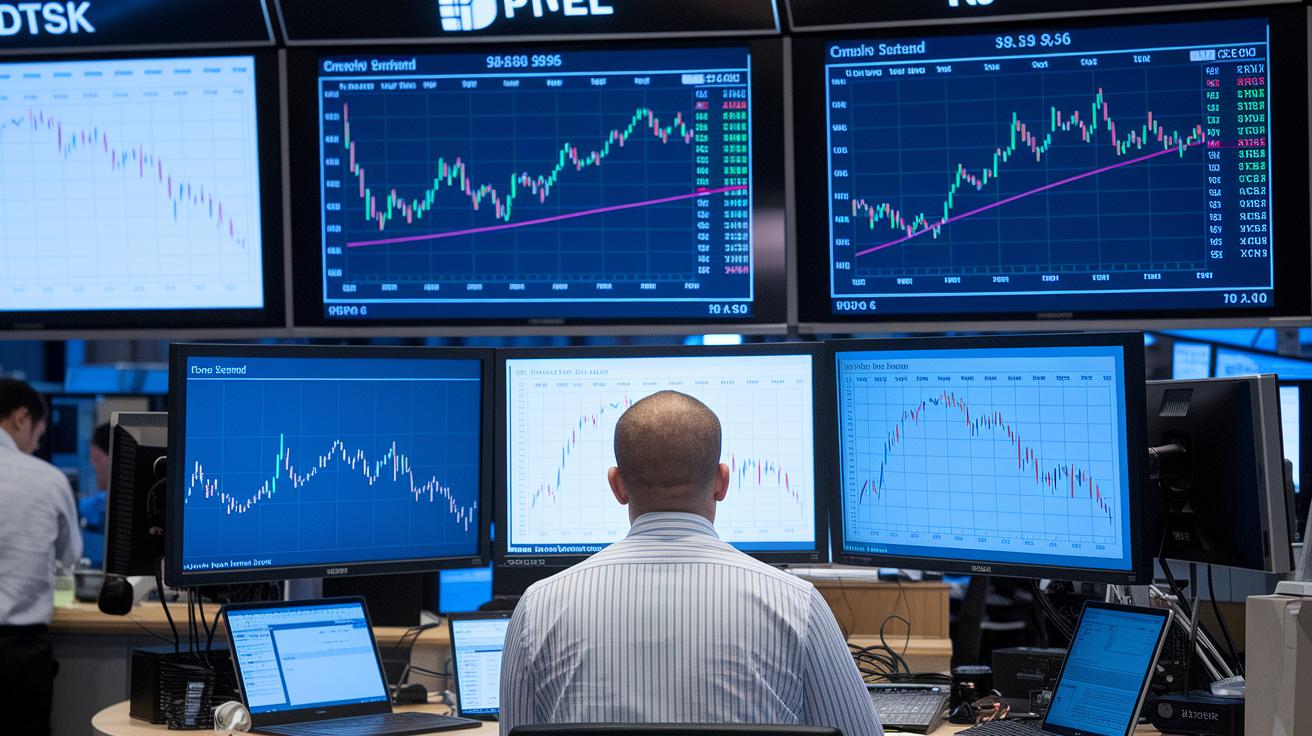
MarketWatch offers a handy commodity screen that helps investors sift through large sets of data. You can explore trends for over 10,000 commodities collected over the past ten years. The setup is simple, just choose a time range and you’ll quickly see price changes, trading volumes, and market ups and downs. It’s easy to customize your view and filter the data just how you need it. Give it a try and watch how seasonal trends and sudden shifts paint a clear picture of the market. Have you ever noticed how a sudden price jump in one sector can stand out against long-term trends?
Here are a few areas you can track:
- Oil: Keep an eye on quick price moves, busy trading days, and market buzz over selected periods.
- Metals: Watch how prices and trading volumes change over time.
- Agricultural: Track seasonal price shifts and the natural ebb and flow of the market.
- Energy: Notice the swings in prices and related volatility that can influence the broader market.
- Comprehensive Metrics: Use custom time ranges and fast filters to get detailed insights.
You can also mix commodity screening with equity filters to see a fuller picture. When you compare how commodities perform alongside stocks, you’re better equipped to fine-tune your investment strategy and take confident steps in the market.
Tracking Major Shareholders with MarketWatch Stock Screener
Shareholder filters help you uncover companies with strong investor backing by flagging cases where a single person owns over 1% of the shares. It’s a bit like playing detective, finding clues about a company’s potential based on who’s investing in it.
To use this filter, start by opening the shareholder search option in the custom screener. Then, choose the filter for companies with more than 1% ownership. You can tweak other settings as needed to match your research goals. This lets you zero in on businesses that have earned the trust of long-term investors, suggesting solid fundamentals.
When you look at the results, pay attention to how many major shareholders there are. A high number might indicate strong market support, while a lower count could mean it’s worth digging deeper into the mix of investors.
Automating Alerts for Company Announcements in Stock Screener MarketWatch

Our Stock Screener MarketWatch makes it easy to stay on top of company news. You can get alerts for earnings releases, dividend notices, and breaking news so that you never miss an important update. For example, you might see an alert like, "Earnings update: Company XYZ releases its quarterly numbers." That way, you’re always in the loop.
To set up your alerts, start by opening the alert configuration panel on the main dashboard. First, pick the alert types that matter most to you. You’ll see options for earnings reports, dividend news, or other company updates. Next, customize your alert criteria, choose date ranges and adjust settings to fine-tune how sensitive the alerts are to different market events. Then, decide on your preferred delivery method, whether it’s email notifications or real-time updates on your dashboard. Play around with these settings until you filter out the noise and catch only the news that really drives your investment strategy.
When you decide how often you want alerts, aim for a balance that keeps you informed without overwhelming you. And remember, it’s a good idea to review and adjust your criteria regularly so they fit your current view of the market and your investment needs.
Comparing MarketWatch Stock Screener to Other Screening Tools
MarketWatch is a refreshing change in the world of stock screeners. It offers loads of customization and a vast range of data, plus built-in AI that adds smart insights to your research. While many screeners focus only on basic price and volume, MarketWatch lets you tailor your searches with detailed criteria and use historical data stretching back ten years.
Unlike many tools that stick to simple metrics, MarketWatch jumps in with a full suite of features. Its AI reviews hundreds of company documents and keeps an eye on trends that go far beyond simple numbers. It even takes a closer look at commodities by analyzing trends for thousands of items over many years. This gives you a clearer picture of market behavior and investor sentiment instead of just quick price changes. Some platforms only offer basic price charts, while MarketWatch turns raw data into insights you can actually use.
MarketWatch is ideal for investors who need more than a routine scan. It’s perfect for anyone who wants detailed performance metrics and a deeper look at market trends, all presented in a friendly, easy-to-use interface.
Final Words
In the action of exploring MarketWatch’s tools, we took a hands-on look at setting up a custom screening system. Each section highlighted easy navigation, from scanning historical trends and using AI filters to monitoring commodities, shareholder data, and real-time alerts. You saw how the stock screener marketwatch can streamline risk management and boost your strategy. Embrace these insights and stay confident in your approach, knowing that every step you take is a move toward smarter, secure investing.
FAQ
How can I access the MarketWatch Stock Screener for live, up-to-date data?
The MarketWatch Stock Screener today provides live updates, letting you set real-time filtering criteria so you can quickly see the most current stock information and market movements.
Is the MarketWatch Stock Screener free, and how can I use it if I’m in the US?
The free version of the MarketWatch Stock Screener offers a powerful, no-cost tool that lets you customize search parameters and screen US stocks easily, making it accessible for all levels of investors.
What makes MarketWatch one of the best stock screeners available?
The MarketWatch Stock Screener stands out with its robust customization, extensive data range, and user-friendly interface, allowing for precise and effective stock screening tailored for US markets.
How does the news screening feature work in the MarketWatch Stock Screener?
The news screener for stocks in MarketWatch works by letting you filter and set alerts for key company announcements, ensuring that you stay informed on earnings releases, dividends, and other critical market news.