
Have you ever thought about how easily your portfolio data could move with you? Imagine your information traveling safely from your phone to your laptop, like a trusted friend passing along a secret note.
In this post, I’m going to show you how cloud storage and API tools work together to keep your data in sync, simple and secure. We’ll look at popular tools that make updating your investments across different devices nearly effortless.
Have you ever felt that relief when everything just works perfectly? That’s what syncing can do, putting you in complete control of your financial details.
Core methods for syncing portfolio tracker data across devices
Syncing your portfolio tracker data from one device to another can work in several ways. You might use cloud storage, API-driven tools, or even set up a direct sync between devices. For instance, cloud systems like TrackMyStack secure your data with a SHA256 hash of your user key and automatically back it up on your phone, tablet, or desktop. It’s like having a digital safe that reliably keeps your information protected.
Meanwhile, API integrations offer other cool options. They use protocols like REST, which sends a fixed package of data, and GraphQL, which lets you request only the fields you need to save on bandwidth. Think about it: managing all your platforms used to be a real mess, but now syncing feels as smooth as a well-oiled routine.
Popular tools to keep your portfolio in sync include:
- CoinStats: Updates over 3,000 cryptocurrencies in real time across devices.
- Delta: Gathers data from more than 300 exchanges and offers detailed performance numbers.
- Kubera: Brings together various asset classes, from crypto to traditional investments, in one clear view.
- REST API: Keeps a stable, fixed data format for reliable communication.
- GraphQL: Flexibly pulls only the data you need, easing bandwidth use.
Setting up secure and efficient syncing means combining these cloud and API methods with strong authentication practices. Using API keys, OAuth 2.0 flows, and short-lived JWT tokens keeps risks low while ensuring your data stays fresh and accessible. Picture it like building a secure bridge between your devices, each request is carefully controlled so your investment info flows without exposing sensitive details. Whether your data moves through a fixed REST setup or through a custom GraphQL call, every update is both fast and safe.
syncing portfolio tracker data across devices: Easy
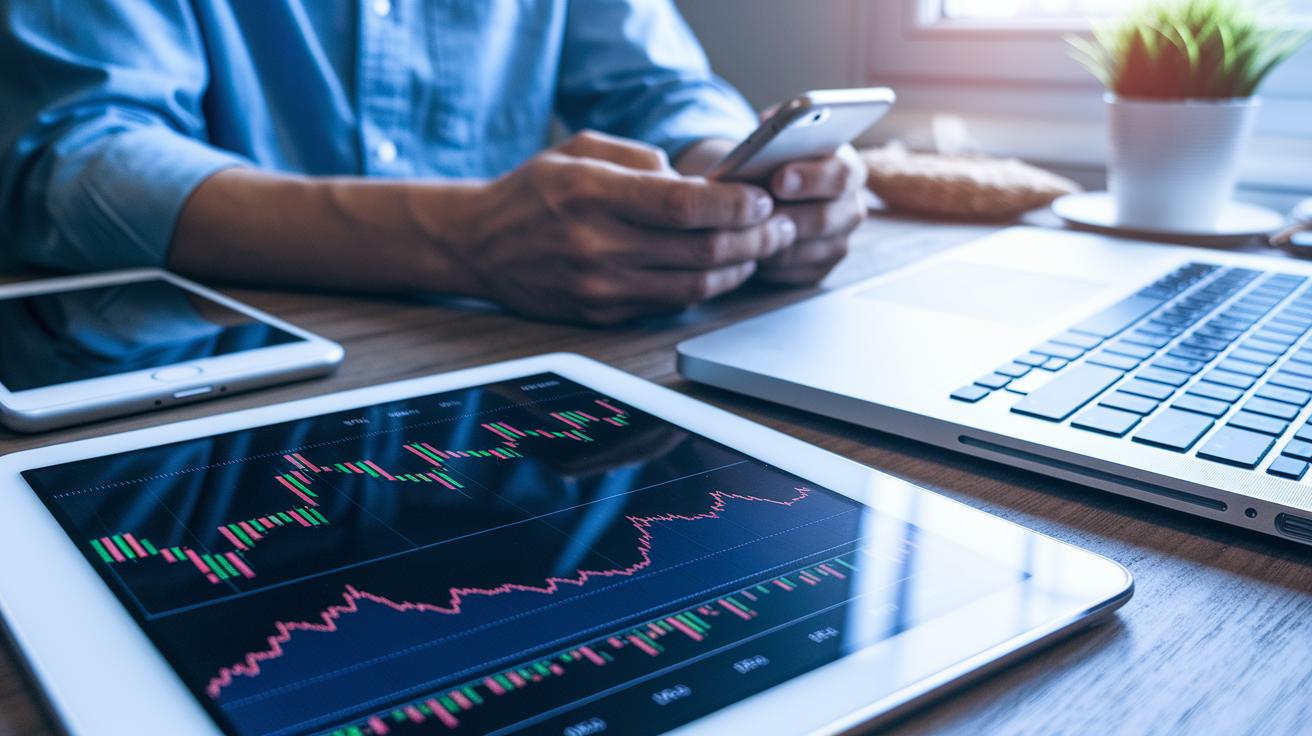
If you’re syncing your portfolio tracker on different devices, it’s smart to check how easily the tool updates your information on your phone, tablet, and computer. For example, CoinStats shows live prices for over 3,000 cryptocurrencies and works well on iOS, Android, and the web, so you can quickly see your portfolio no matter where you are.
Then there’s Delta Tracker, which connects to more than 300 exchanges and gives you clear performance stats along with alerts you can tailor to your needs. If you hold a mix of assets like crypto, NFTs, or even DeFi, Blockpit has your back by supporting over 100,000 assets and includes built-in tax-reporting features. And if your investments span stocks, bullion, traditional bank accounts, and digital assets, Kubera brings them all together for about $150 a year, making it a great choice for diverse portfolios.
| Feature | What It Means for You |
|---|---|
| Platform Support | Works on your phone, tablet, and computer |
| Asset Range | Covers crypto, NFTs, stocks, and more |
| Pricing | Offers a good balance between free and premium options |
| Privacy | Keeps your personal investment details secure |
Ultimately, choosing the right tracker is about weighing these factors. Look for a tool that syncs smoothly between devices, supports the types of assets you own, and keeps everything safe and easy to use.
Core methods for syncing portfolio tracker data across devices
Syncing your portfolio tracker data means you can update your investments on any device you choose. Whether it's your phone, tablet, or computer, methods like cloud storage, REST API, or GraphQL API help keep your data in sync. Cloud storage uses a secure SHA256-hashed key to protect your details, so your updates always match up. With REST, you get a set package of information every time, while GraphQL lets you pick exactly what you need, which helps keep things light on your connection.
| Method | Overview | Unique Feature |
|---|---|---|
| Cloud Storage | Automatic syncing across devices with secure SHA256-hashed keys | Smooth cross-device updates |
| REST API | Fixed data packages for steady and regular updates | Reliable data flow |
| GraphQL API | Custom queries that bring only the details you need | Efficient, low-overhead transfers |
Many well-known portfolio tracker apps use these methods to blend data seamlessly. For example, TrackMyStack uses secure cloud storage for automatic backups, while REST API delivers regular updates with fixed data exchanges. GraphQL API allows for flexible queries that save bandwidth. Look at CoinStats, it even provides live updates for over 3,000 coins! Then there’s Delta, which brings together data from more than 300 exchanges into one clear view.
Selecting a cross-platform portfolio tracker for multi-device integration
When you're on the hunt for a portfolio tracker, it helps to look past just device compatibility or the number of assets it supports. Today’s tools often boast smart, user-friendly designs and strong security features like multi-factor authentication, which is just a fancy way of saying they double-check it's really you logging in. Picture updating your portfolio as effortlessly as browsing through your favorite photo collection.
Next, keep a few key points in mind when exploring your options. Check whether the tracker works well on your phone, tablet, and computer. Make sure it covers not only digital currencies but also other kinds of investments. Compare the pricing modes, some platforms offer a free basics mode while others have premium options. And of course, ensure the tool places a solid emphasis on privacy to keep your data safe.
In short, a portfolio tracker that combines an easy-to-use interface with up-to-date security can make managing your investments both smooth and secure, letting you stay nimble in today’s fast-moving markets.
Configuring cloud-based asset tracker merge
Setting up your cloud sync solution is like choosing the best home for your digital treasures. You can pick platforms like AWS S3/EC2 or Azure Blob/Functions, which offer plenty of space and computing power on demand. Think of it as a growing vault that expands as your data needs increase. For example, TrackMyStack uses an auto-backup method with snapshot versioning and delta updates, only the latest changes get moved between devices, easing the load while keeping your portfolio up to date.
Next, make sure you secure the sync process. Use tokens with limited permissions and keep audit logs for every sync event. This way, you have a clear record of each data transfer, and your sensitive investment details stay protected from any breaches. With these security measures, you can relax knowing your data moves through safe channels with strong encryption.
Keep an eye on your cloud merge using a dedicated dashboard that shows live sync status, alerts you to errors, and even lets you trigger manual snapshots whenever needed. For a quick look at common configurations, check out the table below:
| Service | Key Features | Pricing |
|---|---|---|
| TrackMyStack | SHA256 hash + auto-backup | Free & premium |
| AWS S3 & Lambda | Encrypted storage + functions | min. $5/mo |
| Self-hosted | Customizable security | Varies |
This setup not only keeps your portfolio fresh and updated but also gives you the control you need for a secure cloud integration.
Securing synchronized portfolio data with robust sync protocols
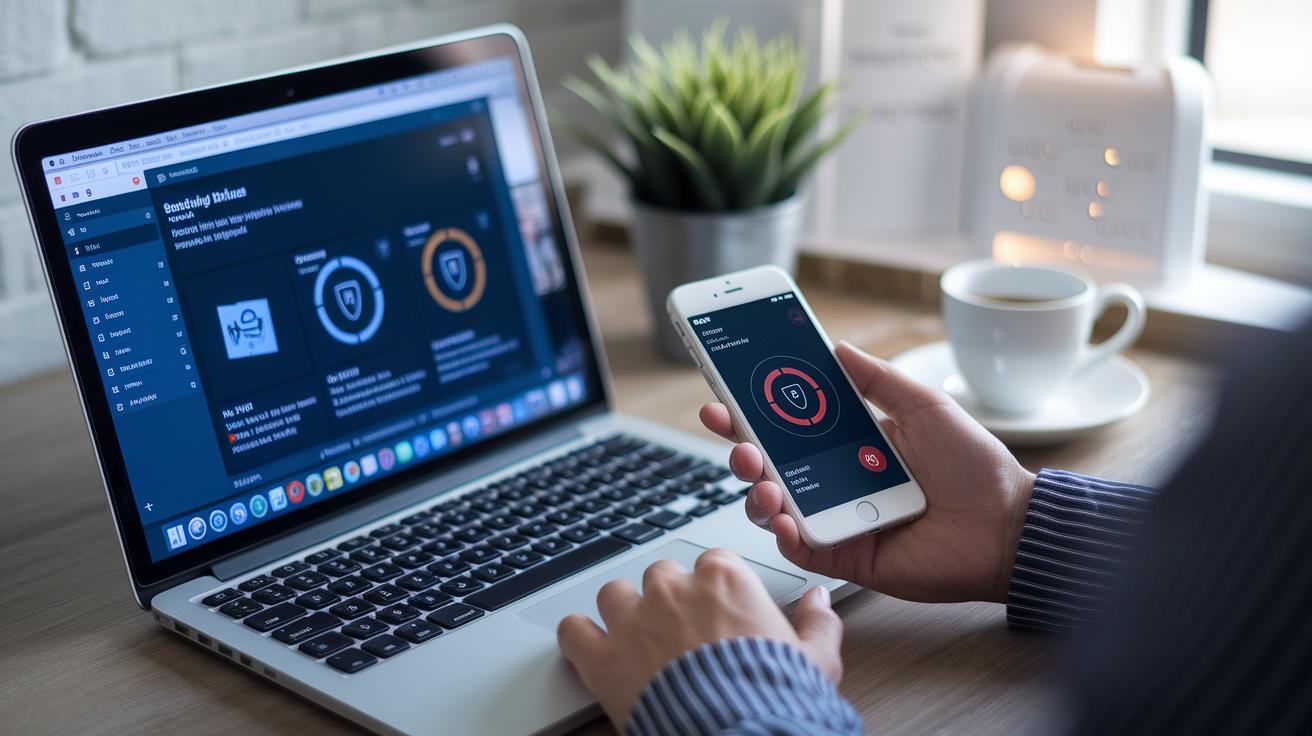
When your portfolio data moves from one device to another, strong encryption is a must. You want to feel like you’re passing along your sensitive investment details safely, just as if you were locking them up in a secure safe. Using TLS 1.2 or higher acts as that secure tunnel, keeping your data safe while it’s in transit. And for data at rest, AES-256 is like having a heavy-duty lock on your records so that even if someone tries to sneak a peek, the information remains unreadable.
Robust authentication adds another layer of comfort. For instance, using OAuth 2.0 authorization code flow makes sure that only trusted parties get access to your details, almost like checking the guest list before opening your door. Regularly rotating API keys is a bit like changing your locks frequently, reducing the risk of old keys falling into the wrong hands. Similarly, JSON Web Tokens (JWTs) with short lifespans minimize the window for any token to be taken and misused.
Managing the flow of data is also important. Techniques like rate limiting and exponential backoff help control sudden surges in data requests and fend off replay attacks. It’s a bit like having a security guard who prevents too many people from crowding your door at once.
| Security Strategy | Purpose |
|---|---|
| TLS (1.2 or higher) | Encrypts data while it’s moving between devices |
| AES-256 | Protects stored records with strong encryption |
| OAuth 2.0 | Ensures only trusted clients can access your data |
| JWT (short-lived) | Limits exposure by using tokens with brief lifespans |
| Rate Limiting & Exponential Backoff | Manages data traffic spikes and guards against replay attacks |
| Logging | Tracks activities for quick issue detection |
Resolving conflicts and troubleshooting cross-device syncing issues
When you're syncing your portfolio across different devices, problems can pop up. Sometimes a slow network, too many API calls, or even mismatched login details can cause delays or misalignment in your data. It might seem like your latest update hasn't come through because of a small network hiccup, leaving things a bit off.
To fix these issues, it's all about having a plan. You can decide which version of your data to keep by using methods like timestamp ordering, last-write-wins, or even merging specific fields. These simple tricks help you pick the right version when there are duplicate entries. And by using audit logs and diff tools, you can easily spot where things went wrong, kind of like finding a mistake in your homework.
For a quick fix, try these steps:
- detect: Check your logs or alerts to see what error is showing up.
- isolate: Set aside the troubled data or connection from everything else.
- apply fix: Manually trigger a sync or roll back to an earlier snapshot to fix the error.
- verify: Look over the system again to make sure everything is running smoothly.
Optimizing real-time wealth update system and performance
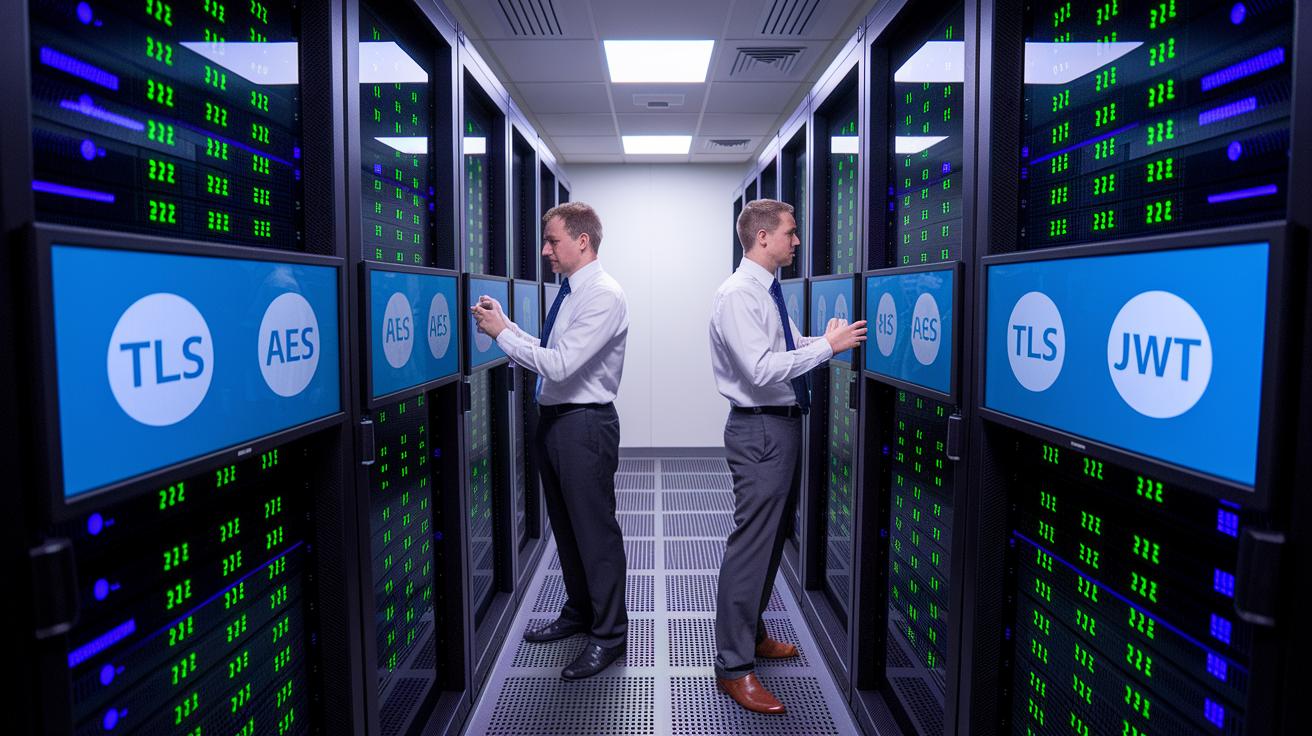
Have you ever wished your wealth updates happened instantly? With a push-based system, you get your data the moment it changes. Instead of waiting for periodic refreshes, your portfolio tracker uses WebSockets or Server-Sent Events to send updates right away. Essentially, these tools create an open channel so you see live pricing and performance shifts as they occur, saving time and reducing network traffic.
Another smart trick is delta sync. Instead of blasting your entire asset record every time, it only sends the parts that have changed. This helps keep the data lean and your updates quick. Plus, using content delivery networks and load balancers means users across the globe can enjoy a lag of less than 200 milliseconds.
| Strategy | Benefit |
|---|---|
| WebSockets | Instant updates |
| Delta Sync | Lower bandwidth use |
| CDN | Reduced latency |
Keeping track of your sync performance is key. Tools like Prometheus and Grafana give you a real-time look at metrics such as latency and error rates. This hands-on approach lets you tweak the system on the fly, ensuring smooth performance even during the busiest market days. It’s all about making sure your investment updates stay fast, reliable, and perfectly in tune with the market’s rhythm.
Final Words
In the action, we covered how to keep your assets aligned from phone to computer. We looked at cloud and API methods, secure sync options, and smart fixes if problems arise. Breaking down each step made the process clear, whether you’re setting up automated backups or troubleshooting errors.
The post leaves you with practical tips to boost your trading confidence. Keep your data secure and your moves on point while syncing portfolio tracker data across devices. Enjoy the journey and keep your investments thriving.
FAQ
Frequently Asked Questions
Q: What is Delta Investment Tracker?
A: The Delta Investment Tracker serves as an app that synchronizes your investments across devices and exchanges, offering performance analytics and customizable alerts.
Q: What does Delta Investment Tracker review say?
A: The Delta Investment Tracker review emphasizes its smooth multi-device syncing, robust analytics, and a user-friendly interface that makes managing diverse assets straightforward.
Q: What is a crypto portfolio tracker app?
A: A crypto portfolio tracker app is a tool that helps you monitor and manage digital assets by delivering real-time market updates and organized, accessible insights.
Q: How can I use a crypto portfolio tracker with Excel?
A: Using a crypto portfolio tracker with Excel involves linking live API data to your spreadsheet, allowing you to customize formulas and track digital assets efficiently.
Q: What is a free crypto portfolio tracker?
A: A free crypto portfolio tracker allows you to monitor your digital investments without cost, offering essential features like real-time updates and basic analytics across devices.
Q: What is the best crypto portfolio tracker app?
A: The best crypto portfolio tracker app combines real-time data with strong security, ease of use, and comprehensive cross-device support to manage your digital assets effectively.
Q: What features does the best free crypto portfolio tracker offer?
A: The best free crypto portfolio tracker delivers user-friendly interfaces, real-time price alerts, secure syncing, and clear analytics for effective digital asset management.
Q: What does Reddit say about the best crypto portfolio tracker?
A: Reddit users appreciate crypto portfolio trackers that offer reliable syncing, extensive asset support, and intuitive designs, balancing robust features in both free and premium versions.
Q: What is the app that combines all investments?
A: The app that combines all investments integrates stocks, crypto, and other asset types into one platform, providing synchronized tracking and a unified view across devices.
Q: What is the best investment portfolio tracker?
A: The best investment portfolio tracker offers cross-device compatibility, real-time updates, secure data handling, and clear analytics, catering to multiple investment types.
Q: What is the best crypto portfolio tracker?
A: The best crypto portfolio tracker delivers accurate, real-time crypto updates, robust security, and seamless integration with multiple exchanges to manage your digital holdings.
Q: Does Google have a portfolio tracker?
A: Google provides basic portfolio tracking through its finance platform, offering essential market updates and investment performance snapshots for convenient, everyday monitoring.