
Ever wonder if your chart is trying to tell you something? Technical analysis tools work like a reliable friend, breaking down complex market data into easy-to-understand signals. They use simple charts, clear trendlines, and smooth automation (this means tasks run by computers on their own) to help you spot the best trading moments even when there’s a lot of data to sift through.
This article explains how these tools can boost your trading confidence and refine your strategy. Let’s dive in and see how smart charts and signals might change the way you trade.
Comprehensive Overview of Technical Analysis Tools for Traders
Technical analysis tools work like smart helpers that show you what the market is doing through easy-to-read charts. They let you check out different types of charts, like candlestick, bar, or line graphs, and give you helpful drawing tools such as trendlines and Fibonacci retracements (a simple way to spot potential price reversals). Imagine noticing a 50-day moving average crossover; it's almost like the market is sending you a clear message.
These platforms come with flexible dashboards that display real-time data, and they include features for coding and automation using simple languages like Pine Script or MQL. This means you can set up your own alerts and customize your charts to match your trading style. It helps cut down on the clutter of too many browser tabs and pop-ups so you can focus on making clear, smart trades.
- Charting and visualization modules
- Indicator and signal libraries
- Pattern scanners and backtesting engines
- Automation and alert systems
- Dashboards and portfolio overlays
By offering these main tools, these platforms give you the power to see market trends, study past price movements, test out your trading ideas, and get quick updates on what’s happening. In truth, all these features work together to support a steady, disciplined trading approach, making it easier for everyone from beginners to seasoned traders to build and improve their strategies with confidence.
Market Chart Software and Visualization in Technical Analysis Tools
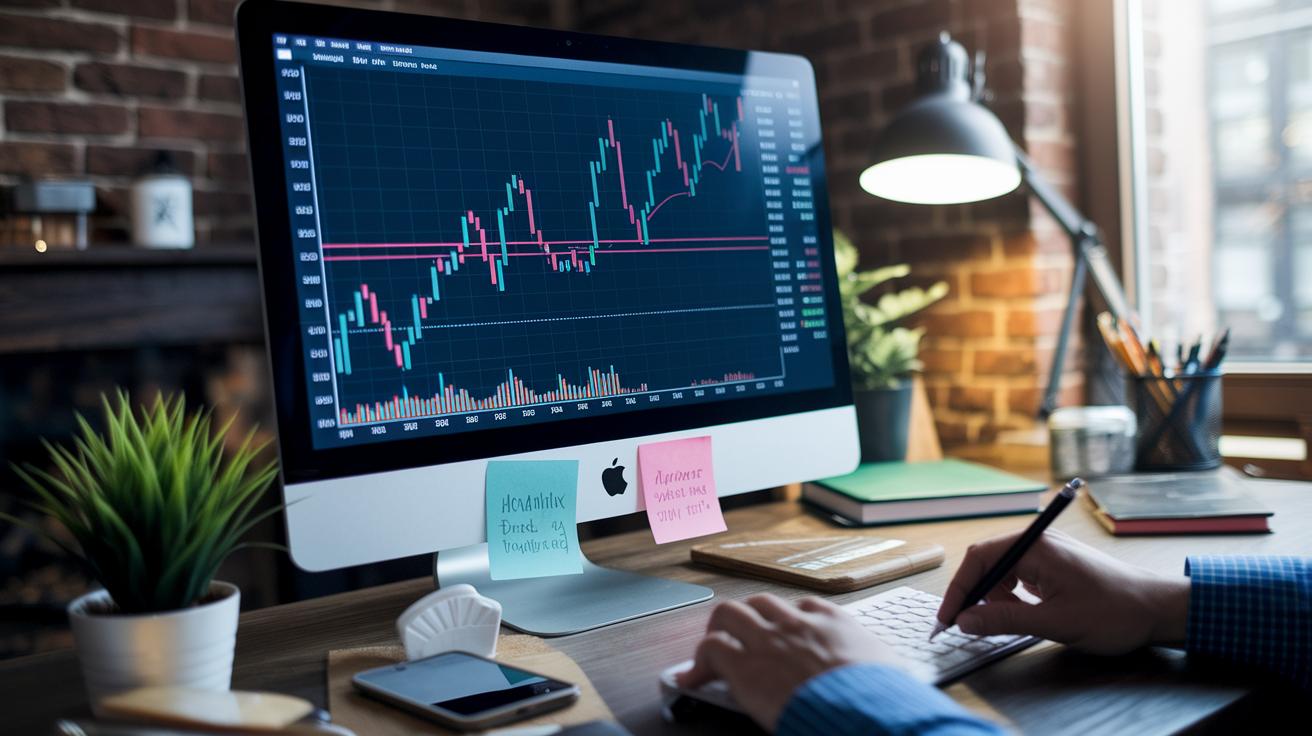
Chart modules are the heart of technical analysis tools. They give you clear candlestick, bar, and line views that make it easy to follow market trends. With these tools, you can quickly switch between views to spot patterns. For example, candlestick charts show you real-time price changes, ever notice how the little shadows on the candles can hint at trends, like a hammer or doji during a downtrend? Platforms like TradingView and ProRealTime even include drawing tools, such as apps to draw trendlines and Fibonacci retracement tools (which help mark potential turning points), so you can easily pinpoint key areas on your charts.
Many charting systems go beyond the basics by offering overlays like Bollinger bands with a typical 20,2 setting. (Bollinger bands use a simple method to show how much prices are moving up or down.) They also come with features like pivot levels and support/resistance markers to highlight important price points. And with multi-timeframe study tools, you can view indicators from different time intervals at once to confirm trends. For more details, you can check out this link on charting in technical analysis. These advanced visualization features help traders decide the best times to enter or exit positions, giving you the smart insights you need to boost your trading strategy.
Indicator Suites and Signal Modules in Technical Analysis Tools
Technical analysis platforms come loaded with ready-to-use libraries that pack a variety of indicators and signal modules. They give you a clear alert when market conditions change, making it easier to know when to step in or get out of a trade. For example, many platforms offer Moving Averages, like the Simple Moving Average (SMA) and the Exponential Moving Average (EMA), with a popular setup called the 50/200 crossover. This key trend indicator shows shifts in market momentum so you can decide when to adjust your positions.
Trend Indicators: Moving Averages, price channels
Trend indicators help you see the general direction of price movement. They include Moving Averages that smooth out the noise in price data to highlight long-term trends. They also feature price channels, which mark areas of support and resistance. Imagine watching prices follow a steadily rising moving average, this clear picture tells you an upward trend might be underway, so holding your trade could be the smart move.
Momentum Oscillators: RSI, MACD, Stochastic
Momentum oscillators focus on how quickly prices change. Common tools here include the Relative Strength Index (RSI), which signals when a market might be too high (overbought) or too low (oversold), the MACD built on 12/26 EMAs, and the Stochastic oscillator with settings like 14,3 that catch rapid shifts. When, say, the MACD lines cross, it could be a hint of a trend reversal, prompting you to think about making a move.
Volume & Pivot Tools: volume overlays, pivot calculations
Volume overlays add another layer of insight by matching price moves with trading volume, giving you a better feel for the market’s intensity. Pivot point calculators, on the other hand, figure out daily key support and resistance levels. Together, these tools offer actionable signals to help you fine-tune the timing of your entry and exit strategies.
Advanced Pattern Scanners and Automated Strategy Testing in Technical Analysis Tools

AI-based scanners, like the ones in TrendSpider, quickly find familiar chart patterns, think head and shoulders or triangles, across many symbols, and you don't need any coding skills to use them. For example, if a scanner spots a triangle forming on a chart, it might signal that a breakout is coming, prompting traders to take a closer look.
These scanners run on smart trading algorithms that comb through large amounts of market data. They look for specific formations that might mean a trend is about to change or continue.
Platforms like ProRealTime and MetaTrader let traders test their strategies using historical data. Imagine setting up a strategy with custom tools made in Pine Script or MQL, then watching the backtesting engine run through years of market data to see how often a crossover, triggered by an automated signal, would have resulted in a good trade. This process helps refine strategies by offering clear performance numbers, highlighting setups that work well, and signaling where improvements are needed.
Automated strategy testers work hand in hand with these scanners so that once a pattern is confirmed, a tailored test can run in just seconds. In addition, automated signal modules send alerts when key events, like pattern completions or crossovers, happen. Together, these advanced tools make it easier for traders to decide on their next moves and adjust their strategies confidently based on real market behavior.
Platform Comparisons: Desktop, Web-Based, and Mobile Technical Analysis Tools
Desktop applications like MetaTrader and NinjaTrader let you dive deep into customization. They support user-created scripts and expert advisors to help you design your own trading strategies. With interactive dashboards that merge live charting and performance tools, it's like having a custom-built trading workshop right on your computer.
Web-based platforms such as TradingView and StockCharts.com bring a friendly, browser-based experience. They let you write scripts on the spot and share market ideas with a community, making it ideal for retail traders who need a cost-effective, easy-entry solution. It feels like chatting over coffee about market moves while exploring clear, interactive charts.
Mobile charting apps like thinkorswim and TradingView mobile pack powerful features into your smartphone. They offer speedy charting and real-time alerts, perfect for day traders on the move. Imagine being able to track market shifts and get notified instantly no matter where you are, it really helps you keep pace with the fast-moving market.
Cloud chart services, for example, those from ProRealTime and TrendSpider, are your go-to for real-time updates without any software fuss. They work great for remote teams or solo traders who love the freedom and agility of accessing data from anywhere. It’s a smooth, hassle-free way to stay updated with the market’s pulse.
| Platform Type | Key Features | Best For |
|---|---|---|
| Desktop Applications | Custom scripting, support for expert advisors | Professional algorithmic traders |
| Web-Based Platforms | Interactive, collaborative charts and in-browser scripting | Retail traders |
| Mobile Applications | On-the-go charting and alert systems | Active day traders |
| Cloud Chart Services | Real-time data updates with no software installs | Remote teams |
Each trading tool fits a different need. Desktop apps offer deep strategy customization, while web and mobile options focus on easy, flexible access. Cloud services provide real-time updates without extra installs, helping both individuals and teams keep pace with the market.
Choosing Technical Analysis Tools for Stocks, Forex, and Crypto Trading

When you're picking technical analysis tools, it's good to remember that each market comes with its own quirks. A solid tool offers clear charts, helps manage risk using methods like ATR-based stops or value-at-risk, and gives you fast, real-time signals from indicator feeds. You can start with free basic charts or opt for a premium service, around $50 or more a month, that includes many indicators and automation features. This careful choice lets you sharpen your strategy, whether you're trading stocks, forex, or crypto.
Stock Trading Tools: Volume Trends and Sector Analyzers
For stock trading, tools that spotlight volume trends and break down sector performance are key. Think of it like having a portfolio chart that clearly shows you trading volumes and how sectors are doing. Many platforms offer free downloads so you can try them out first before deciding to add premium features. This clarity makes it easier to spot new trends and decide where to put your money.
Forex Platforms: EA Backtesting and Low-latency Data
Forex trading moves quickly, so you need a platform ready to keep up. Look for systems that offer EA backtesting, which lets you run past trade data to see if your strategy works, along with low-latency data feeds to match the pace of fast-moving currency pairs. These platforms use real-time indicator feeds and automated risk tools to make fast, informed decisions. In truth, these features help you fine-tune your strategies while keeping costs under control.
Crypto Charting: Exchange Integrations and Real-Time Alerts
Crypto platforms need to be nimble, pulling data from multiple exchanges and sending real-time alerts. They combine live market scanning with customizable dashboards that keep your technical analysis on point. Options vary widely, beginners might start with a free plan, while more experienced traders can invest in advanced features like multiple indicators and extra risk management tools. This way, you can adapt your tools as your trading skills grow.
Final Words
In the action, we explored core aspects of technical analysis tools, from charting and visualization to automated strategy testing. We touched on indicator suites, risk management overlays, and platform comparisons that help traders get a clear picture of market moves.
By breaking down these components, the article paints a helpful snapshot of how advanced chart modules and real-time data empower smart, secure trades. Keep using technical analysis tools to build confidence and stay ahead of market trends.
FAQ
What do technical analysis tools PDF resources include?
The inquiry into technical analysis tools PDF refers to downloadable guides that cover chart types, drawing tools, and indicators. These resources simplify complex concepts into clear, step-by-step instructions for traders.
Where can I find free technical and stock analysis tools?
The question on free technical analysis and stock analysis tools highlights platforms like TradingView, Yahoo! Finance, and Thinkorswim. They offer robust charting, indicators, and real-time data with no cost.
What technical analysis tools are useful for Forex trading?
The question regarding technical analysis tools for Forex shows that platforms like MetaTrader offer features such as real-time charts and indicator overlays, which help traders identify key price movements and trade signals.
What benefits does TradingView offer?
The query about TradingView indicates that this platform features an intuitive interface, Pine Script integration, and collaborative tools that cater to traders across various markets, providing a reliable charting experience.
What is considered the best technical analysis tool?
The inquiry into the best technical analysis tool generally points to systems with advanced charting, multi-indicator integration, and customizable dashboards, as exemplified by platforms such as TradingView and MetaTrader.
Can ChatGPT analyze stock charts?
The question about ChatGPT analyzing stock charts clarifies that while ChatGPT can explain technical indicators, it lacks the capability to directly analyze charts. Specialized software remains necessary for comprehensive visual analysis.
Which indicator is 100% accurate in technical analysis?
The query regarding a 100% accurate indicator explains that no single technical indicator is flawless. Successful analysis typically involves combining several metrics to improve the overall reliability of trading decisions.
What platforms offer reliable technical analysis tools?
The question listing TradingView, Yahoo! Finance, Fidelity Investments, Thinkorswim, Barchart, and Investopedia shows that these platforms provide a range of technical analysis tools and educational resources, catering to diverse trading needs.