Have you ever thought about learning to trade without putting your money at risk? With thinkorswim's paperMoney, you can test your strategies in a setting that feels just like the real market. This free tool gives you a 30-day guest pass so you can practice buying stocks, trading options, and more, all in a safe, simulated environment. It’s like having your very own mini trading lab on your computer or phone. Try it out and see how it feels to sharpen your skills before you jump into live trading.
Getting Started with thinkorswim Paper Trading
thinkorswim’s paperMoney® is a free trading simulator that lets you test ideas using real market conditions without risking a dime. New users get a 30-day Guest Pass that unlocks all the features, so you can experience true market vibes without any commission fees. For example, you can practice buying and selling stocks, options, and futures at no cost, perfect for fine-tuning your strategy.
Run by TD Ameritrade in the US, this simulation is built to help you learn self-directed trading while keeping things simple and cost-free. If you’re on a desktop, just download thinkorswim, log in with your TD Ameritrade account, and switch over to paperMoney® mode. Mobile users can grab the thinkorswim app from the App Store or Google Play and toggle to paper trading mode easily. Whether you’re at home or on the go, setting it up is a breeze.
Steps to get started:
- Sign up for a TD Ameritrade account.
- Download the thinkorswim desktop software.
- Log in and choose “paperMoney” mode.
- Install the thinkorswim mobile app.
- Switch to paper trading in the app.
When you first log in, you'll see a dashboard with clear charts, order panels, and live-simulated market data. It's like stepping into a mini trading lab, giving you real-time insights and performance stats. That 30-day Guest Pass gives you ample time to explore every feature and grow comfortable with the paper trading environment.
Navigating the thinkorswim Paper Trading Interface
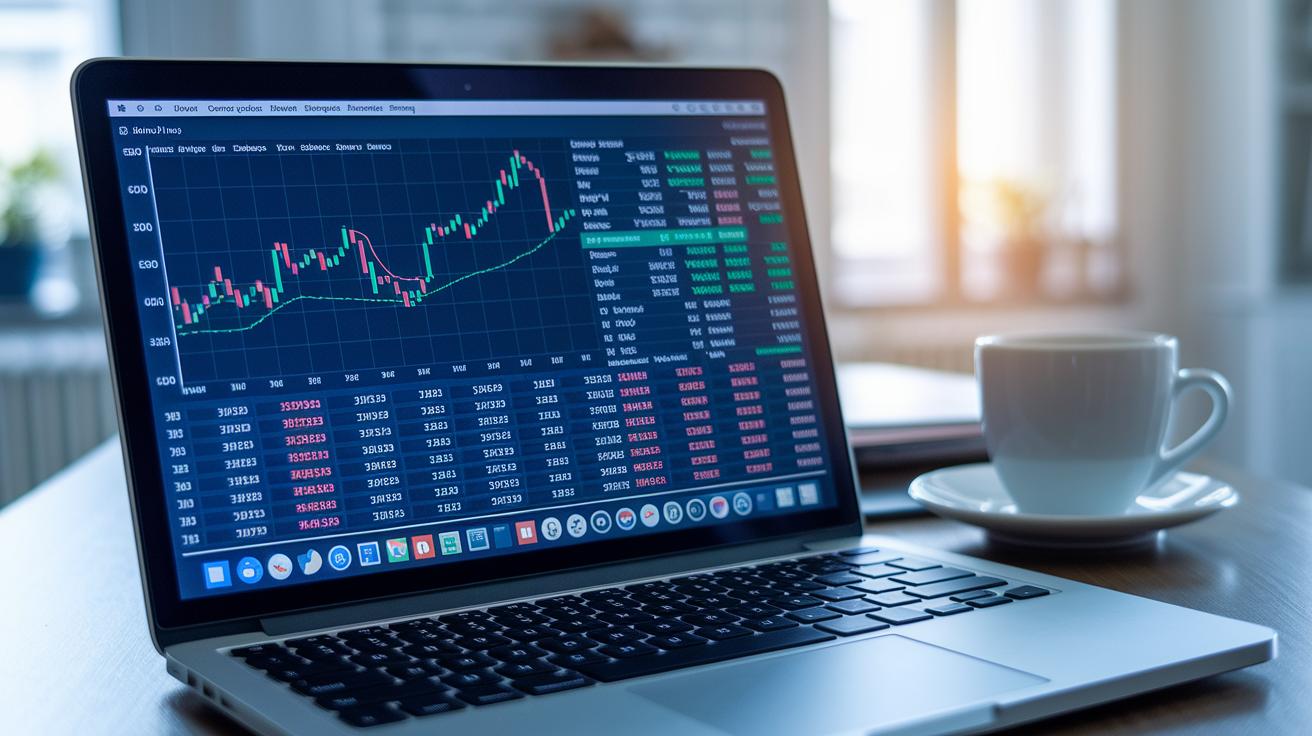
The paperMoney® dashboard shows you real-time market data in a clear, simple layout. You can keep a close eye on market movements with a customizable watchlist, interactive order panels, and detailed widgets that display your profit and loss. It even lets you set quick alerts by clicking on price levels, so managing your risk feels almost like second nature.
Chart Tab Exploration
In the Chart tab, you can choose different timeframes and mix in technical indicators that match your trading style. The drawing tools let you mark important price points, kind of like sketching out where you think support or resistance might lie. For example, you might note, "I see a possible reversal here," by drawing a trend line. This hands-on approach makes simulated trading feel more real and boosts your confidence when analyzing trends.
Trade Tab Walkthrough
The Trade tab makes placing orders really straightforward. It clearly separates market orders from limit orders, and it also lets you explore option chains with multiple contract choices. This setup helps you double-check all the details before you finalize a trade, ensuring you feel comfortable with each decision.
• Watchlist widget
• Positions & Orders pane
• Alerts & Notifications panel
• Chart-level order adjustment controls
Executing Simulated Trades Efficiently in PaperMoney
PaperMoney gives you a risk-free way to experiment with trading. It feels a lot like real-life trading, but you’re only practicing. You can start a trade on either the Chart or Trade tab, simply by clicking the Buy or Sell button. The setup lets you choose different types of orders, like market (buy or sell at the current price), limit (set your own price), stop (trigger an order when a target is reached), or OCO, which basically lets one order cancel the other if needed. For example, you might set an order at $62.00 and then drag the price bubble down to $61.80 if you think that’s a better entry.
If you’re into options, there’s room to play with multi-leg strategies. And for those curious about trading major commodities, the futures simulation gives you a close-up view of that market too. Pretty cool, right? It’s all designed to boost your confidence and fine-tune your order management skills.
Here’s a simple way to get started:
| Step | Action | ||||||||||||||||||
|---|---|---|---|---|---|---|---|---|---|---|---|---|---|---|---|---|---|---|---|
| 1 | Select the Chart or Trade tab | ||||||||||||||||||
| 2 | Click on Buy or Sell | ||||||||||||||||||
| 3 | Choose your order type (Market, Limit, Stop, OCO) | ||||||||||||||||||
| 4 | Enter the quantity or contract details | ||||||||||||||||||


| Metric | Definition | Sample Value | Risk Signal |
|---|---|---|---|
| Unrealized P/L | Profit or loss on positions you haven’t closed yet | $500 | High volatility |
| % Change | How much the value moved in percentage | 3% | Steep shifts |
| Maximum Drawdown | The biggest drop from a high to a low point | 15% | Potential risk of loss |
| Position Size vs Equity | The size of your trade compared to your account value | 25% | Over-leveraging |
Using proper risk controls is vital when testing strategies with live-like data. For instance, setting stop-loss orders helps cut losses quickly if things start going sideways. Adjusting each trade’s size relative to your virtual account ensures you don’t risk too much at once. Keeping an eye on your custom alerts means you’ll notice important price changes right away. This careful mix of checking details and keeping risk in check not only builds your trading skills but also gives you the confidence to adjust your strategy when it really counts.
Tips for Maximizing Your thinkorswim Paper Trading Experience
Starting out with paper trading is like taking your first practice swing at a new sport. It’s a safe space where you can set simple, clear goals and see what works for you. Remember, what looks good here might change in the live market, so always keep that in mind. For more advice on shaping your strategy, take a peek at some top investment ideas.
Here are some easy-to-follow tips:
- Keep a little journal for every simulated trade.
- Use drawing tools to highlight chart patterns.
- Decide on a risk percentage for your virtual capital.
- Refresh your demo account every so often.
- Compare your simulated results to common benchmarks.
- Try out multi-leg strategies with options and futures.
- If you hit a snag, check TD Ameritrade support for common fixes.
Reviewing your trade logs and performance numbers often is key. By taking the time to review and adjust your tactics, you build a steady, flexible approach that’s ready to tackle the real world of trading.
Frequently Asked Questions About thinkorswim Paper Trading
Paper trading with thinkorswim lets you try out real market conditions almost every day. It uses live market data so you can get a feel for trading without risking real money. But remember, doing well in a demo account doesn't mean you'll have the same success in live trading.
These demo accounts reset after 30 days or whenever you ask, and your login details are linked to your TD Ameritrade ID. It’s totally normal to have questions about how flexible and supportive the platform is. Whether you're wondering how to get your login back or why your pretend profits don’t promise real-life results, these answers are here to help.
- How long does paperMoney® last?
- Can I reset my virtual balance early?
- Why don’t simulated gains guarantee live results?
- How do I recover my login credentials?
- Is 24/5 market data included?
- Where do I find help within thinkorswim?
Final Words
In the action, we walked through setting up a simulated account, exploring the user interface, and placing trial trades. We also looked at reading market data and managing risk with clear, practical steps.
Our discussion covered everything from creating a virtual account to using built-in chart tools and order options. Embracing thinkorswim paper trading gives you the confidence to test strategies and refine your tactics, all while protecting your finances.
FAQ
Q: How do I get started with thinkorswim paper trading login, sign up, and download?
A: The thinkorswim paper trading platform starts by downloading the app and signing up with your TD Ameritrade credentials, then logging in and selecting paperMoney® mode to begin simulated trading.
Q: Is thinkorswim paper trading free?
A: The thinkorswim paper trading service is free, offering users a costless way to practice trading strategies without real financial exposure.
Q: How do I access paper trading on the thinkorswim mobile app?
A: The mobile version lets you paper trade by simply installing the thinkorswim app from your app store and switching to paper trading mode within the app settings.
Q: What options do I have with thinkorswim paper trading, including options and futures?
A: thinkorswim paper trading supports various trade types such as options and futures, letting you experiment with different order types and market simulations in a controlled environment.
Q: What is the situation with Schwab paper trading and the future of thinkorswim under Charles Schwab?
A: Although Schwab offers its own paper trading tools, thinkorswim remains under TD Ameritrade’s umbrella, and there are no confirmed plans by Charles Schwab to remove thinkorswim.
Q: What is thinkorswim paperMoney®?
A: thinkorswim paperMoney® is a simulated trading mode that uses real market data, allowing traders to practice strategies and get familiar with the platform without using real funds.
Q: How do online communities like Reddit discuss thinkorswim paper trading?
A: Users on Reddit share experiences and tips about thinkorswim paper trading, offering insights into best practices and troubleshooting methods to help newcomers and experienced traders alike.
Q: Are free paper trading accounts available and how do they work?
A: Yes, many platforms, including thinkorswim, offer free paper trading accounts that let you practice with virtual funds, providing a risk-free way to learn trading dynamics before using real money.
Q: What makes thinkorswim a top paper trading platform compared to others like Moomoo?
A: thinkorswim is favored for its comprehensive tools and real-time market data, yet platforms such as Moomoo also provide great paper trading experiences; the best platform depends on your individual strategy and learning needs.
Related articles