
Have you ever wondered if a single clever tool could change your trading game? Forex charting software gives you a clear view of the market and helps you spot important trends before others do.
Imagine a toolkit that shows you live prices and offers custom charts along with easy-to-understand signals to guide your next move. Tools like TradingView and MetaTrader let you see the small changes that build up to big gains.
In this article, we take a look at how these platforms can boost your trading power and help you make smarter decisions.
Evaluating Trading Charting Software for Forex Markets: Top Platforms Overview
Forex charting software can really help boost your trading profits. These tools offer a range of chart styles, easy-to-use technical features, and smart ways to analyze the market. For example, TradingView shows you real-time prices and lets you customize scripts using Pine Script. MetaTrader 4 and 5 let you work with multiple tabs and add your own indicators, making it easier to see what the market’s doing. cTrader stands out with a fresh look and supports algorithmic trading in C#, while SaxoTrader offers eye-catching light and dark modes. And don’t forget IG and IB TWS, which give you great options on mobile and desktop. Here’s a quick comparison of the top platforms:
| Platform | Key Chart Types | Unique Strength | Subscription |
|---|---|---|---|
| TradingView | Candlesticks, Bars, Heikin-Ashi, Renko | Real-time prices and Pine Script | Free/Paid |
| MT4 | Candlesticks, Bars | Multi-tab charts and MQL4 support | Free/Paid via brokers |
| MT5 | Candlesticks, Bars, Overlays | Expanded tools with MQL5 support | Free/Paid via brokers |
| cTrader | Candlesticks, Renko | C# API for algorithmic trading | Free/Paid via brokers |
| Saxo | Light/Dark themed charts | Advanced visuals across desktop and web | Paid |
| IG | Comprehensive mobile charts | Powerful mobile research tools | Paid |
| IB TWS | Basic to advanced charting | Versatile workstations for varied studies | Paid |
Each of these platforms is designed to match different trading needs. TradingView and MetaTrader are great if you like mixing technical indicators with your own custom scripts. cTrader works well if you prefer streamlined automation and a modern interface. If visuals are key for you, Saxo and IG deliver polished charts both on your desktop and on the go. And IB TWS is a solid choice if you need flexible charting options that can adapt as you grow. Pick the tool that fits best with your trading style and profit goals.
Essential Technical Analysis Features in Forex Charting Software
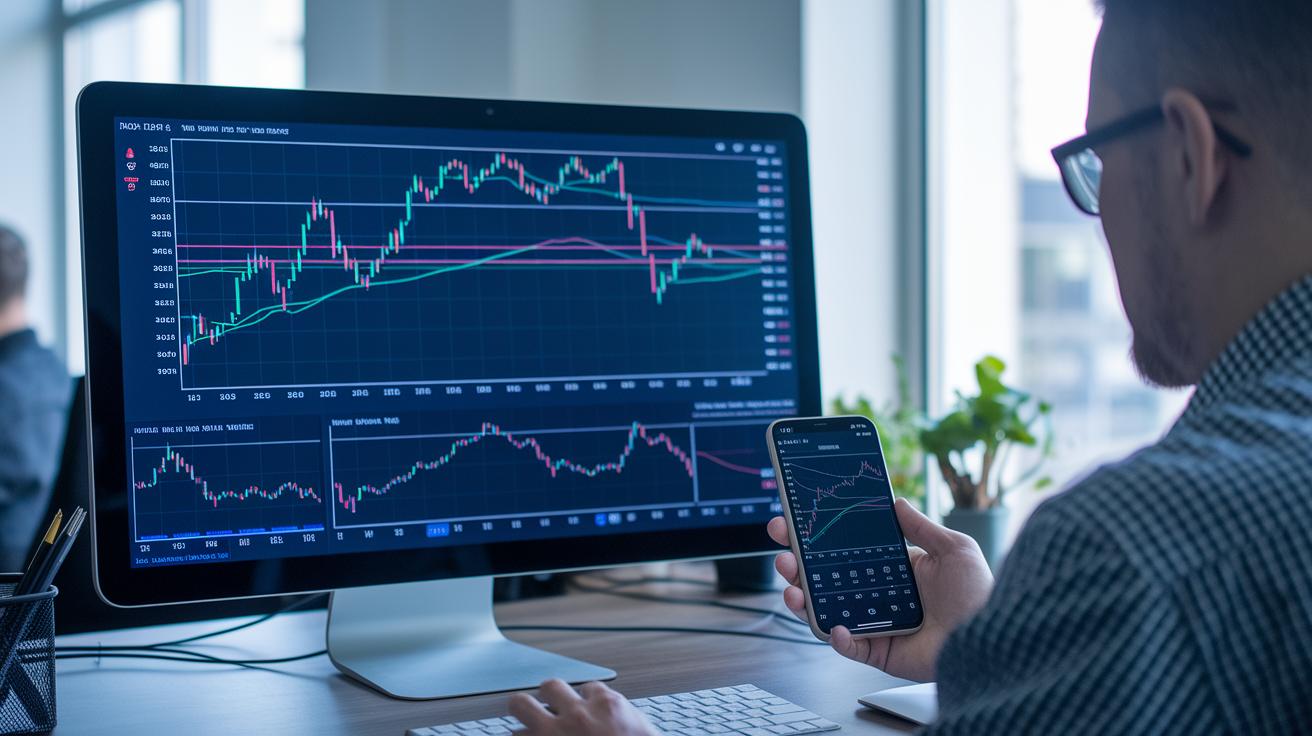
Having a variety of chart types is super useful because it gives you different ways to see how the market is behaving. Whether you're looking at candlestick charts for a clear view of price moves or Heikin-Ashi charts to smooth out the jitters, each style helps you spot trends more easily. This mix lets you adjust your analysis based on what the market is doing and your personal trading style.
Here are some cool features to look out for:
- Renko blocks (for example, 10-pip blocks)
- Economic calendar integrations
- Divergence detection tools
- Volume profiles to show trade activity visually
- Oscillators that highlight the market’s momentum
- Moving averages to smooth out price trends
- ATR-based volatility modules
These tools work together to help make smarter trading decisions by giving you a well-rounded view of the market. For instance, pairing a moving average with volume profile data can reveal moments when the price might be about to turn, maybe a good signal for entering or exiting a trade. Plus, an economic calendar keeps you ready for big events, and forex screeners help cut through the clutter to focus on key changes. Detailed indicator libraries also offer both historical and live market details so you know exactly what’s happening. All in all, these features help you follow trends clearly, nail your timing, and set up strategies that match the fast-moving world of forex.
Custom Indicator and Drawing Tools in Forex Trading Charting Software
When it comes to charting, one size definitely doesn't fit all. Imagine being able to tweak your charts to look just the way you need them, tools like TradingView’s Pine Script and MetaTrader’s MQL4/5 let you do exactly that. You can set up alerts and custom indicators, turning dense data into clear signs that help you catch market moves quickly.
But that's not all. Advanced drawing tools give you the chance to write notes and highlight trends right on your charts. With features that recognize patterns and let you import extra tools from third parties, you can easily mark key levels and signals. This kind of flexibility helps you fine-tune your analysis, giving you a clearer view of the market, and who wouldn’t want an extra leg up when it comes to boosting profits?
| Drawing Tools |
|---|
| Fibonacci retracements |
| Gann fans |
| Trendlines |
| Pitchforks |
| Annotation options |
| Custom Indicator Tools |
|---|
| TradingView Pine Script for alerts |
| MetaTrader MQL4/5 for custom scripts |
| cTrader C# plugin indicators |
| Importing third-party indicator libraries |
| Custom overlay creation and automation tools |
Real-Time Data Feeds, Alerts, and Automation in Forex Charting Software
Every day except the weekend, these trading platforms keep you connected with live pricing and narrow spreads starting at 0.8 pips. Imagine watching the market’s heartbeat in real time, with price charts updating as quickly as sports scores. This live feed lets you see changes as they happen and adjust your indicators when market conditions shift. It’s like following a live game where every small move counts.
These platforms also help you by automatically generating signals. They send handy alerts for price reminders, take-profit or stop-loss orders, and even notify you when a breakout occurs. This means you don’t have to watch the screen all the time, the alerts take over when the market reaches a key level. And if you want to practice your strategy without risking your money, features like paper trading and live strategy alerts have you covered.
On top of that, robust APIs power on-demand data feeds that provide tick-by-tick updates. Imagine having every tiny market move at your fingertips, making it easier to execute advanced trading strategies. With precise, real-time data backing every trade, you can navigate the market with confidence.
Broker Integration and Trade Execution in Forex Charting Platforms
Connecting your trading account to your broker is an essential step for turning chart insights into real trades. Platforms like TradingView walk you through linking up with brokers like tastyfx. This makes it easy to hit "Buy Market" or "Sell Market" right from the chart view, so you can spend less time on technical details and more time reading the market.
Here’s what you can do:
- Link TradingView with brokers to place streamlined market orders.
- Use MetaTrader’s One-Click trading and Expert Advisors for automated trade bots.
- Rely on cTrader’s REST APIs for quick and dependable trade execution.
- Check out exchange rate correlation heatmaps next to real-time order flow bars.
These tools are key for keeping an eye on market pressure. They show how different currencies move together and help you decide the best moments to jump in or pull out. In short, by mixing these features together, you can fine-tune your strategy, react fast to changes, and maybe even grow your returns.
Risk Management and Strategy Backtesting in Forex Charting Software

Backtesting is a key tool in forex trading. It lets you replay past market situations so you can fine-tune your strategy without the worry of losing real money. Paper trading is another handy feature. It gives you a chance to test out your ideas in a safe, risk-free space before you begin real trading.
Built-in risk warning modules act like early alerts. They keep an eye on shifts in the market and sound the alarm if things look like they might go south, giving you time to protect your investment. Risk-reward calculators and portfolio dashboards help you see how each trade fits into your overall plan. Integrated economic calendars notify you of events that could stir up market volatility. And trade history logs let you review past decisions, so you can learn and adjust your methods along the way.
| Feature | Purpose | Example |
|---|---|---|
| Backtest | Replay past market conditions | Duplicating historical trends |
| Paper Trade | Experiment with strategies without risk | Practicing in live-like conditions |
| Risk Alerts | Signal significant downturns | Notifications similar to those in linked risk techniques |
| Calendar | Monitor economic events | Anticipate potential market moves |
Continuous optimization is the next big step. By looking over your detailed trade histories and using portfolio dashboards, like those found in Risk Management Techniques, you can steadily adjust your approach to keep up with the ever-changing market landscape.
Pricing Models and Demo Access for Forex Charting Software
Many trading platforms let you try free demo accounts through brokers. These demos show you basic chart features on both your computer and phone so you can really see how the software works without spending a cent. It’s a smart way to check out the charts and the overall performance of the platform before you make any money moves.
Once you're ready to take it further, you can sign up for plans like Essential, Plus, or Premium, which unlock extra features. These paid plans include more advanced tools, smart trading options, and better customer support. You might get benefits like:
- Advanced technical indicators to help track trends
- Custom trading tools that you can tweak to your needs
- Up-to-date market data and alerts to keep you informed
- Syncing across devices so your work is always at hand
- More ways to customize your charts for clearer insights
- Priority support to help you when you need it most
Mobile vs Desktop Forex Charting Solutions: Cross-Device Comparison
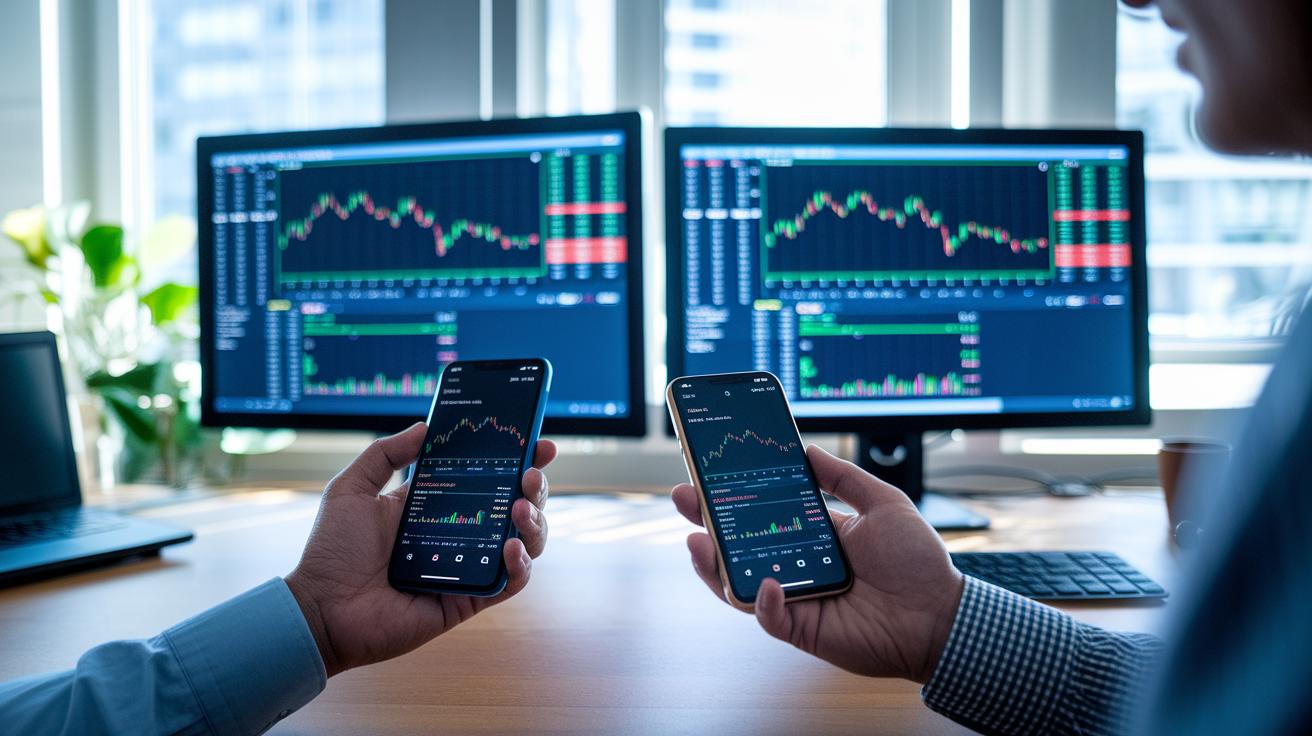
Mobile charting apps are made so you can trade wherever you are, even if you’re on the move. For example, TradingView and IG offer apps for both iPhones and Androids that keep your layouts in sync. This means you can quickly check your charts and place trades right from your smartphone. It feels great to know you have access to trading no matter where you are.
Desktop solutions, like SaxoTraderPRO and IB TWS, bring a whole different level of power to your trading experience. They let you take advantage of multi-monitor setups and detailed analytics that help you dig deep into market trends. These platforms offer plenty of options for looking at the bigger picture and tweaking your strategy.
Selecting the Right Forex Trading Charting Software for Your Goals
When you start trading forex, finding a charting tool that fits your needs can make a big difference. It really depends on your experience, the assets you’re focused on, and how much you like to customize your view.
If you’re just beginning, free charts from Yahoo or Google Finance might do the trick. They offer a simple way to see the market without overwhelming you. But if you’ve been at it a little longer, you might enjoy something like TradingView. It gives you real-time prices on different timeframes so you can see trends in action.
For those who are more experienced, platforms like MetaTrader offer ways to write custom scripts and add detailed technical overlays. And if you’re a professional trader, you might need the advanced features from tools such as cTrader or special broker suites. These tools can handle advanced API connections and detailed cross-currency studies to help inform your trading decisions.
- Beginners: Free tools like Yahoo/Google Finance charts
- Intermediate traders: TradingView for live market prices and the ability to look at different timeframes
- Advanced traders: MetaTrader for custom scripts and in-depth technical details
- Professionals: cTrader or broker-specific suites for advanced API options and cross-currency analysis
Trying out a platform with trial usage can be a smart way to see if it fits your trading style before you commit.
Final Words
In the action, we examined top trading charting software for forex markets, breaking down each platform's features and how they serve both active traders and beginners. We touched on technical analysis tools, custom indicators, real-time alerts, robust risk management, and broker integration while comparing pricing and device compatibility.
The article wrapped these insights into a practical guide that empowers smart choices. Keep exploring these tools, and you'll find a solution that fits your trading style perfectly.