
Have you ever thought about spotting market trends before anyone else? With the TradingView Stock Screener, you can dive into years of market data to find hidden opportunities. It’s like a chef tweaking a recipe, adjusting filters to suit your unique investment style.
You no longer have to rely on old, limited data snapshots. The upgraded filters and deep historical data deliver clear, practical insights. This means you can easily identify stocks with strong potential. Ready to transform raw data into a winning strategy?
Mastering the TradingView Stock Screener for Quick Market Analysis
TradingView Stock Screener is a tool that helps you build custom searches using over ten years of financial data. It covers stocks from many countries, making it easy to find those that meet your needs. Think of it as tweaking a recipe to suit your taste, you can change important settings to match your investment style. It's interesting to note that before these custom screens, investors had to work with small snapshots of data that rarely showed long-term trends.
This tool gives you fresh share data and extra reporting periods so you can see how stocks perform over time. Its updated filters let you spot important dates like upcoming earnings, check growth and margin details, and even see if a company has a large owner (someone holding more than 1% of the stock). Imagine starting with a filter for upcoming earnings surprises and then adding more technical checks. It really opens up a sandbox of opportunities.
Another handy feature is the ability to scan your watchlists and mark stocks that catch your eye. Switching between different timeframes and sectors is a breeze with the clear filter options. You can also export your results to a CSV file for offline review or further study. For example, you might say, "I found an undervalued stock on my watchlist by exporting the data and comparing it with its quarterly reports." This practical, step-by-step approach makes the TradingView Stock Screener an essential tool for quick market analysis and smarter trading decisions.
Navigating Filters in TradingView Stock Screener

TradingView’s stock screener is set up to help you narrow down searches with three main filter groups: price, fundamentals, and technical indicators. You can start with a simple price filter to capture stocks in a certain range and then add details like moving averages to fine-tune your search.
Fundamental filters pull in key data points, like per-share metrics and growth performance details. Think of it like checking a company's heartbeat. For example, you might filter for firms where a major shareholder owns over 1% of total shares, suggesting a solid vote of confidence in the stock.
Then there are technical indicators, which help you monitor factors such as volatility and momentum. This part of the tool makes spotting the right moment to enter or exit trades a lot easier. Many traders use technical filters with conditions that trigger at key moving average levels as part of their game plan.
Plus, you can set up alerts for company announcements and earnings dates. Imagine getting a heads-up right when that important financial report is released, it's a great way to stay ahead of market shifts.
By combining all these filters, you can build a search tailored to your style, unlocking deeper market insights along the way.
Creating Custom Screens and Dynamic Parameters in TradingView Stock Screener
TradingView Stock Screener lets you set up your own custom screens, so you can mix and match indicators like moving averages, RSI (a measure of price change speed), and even volatility (how much a stock’s price swings) to suit your strategy. Imagine adjusting the moving average period to catch stocks that fit your trend vibe, or setting a condition when one average crosses another, hinting at fresh momentum.
The platform is super flexible, you can easily tweak parameters on the fly. This means you can try out different setups without starting all over every time. When you stumble upon a filter combo that works, you can save it as a template or even share it with friends. Picture setting up a condition where a stock is flagged when its RSI drops below a certain level, indicating it might be due for a bounce.
Then there’s the fun part: adjusting the volatility measures. Sometimes, a small change in your volatility setting can uncover hidden opportunities in a usually quiet sector. By using these customizable filters and dynamic settings, you build a stock discovery process that evolves with the market and helps you stay ahead of the game.
Screening Strategies with TradingView Stock Screener: From Momentum to Low Float Stocks

Imagine you’re chatting with a friend about smart trading moves. A great approach is mixing two types of filters: momentum filters and low float screens. In simple terms, momentum filters help you spot stocks gaining speed, while low float screens look for stocks with fewer shares available, which can mean bigger price jumps.
One favorite method is the 100MA crossover strategy. Here’s how it works: you set a rule to invest $10,000 when a stock climbs above its 100-day simple moving average (a smooth line showing average price over the last 100 days) even if it has dropped at least 10% before. Once the stock meets these conditions, you add another $10,000 when the move is confirmed. Finally, you exit the trade after earning a 10% overall gain. It’s like following a clear, step-by-step recipe.
Next, think of the process as baking your favorite cake. First, gather your fresh ingredients. In this case, you might add a volume-spike filter to catch stocks suddenly buzzing with activity. This sudden spike usually shows that something interesting is happening, even if the stock hasn’t made a big leap yet. Then, selecting low float stocks, those with fewer shares floating around, often leads to more dramatic price changes.
You can also fine-tune these filters to discover stocks with steady growth and just the right amount of wiggle room. For instance, you might tweak technical indicators to pinpoint a breakout setup. Ever heard someone say, “One of the best signals for a stock turnaround is when it clearly crosses over its 100-day moving average during a price dip”? That simple fact can guide your screening process, step by step.
For more ideas on building effective screens, feel free to explore screening tips for growth stocks at https://tradewiselly.com?p=2481.
Leveraging Screener AI and Automated Filtering in TradingView Stock Screener
The TradingView Stock Screener now features a clever tool called Screener AI. This smart helper reads hundreds of company documents to point out details like sudden changes in shareholder interest and shifts in earnings trends. It shows you essential signals that might be buried in long financial reports. Ever notice how a small note can reveal a spike in shareholder interest right after an unexpected earnings report?
This tool takes the grunt work out of repetitive tasks so you can focus on making smart decisions. You can blend the AI's advice with your own custom filters. For example, when you set filters for price, technical signals, or fundamentals, the system smoothly updates its suggestions. Many traders even set alerts to get a quick update when a stock meets their criteria. It’s like fine-tuning your search, saving your settings, and then letting the AI handle the heavy lifting, giving you a constant flow of clear, data-driven insights without having to dig through piles of reports manually.
Mixing traditional screening with these smart, automated updates turns your market analysis into a powerful tool. Imagine having a trusted helper who keeps an eye on the market for you, spotting trends and sharing fresh insights the moment they pop up. This way, you can catch potential trading opportunities early and feel more confident as you navigate the trading world.
Mobile Screening Tutorial: TradingView Screener on the Go
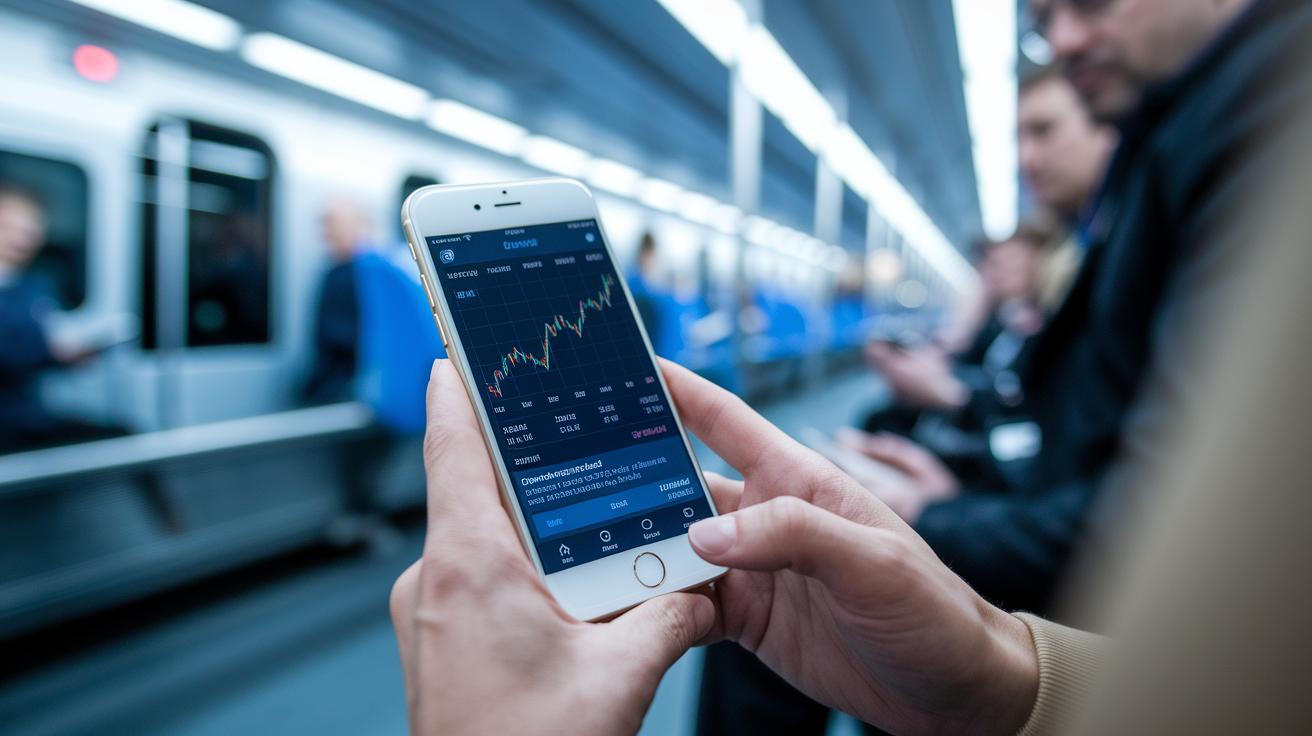
Imagine checking the stock market right from your phone while on your way to work. With the TradingView mobile app, you can do just that. The app’s simple design lets you set up filters, check charts, and even get alerts as events unfold in real time.
It's super easy to use. A few taps let you mark your favorite stocks or scan through your watchlists quickly. For instance, you can set an alert for a stock if its price drops below a set level so you don’t miss out on a potential trade. And you can switch between different timeframes and tweak filters on the spot to hone in on your search.
What makes this app a handy tool is its key features:
| Feature | Description |
|---|---|
| Real-Time Updates | Instant market changes at your fingertips |
| Interactive Charts | A clear, visual way to see data |
| Custom Alerts | Notifications to keep you informed on key moves |
With all these tools integrated, you’re always in the loop, whether you’re at home or on the move. It feels like having your own personal stock market dashboard right in your pocket. Ready to catch that pulse of the market anytime, anywhere?
Comparing TradingView Stock Screener with Other Market Scanners
TradingView Stock Screener is a tool you can really count on for a global view. It goes beyond just stock analysis by checking out ETFs, bonds, and even crypto coins. While many free screeners only give you a glimpse of one asset type, TradingView opens the door to a fuller picture of the market.
Let’s dive into the features. TradingView brings advanced timeframes and real-time data right at your fingertips. It also includes options like bond and decentralized exchange (DEX) screeners, which are great for traders who want more detailed information. Imagine upgrading from a basic map to a GPS that updates you on traffic, these extra tools help you catch market moves as they happen.
Another cool feature is data export, which lets you take your screening results offline for a closer look later. Plus, the platform uses smart AI insights to sift through loads of company data. For instance, the flagged symbols feature quickly highlights stocks that meet your criteria, so you can customize your screening in a way that free tools just can’t match.
Overall, TradingView brings together solid technical analysis with a wide market view, giving it a clear edge over many other scanners. It’s like having a personal guide to help you navigate the financial landscape with confidence.
Tips for Optimizing Your TradingView Stock Screener Workflow
You can simplify your daily routine by using those customizable dashboard features to the fullest. Begin by tweaking your filter settings so they fit your personal trading style. For instance, set up alerts for key earnings dates and big price moves. Think of these alerts like a friendly nudge, kind of like setting a timer when you’re baking, so nothing gets overdone.
Here are some practical tips:
- Mark trending stocks with flags so you can instantly see which ones match your criteria.
- Download your screener results as a CSV file. This lets you review trends offline instead of always being glued to your screen.
- Adjust your dashboard columns so they show only the info you really need. This makes it easier to spot the key numbers at a glance.
- Make a habit of checking your personal watchlists regularly. This helps you filter through lots of data to find real opportunities.
These simple adjustments can turn a messy workflow into a smooth, efficient process. Imagine a clean dashboard where every important metric is right there in front of you, no more digging through clutter. With these tweaks, your TradingView Stock Screener becomes more than just a tool; it turns into a smart partner that keeps you a step ahead in the market.
Final Words
In the action, we explored how to make the most of the tradingview stock screener for smart market analysis. We broke down the tool’s powerful filters, custom screens, and automated workflows to help you spot trends and manage risks faster. The details covered mobile use, AI insights, and even a clear strategy with price movements. It’s all about combining simple steps with advanced features so you can feel more secure and confident in making informed moves. Enjoy every moment of your trading experience!
FAQ
Which free stock screener is best and what alternatives are available?
The best free stock screener can vary by needs. TradingView offers robust, free features, while Morningstar, Chartink, and others like Webull or Thinkorswim provide useful alternatives that fit different trading styles.
Is the TradingView stock screener free?
The TradingView stock screener is free to use. It provides extensive screening tools and features that many traders find valuable, although premium features may require a subscription.
How do I access the stock screener on TradingView?
To access the stock screener on TradingView, click the “Screeners” icon in the toolbar and select “Stocks” to open a tailored set of filters and real-time data for your market analysis.
Is TradingView a good stock screener?
TradingView is a useful stock screener with customizable filters, extensive data, and real-time updates. Traders appreciate its user-friendly design and powerful tools for both technical and fundamental analysis.
What is the TradingView crypto screener?
The TradingView crypto screener is similar to its stock version but focuses on digital assets. It offers real-time crypto data with customizable filters and charting tools, making it handy for tracking market shifts in cryptocurrencies.