
Have you ever wondered if your charting tool might be leaving out an important feature on your trading floor? Imagine a tool that pairs clear visuals with smart, everyday features to boost your trading decisions. It’s like having a personal team keeping track of market signals and sorting through data all just for you.
In this article, we take a friendly look at some popular charting tools. We break down everything from dynamic price views to easy global market access. Advanced charting software isn’t just a fancy add-on, in many cases, it’s the game-changing asset that clears up your trading strategy and helps you invest with confidence.
Comparing Top Advanced Charting Software for Technical Analysis
TradingView is a favorite for many traders because it shows price movements from different angles. It packs features like multi-timeframe analysis and volume profiles and brings a social trading community into the mix. This makes it easy to understand the market’s pulse while you enjoy a detailed, clear chart view.
Interactive Brokers TWS is impressive with its global scope, it covers 160 markets across 36 countries. This means if you’re looking for broad market access and low margin rates, you’re in good hands with this platform.
ProRealTime lets you get creative with over 100 customizable indicators. It gives you the power to shape your charts just the way you want, like tailoring a suit to fit your trading style.
TrendSpider brings in a smart twist by using AI. With 220 pre-built indicator templates and the ability to track the moves of top investors, it’s almost like having a dedicated assistant working for you 24/7.
For options lovers, Webull stands out by supporting research on ETFs, equities, and index options. Its multi-legged combination orders let you build strategies like straddles or butterflies, making it a handy tool for active options trading.
MetaTrader is a staple for Forex traders, thanks to its dual position systems that allow you to mix hedging and netting strategies. Even though its design is more traditional, it still delivers precise technical insights through advanced indicators.
NinjaTrader wraps up the list with a proven paper trading facility. This lets futures traders try out strategies without any real-world risk, so you can test the waters before diving in.
Each platform shows how combining technical charts with fundamental insights helps you make smarter decisions. Imagine looking at a chart that lays out different timeframes and indicators, it's like reading the market's story in real time.
| Software | Key Features | Ideal Use Case |
|---|---|---|
| TradingView | Multi-timeframe analysis, volume profiles, social trading | Technical and social traders |
| Interactive Brokers TWS | Global market access, low margin rates | International traders seeking breadth |
| ProRealTime | 100+ customizable indicators | Cost-effective technical analysis |
| TrendSpider | AI-driven analysis, 220 pre-built indicators | Efficient technical trend tracking |
| Webull | Options research, multi-legged combo orders | Active options traders |
| MetaTrader | Dual position systems for Forex hedging/netting | Forex enthusiasts |
| NinjaTrader | Paper trading facility, futures strategy testing | Futures traders |
Custom Indicator Engineering with Advanced Charting Software

Ever thought about making your own trading tools to fit your style? With modern charting software, you can build custom indicators that work just for you. It’s like designing a personal roadmap for the market where every element is tailored to your needs.
These tools let you change how data looks on your screen. You can adjust colors, lines, and even add drawing features that bring the numbers to life. For example, imagine using ProRealTime with its 100+ adjustable indicators. You can fine-tune technical signals until they match your way of trading, sort of like putting together your personal blueprint for market analysis.
Many platforms also let you personalize the overall look of your charts. Thinkorswim, for instance, lets you use a simple coding language called thinkScript (it helps you write custom instructions) to create overlays that mark important price levels. These custom touches not only make your charts more appealing but also help you spot the best times to enter or exit a trade. Whether you’re new or a seasoned trader, these features turn raw market data into a dynamic picture that reflects your unique trading insight.
- ProRealTime – Offers over 100 customizable indicators to match your trading style.
- TrendSpider – Gives quick access to 220 pre-made indicator templates for fast setup.
- TC2000 – Comes with built-in screeners and indicator libraries for easy technical evaluations.
- MetaStock – Allows you to tweak chart types and study settings for detailed market insights.
- Thinkorswim – Uses thinkScript to build custom overlays that mix personalization with accuracy.
- eSignal – Provides advanced drawing tools and custom studies to enhance chart visuals.
Real-Time Trend Scanning in Advanced Charting Software
Day traders count on live data to catch every little shift as it happens. They depend on real-time updates that let them see the market’s pulse instantly, even if swing traders might not need every tick right away. Tools like TradingView and eSignal deliver live quotes and tick data that make your charts come alive. It’s like having a front-row seat to the action, so you can make snap decisions when the market moves, as seen in technical analysis here: "https://cipherstonk.com?p=1540".
Platforms such as Webull and Yahoo Finance also provide immediate pricing for equities and options, ensuring you’re ready to react the moment conditions change. TC2000 goes even further by bringing live trading feeds right onto your charts. This means you can watch price and volume updates together, giving you a clear snapshot of the market’s current state.
For those trading futures, NinjaTrader streams every single tick, helping you pinpoint the best times to enter or exit a trade. Picture your chart updating with every trade, it builds your confidence and gives you clear steps to adjust your strategy.
All these tools work together to capture the market’s live pulse, making each decision you make more informed and timely.
Next-Gen Simulation Environments and Comprehensive Testing Frameworks

Advanced charting software now lets you try out your trading strategies without putting real money on the line. These tools mix real-time tick data (tiny, moment-by-moment price changes) with different replay scenarios to mimic live market conditions. For example, ProRealTime offers a full multi-scenario replay using past tick data, while MetaStock includes an exploration mode with forecasting toolkits that let you batch test your ideas. This means you can see potential performance reports and tweak your trading plan with clear, fact-based insights.
Some platforms even go a step further by adding automated alerts and simulating real-world trading conditions. TrendSpider, for instance, automatically sets up backtests and creates detailed strategy reports, this saves you loads of time crunching numbers. Meanwhile, NinjaTrader’s paper trading feature gives you a safe space to place orders across futures markets and even run a rehearsal across different markets, so you can iron out your strategy. And with TradingView’s Strategy Replay, powered by Pine Script, you can step through historical data in detail, clearly seeing where entries and exits would have happened.
TrendSpider Backtesting
TrendSpider’s automated backtesting feature quickly churns out performance reports after simulating trades. It helps refine your strategy by pointing out areas for optimization and highlighting any inefficiencies. It’s like having a smart friend who gently nudges you in the right direction after checking your homework.
NinjaTrader Paper Trading
NinjaTrader offers a simulation that feels a lot like live trading, but without any financial risk. It mimics order placement and helps you fine-tune your strategy with built-in risk checks. This means you can experiment and learn from real-like trade conditions without any of the worry of losing money.
TradingView Strategy Replay
TradingView uses its custom coding, Pine Script, to power a detailed backtesting feature. By replaying historical data, you can walk through past market movements step-by-step. This lets you see exactly how your strategy might have performed in real time, offering clear insights into your trading decisions.
Integrated Trade Signal Alerts in Advanced Charting Software
Advanced charting tools now go further with smart alerts that spotlight quick trading opportunities. For example, TrendSpider’s alerts kick in when your custom AI-tested trendlines or important price levels are reached. So, you get an immediate signal as soon as your criteria are met, letting you move quickly in a fast-paced market.
Other tools like eSignal let you build real-time alerts, which is really handy when volume suddenly spikes or other technical signals show up. You can set notifications to warn you of rapid shifts, so you’re always informed as key movements unfold. And if you use TC2000, it offers condition-based scans along with watchlist alerts to keep you updated on the assets you care about.
Then there's Thinkorswim. It uses thinkScript alerts that send push notifications straight to your phone, ensuring you never miss a chance. And Webull is on the ball too, it pushes mobile alerts for triggers related to stocks and options. All these systems cut through the noise to find trade setups that match your strategy perfectly.
By automatically spotting these trading patterns, these platforms let you keep a steady pace and make timely decisions, so no meaningful opportunity slips by unnoticed.
Quantitative Performance Dashboards in Advanced Charting Software
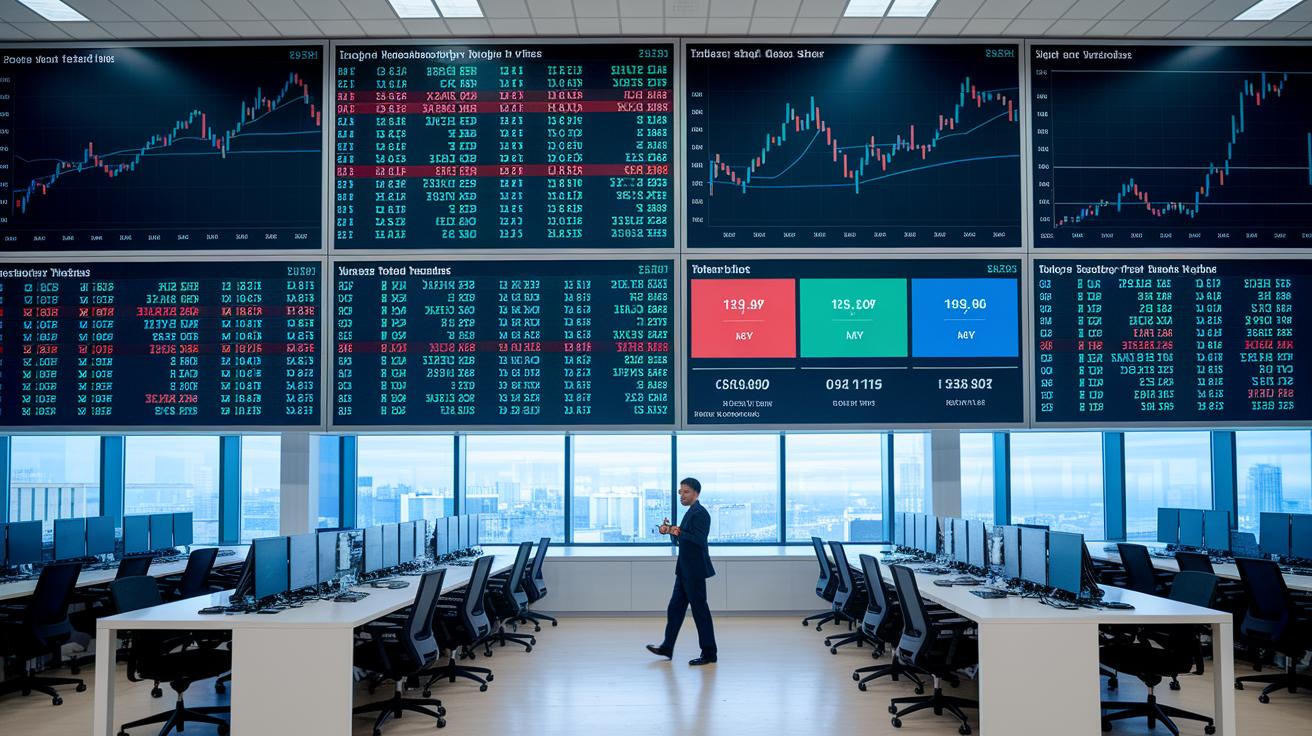
Traders these days depend on dashboards that mix technical overlays with simple risk math to help them make quick decisions. Imagine having clear charts that show growth rates, tell you about drawdowns, and highlight other key measures, all in one glance. It’s like having a smart friend who breaks down your portfolio’s story with easy-to-read visuals.
Take Koyfin, for example. Their dashboards are customizable, letting you see growth and drawdown numbers alongside handy templates you can share with others. It gives you a snapshot that fits your personal trading style.
Then there’s YCharts. This tool steps things up by blending big-picture macro data with classic chart details. It turns heaps of numbers into easy visuals, helping you spot trends and make quick tweaks when needed.
Stock Rover is another favorite. It offers detailed portfolio analytics and tools that screen multiple factors. With historical performance metrics at your fingertips, you can see how your strategies have performed over time.
Finviz Elite brings in backtesting tools and heatmaps that clearly mark risk-return zones. This helps you focus on parts of your portfolio that might need a little extra attention.
Lastly, Finchat uses AI to compare charts in a neat way, merging both technical signals and fundamental details. Its dashboards show real-time performance logs and calculated metrics so you can adjust your positions on the fly. Every bit of data is there to guide you and boost your confidence with solid, quantifiable info.
Final Words
In the action, we explored a clear comparison of platforms, examining everything from superior visualization interfaces and real-time trend scanning to innovative simulation environments. We broke down how users can design custom chart aesthetics and implement dynamic trade signal alerts. Each tool was highlighted for its unique strengths in risk management and market insight, ultimately guiding smarter investment decisions. Embracing advanced charting software for technical analysis can inspire greater confidence in making well-informed market moves. It's a smart step towards a brighter financial future.
FAQ
What is the best advanced charting software for technical analysis, including free versions?
The best advanced charting software for technical analysis offers multi-timeframe views, customizable indicators, and real-time data. Many platforms have free versions that let you test key features before choosing a premium option.
Which free technical analysis and charting software provide buy/sell signals and helpful indicators?
Free technical analysis software that features buy/sell signals combines basic charting tools and indicators to support decision-making. These platforms are ideal for beginners looking to experiment without initial costs.
What charting software is best for day trading and stock analysis?
The ideal charting software for day trading provides real-time data, fast execution, and detailed technical indicators. These tools are designed for active trading by offering quick insights into market trends and price movements.
Which software or chart is considered the best for technical analysis and trading?
The best trading charting software for technical analysis integrates diverse chart types, live data feeds, and customizable tools. It appeals to both seasoned traders and newcomers who need intuitive features and robust functionality.
Can ChatGPT analyze stock charts?
ChatGPT can explain stock chart patterns and related technical concepts based on the information provided. It does not directly analyze actual chart images, so dedicated charting tools should be used for detailed graphical analysis.