
Have you ever wondered if your charting software might be holding you back? Many traders end up using clunky tools that only make market trends harder to see. In this article, we take a look at some of the top software options with clear drawing tools, smart indicators (tools that help you interpret market signals), and choices for every budget.
We break down the details in plain language so you can easily decide which tool offers the clearest view of the market. Ready to see which charting software really stands out as the best? Let's dive in and explore your options.
Best Charting Software Comparison at a Glance
When you choose charting software, it's smart to think about what each one offers. You want a good mix of chart options, drawing tools, a handy indicator library, and a price that fits your budget. We looked closely at these platforms because they show clear technical analysis features, are easy to use, and present both free and paid options. Whether you're new or experienced, there's something here just for you.
| Software | Best For | Free Tier | Key Feature |
|---|---|---|---|
| TradingView | Active traders | Limited (1 chart layout, 2 indicators) | Candlestick, bar, Heikin Ashi charts; 100+ smart drawing tools |
| ProRealTime Web | Users seeking a free option | Fully free | Unlimited technical indicators; ad-free, multi-chart layouts |
| TrendSpider | Tech-savvy traders | Trial available | AI-driven automation; real-time scanners and backtesting |
| Stock Rover | Portfolio managers | Trial available | Detailed screening for stocks, ETFs, and mutual funds |
| Koyfin | Investors needing diverse asset data | Basic plan available | Fundamental and technical charts with extensive asset-class coverage |
For those who enjoy a broad collection of smart drawing tools and insights from a lively community, TradingView is a top pick. ProRealTime Web stands out if you prefer a completely free, smooth experience with no distractions. If you trust technology and want automation to help you analyze the markets, TrendSpider is the way to go. Meanwhile, Stock Rover is a strong choice when managing several portfolios is your thing. Lastly, if you need a mix of both fundamental and technical data to guide your investment decisions, Koyfin could be the best match for you.
Technical Features Across the Best Charting Software
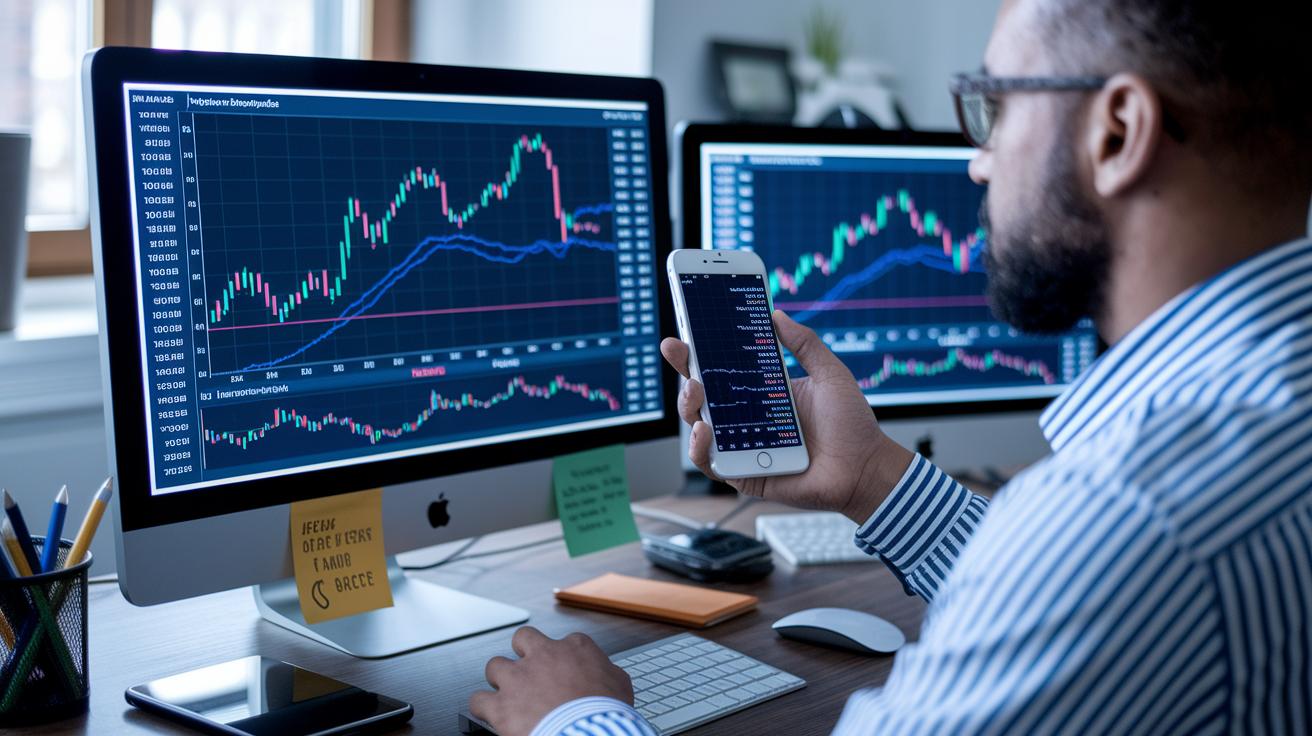
When you’re choosing a charting tool, you want a platform that has a big toolbox filled with indicators and flexible drawing tools. These days, you can easily set up advanced charts that let you mark everything, from Fibonacci retracements (a way to spot potential support and resistance levels) to your own custom scripts. Imagine lining up over 100 different indicators on TradingView, like having an assortment of trusted tools on your workbench, each one helping you see market trends clearly.
There’s more than just the basics. TradingView, for example, lets you create your own scripts to tailor your charts perfectly. TrendSpider steps things up with instant pattern recognition, sending you alerts and showing hot spots with heatmaps so you can make decisions on the fly. StockCharts packs in over 150 built-in indicators, while Koyfin gives you even more control with gridlines you can adjust and fun data tweaks alongside key financial figures. Then there’s ProRealTime, which sharpens your analysis with advanced drawing tools that let you overlay popular metrics like RSI, MACD, and moving averages. Beginners often find TradingView and StockCharts very user-friendly, while advanced traders appreciate how TrendSpider and Koyfin let them customize their setups to a tee.
Pricing Models for Top Charting Software
When you look at the pricing plans for top charting software, you quickly see there are options for both free and paid users. Some tools let you use a complete set of features at no cost, while others set up different pricing layers that match the tools you need as your experience grows. It really gives you the freedom to start small and upgrade as you learn more about trading.
Take TradingView, for example. They offer a free version that works well on its own. But if you need more features, you can choose a Pro plan for $14.95 a month, an Advanced plan for $29.95 a month, or go all out with the Premium plan at $59.95 a month. For those who prefer totally free access, ProRealTime Web is unique as it delivers unlimited access to technical indicators at no charge.
TrendSpider also has a tiered approach. Their Basic plan starts at $33 a month, the Premium plan is $67 a month, and the Elite plan is $165 a month. And then there’s Stock Rover, which gives you Options starting with Essentials at $7.99, Premium at $17.99, and Premium Plus at $27.99 a month, plus you can try it for free. Koyfin rounds out the list with a free basic plan while its full-featured version costs about $50 a month.
Comparing these pricing models can really help you pick what fits your budget and needs. If you want a powerful tool that won’t cost a penny, ProRealTime Web might be your best bet. But if you’re after advanced, customizable features, TradingView or TrendSpider could be worth the investment.
Best Charting Software for Day Trading Analytics

If you’re day trading, you know that speed and accurate order routing are must-haves. TradeStation offers a matrix depth window that shows you market activity in real time. It works hand-in-hand with TradingView charts so you get fast, clear visual updates when placing trades.
thinkorswim from TD Ameritrade combines advanced order entry with connected chart tools. This setup lets you try out your trading ideas through paper trading. It’s like practicing before jumping into the real action.
Interactive Brokers stands out with its tech-savvy design. It has real-time market scanners and smooth order routing that gets updated faster than you can imagine. And then there’s Webull, perfect for traders on the move. Its mobile-first approach lets you set up your own technical indicators, making it ideal for keeping an eye on quick market moves.
For those using intraday strategies, these platforms deliver fast data and smooth workflows. TradeStation’s matrix depth window gives you a clear view of market liquidity (liquidity means how easily you can buy or sell an asset). Meanwhile, thinkorswim’s solid order links help you make fast decisions during volatile sessions. If you value a flexible mobile setup, Webull offers the ability to adjust indicators just the way you need them. All in all, these tools are built to keep up with your rapid trading pace.
Best Charting Software for Cryptocurrency Trend Analysis
TradingView is popular among crypto traders because it offers a strong set of tools that work for both cryptocurrencies and regular stocks. It includes charts like Heikin Ashi and Renko, which help you see market trends clearly. And its community scripts, where users share insights on Bitcoin and altcoins, create a reliable support system that many traders appreciate.
ProRealTime is another solid choice for those who want a lot of chart options. It supports crypto pairs using data from other sources and lets you use unlimited indicators. This flexibility makes it handy if you’re looking for detailed crypto analysis. On the flip side, platforms like Koyfin and Stock Rover tend to focus on stocks and ETFs, so they might not be the best pick if your main goal is to track digital currencies.
When it comes to charting digital assets, having dependable data is a must. TradingView’s lively charts and handy drawing tools make it easier to spot important market moves, while ProRealTime offers clear visuals that help you keep an eye on those crypto pairs. For anyone needing a toolkit that shows crypto trends in real time, these platforms offer features that are both robust and tailored to the unique nature of digital currencies.
Best Charting Software for Forex and Futures Markets
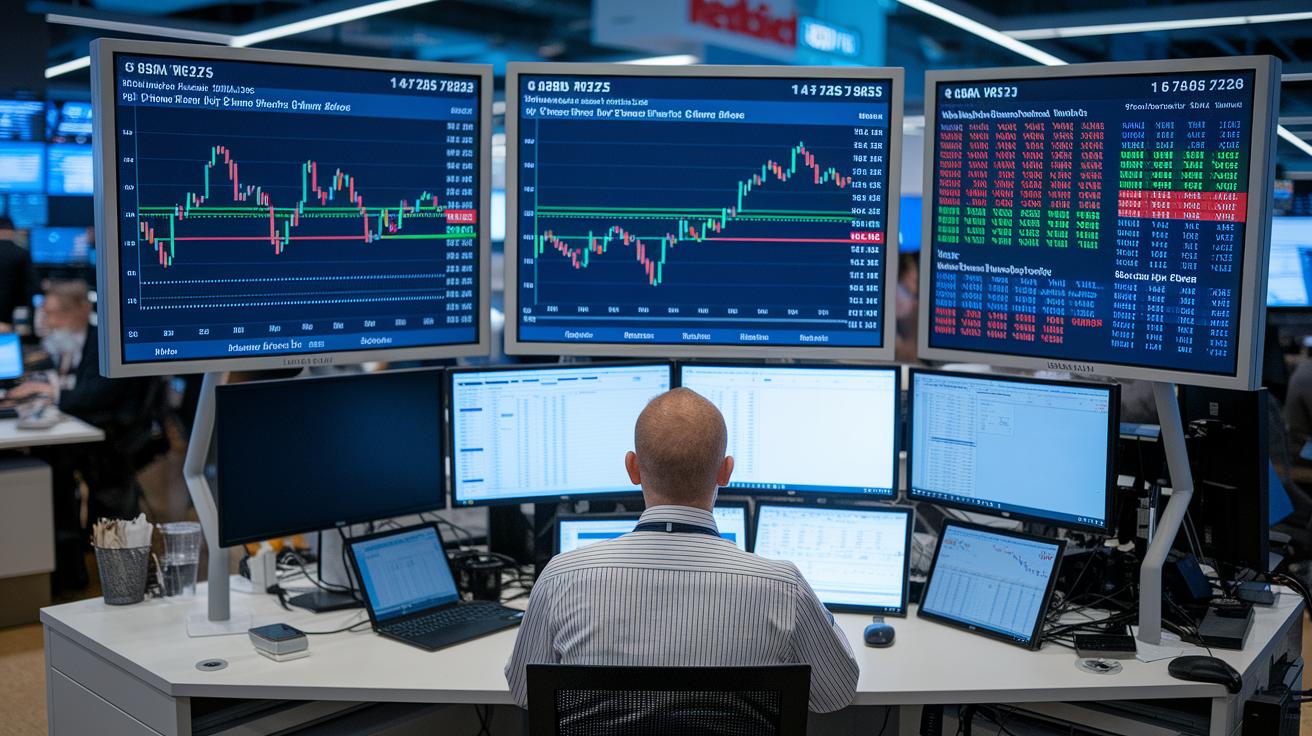
TradingView gives you complete forex and futures coverage with many chart types like candlestick and bar charts, which help you easily track market ups and downs. It even shows you a deep view of order flow and liquidity so you can really see what's happening. ProRealTime Web adds a bonus with real-time futures feeds and useful drawing tools that mark out support and resistance levels. And while TrendSpider’s international futures data might be a bit limited, its strong automated analysis still gives you a clear snapshot of market trends. Thinkorswim is also a great choice, thanks to its FXTrader module and futures ladder interface that visually breaks down market movements. One trader even said, "Seeing support levels light up on TradingView is like having a radar for market shifts," which really shows the impact these tools can have.
These platforms also come with powerful execution tools and backtesting features for active traders. Thinkorswim’s advanced order execution lets you respond quickly and accurately, and its futures ladder makes it easy to enter orders step by step. TradingView even lets you test your trading strategies against historical price data, making it easier to refine your approach. ProRealTime Web’s adaptable drawing tools and flexible data feeds let you adjust on the fly, and TrendSpider’s automated alerts help you catch changes in trends as they happen. In truth, this mix of sharp execution tools and thorough backtesting makes these platforms a smart pick for anyone trading currencies or commodities.
Choosing the Best Charting Software for Your Trading Style
Finding the right charting software is all about matching your unique trading needs. You want a tool that comes packed with a solid mix of features, like a big library of useful indicators, broad data coverage, customizable settings, fast real-time updates, a fair price, and a simple, friendly layout.
Think about these points as you decide:
- Trading goals: What do you hope to achieve with your trades?
- Asset classes: Are you mainly focused on stocks, crypto, forex, or futures?
- Indicator needs: Do you lean towards advanced technical tools, or are basic ones enough for you?
- Budget: What price range fits your budget now and as you grow in trading?
- User interface: How important is an easy, clear setup for your daily work?
- Data reliability: Can you trust the software to deliver accurate, up-to-the-minute market info?
Most platforms offer trial periods and demos so you can try them out and see if they really click with your trading style. Give them a spin, it's a great way to know for sure before you commit.
Final Words
In the action, we've covered top platforms, comparing their indicator libraries, drawing tools, pricing models, and unique features for day trading, crypto analysis, forex, and futures. We've walked through practical decision criteria that help you match trading styles, budgets, and data needs.
Every trader can shape a plan that feels right and builds confidence day by day. Keep exploring and matching features with your goals, and soon you'll enjoy the advantages of the best charting software.
FAQ
Q: What does TrendSpider offer in charting software?
A: TrendSpider offers advanced AI-driven tools like automated trendline detection and backtesting, making it ideal for traders who want efficient technical analysis and streamlined decision-making.
Q: What is the best charting software free option?
A: Free options such as TradingView’s free tier and ProRealTime Web provide essential indicators and user-friendly interfaces, making them perfect for traders starting to explore market analysis.
Q: What charting software is popular on Reddit?
A: Reddit users often recommend TradingView and MetaTrader for their extensive feature sets, active community support, and robust charting tools that cater to various trading styles.
Q: What is the best charting software for day trading?
A: Day traders favor platforms like TradingView and thinkorswim because they deliver real-time data, speedy execution, and interactive charts that help in making quick, informed trade decisions.
Q: What charting software works best for forex trading?
A: For forex trading, TradingView and thinkorswim offer detailed chart layouts and real-time data, assisting currency traders with multiple indicators and intuitive displays to track price changes effectively.
Q: What is the best charting app for Android?
A: On Android, TradingView stands out with its mobile-friendly design, robust charting tools, real-time market data, and customizable layouts, making it ideal for traders on the move.
Q: What free charting software is similar to TradingView?
A: Free alternatives like ProRealTime Web deliver a solid, ad-free experience with unlimited technical indicators and multi-chart layouts, providing a valuable option for traders who appreciate TradingView’s free version.
Q: Which charting software is considered the best overall system?
A: Many traders consider TradingView as the best overall system due to its vast indicator library, active community scripts, and easy interface, though the perfect choice depends on your individual trading needs.
Q: How do ProRealTime, TradingView, MetaTrader, and MultiCharts compare?
A: Each system brings unique strengths; TradingView boasts community support, ProRealTime offers free unlimited indicators, while MetaTrader and MultiCharts suit those needing specialized tools and detailed technical analysis.