
Ever feel like your charting software might be holding you back? It’s not just about flashy graphs, it’s about using tools that offer clear, real-time insights every step of the way. Think of it as having a trusted partner by your side, helping you connect the dots in the market.
Imagine piecing together a market puzzle with a system that guides you like a reliable friend. In this conversation, we look at popular choices like TradingView, TradeStation, and a few others. Each one offers its own benefits to help you make smart, quick decisions when trading.
Have you ever felt that thrill when everything starts to make sense? It’s like seeing the steady pulse of the market in action, giving you the confidence to move fast when the opportunity arises. Now might be the perfect time to explore if one of these platforms could be the key to boosting your trading performance.
Charting software for traders: Superior Performance
TradingView is a favorite for many traders. It has a lively community with over 100,000 custom indicators and is used by 30 million people each month. Its real-time graphs and interactive charts help you quickly piece together market moves.
TradeStation is right there with you, offering free charting powered by TradingView integration. It also features a unique Matrix market depth window that shows the order flow directly on your screen.
Then there’s TrendSpider, a real game-changer with its AI-driven analysis that automatically spots technical patterns. It’s almost like having an experienced analyst pointing out market cues for you.
If you manage multiple investments, Stock Rover is a solid pick. It gives you professional-grade portfolio screening focused on performance metrics, making it easy to keep an eye on your assets.
For traders on the go, Webull’s mobile app is designed with you in mind. It offers interactive trading graphs with smooth gesture controls and real-time data on US stocks and ETFs, perfect for mobile-first users.
On the other hand, StockCharts keeps things classic with straightforward chart styles, be it candlestick, line, or bar charts. It comes backed by a wide array of technical indicators and a deep pool of historical data.
When choosing your trading tool, it’s all about matching your style with the platform’s unique strengths. Fun fact: before many discovered TradingView, they didn’t realize that over 100,000 community-built indicators could uncover hidden market trends and reshape their approach.
| Software | Key Strengths | Price Range |
|---|---|---|
| TradingView | Extensive indicator library, real time multi-asset charts | Free to Premium ($14.95+) |
| TradeStation | Free charting with integration, Matrix market depth window | Free with account/Up to ~$99.95+ |
| TrendSpider | AI-driven automated analysis, trendline & pattern detection | Starter ~$32/mo+ |
| Stock Rover | Portfolio screening & tracking, professional analysis | From ~$7.99/mo |
| Webull | Leading mobile charts, real time US stocks & ETFs | Free with data add-ons |
| StockCharts | Candlestick/line/bar options, rich historical data | Free to ~$39.95/mo |
Essential Technical Indicators in Trader Charting Software

Technical indicators are essential tools that help you understand chart patterns. Moving averages, like the simple (SMA) and exponential (EMA) types, smooth out market data so you can see trends more clearly. Before many traders knew how a basic moving average could reveal hidden trends in all the market noise, they depended mostly on their instincts.
RSI, MACD, and Bollinger Bands are also major players in chart analysis. RSI is like a speedometer that shows momentum, while MACD uses simple math to signal when the market might be changing direction. Bollinger Bands work a bit like a weather report for stocks, giving you a sense of the market's ups and downs. Think of these tools as little windows into the market’s heartbeat, offering clues when prices might be too high or too low.
Fibonacci retracements and extensions add another useful layer by marking areas where prices could bounce or hit resistance. Plus, if you like to tweak things, platforms like TradingView provide a library of over 100,000 indicators, giving you endless ideas to customize your charts. TrendSpider even offers automated pattern recognition that lets you know when a new trend is forming. StockCharts, Thinkorswim, and Finviz Elite also let you use custom formulas and settings to build a view that fits your style.
This mix of technical indicators gives you an advanced yet friendly toolkit that helps you fine-tune your trading strategy with confidence and ease.
Pricing Tiers and Subscription Comparison of Charting Software Platforms
Charting platforms come with various subscription plans that are designed to match different trading styles. The table below pulls together the main points from earlier pricing details. It lays out free accounts alongside paid plans, from a simple chart setup with three indicators to more advanced technical analysis tools.
Imagine this: you start with a free account for basic charting, then upgrade to a Pro plan when you need extra details like real-time data and detailed chart layouts. It’s like taking baby steps as you build your trading skillset.
| Platform | Pricing Plans | Key Inclusions |
|---|---|---|
| TradingView | Free, Pro $14.95/mo, Pro+ $29.95/mo, Premium $59.95/mo | Chart layouts, indicator library, real time data |
| TradeStation | Free with funded account; TS Select $99.95/mo (waived with $2.5k balance), TS Go (no fee) | Integrated charting tools, Matrix window |
| TrendSpider | Starter $32/mo, Premium $68/mo, Elite $118/mo | Automated technical analysis, trendline detection |
| Stock Rover | Essential $7.99/mo, Premium $16.99/mo, Premium Plus $29.99/mo | Portfolio tracking, screening tools |
| Webull | Free; add-ons from $1.99/mo per exchange | Mobile charting, gesture controls, real time US stocks |
| StockCharts | Free, Extra $14.95/mo, Pro $24.95/mo, Platinum $39.95/mo | Different chart styles, historical data, technical indicators |
Real-Time Data Integration and Asset Coverage in Charting Software
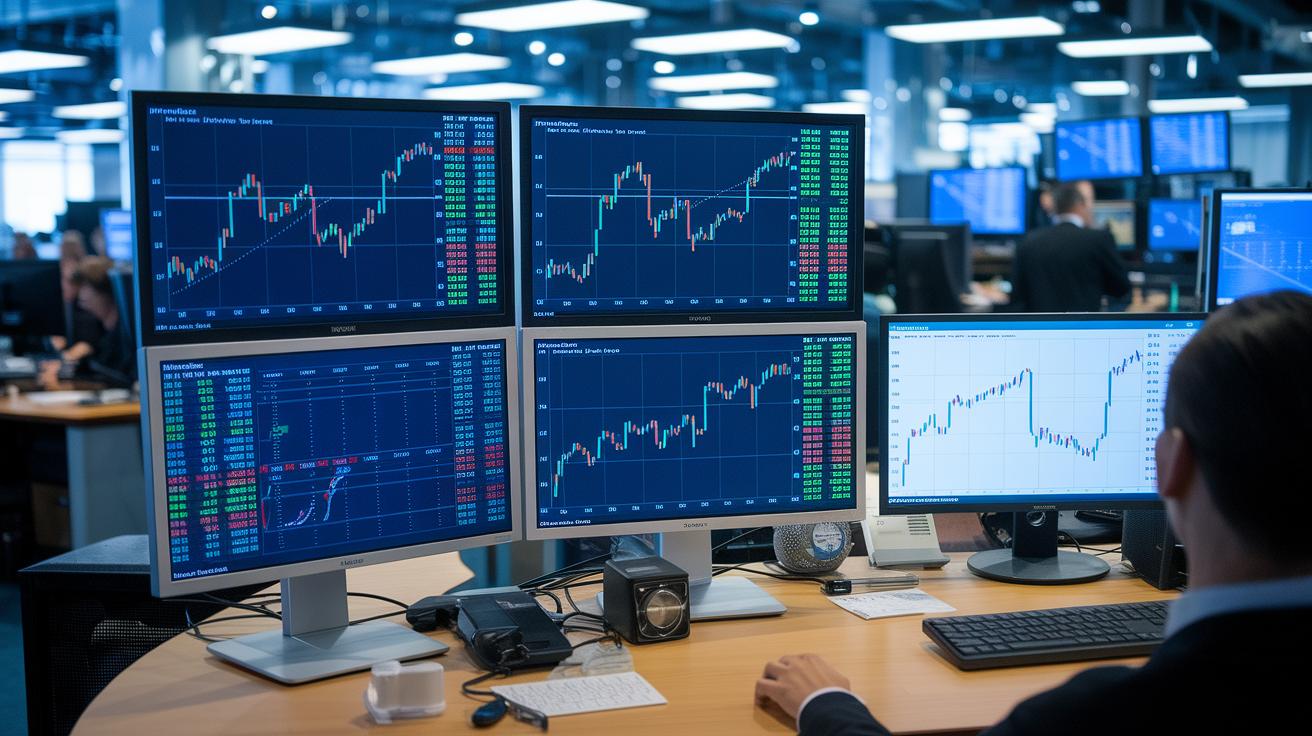
TradingView gives you live updates on stocks, forex, crypto, futures, and bonds. It pulls data straight from major exchanges like NASDAQ and CME and even links up with crypto APIs to show current digital asset prices. TrendSpider updates US stocks and crypto live using reliable feeds from trusted vendors. That said, if you’re after international data, its reach is a bit limited. Stock Rover, on the other hand, works with end-of-day equity figures and delays updates for non-premium users. This makes it a good option if you’re in it for long-term tracking rather than catching every quick market move. Then there’s Webull, which shines by offering real-time charts for US stocks and ETFs, ensuring you see market movements as they happen. StockCharts not only provides real-time quotes for US equities but also boasts a rich archive of historical data that's perfect for testing your strategies. And while Yahoo Finance offers real-time quotes, keep in mind that some asset prices may take 15 to 20 minutes to update.
Real-Time Data Feed Sources
Each platform has its own way of gathering information. TradingView and Webull pull live feeds straight from major places like NASDAQ and CME. TrendSpider banks on established US market vendors and crypto APIs to get its data. StockCharts mixes data from several providers to give you both historical and current views. Meanwhile, Stock Rover’s feed leans toward delayed updates, and Yahoo Finance strikes a balance between live feeds and slight delays depending on the asset in question.
Multi-Asset Charting Support
When it comes to the variety of assets you can chart, there are clear differences. TradingView supports a broad mix, equities, forex, crypto, futures, and bonds, making it a flexible tool for many trading strategies. TrendSpider mainly focuses on US stocks and crypto, which might feel a bit narrow if you’re interested in a global market perspective. StockCharts and Yahoo Finance primarily cater to US equity markets, offering strong tools for tracking stocks but with less emphasis on international or other types of assets.
Responsive Charting Software Interfaces: Mobile vs Desktop Charting Solutions
When it comes to choosing charting software, the screen you use matters a lot. Mobile apps like Webull mobile let you analyze on the go with smooth swipe controls, quick alerts, and layouts that show multiple charts at once. TradingView mobile is another great pick, offering a full set of indicators while keeping everything synced with its desktop version.
Desktop platforms tend to offer extra tools and details. For instance, TradeStation desktop lets you place orders right on your chart, and you can even see order flow in a special Matrix window. Thinkorswim’s desktop version packs handy tools like Heatmap and Spread Hacker, along with multi-window charts that give you different views of market data. Have you ever felt the thrill of spotting a new trend from multiple angles?
There are also options that serve very specific needs. TrendSpider web is built to work nicely on tablets, though it doesn’t have its own mobile app. StockCharts mainly focuses on a strong experience on desktops and web browsers, with only basic support on mobiles. And then there’s Stock Rover, which you can access via your mobile browser even though it lacks a standalone app.
All in all, having both mobile and desktop features means you can choose the setup that fits where and how you trade, ensuring a smooth and friendly experience no matter what device you use.
Trial Process and Evaluation Criteria for Charting Software Tools

Free trials let you test out charting software without diving in headfirst. You can explore TradingView’s 7-day Premium plan, TrendSpider’s 7-day trial, Stock Rover’s 14-day experience, StockCharts’ 30-day Extra plan, or TradeStation’s 60-day paper trading option. It's a friendly way to see if a tool matches your style before you commit.
When you kick off a trial, watch how smooth the dashboard feels. Does the layout seem natural and responsive to your touches? Look for tools that let you easily draw lines and add notes to mark important support or resistance areas. Imagine simply clicking to add a trend line on a chart, simple and effective.
Here are some friendly pointers to check out during your trial:
- Dashboard Navigation: See how easy it is to move around and if the design feels intuitive.
- Custom Drawing/Annotation Tools: Make sure adding shapes, trend lines, or notes feels straightforward.
- Backtesting Accuracy: Run some scenarios to check if the tool mirrors market moves correctly, especially when comparing it with trusted options like Thinkorswim’s thinkBack.
- Data Encryption: Look for secure SSL protocols on web versions or safe, secure installers for desktop software.
- Support and Community Scripts: Explore active user forums and scripts that simplify detailed analysis.
Use your trial time to see if you feel comfortable trusting the tool. Ask yourself, does this platform help you clearly read market charts while keeping your data safe? Take the time to experiment with all the features before making your decision.
Final Words
In the action, we reviewed top tools with clear benefits, from deep technical indicators and pricing breakdowns to live market data and user-friendly interfaces. The article walked through key factors like real-time feeds, asset coverage, mobile versus desktop setups, and trial evaluations. Each section provided real insights to help you weigh options and boost your investing game while managing risk. With charting software for traders at your side, smart decisions and market opportunities lie ahead. Keep exploring and investing confidently!
FAQ
What free charting software options are available for traders?
The free charting software options provide basic chart tools, multiple indicators, and real-time data, giving traders a cost-free way to analyze markets, similar to platforms like TradingView or Webull.
What is considered the best charting software for traders or day trading?
The best charting software for traders offers advanced tools such as live data feeds, customizable layouts, and comprehensive indicators, meeting the needs of both long-term investors and day traders.
What charts do traders typically use?
The charts traders commonly use include candlestick, line, and bar charts, helping visualize price movements and technical patterns to quickly assess market conditions.
What is the 3-5-7 rule in trading?
The 3-5-7 rule in trading means reviewing three main timeframes, applying five key technical indicators, and evaluating seven market factors to create a balanced approach in trading decisions.
Can I make $1000 per day from trading?
The potential to earn $1000 per day from trading depends on your strategy, discipline, and market conditions; it isn’t guaranteed, so careful planning and experience play a crucial role.