
Ever wonder if you're missing important details about your investments? A portfolio tracker is like your secret helper, making messy spreadsheets a thing of the past. Imagine all your investments neatly lined up and updating live, just like a fitness tracker counts your steps. Today, we’re going to share some simple steps to set up and use a digital tracker. Soon, you’ll be able to see all your money matters clearly and make smarter choices every day.
Setting Up Your Portfolio Tracker for Effective Use
When you're getting ready to keep an eye on your investments, you've basically got two choices. You can build a custom Excel sheet, which lets you tweak every formula and design detail, or you can choose a digital tracker. Digital portfolio trackers, like those on brokerage platforms, mobile apps, or fully automated systems, update your numbers instantly. For instance, one popular tool is trusted by over 30,000 users in the US and Canada, managing over $30 billion in assets. It’s pretty cool when you think about it: a simple spreadsheet can show key numbers, but a digital tracker brings everything together in one neat view, saving time and cutting down on mistakes.
- Pick a tracker platform. If you’re into digital apps, check out tools like trading tools to make the process smoother.
- Connect your accounts. Link your brokerage, bank, and crypto accounts so you won’t miss any details and always have the full picture.
- Organize your assets. Clearly label your stocks, bonds, ETFs, and other assets to keep your data tidy and easy to review.
- Record your opening balances. Start by entering your current amounts, it’s the first step in tracking how your investments grow.
- Set performance benchmarks. Choose targets or compare your investments to market averages to see how you’re doing over time.
Before you call it a day, double-check that all your data is entered correctly. Turning on real-time syncing keeps your tracker updated with every market move, ensuring you’re always up to speed on your investments.
Analyzing Performance Metrics in Your Portfolio Tracker
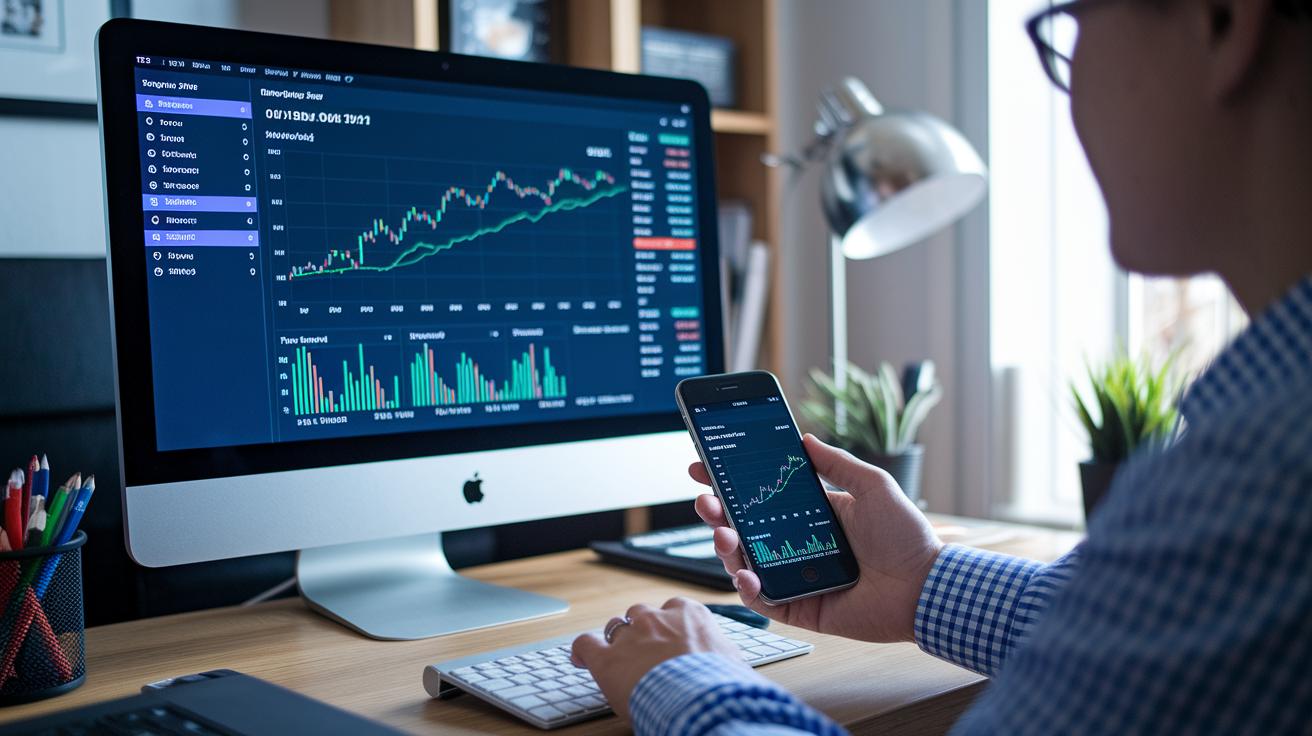
Your portfolio tracker neatly sorts your investments into five simple groups. First, there are the performance metrics, which show if you’re making a profit or taking a loss overall. Next is asset allocation , think of this as the mix of stocks, bonds, and other investments you hold. Then, you have dividends or income, which means the cash you earn from things like stocks paying out money. Fees and expenses capture the costs that chip away at your returns. Finally, tax implications help you see how taxes can affect the gains you make. Each of these elements gives you a clear window into your financial well-being.
Total Return, or TR, is a number that takes into account both price changes and dividends. Picture buying a stock for $100, then watching it climb to $110 while also earning $5 in dividends. That $15 is your total return. Then there’s Money-Weighted Return, known as MWR. This one looks at every cash flow to give you a fuller picture of your returns over time. Even a tiny charge , say, a 1% fee on a $10,000 investment , can add up. Over 20 years, with an estimated 7% return, that small fee could actually take away more than $6,600 from your earnings.
It’s really important to set performance benchmarks as you compare your gains against market standards. For example, if you’re up by 10% but the market is up by 15%, you might want to rethink your strategy. Your tracker also comes with visual tools that help you pinpoint these differences quickly. With this insight, you can adjust your tactics and aim for your financial goals with a bit more confidence.
Customizing Your Portfolio Tracker Interface for Clear Insights
Tweaking your tracker can really speed up your decision-making and give you a clear picture of your finances. When you adjust the interface to match your style, it’s easier to catch trends and avoid mix-ups with the data.
Custom dashboards give you lots of visual options. Picture pie charts that break down your asset allocation, showing how your investments are spread out. Bar charts can compare your income and expenses clearly over time, while line charts help you see performance trends. You can also add filters by date range, asset category, or region, so you only see what matters to you right when you need it. Imagine focusing just on your top-performing stocks or filtering out less important info during market shifts.
Many platforms feature interactive tutorials that guide you step-by-step. These built-in guides make it simple to set up your dashboard in a way that builds your confidence and gives a clear view of your financial situation.
Leveraging Real-Time Market Monitoring in Your Portfolio Tracker

With live updates, your portfolio tracker moves as fast as the market. When you enable live price feeds and news alerts, you stay tuned to every market change. Picture watching a price spike right after a big announcement – that real-time data gives you the head start to change your plan on the fly.
You can also set up custom notifications to keep you alert. For instance, you might set an alert for when a stock climbs 5% or falls 3%. This way, you won't miss a beat and can check your asset's performance without constantly staring at the screen.
And don’t worry about being stuck at your desk. Mobile push notifications ensure you get updates even when you’re on the move. A timely alert on your phone means you can quickly adjust your portfolio or seize a new market opportunity, keeping your investment strategy right where it needs to be.
Managing Diverse Asset Classes with Your Portfolio Tracker
Keeping an eye on all your investments in one place makes everything clearer. When you track different types of assets, like stocks, bonds, or real estate, you can quickly see what’s working well and what might need a little adjustment. Imagine a tool that lets you know if one investment, such as bonds, starts taking up more space than it should. That way, you easily spot when it’s a good time to rebalance your portfolio.
| Asset Class | Key Benefits | Monitoring Tips |
|---|---|---|
| Stocks | Growth potential | Set price and volume alerts |
| Bonds | Income stability | Track yield changes |
| ETFs | Instant diversification | Compare expense ratios |
| Cryptocurrencies | High volatility | Enable 24/7 updates |
| Loans | Predictable payments | Log interest schedules |
| Real Estate | Long-term growth | Update property valuations |
Reading these diversification signals is really important. If your tracker warns you that one part of your portfolio is over the top, it’s a friendly reminder to take a closer look at your investments. These alerts help you adjust by shifting resources to keep a balanced mix. That way, you’re better protected against market ups and downs.
Avoiding Common Portfolio Tracker Mistakes
Using a portfolio tracker can really boost your investing game, but there are a few common errors that can mess up your view. It helps to know these mistakes so you can keep things clear and steady.
- Focusing only on price changes: If you look only at stock prices, you might miss important bits like dividends or fees that affect what you really earn.
- Checking updates every single day: Constantly watching daily changes can make you anxious and may push you to make snap decisions instead of staying on course.
- Skipping reinvested dividends: Not counting on the power of reinvested earnings might hide just how much your investment grows over time.
- Forgetting regular reviews: Not taking time to check your portfolio now and then can let important trends or imbalances slip by.
Setting aside time each month or quarter to review your portfolio can help catch these small issues early. It’s a good chance to adjust your mix, check how you’re really doing, and keep a strategic look at your progress.
Optimizing Your Portfolio Tracker with Advanced Features
Automated rebalancing tools and risk checks can really transform your portfolio tracker into a friendly financial helper. Many advanced trackers let you set auto-rebalancing using schedules or specific triggers, so if an asset drifts too far from your plan, your mix adjusts automatically. Built-in risk indicators even crunch numbers like volatility and maximum drawdown, helping you spot warning signs early. And just imagine a simulation that shows how different market moods might change your returns, it’s a neat way to stay calm when the market gets bumpy.
Moving from simple tracking to active management means following a clear, step-by-step plan. Start by setting straightforward financial goals, whether you’re aiming for steady growth or want to lower your exposure to high-risk investments. Then pick a strategy that matches those goals; maybe you’ll opt for steady, income-generating picks instead of fast-paced stocks. With a solid strategy in place, you can make trades right on the platform and keep an eye on how your returns compare to your benchmarks. Some trackers even toss in AI-powered advice based on lots of historical data that’s personalized for you. This cycle of goal-setting, crafting a plan, trading, and using AI insights helps fine-tune your investments for a stronger long-term future.
Final Words
In the action, we outlined setting up your tracker with both spreadsheet and digital options, explained key performance metrics, and showed how to customize your interface. We also covered real-time market monitoring, managing diverse asset classes, avoiding common mistakes, and leveraging advanced features.
Remember that a well-organized approach can help you understand how to use a portfolio tracker effectively. Small steps today can lead to smarter decisions tomorrow. Here's to applying these insights for smoother, more confident investing.
FAQ
How to use a portfolio tracker effectively on Reddit?
Using a portfolio tracker effectively means choosing a platform that consolidates your accounts, letting you view real-time data, set alerts, and monitor performance from one clear dashboard.
What is portfolio management and how is it applied?
Portfolio management involves organizing and monitoring your investments. It uses strategies like diversification and regular reviews, and it applies across fields such as banking and project management to maintain financial balance.
Where can I access a portfolio management PDF?
A portfolio management PDF typically offers step-by-step guides, tracking tips, and setup instructions that you can download from reliable financial websites to help you build and manage your portfolio.
What is the best way to keep track of a portfolio?
The best way to keep track of a portfolio is to use a centralized tracker that consolidates all your accounts, provides real-time syncing, and displays clear metrics for quick, informed decisions.
What is the 10 5 3 rule of investing?
The 10 5 3 rule suggests splitting your investment strategy into segments to balance risk and growth, encouraging a mix that allocates assets in a structured, diversified manner.
What is the 5% portfolio rule?
The 5% portfolio rule means limiting any single asset to about 5% of your total investments, reducing risk by ensuring no one holding can overly influence your overall portfolio performance.
What is the 70 30 rule in investing?
The 70 30 rule in investing advises keeping 70% of your investments in more stable assets while placing 30% in higher-growth options, aiming for a balance between income stability and potential gains.